Tell us what you are trying to do?
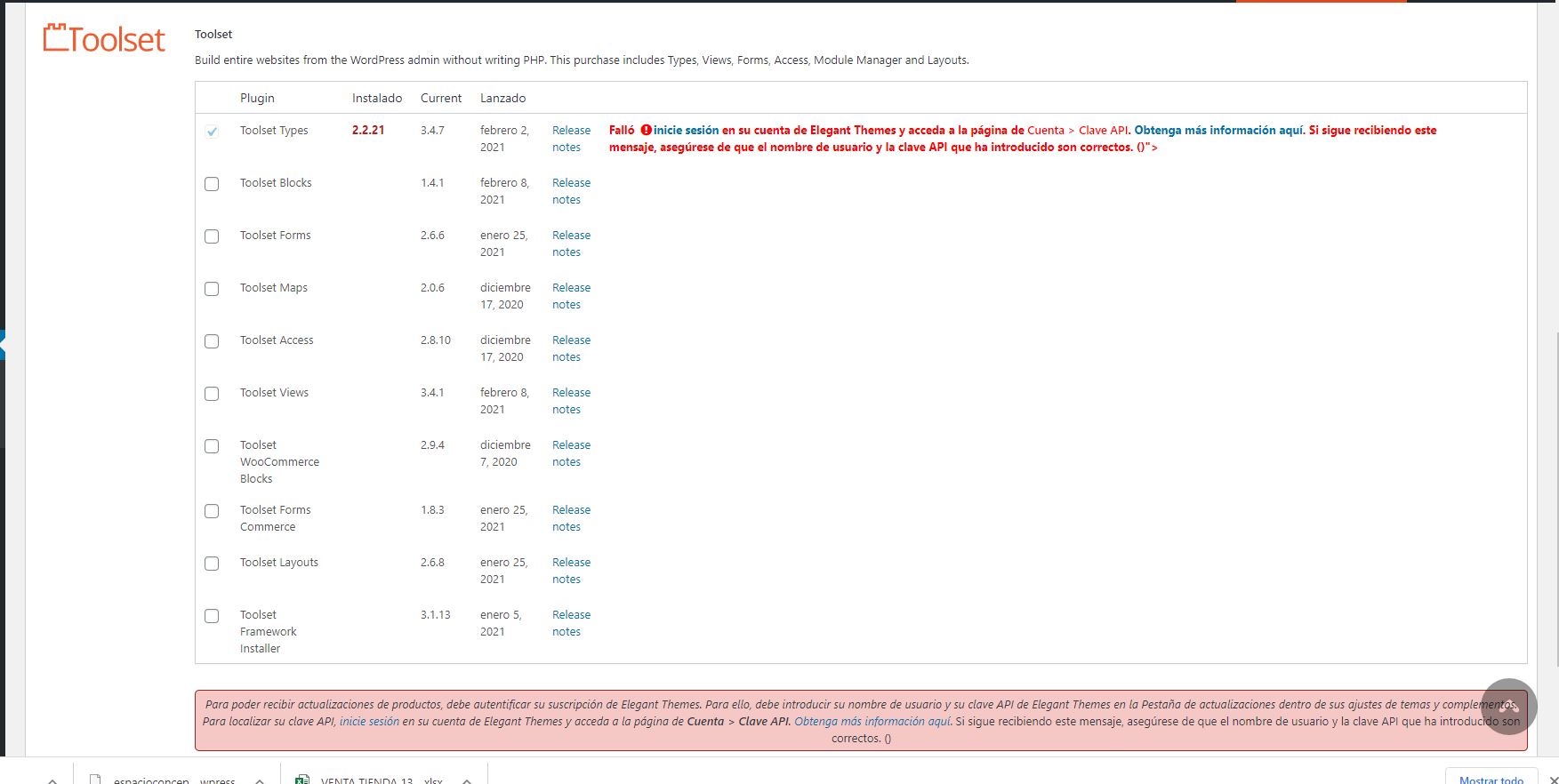
Hi! I'm supporting this website which had installed and not updated toolset types. The account was of other company. So I purchased again the plugin. I introduced my key in the wordpress panel but when I want to update a message says that there's a fail with my login. I think it's remembering the old account. But I paid and I had a new key number.
Please help
Is there any documentation that you are following?
Hello. Thank you for contacting the Toolset support.
Based on the screenshot you shared, I see you are using really outdated Toolset Types plugin version 2.x.x.
The installer will not the current Toolset Types plugin version 2.X.X.
I suggest you should deactivate and delete the Types plugin using the plugins page.
And then, Download the latest Types plugin from your accounts page:
*** Please make a FULL BACKUP of your database and website.***
You can download ALL the latest Toolset plugin release from your accounts page:
=> https://toolset.com/account/downloads/
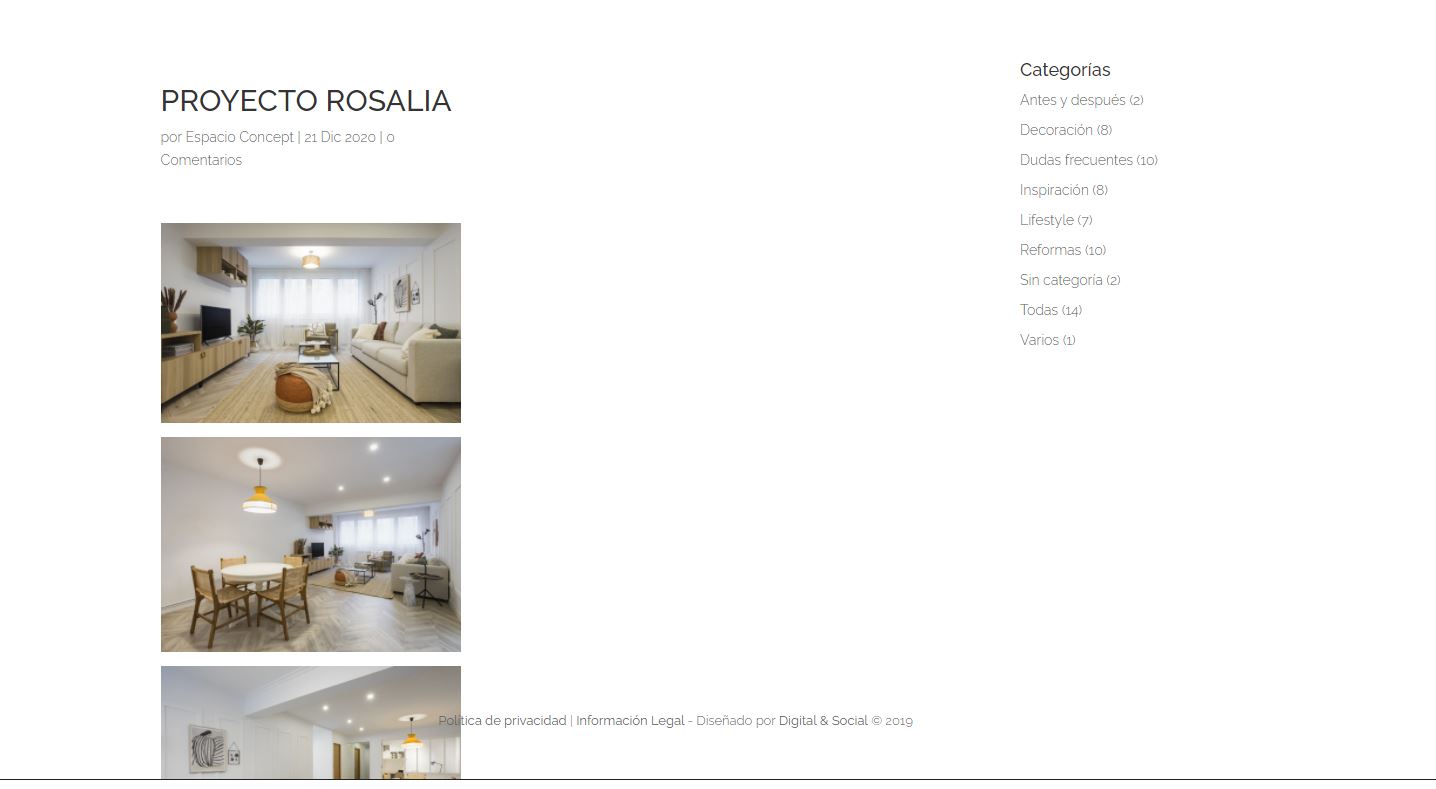
Yes, the person that built the site only used Toolset plugin for the portfolio section. The projects displayed full -page, without sidebar.
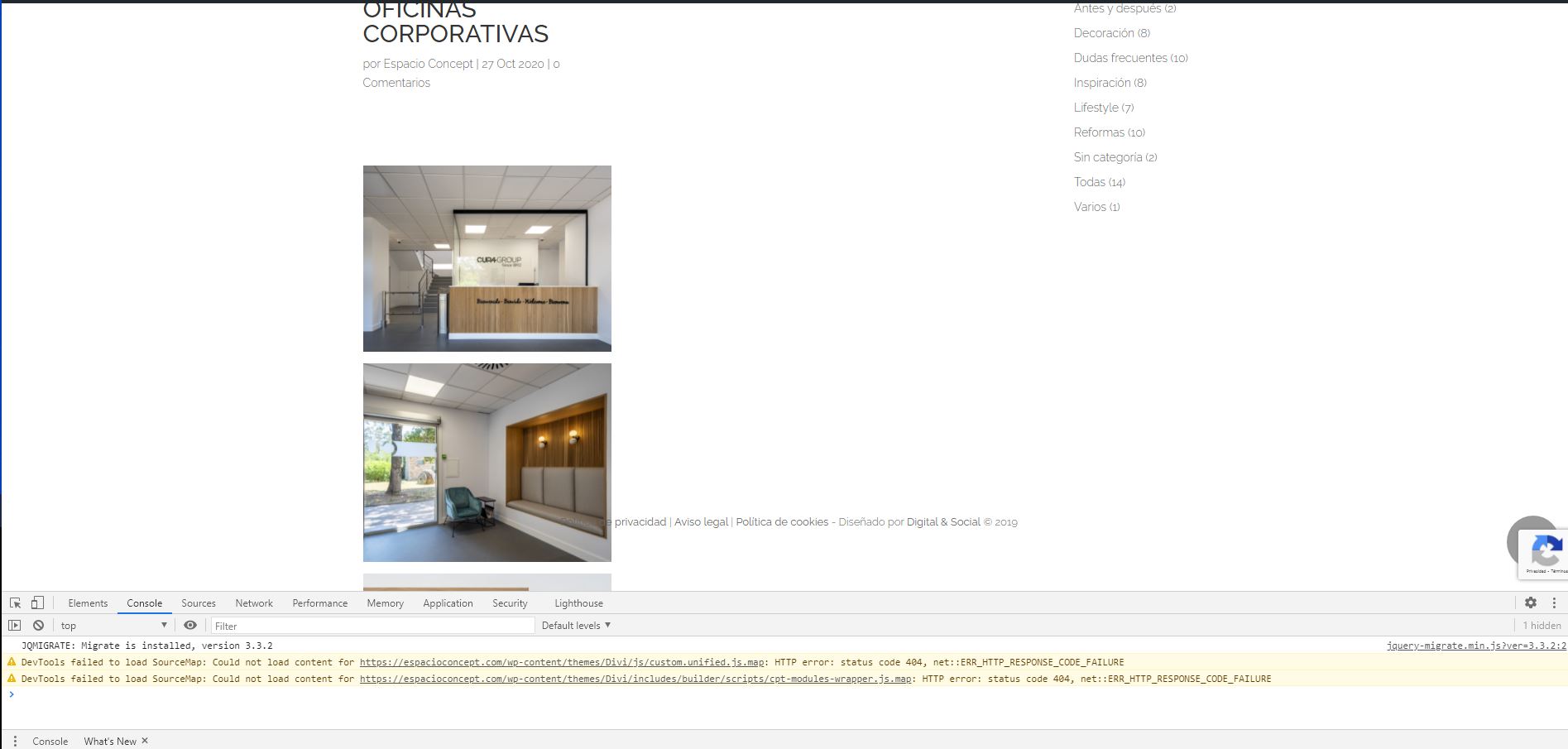
Also blog post are displaying now incorrectly. They have sidebar (this is correct) but the content in this moment is not occupying all the space available.
The license of the theme expired. I'm going to talk about this point with the client because is a premium theme. Is the theme update essencial to fix the display of the posts and projects?
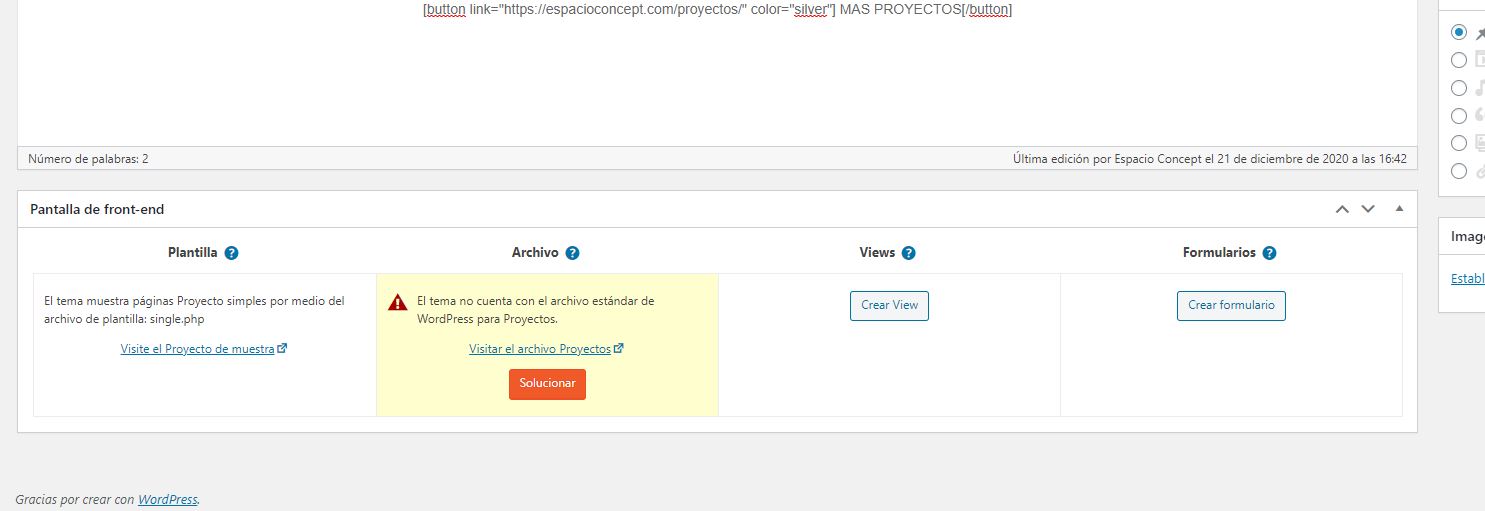
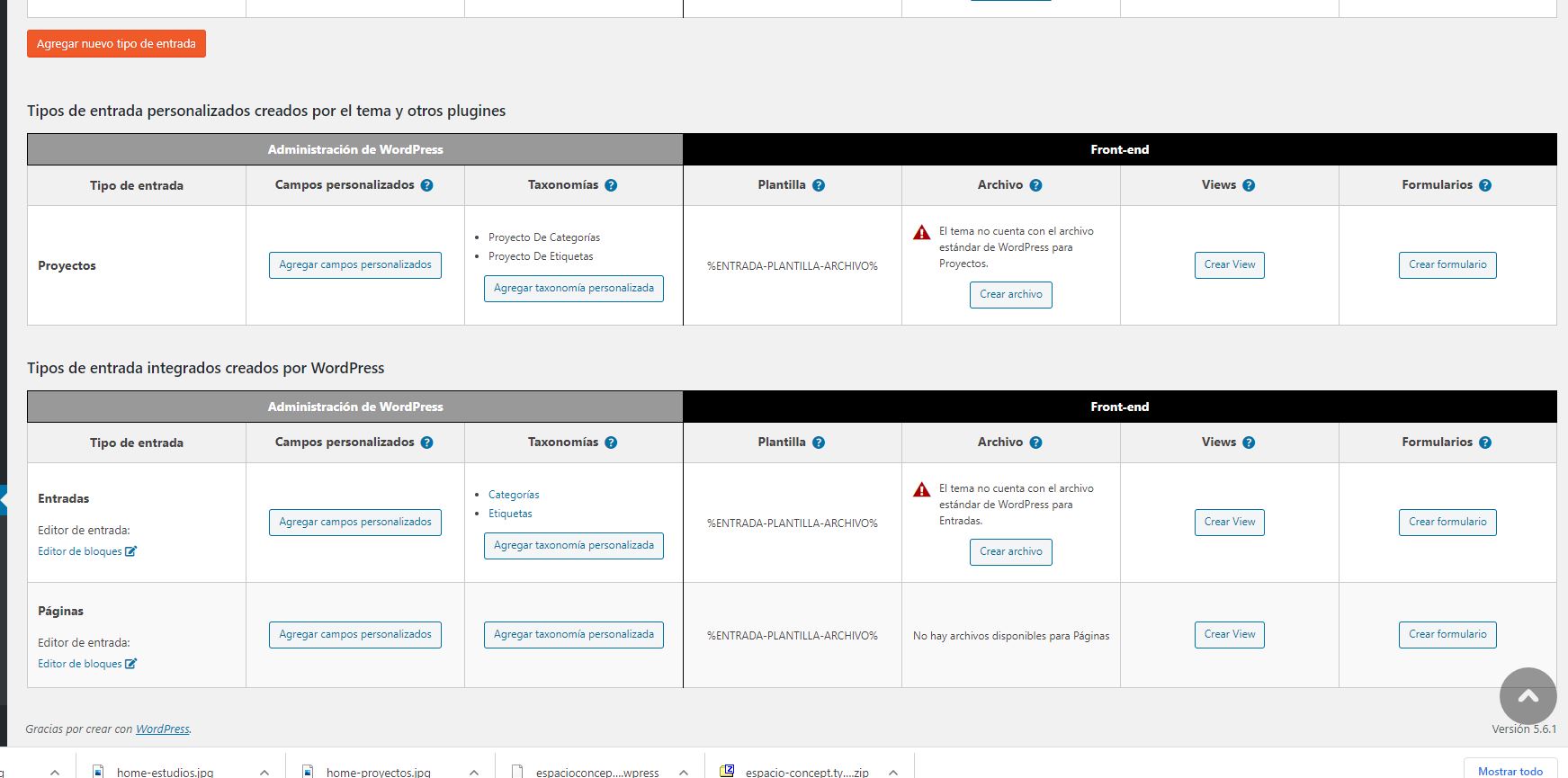
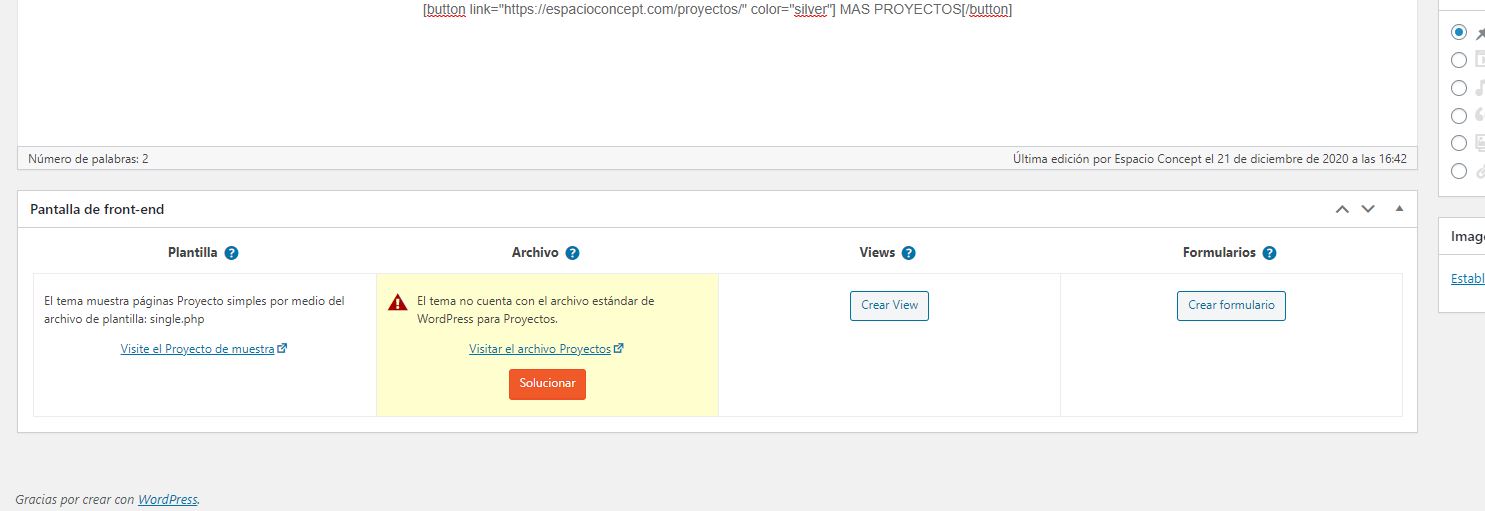
And one more thing, there is a warning in the backend that says that there is not file in the theme for post and projects (and there is an option to create it with toolset type). Could this be the problem / solution?
Hope it can be fixed. I'm worried a lot.
Thanks for your help
If the site is build using only Toolset Types plugin, then Toolset Types does not have any effect on sidebar or header/footer or any other theme options.
I see you did not update the theme to latest version:
=> hidden link
You should check your theme options to set full-width layout as well as to disable the sidebars.
But what about the Toolset Types warnings I mentioned you
==>
That is just a notice that there is no theme file available for that archive. Its just informative notice.
Can you check the warning? There is a button to create that archive with Toolset Types. Is it a solution?
==>
The button you mentioned does nothing as when you click on that button, it shows bit more information about how you can create archive using Toolset:
- https://toolset.com/course-lesson/creating-a-custom-archive-page/
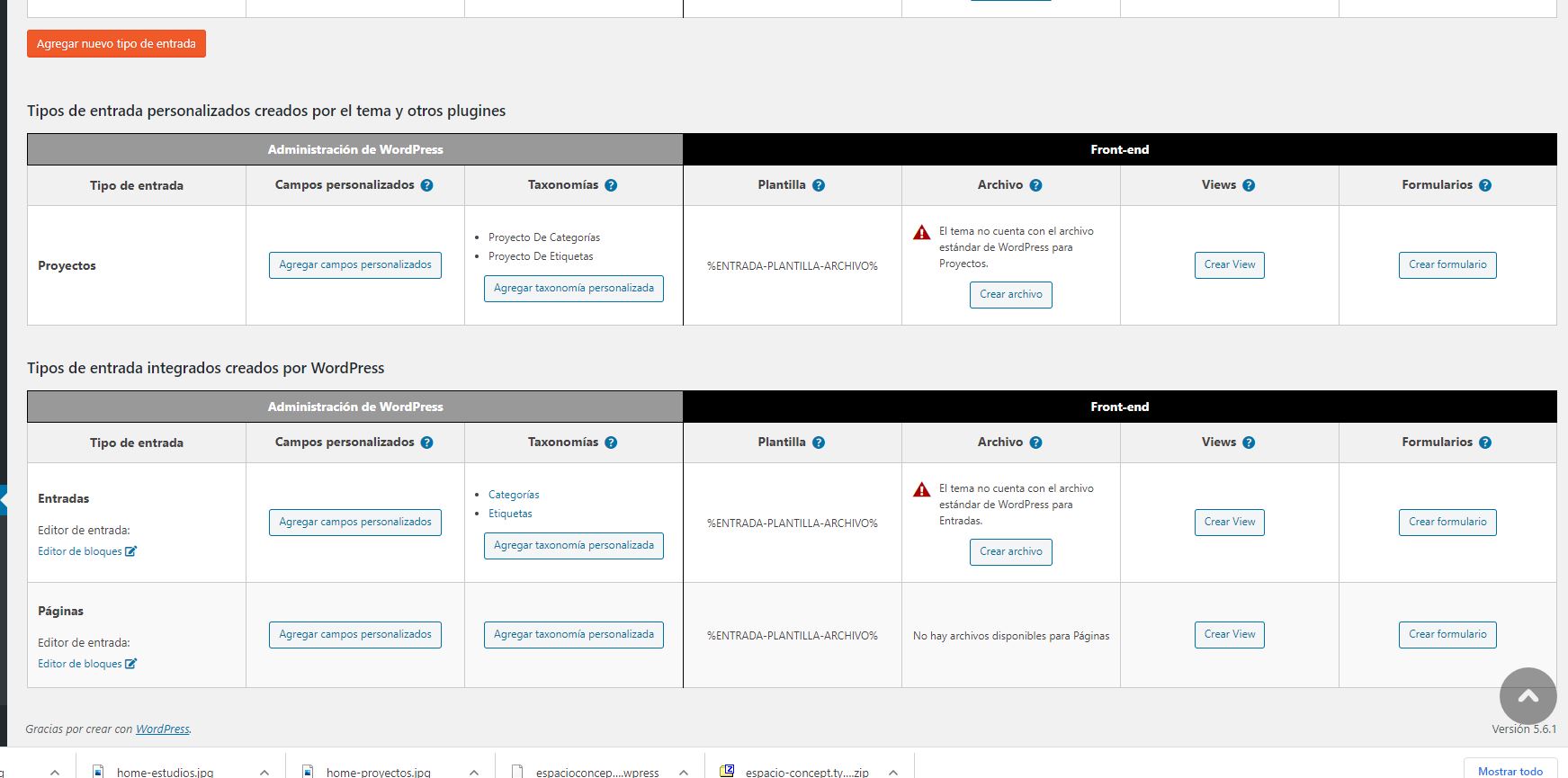
To create archive using Toolset, you will require to install the Toolset Views/Block plugin. But as you already acknowledged that the site is build using Toolset Types plugin so we can rule out the archive.
As I inform before, you may just need to adjust your theme settings to hide sidebar and to set your page to full-width layout.
Types plugin is only involved in creating the content structure, when I say content structure it means you will be able to create custom post types, taxonomies, custom fields.
When I checked on your site, I can see only Project custom post type is created using Toolset Types plugin:
- hidden link
There is no other content like taxonomy/custom fields etc..etc.. is created.
Inside posts and projects and don´t have option to select theme settings (sidebar or not, full width, etc). This didn't work to solv it.
Yo said that creating the archive with toolset types is not a solution...
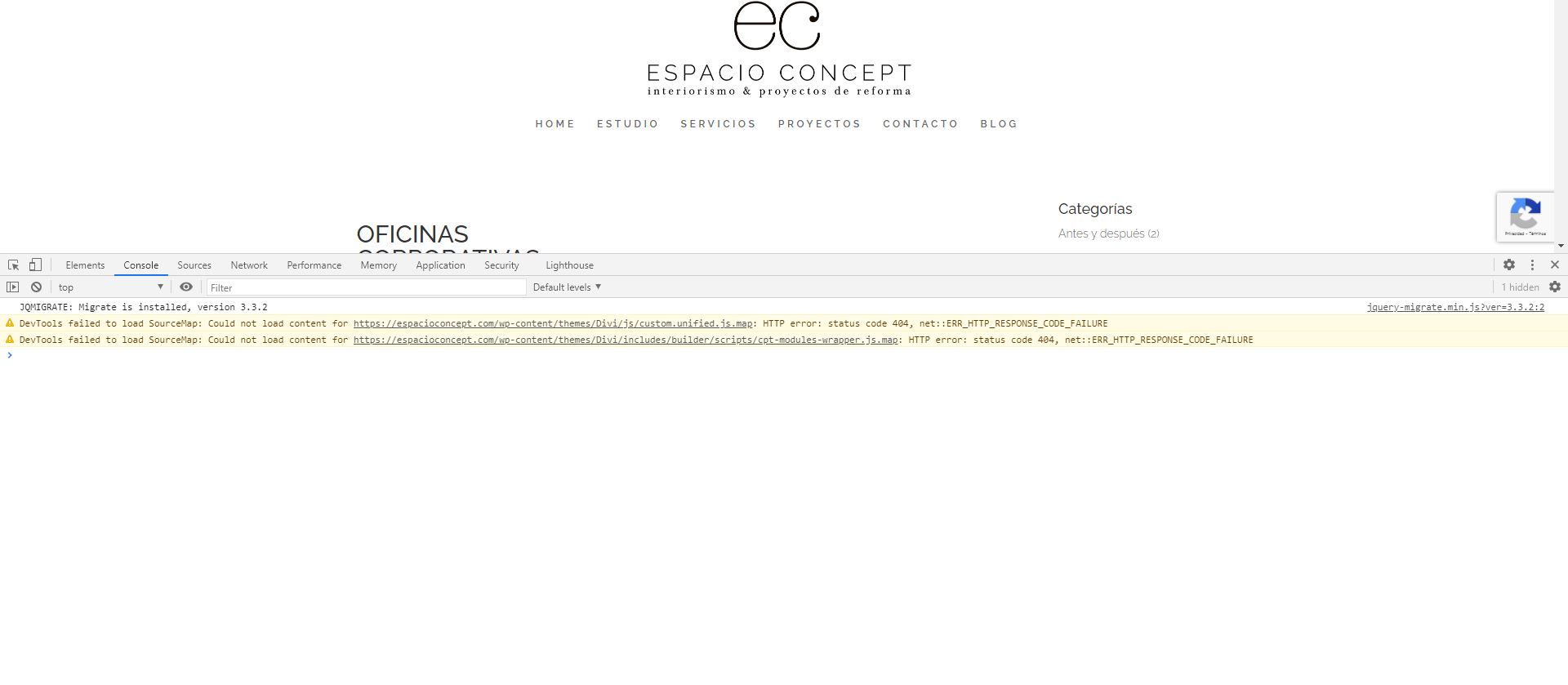
I inpected the site (projects section) in Chrome and in Console there is a warning that says "could not load content for..." and the rute contains the terms cpt-modules-wrapper. That is what is failing. Is it related to toolset types?