Skip Navigation

[Resolved] Toolset type bought again and can't update the version

This support ticket is created 4 years, 11 months ago. There's a good chance that you are reading advice that it now obsolete.

This is the technical support forum for Toolset - a suite of plugins for developing WordPress sites without writing PHP.

Everyone can read this forum, but only Toolset clients can post in it. Toolset support works 6 days per week, 19 hours per day.

Sun Mon Tue Wed Thu Fri Sat
- 10:00 – 13:00 10:00 – 13:00 10:00 – 13:00 10:00 – 13:00 10:00 – 13:00 -
- 14:00 – 18:00 14:00 – 18:00 14:00 – 18:00 14:00 – 18:00 14:00 – 18:00 -

Supporter timezone: Asia/Kolkata (GMT+05:30)

Tagged: 

This topic contains 20 replies, has 2 voices.

Last updated by pabloA-6 4 years, 10 months ago.

Assisted by: Minesh.

Author
Posts
#1949381
Captura.JPG

Tell us what you are trying to do?
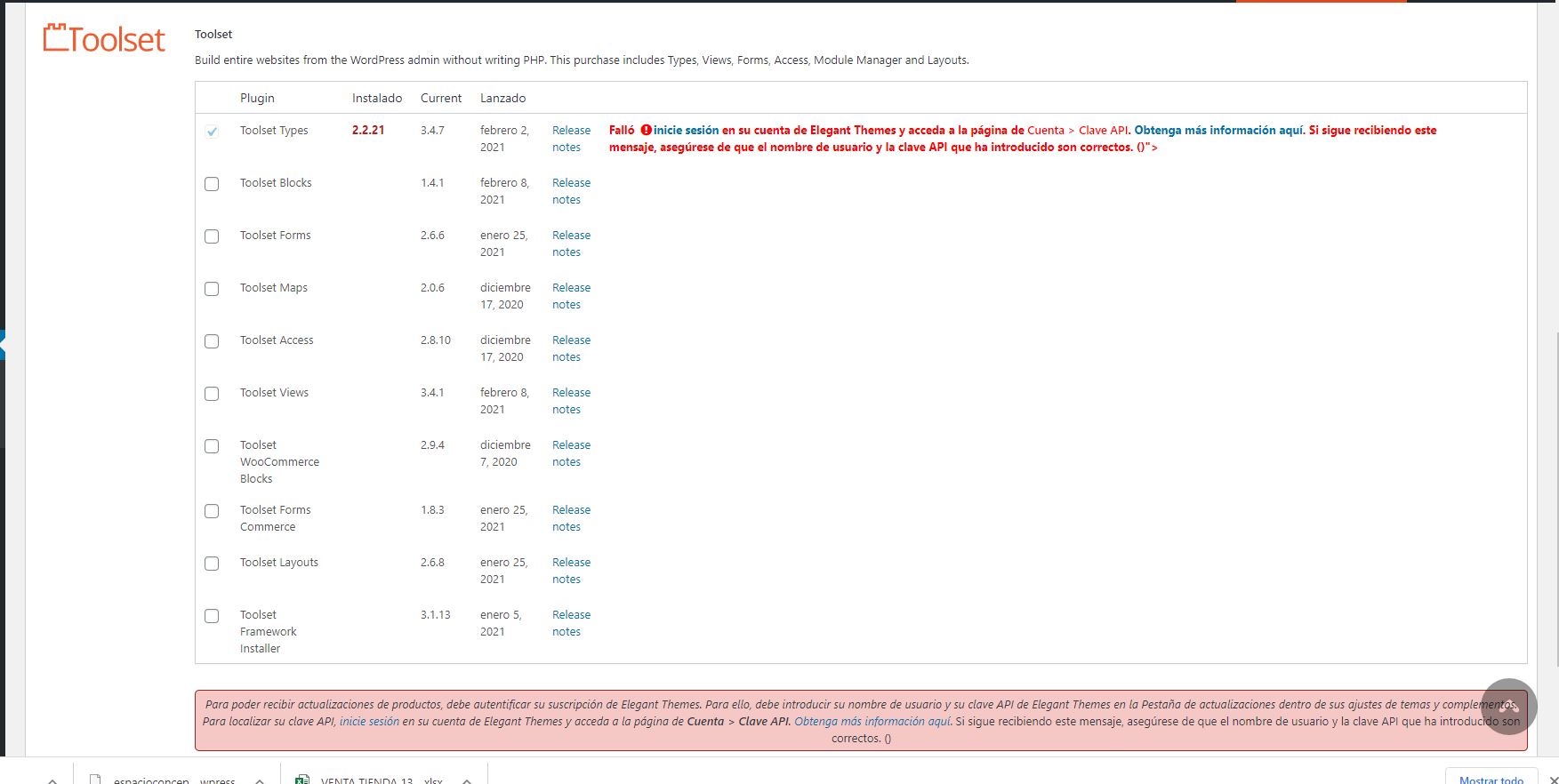
Hi! I'm supporting this website which had installed and not updated toolset types. The account was of other company. So I purchased again the plugin. I introduced my key in the wordpress panel but when I want to update a message says that there's a fail with my login. I think it's remembering the old account. But I paid and I had a new key number.

Please help

Is there any documentation that you are following?

Is there a similar example that we can see?

What is the link to your site? hidden link

#1949403

Minesh
Supporter

Languages: English (English )

Timezone: Asia/Kolkata (GMT+05:30)

Hello. Thank you for contacting the Toolset support.

Based on the screenshot you shared, I see you are using really outdated Toolset Types plugin version 2.x.x.

The installer will not the current Toolset Types plugin version 2.X.X.

I suggest you should deactivate and delete the Types plugin using the plugins page.

And then, Download the latest Types plugin from your accounts page:
*** Please make a FULL BACKUP of your database and website.***
You can download ALL the latest Toolset plugin release from your accounts page:
=> https://toolset.com/account/downloads/

More info:
https://toolset.com/faq/how-to-install-and-register-toolset/#installing-the-toolset-types-plugin

And then upload and activate the Toolset Types plugin using your plugins page and then for other add-on Toolset plugins you can use the installer.
=> https://toolset.com/faq/how-to-install-and-register-toolset/#automatic-installation-once-you-have-types-plugin-installed

#1949703

Will I lose my projects if I deactivate the updated version and then upload the newest?

I don't want lo lose all the information.

Can you confirm this point?

Thanks so much

#1951167

Minesh
Supporter

Languages: English (English )

Timezone: Asia/Kolkata (GMT+05:30)

No - you will not lose any content.

But to be remain at safer side, please take full backup of your database so in any worst situation you can restore it.

We publish the Types 3.x with the new post-relationship and we have added the number of new features to this major release.

Please check the following blog:
=> https://toolset.com/2018/05/toolset-post-relationships-release/
=> https://toolset.com/2018/05/when-if-to-migrate-relationships-in-old-toolset-sites/

You can see the changelog of Types plugin or any other plugin to know what is added/improved/fixed:
=> https://toolset.com/download/toolset-types/#changelog

#1951515
Captura.JPG

Hi,

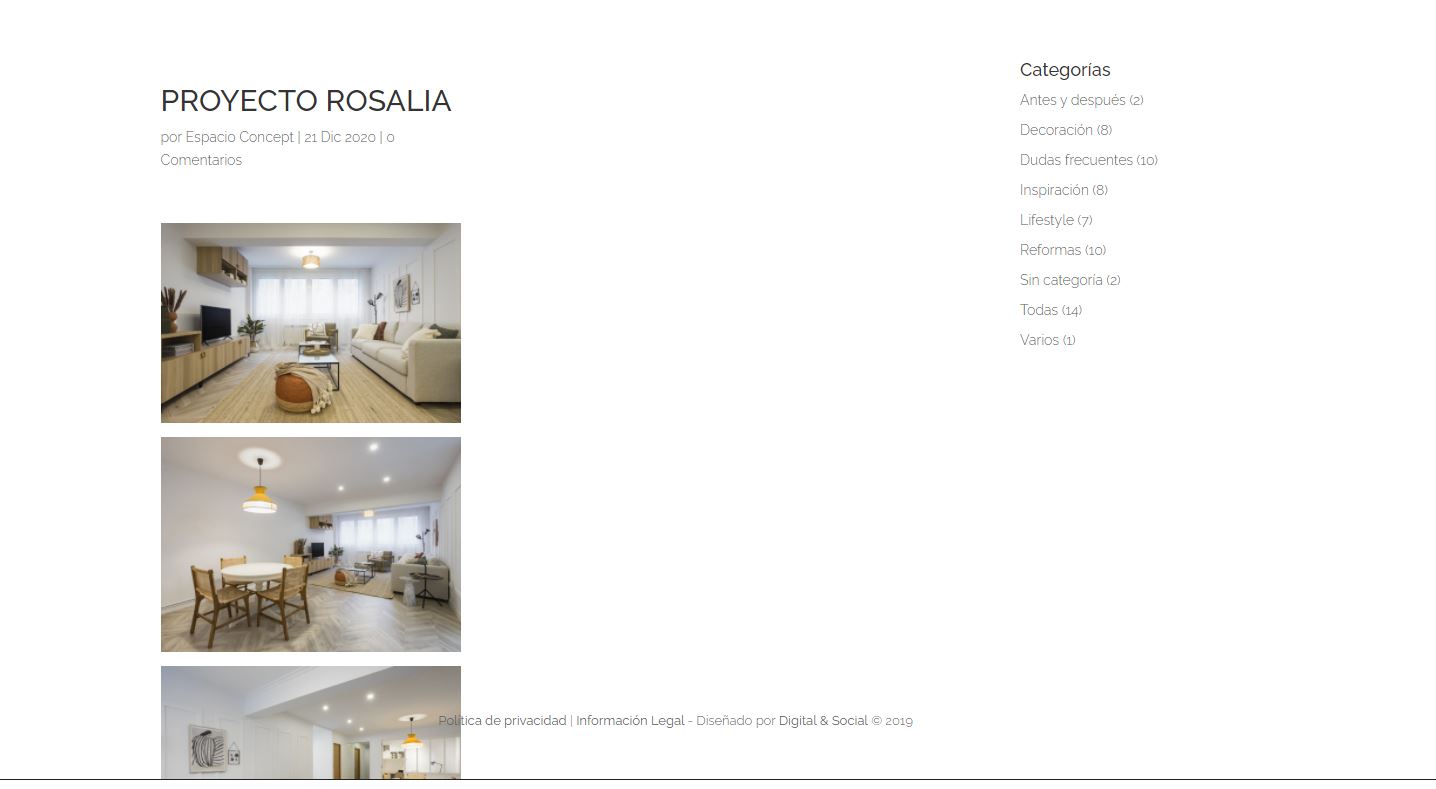
After updating i didn't lose my information but I don't see the projects in the "full page mode" and I don't know how to fix it.

I'm going to restore my back up while I wait for your respònse.

Thanks and regards

#1951559

Minesh
Supporter

Languages: English (English )

Timezone: Asia/Kolkata (GMT+05:30)

Can you please setup a staging site that should be 1:1 copy of your production site.

Then try to update ALL Toolset plugins on staging site and then tell me what is working and not working on staging site.

Send me access details of both staging and production sites.

I have set the next reply to private which means only you and I have access to it.

#1951643

I restores the backup but I still see the projects small and also the blog post
Can you help?

#1951681
warning.JPG

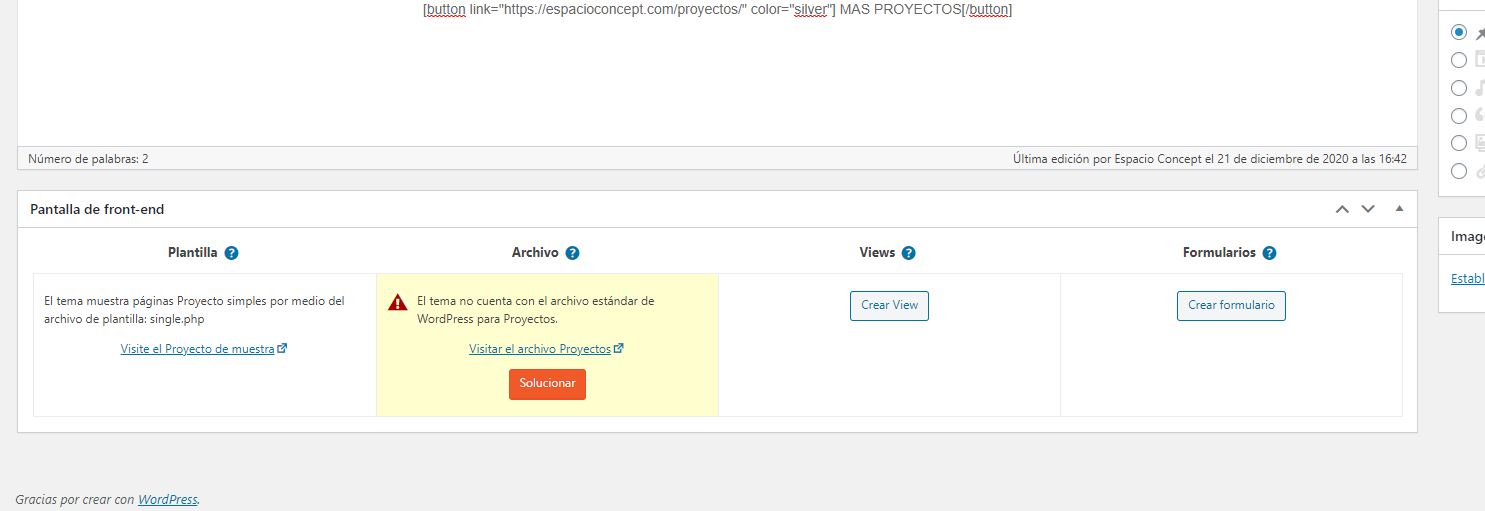
I see this warning in one project. Can be this the problem?

#1951695

Minesh
Supporter

Languages: English (English )

Timezone: Asia/Kolkata (GMT+05:30)

I would like to just confirm that you build your site using Toolset Types plugin only - correct?

Also, I see you are using outdated theme. Can you please update your theme as well.
=> hidden link

And, can you please tell me how exactly the old project post displayed on frontend before you update the Types plugin?

#1952245
warning-2.JPG
warning.JPG

Hi,

Yes, the person that built the site only used Toolset plugin for the portfolio section. The projects displayed full -page, without sidebar.

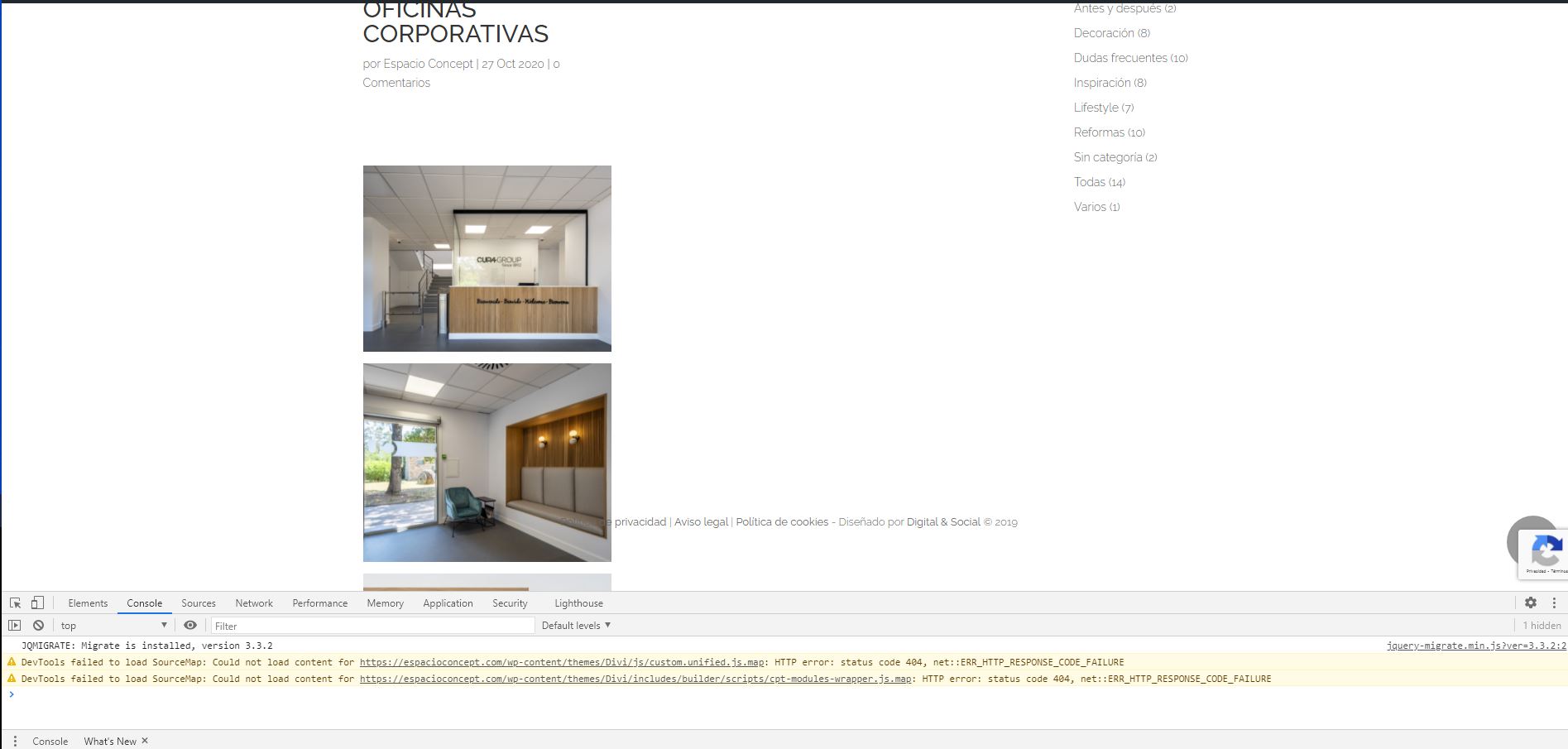
Also blog post are displaying now incorrectly. They have sidebar (this is correct) but the content in this moment is not occupying all the space available.

The license of the theme expired. I'm going to talk about this point with the client because is a premium theme. Is the theme update essencial to fix the display of the posts and projects?

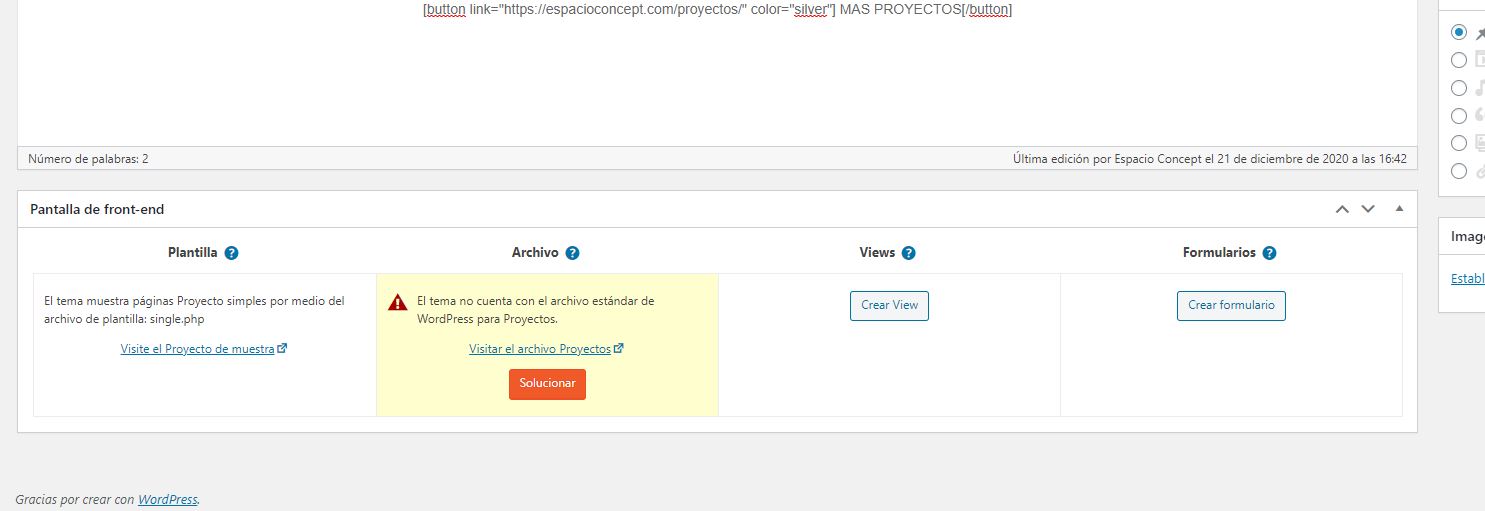
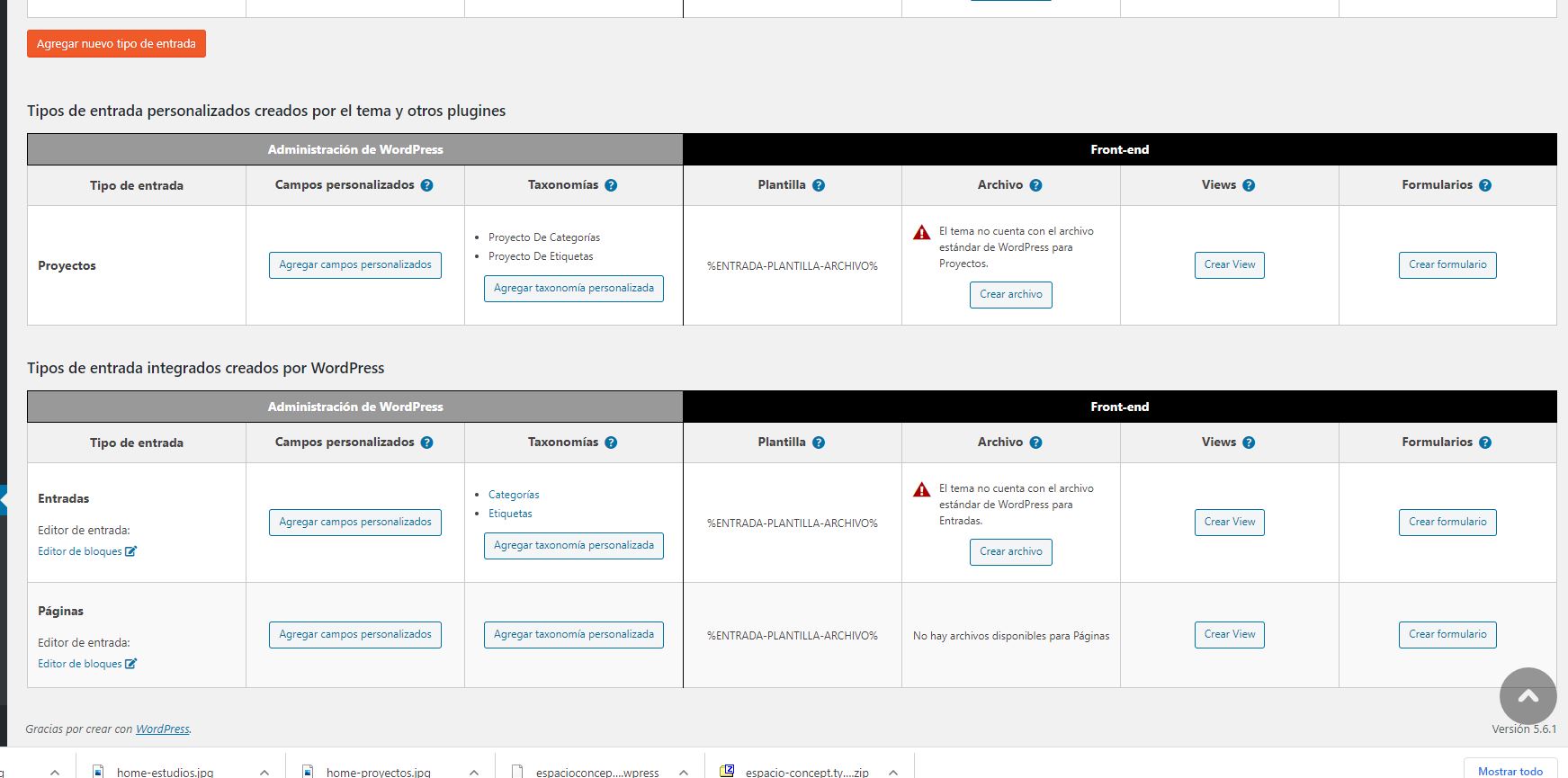
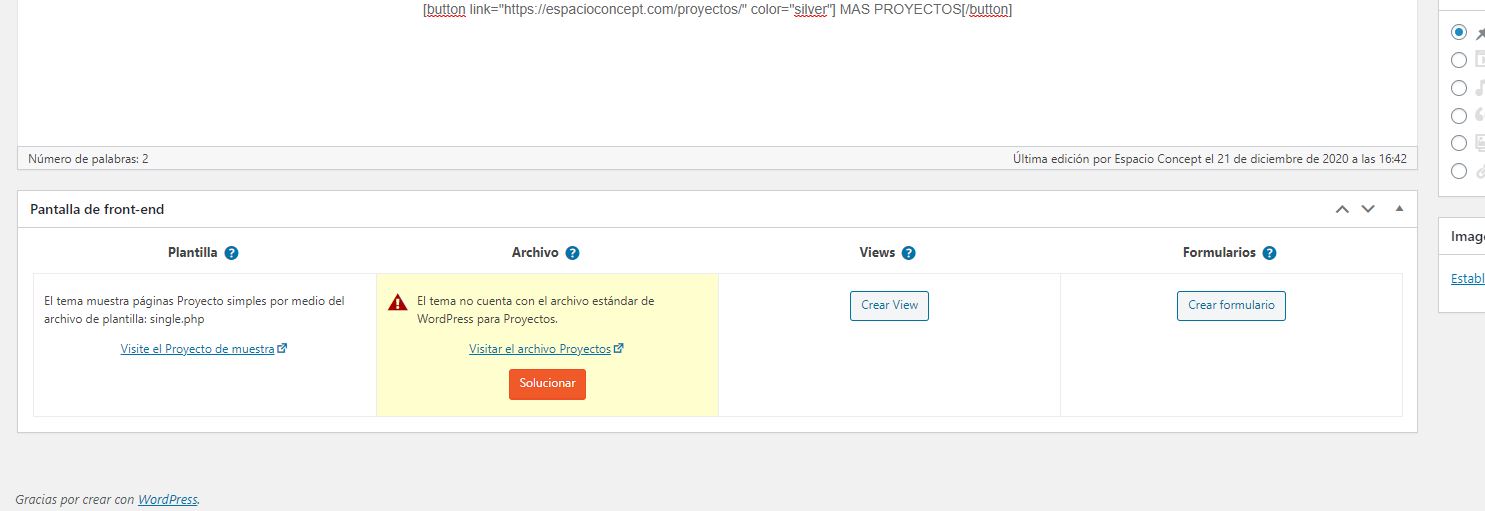
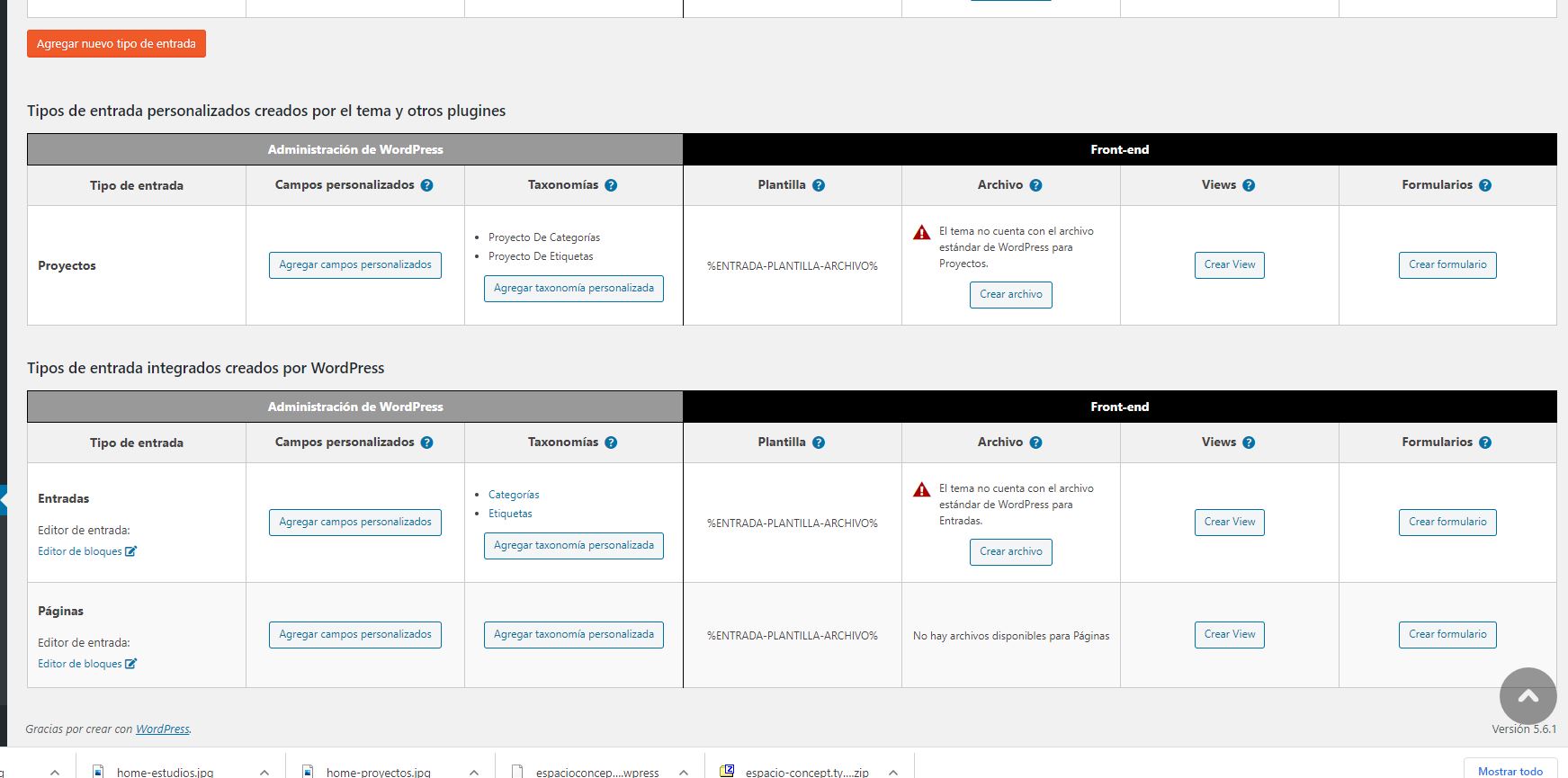
And one more thing, there is a warning in the backend that says that there is not file in the theme for post and projects (and there is an option to create it with toolset type). Could this be the problem / solution?

Hope it can be fixed. I'm worried a lot.
Thanks for your help

#1953855

Sorry formy insistence...

Will you give me a response soon?

Thanks

#1953857

Minesh
Supporter

Languages: English (English )

Timezone: Asia/Kolkata (GMT+05:30)

If the site is build using only Toolset Types plugin, then Toolset Types does not have any effect on sidebar or header/footer or any other theme options.

I see you did not update the theme to latest version:
=> hidden link

You should check your theme options to set full-width layout as well as to disable the sidebars.

#1953869
warning-2.JPG
warning.JPG

But what about the Toolset Types warnings I mentioned you?

Is something about the archives of posts and projects that is what is displaying wrong...

And it broke when I update the plugin.

Can you check the warning? There is a button to create that archive with Toolset Types. Is it a solution?

I'm awaiting your response,

Thanks

#1953903

Minesh
Supporter

Languages: English (English )

Timezone: Asia/Kolkata (GMT+05:30)

But what about the Toolset Types warnings I mentioned you
==>
That is just a notice that there is no theme file available for that archive. Its just informative notice.

Can you check the warning? There is a button to create that archive with Toolset Types. Is it a solution?
==>
The button you mentioned does nothing as when you click on that button, it shows bit more information about how you can create archive using Toolset:
- https://toolset.com/course-lesson/creating-a-custom-archive-page/

To create archive using Toolset, you will require to install the Toolset Views/Block plugin. But as you already acknowledged that the site is build using Toolset Types plugin so we can rule out the archive.

If you want to create a archive using theme's PHP template - please check the following doc:
=> https://toolset.com/documentation/customizing-sites-using-php/creating-templates-custom-post-type-archives/

As I inform before, you may just need to adjust your theme settings to hide sidebar and to set your page to full-width layout.

Types plugin is only involved in creating the content structure, when I say content structure it means you will be able to create custom post types, taxonomies, custom fields.

When I checked on your site, I can see only Project custom post type is created using Toolset Types plugin:
- hidden link

There is no other content like taxonomy/custom fields etc..etc.. is created.

#1954451
console-2.JPG
console.JPG

Hi,

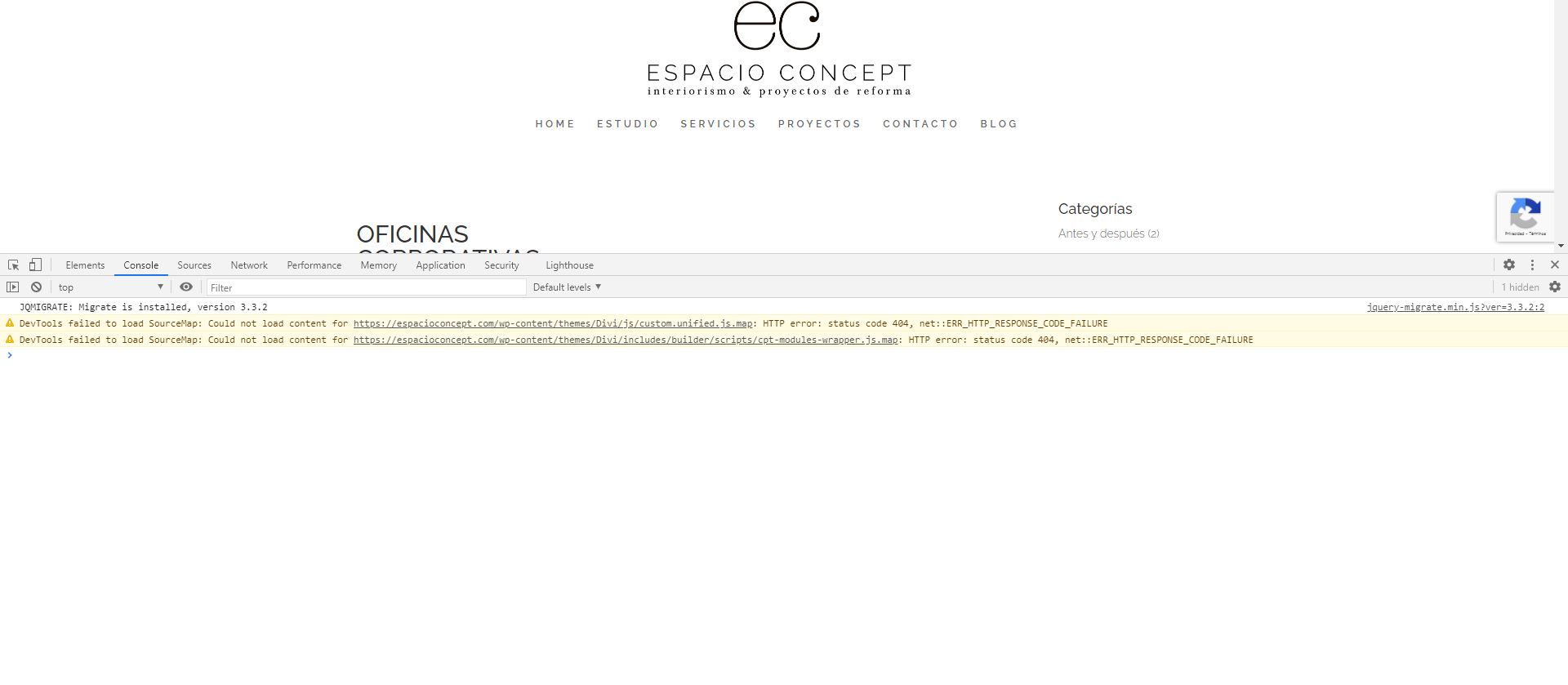
Inside posts and projects and don´t have option to select theme settings (sidebar or not, full width, etc). This didn't work to solv it.

Yo said that creating the archive with toolset types is not a solution...

I inpected the site (projects section) in Chrome and in Console there is a warning that says "could not load content for..." and the rute contains the terms cpt-modules-wrapper. That is what is failing. Is it related to toolset types?

What can I do?

Thanks for your help