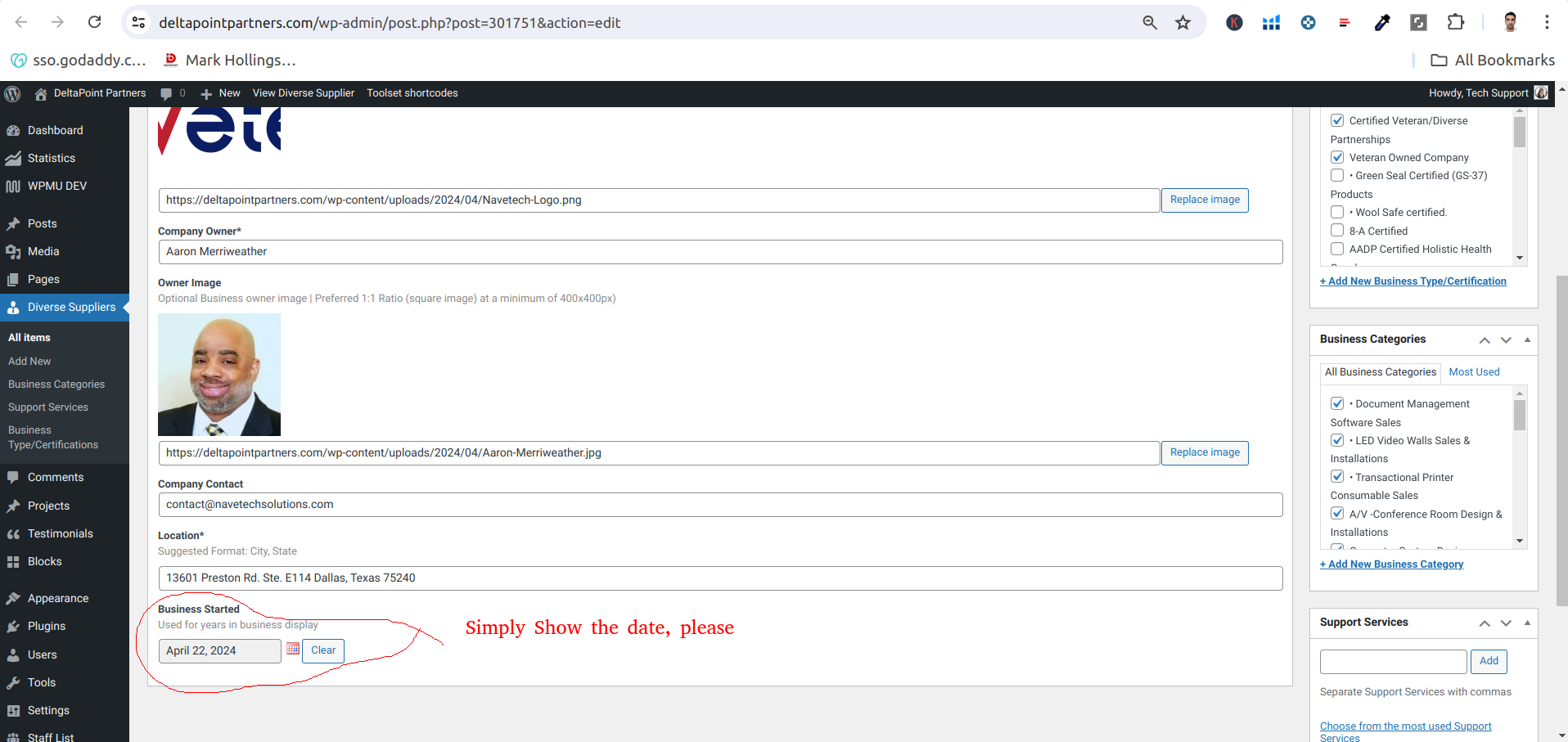
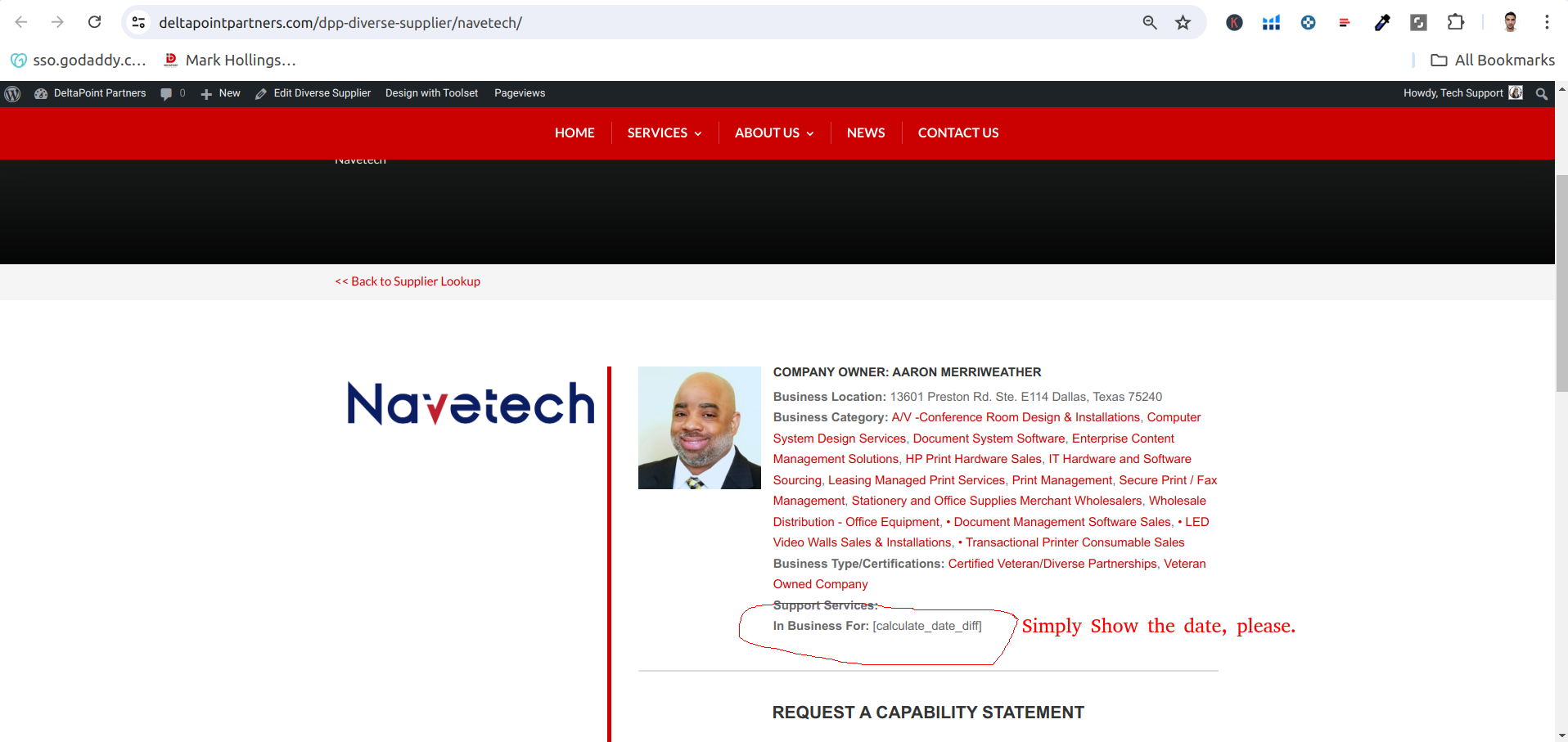
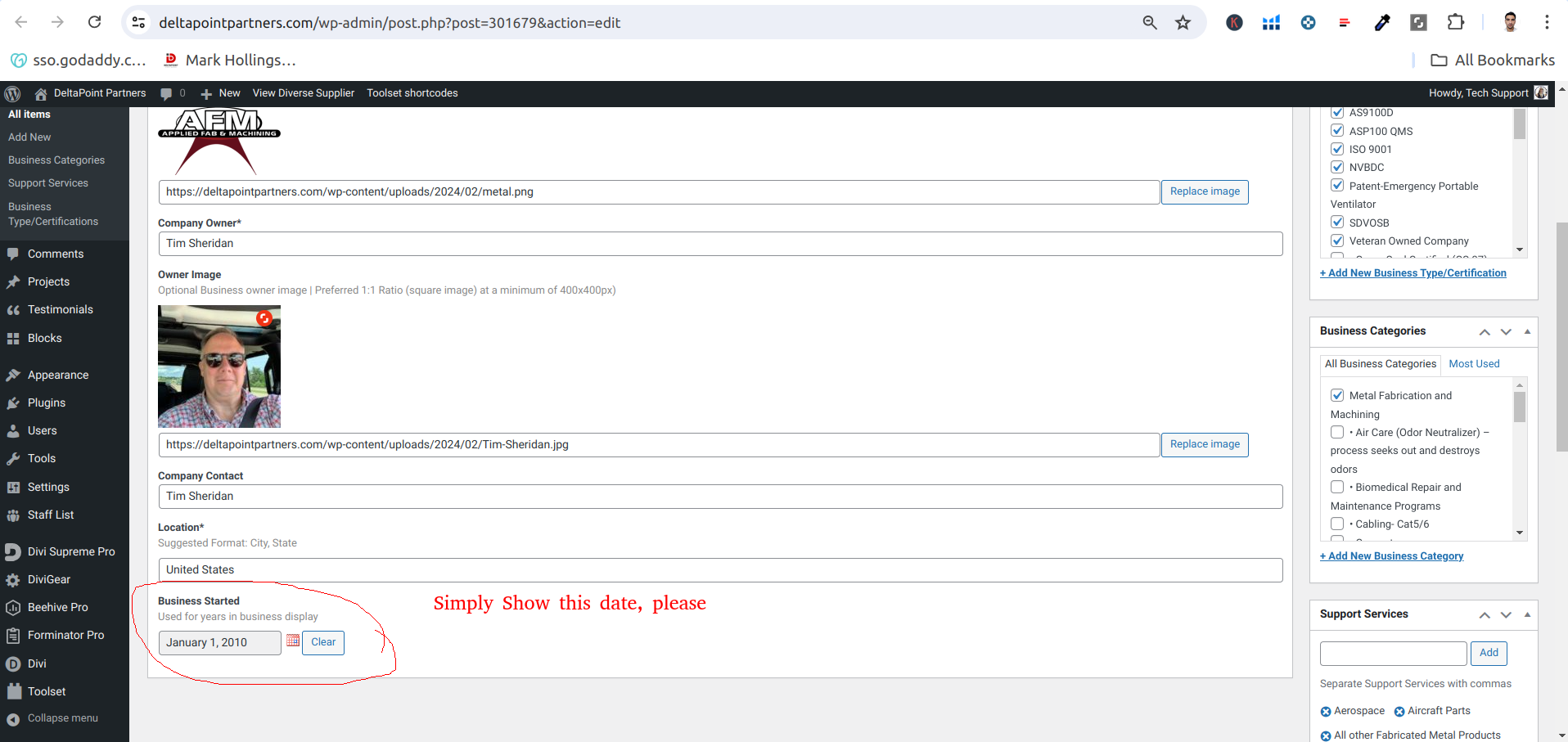
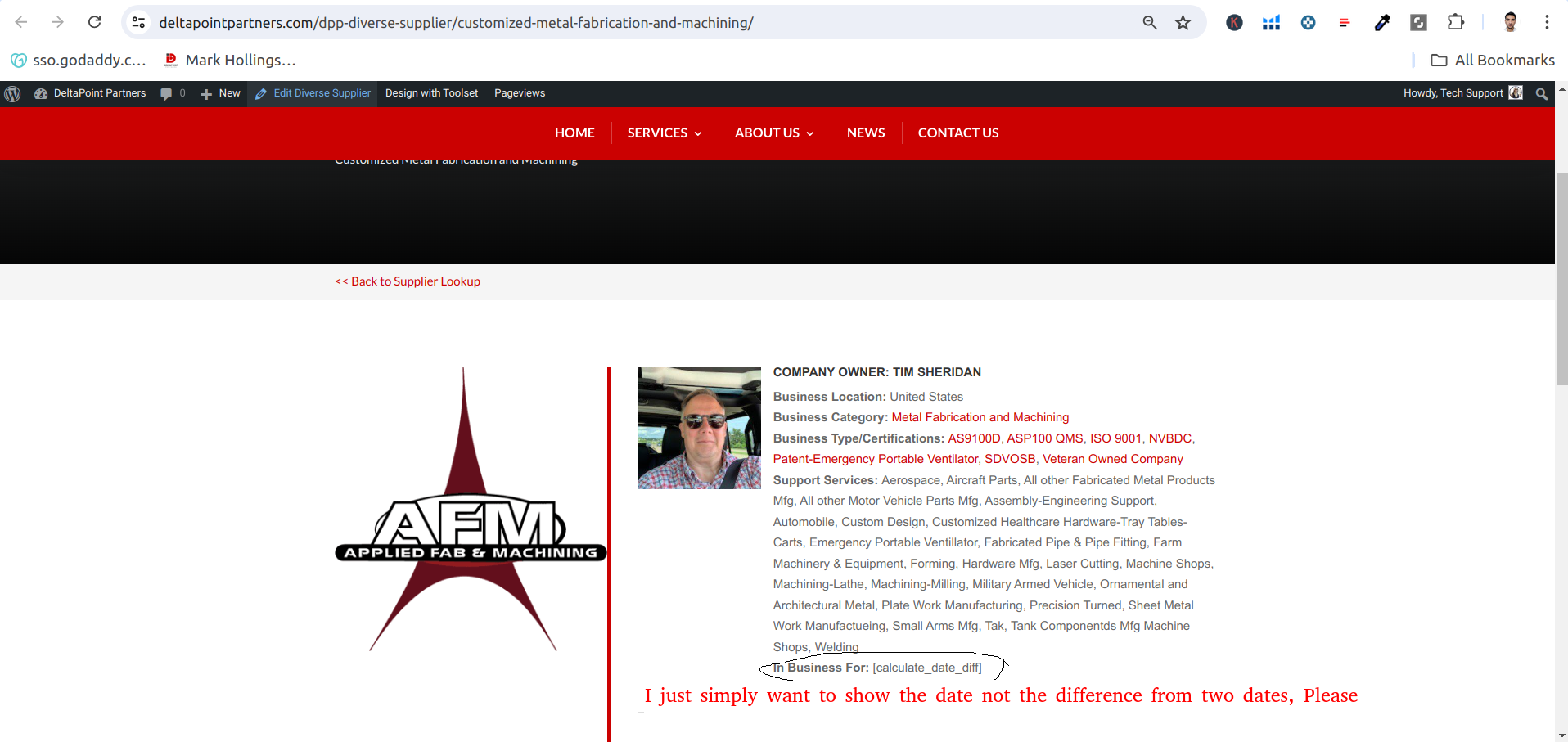
I am trying to: show date
Link to a page where the issue can be seen: hidden link
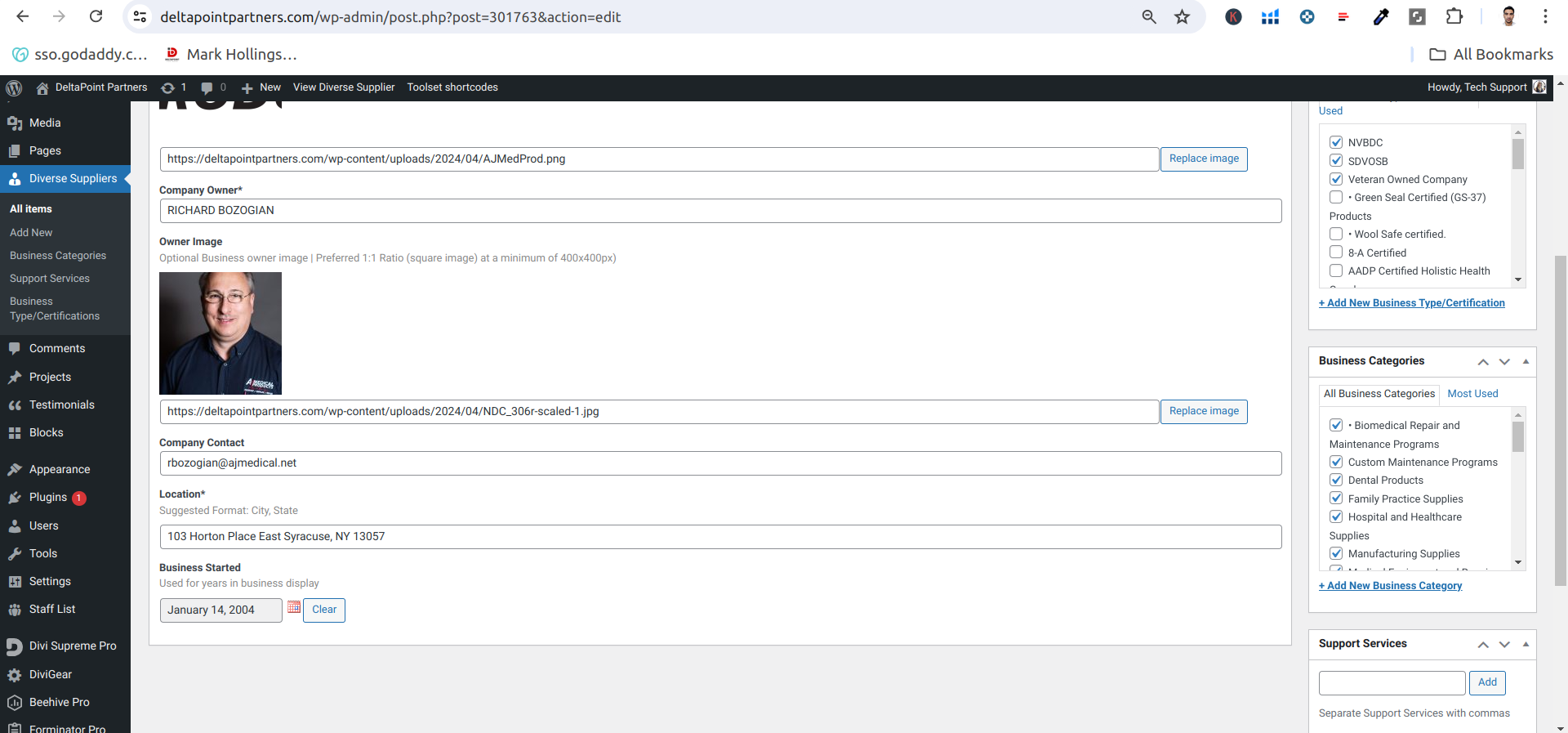
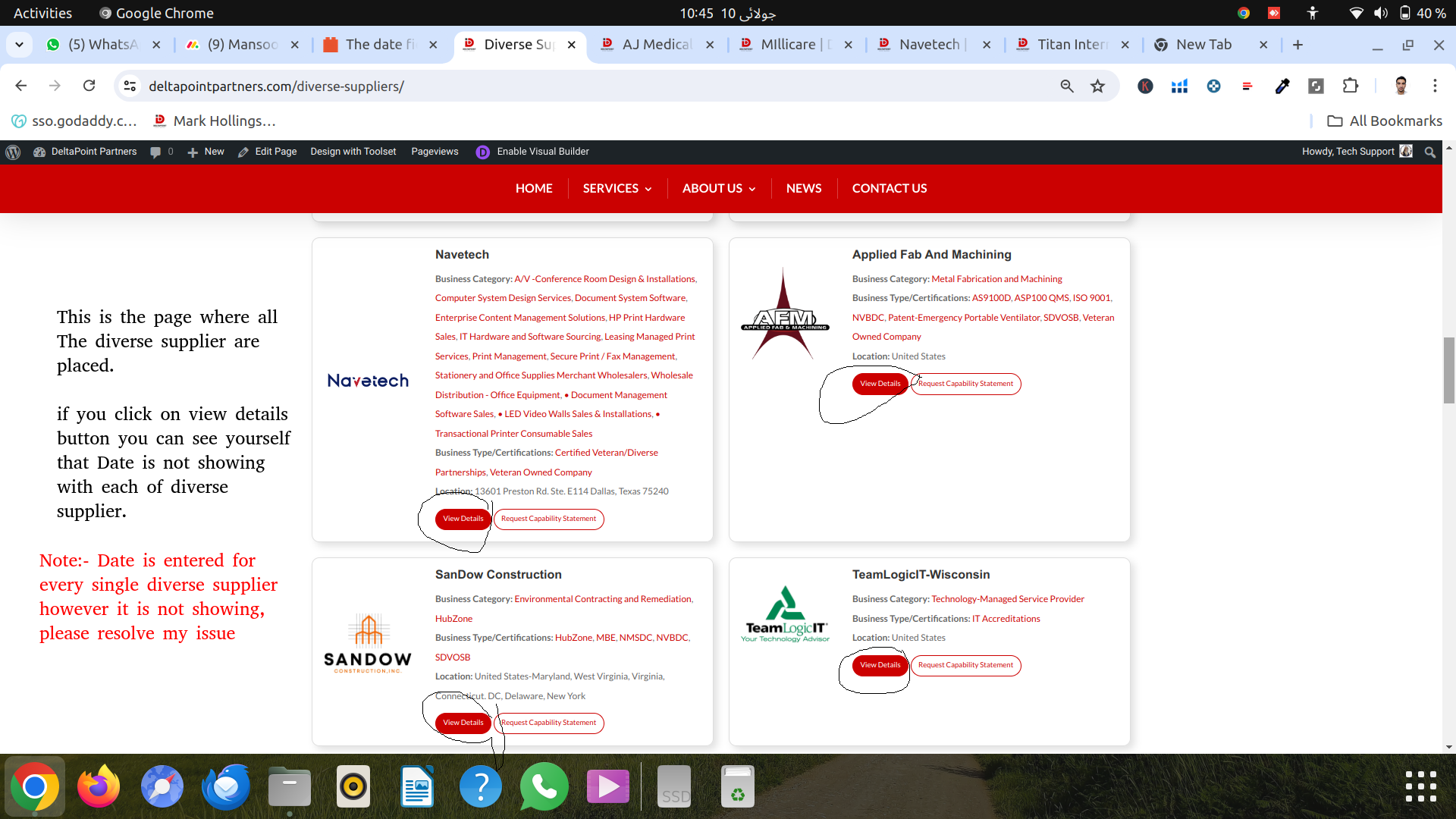
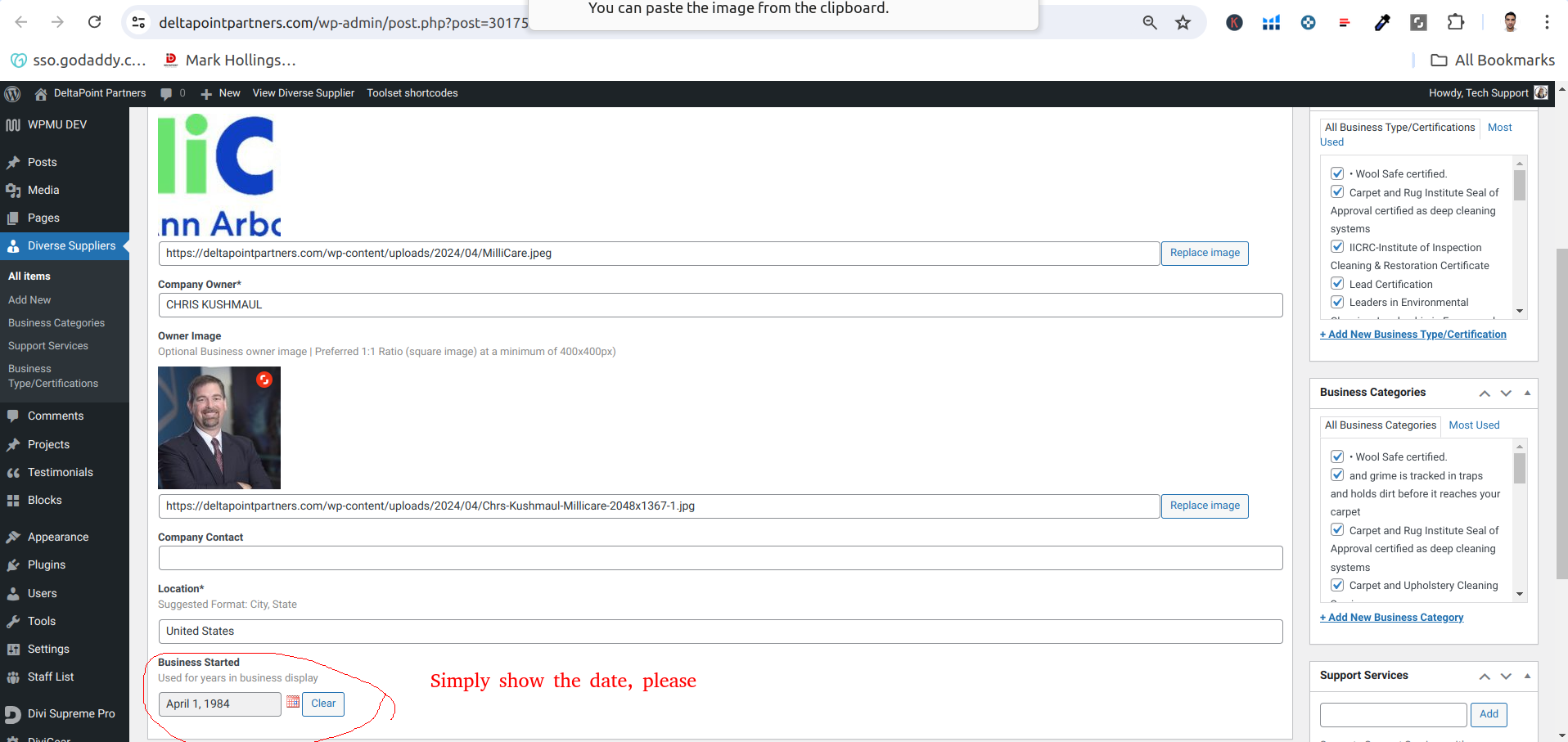
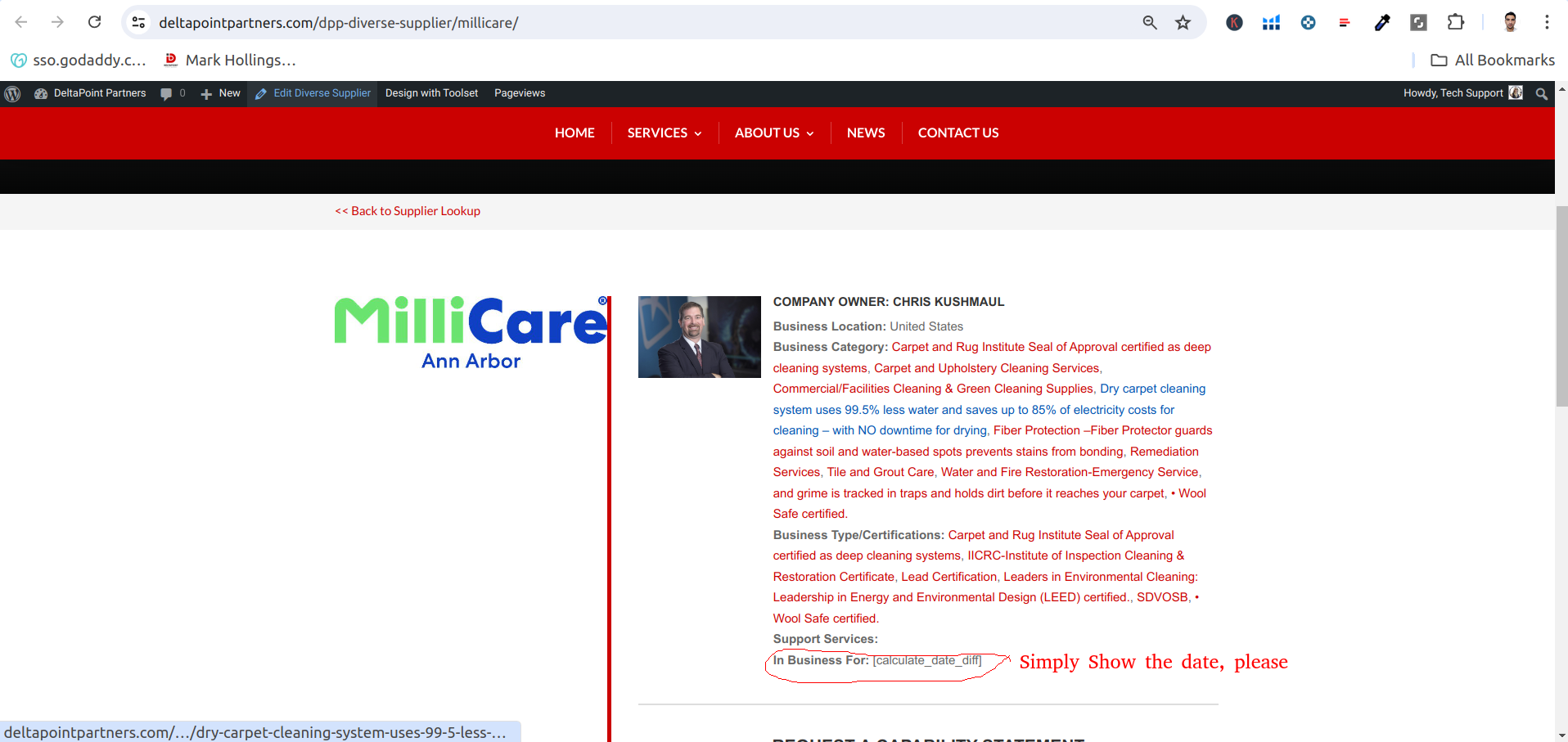
I expected to see: date when the business is started on every supplier page
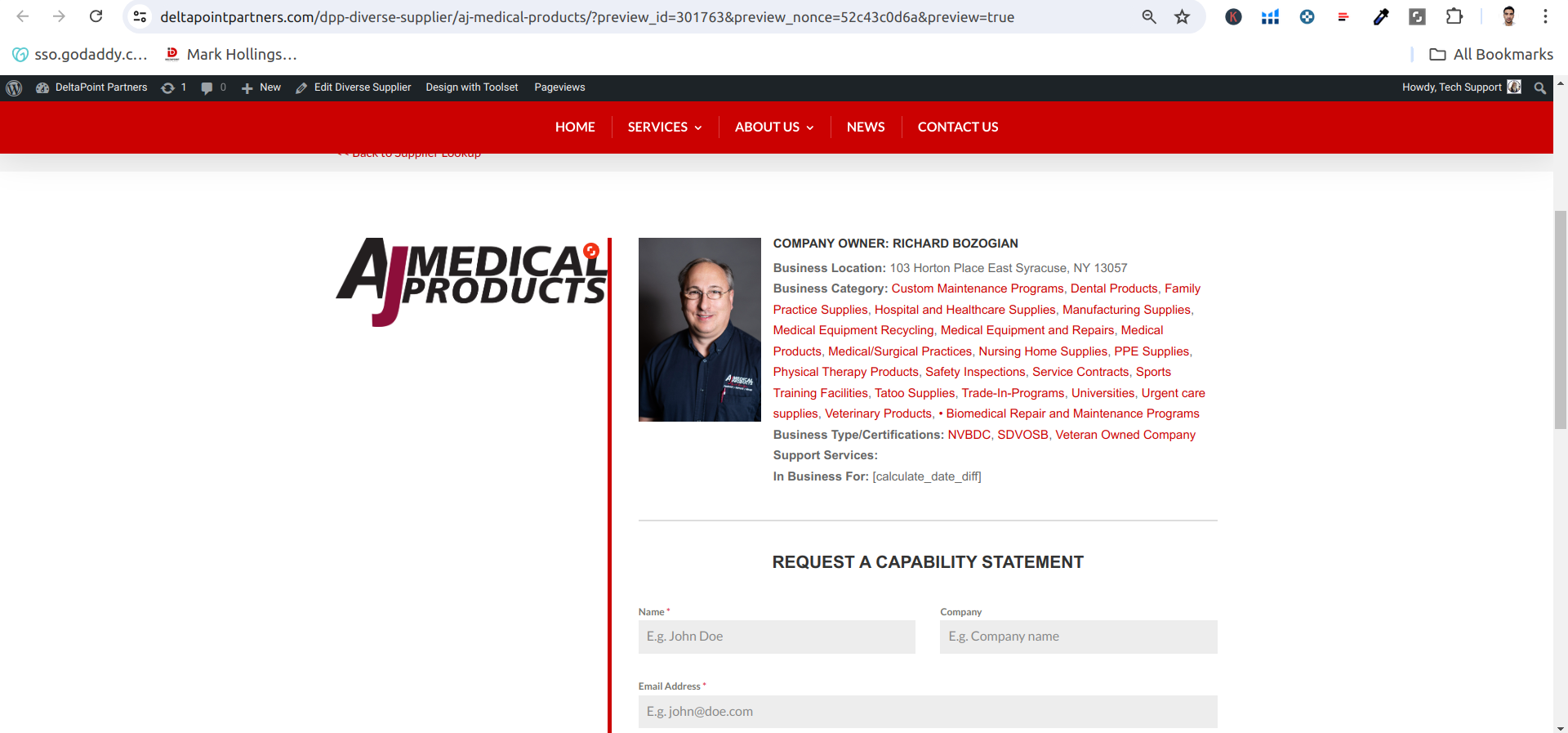
Instead, I got: [calculate_date_diff]
Hello there,
Thank you for contacting our support.
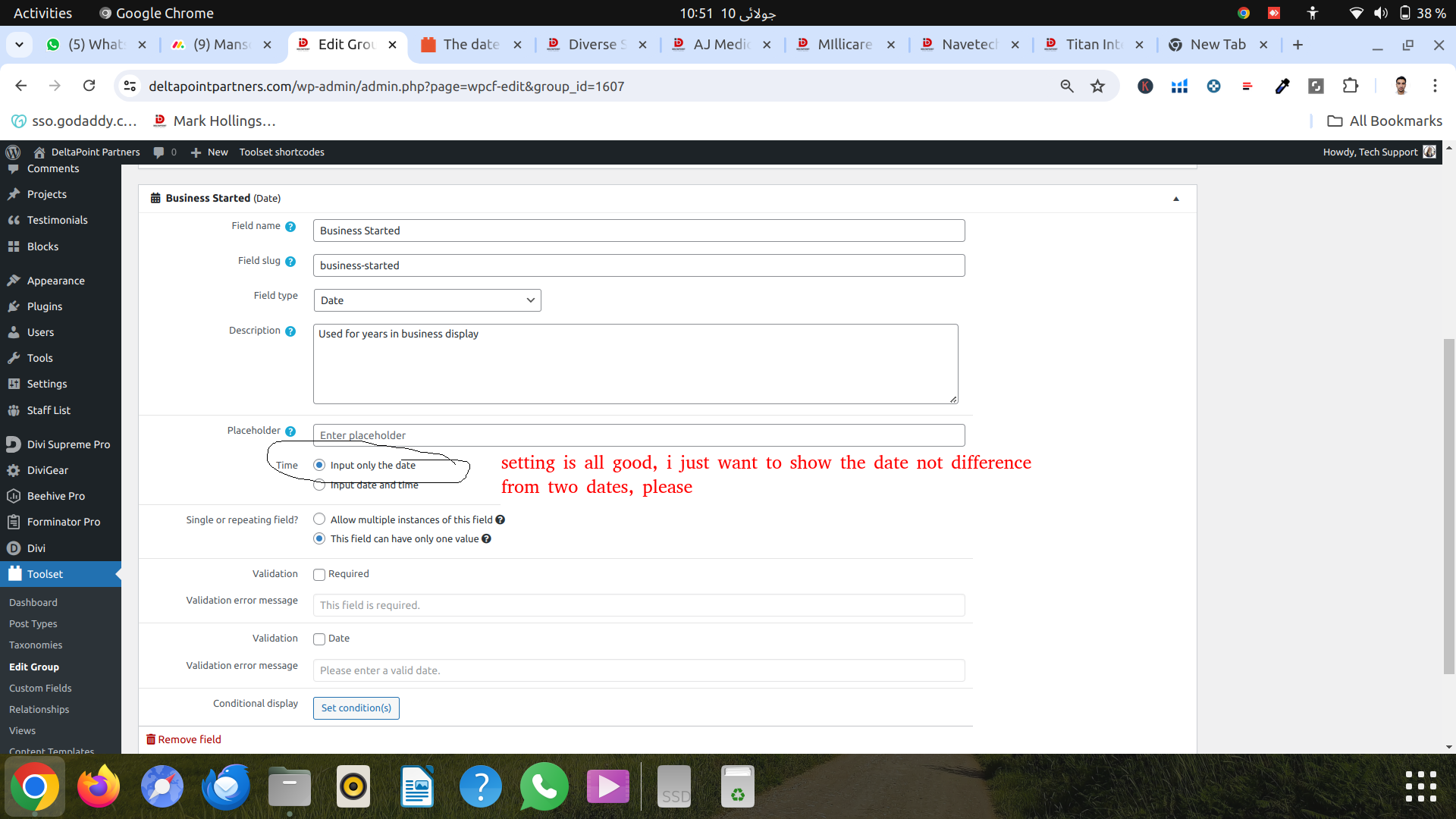
Can you please let us know if you're trying to print the difference from two dates or simply show the date?
While we don't have a built-in feature for you to calculate the difference, you could use some custom code to achieve it, please check this example where my colleague created a shortcoded that takes two dates and print the difference between them:
https://toolset.com/forums/topic/calculate-age-according-to-custom-date-field-year-of-birth/#post-1180946
If this is not the request, could you please elaborate a little more on this issue, so I can better understand? E.g. Is there an error message, what are the steps you've tried, etc.
Feel free to share more screenshots if you need to illustrate something.
Thank you, please let us know.
Mateus
i just want to Simply Show the date, please
Hello,
I would like to request temporary access (wp-admin and FTP) to your site to take better look at the issue. You will find the needed fields for this below the comment area when you log in to leave your next reply. The information you will enter is private which means only you and I can see and have access to it.
Our Debugging Procedures
I will be checking various settings in the backend to see if the issue can be resolved. Although I won't be making changes that affect the live site, it is still good practice to backup the site before providing us access. In the event that we do need to debug the site further, I will duplicate the site and work in a separate, local development environment to avoid affecting the live site.
Privacy and Security Policy
We have strict policies regarding privacy and access to your information. Please see:
https://toolset.com/purchase/support-policy/privacy-and-security-when-providing-debug-information-for-support/
**IMPORTANT**
- Please make a backup of site files and database before providing us access.
- If you do not see the wp-admin/FTP fields this means your post & website login details will be made PUBLIC. DO NOT post your website details unless you see the required wp-admin/FTP fields. If you do not, please ask me to enable the private box. The private box looks like this: hidden link
Please, let me know if you need any additional details. Have a nice day.
Hello Cristie,
Thank you for sharing those details.
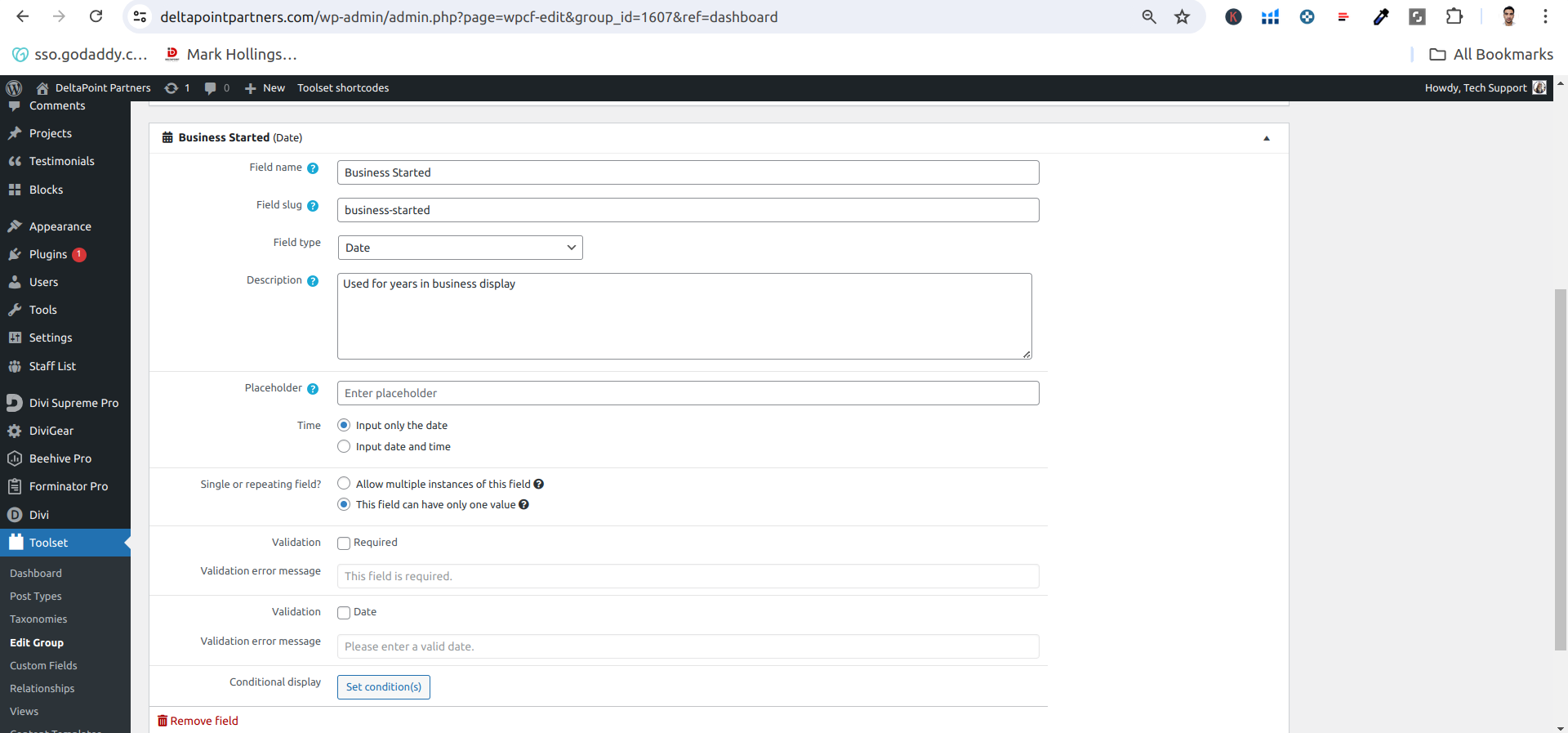
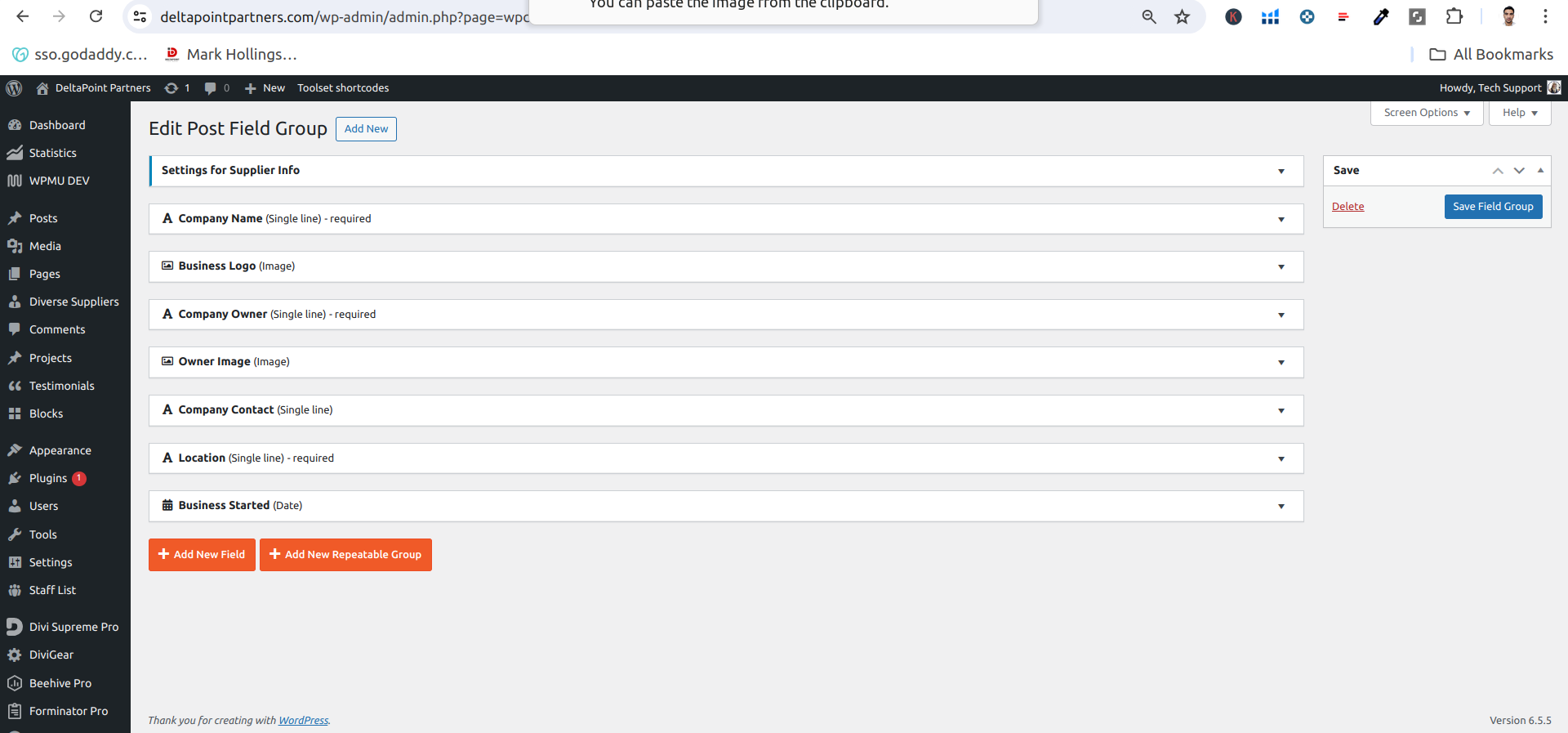
I checked it and I'm not able to find the custom field business-started under the group field shown in your screenshot.
I can go ahead and add this field and enter some data to test the date display but I thought it'd be better to check it with you first.
Was it some test you performed? Did you revert the site from a backup or something similar by chance?
Thank you, please let me know and I'll include the field.
Best,
Hi : ) Mateus : ) you didn't see custom field business-started under the group field because i removed it as the site has alot of traffic on daily basis and it is not good to some info missing. i did performed many tests but none worked,
we didn't reverted the site from backup and the error was showing from the begining, it happend by chance,.
Please go ahead and add this field and enter some data to test the date display
Thank you so much
I checked it and it looks like the template is configured within Divi.
To edit it I followed the steps:
- Go to Divi > Theme Builder
- Locate All Diverse Suppliers > Custom Body and click on Edit
- You'll see the template used for the Suppliers
When I was editing it, I replaced [calculate_date_diff] with [types field='started-business'][/types]
Obs.: I had to use the slug started-business since business-started had already been taken.
Now when I check the suppliers page, the date is being properly shown, can you please review?
Best,
Mateus