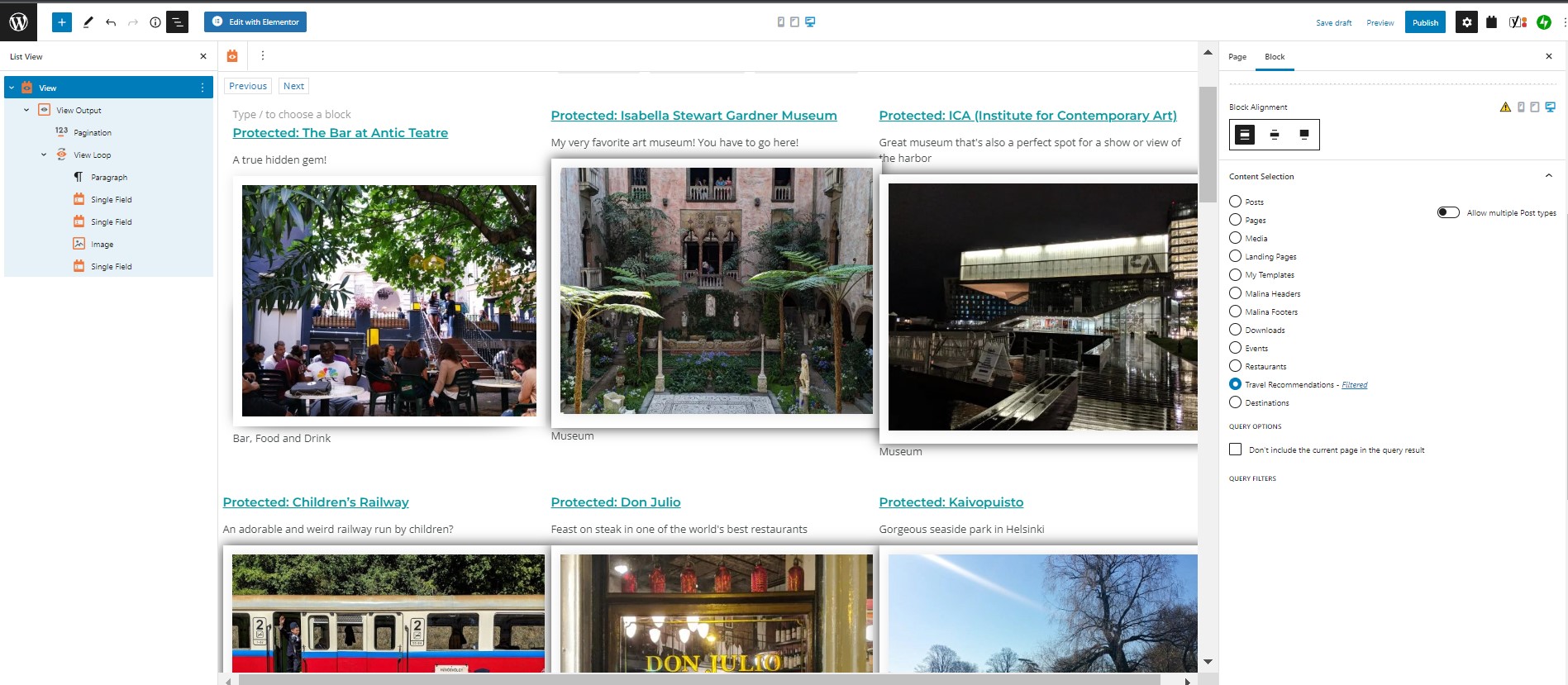
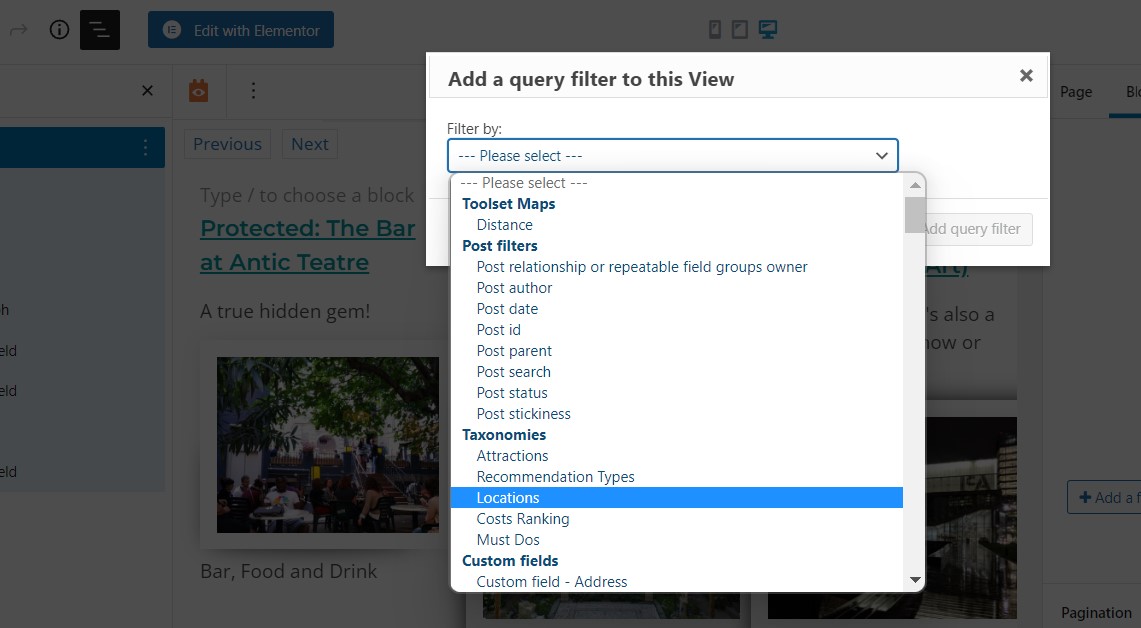
Tell us what you are trying to do?
I am trying to create a custom query in a view block. I can do the steps to create the query, but the query does not show up where it is supposed to.
Is there any documentation that you are following?
I've looked a quite a bit, including demo videos.
Is there a similar example that we can see?
It's part of one of the gym sets (with the stars)
What is the link to your site?
hidden link
The page with the view is not live, because it is not working.

Nigel
Supporter
Languages:
English (English )
Spanish (Español )
Timezone:
Europe/London (GMT+00:00)
Hi Sara
I wonder if you are mixing up a front-end search filter, and a back-end query filter?
From your screenshots it doesn't look like you are having any problems adding a query filter (for the locations taxonomy).
A query filter operates every time a page loads (e.g. you might have set up a query filter to only show posts located in London on the page where you are using this View).
That doesn't add a front-end filter control to the page where users can choose a location and have the results update.
For that you need to add front-end search filters.
With the View block selected, in the sidebar settings make sure that search is enabled (the Loop Wizard when you first create the View includes this setting, but you can add it later if needed).
Then in the View editor you'll see buttons to insert search filters.
Is that the problem you've been having?
Hi,
I am actually trying to only show certain locations in a view (so, for example, I want to create a View with only Boston locations, but then let my users search within those Boston locations). It's not letting me do that. I am clicking on the filter, but it is not showing up. It did for a little bit, and then it stopped (unfortunately, I do not have a screen grab of that).
Does that make sense?
Hello,
The problem is abnormal, please check these:
1) Make sure you are using the latest version of Toolset plugins, you can download them here:
https://toolset.com/account/downloads/
2) Also check if there is any PHP/JS error in your website:
https://toolset.com/documentation/programmer-reference/debugging-sites-built-with-toolset/
3) In case it is a compatibility problem, please deactivate all other plugins, and switch to WordPress default theme 2022, and test again
I'm so sorry, but I don't really know how to code, and every time something like this comes up, my site breaks. This is a product advertised to non-coders. Is there some plain language guide for how to do this.
I tried to disable my plugins, and it did not work. I have. I idea how to do option 2.
Please provide your website credentials + FTP/SFTP access in below private message box, also point out the problem page URLs, I need to test and debug in a live website, thanks