Hello. Thank you for contacting the Toolset support.
Can you please try to follow the following steps:
- Make sure that you are logged in toolset.com.
- Go to https://toolset.com/account/sites and delete the row containing the existing Key from the table by clicking the trash icon.
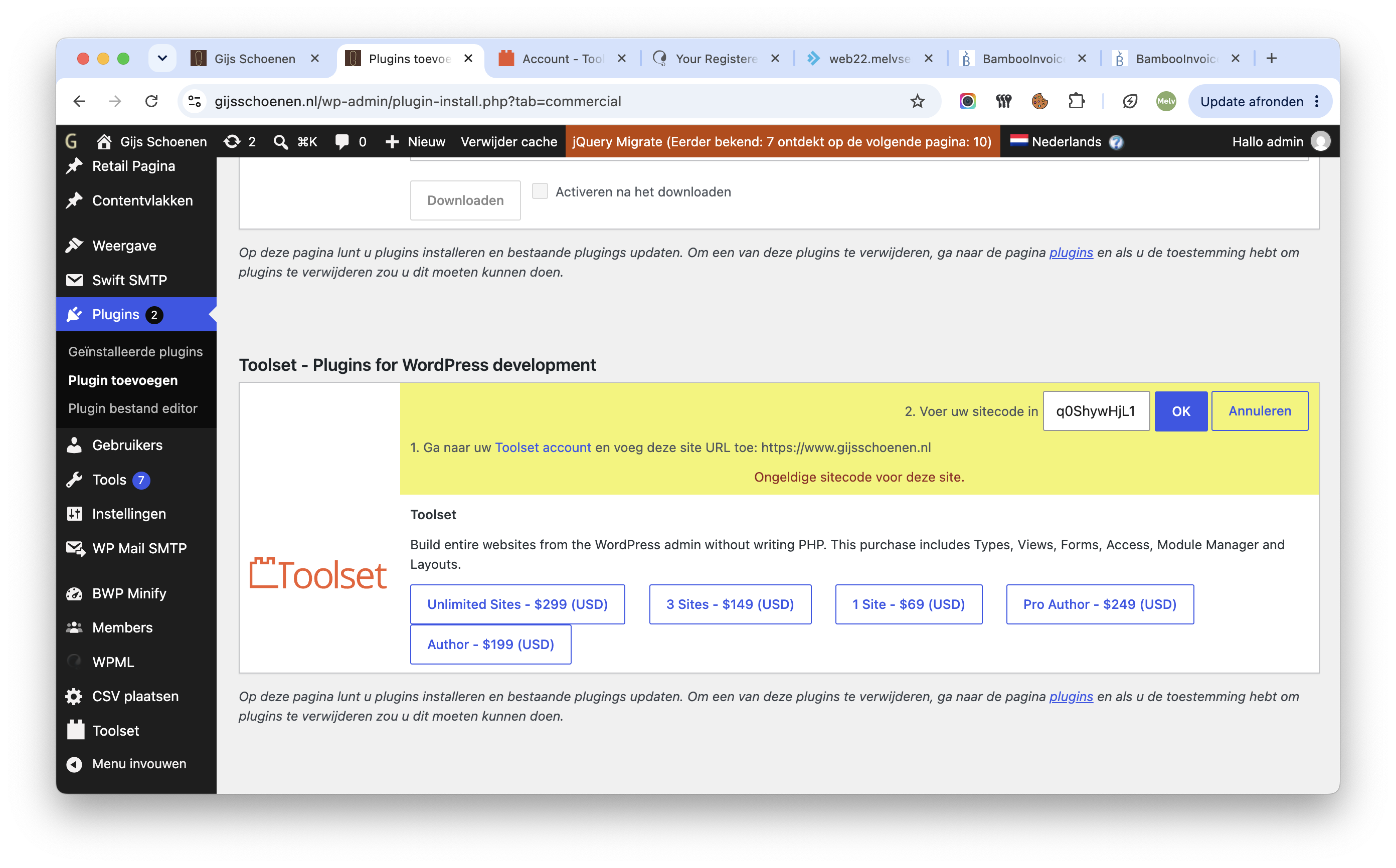
- Go to "WordPress Dashboard > Plugins > Add New > Commercial (Tab)".
- Click the "Unregister Toolset" link. (If it shows as registered, if not ignore this step)
- Click the "Register Toolset" at the right section of the screen.
- Click the "Get a key for this site" link annotated in the screenshot below.
- A new page will open up and the auto-generated key will show in pop-up.
- Copy the key and paste it into the "Site Key" input box annotated in the screenshot below.
- Click the "OK" button.
I'm having the exact same issue and have followed the steps in your reply and I just get an "Invalid site key for the current site." error.
I've tried to see how I can contact support directly on this but all of the support links go round in circles! If you can let me know an email address to contact I can send the details I'm used over so we can resolve it.
New threads created by Minesh and linked to this one are listed below: