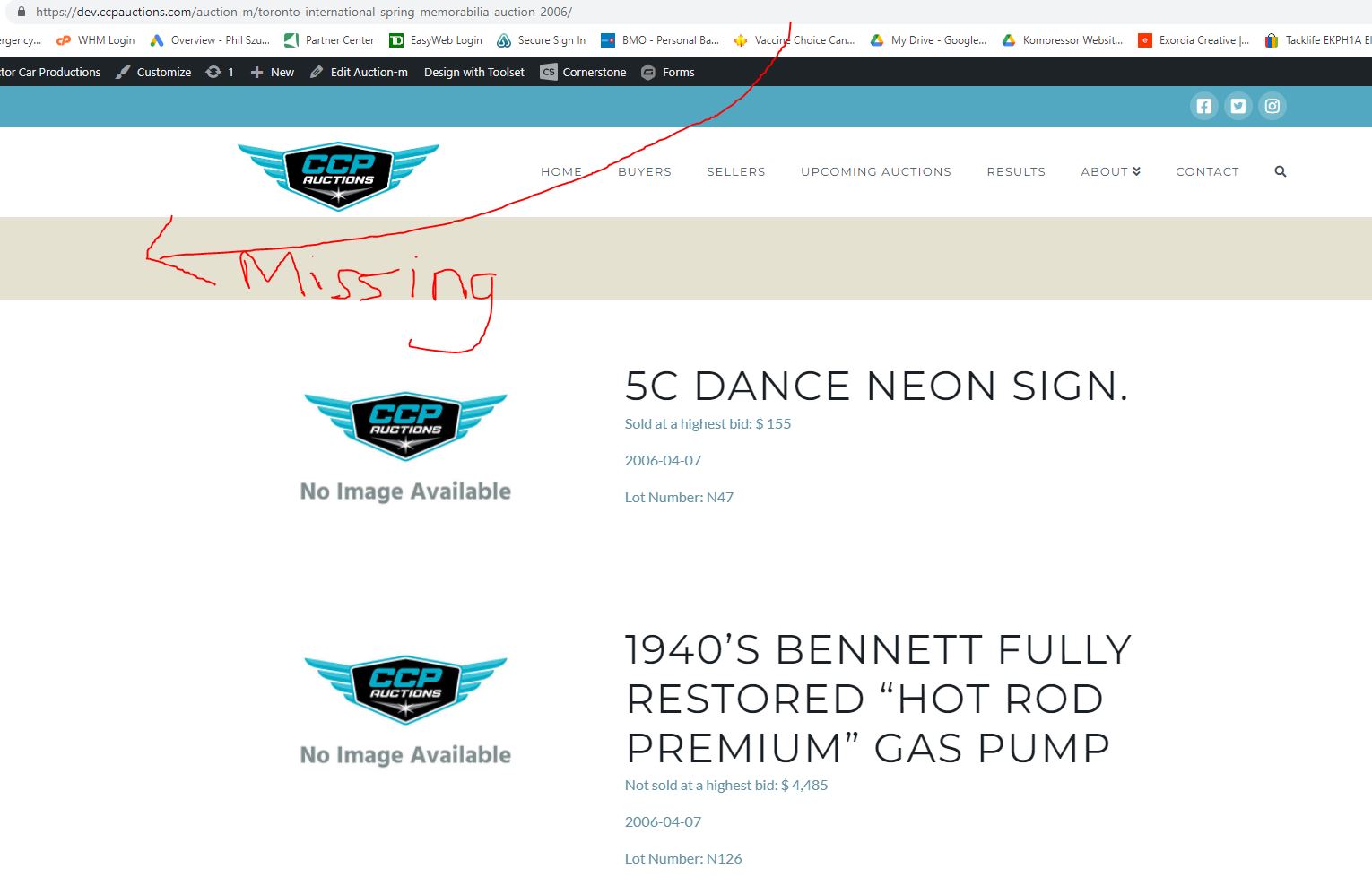
Toolset wordpress archives missing headline on inside page links.
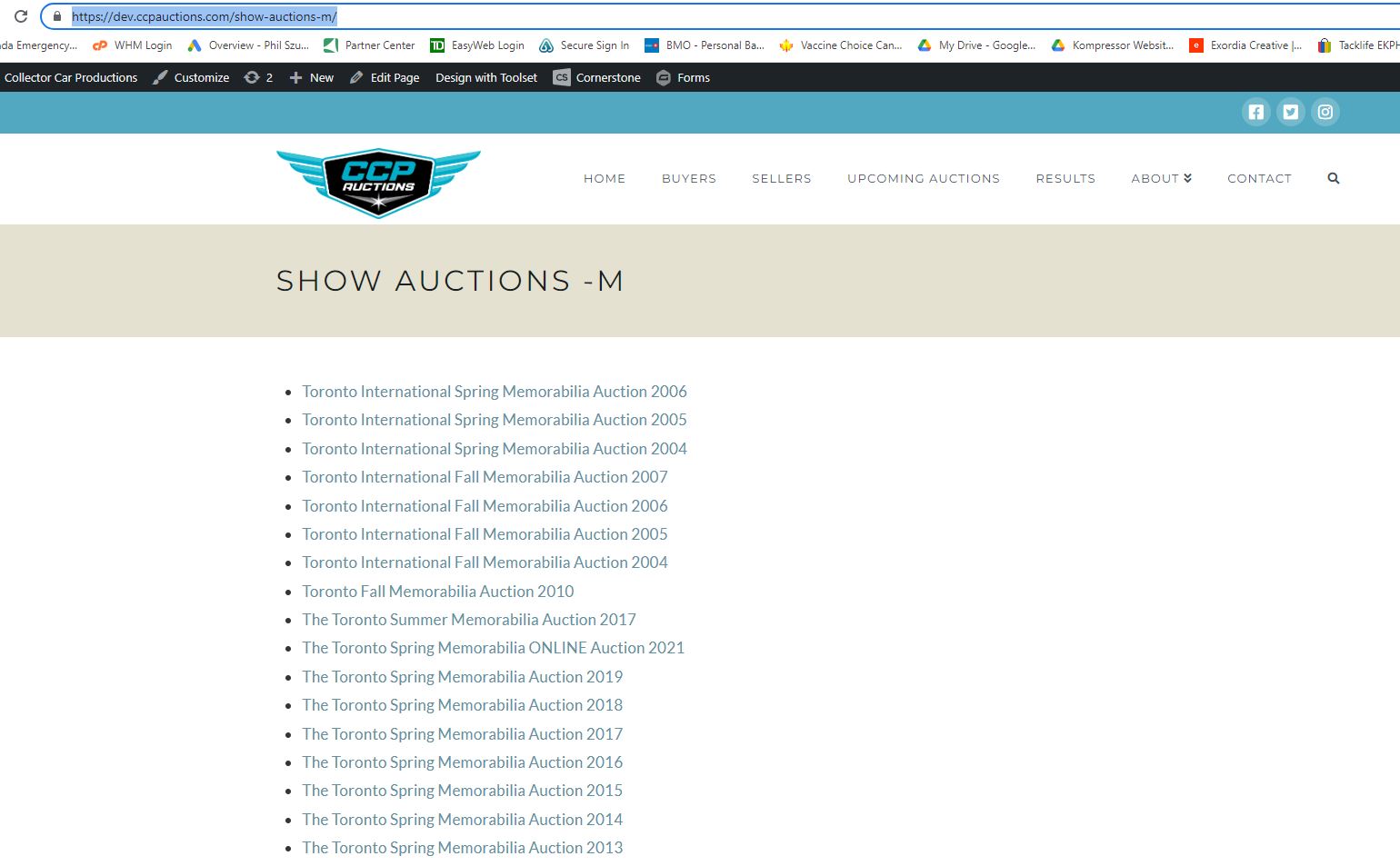
We are using the primary wordpress archives page. ( headline is present)
When you click on any of the inside page links the top page headline is missing ..
*note Page title is present along with URL
Is there an easy way to copy the data from the title and create a H1 headline that will only appear once at the top of the page?
Hello,
I assume we are talking this:
You are going to display a HTML H1 headline in the single post, if it is, you can follow our document to design the single post with Toolset content template:
https://toolset.com/course-lesson/creating-templates-to-display-custom-posts/
and use a heading block to output post title:
https://toolset.com/block-item/heading/
If you do not use Blocks editor, you can setup with HTML codes + shortcodes for example:
More help:
https://toolset.com/documentation/user-guides/views-shortcodes/#wpv-post-link
Thank you this helps... however when we have done this it inserts above each section in the loop. We would like it to appear once prior to the loop of results.
your thoughts?
To avoid misunderstandings, please elaborate the questions with more details:
We would like it to appear once prior to the loop of results.
Where and how do you want to display the H1 heading?
take some screenshot for what you want to achieve
Are you going to display the WordPress Archive page title? If it is, please try shortcode [wpv-archive-title], see our document:
https://toolset.com/documentation/programmer-reference/views/views-shortcodes/#wpv-archive-title
This shortcode displays the title of the WordPress archive page.
Just to clarify further .. we are try to add a h1 headline NOT on a direct output of the wordpress archive view but a toolset generated link that opens a second view and it is that page we are trying to change.
We are planning on using <h1>[wpv-post-link]</h1>
See snapshot main view and 2nd link view outlining issue.
Your help is greatly appreciated.
I found a work around by modifying the WP archives template however I was hoping there was a solution within toolset.
The screenshot you mentioned above:
https://toolset.com/wp-content/uploads/2022/04/2351979-2nd_link_view.jpg
Is it a WordPress archive page of custom post type/taxonomies?
If it is, Toolset WordPress Archive works only in the content area, it seams the "missing" area is out the range of content area, so you will need to customize your theme file, for example:
1) You can follow WP document to create a new theme file for the WordPress Archive page:
https://developer.wordpress.org/themes/basics/template-hierarchy/#custom-post-types
https://developer.wordpress.org/themes/basics/template-hierarchy/#custom-taxonomies
2) In the missing area, display what you want, if it is WordPress Archive page title, you can try WordPress function the_archive_title():
https://developer.wordpress.org/reference/functions/the_archive_title/
My issue is resolved now. Thank you for responding with clear detailed responses that are very helpful.
Much appreciated.