Skip Navigation

[Assigned] Migrate or Export and import toolset content and relationships

This is the technical support forum for Toolset - a suite of plugins for developing WordPress sites without writing PHP.

Everyone can read this forum, but only Toolset clients can post in it. Toolset support works 6 days per week, 19 hours per day.

Sun Mon Tue Wed Thu Fri Sat
- 10:00 – 13:00 10:00 – 13:00 10:00 – 13:00 10:00 – 13:00 10:00 – 13:00 -
- 14:00 – 18:00 14:00 – 18:00 14:00 – 18:00 14:00 – 18:00 14:00 – 18:00 -

Supporter timezone: Asia/Kolkata (GMT+05:30)

This topic contains 7 replies, has 1 voice.

Last updated by - 5 days, 19 hours ago.

Assisted by: Minesh.

Author
Posts
#2889133

I am in the process of a refresh of an existing site to a new dev environment.

I would like migrate (export/ import) the existing Views, Types and Post, including relationships and custom field content to the new development site.

I have tried the Toolset Export /import options along with the WP All Export / import plugins. All the posts was transferred and imported, including taxonomies, but the none of the toolset custom field content was populated in posts, neither connected to related posts types.

I noticed that the post ids are different from the existing site, but I'm not sure if that is the problem or any workaround to resolve this.

What the best way to do this?

#2889252

Minesh
Supporter

Languages: English (English )

Timezone: Asia/Kolkata (GMT+05:30)

Hello. Thank you for contacting the Toolset support.

I would like to know, do you want to migrate the whole development site to another domain - if yes:
- https://toolset.com/faq/how-do-i-migrate-a-wordpress-site-from-one-domain-to-the-other/

or, you want the specific post relationship, custom fields etc and you want just the defination of custom fields, post realtionship or content as well?

#2889955

Not the whole development, just the Post Types, Views, post relationships, custom fields, post content, etc. Really, just everything that is associated with the Toolset Types and Views and their content. I would also like to include images for those posts as well.

Thanks

#2889956

Minesh
Supporter

To migrate the post types, views etc..etc.. You can use the module manager, you can download it from here:
- https://toolset.com/download/toolset-module-manager/#changelog

Please note that you can able to only migrate the defination/structure of post type, views, content tempalte, custom fields etc..etc.. not the content.

Once you successfully migrate the struture for your required post types, views, content tmeplates, then you can use any of the following to import the content.
- https://toolset.com/course-lesson/how-to-import-content-into-wordpress-using-csv/

#2889958

Thanks Minesh, that's helpful information. I'll close the ticket for now. If I have run into any issues after giving it a try, I'll open another ticket.

Thanks again!

#2889959

Minesh
Supporter

Please check the following Doc as well:
- https://toolset.com/documentation/legacy-features/export-import/

#2890850
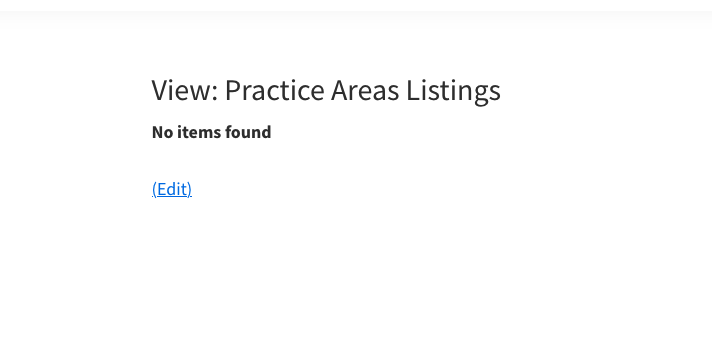
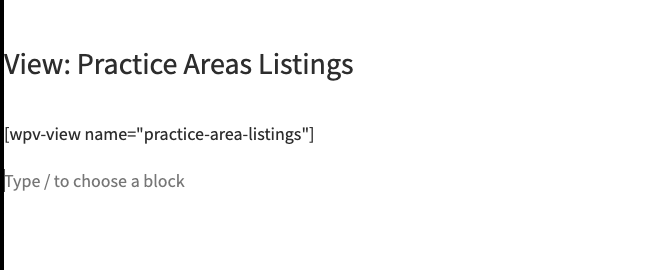
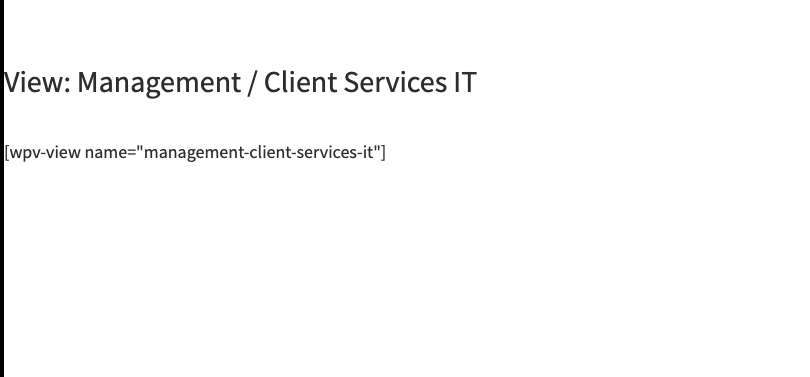
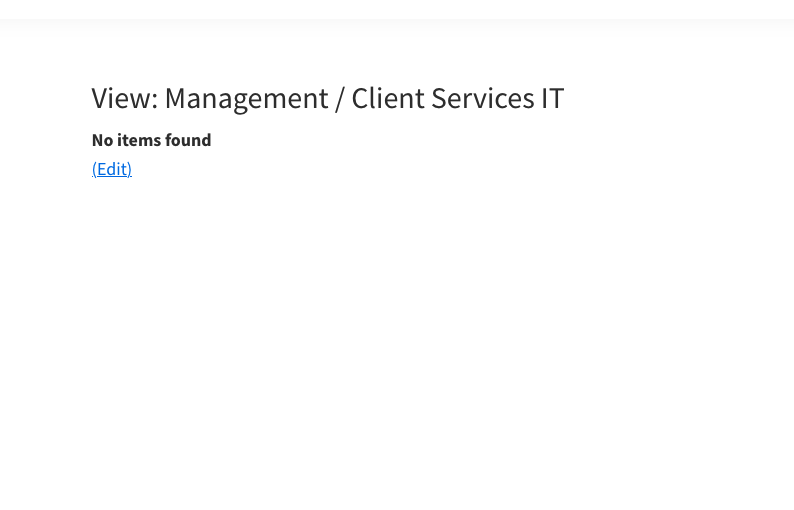
Screenshot 2026-10-31 at 1.25.17 PM.png
Screenshot 2026-10-31 at 1.24.58 PM.png
Screenshot 2026-10-31 at 1.11.41 PM.png
Screenshot 2026-10-31 at 1.11.33 PM.png

Hi Minesh,

I was able to import the setting and post content by using the combination of Toolset export/import settings and the WP Importer plugin.

Do you know what would cause certain Views to display "no items found" even thought there are posts for post type of the Views? So far only two of the Views shows post content. About 6 of my Views shows "no content found".

#2893869

Hi Minesh, Just following up on this, Any help?