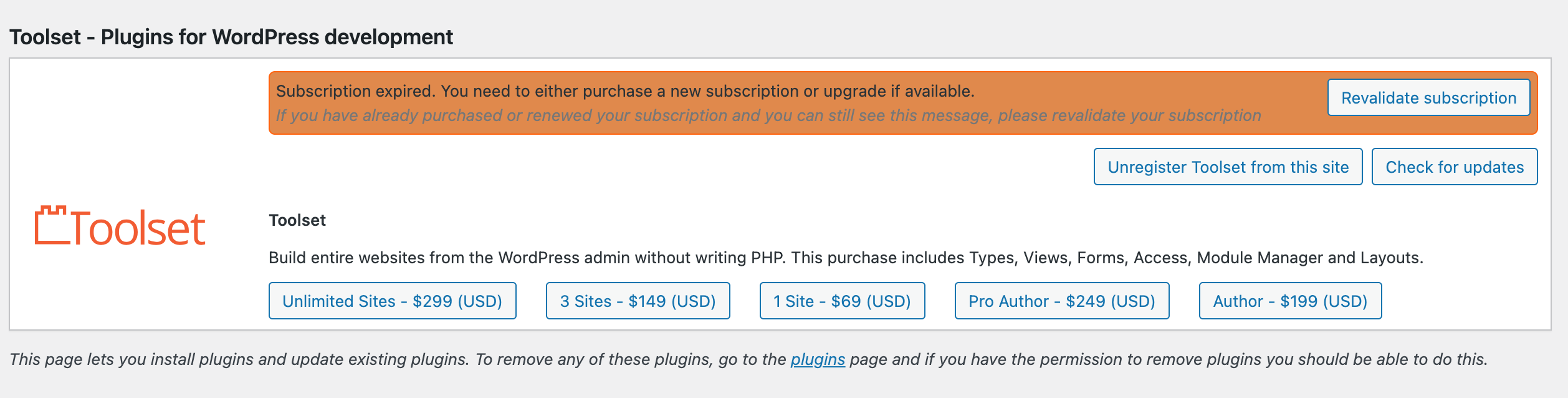
I am trying to: update the plugin
Link to a page where the issue can be seen: hidden link
I expected to see: green "Up to date"
Instead, I got: Subscription expired. You need to either purchase a new subscription or upgrade if available.
If you have already purchased or renewed your subscription and you can still see this message, please revalidate your subscription
Hi,
Welcome to Toolset support. Would you please follow the steps below?
- Make sure that you are logged in toolset.org.
- Go to "WordPress Dashboard > Plugins > Add New > Commercial (Tab)".
- Click the "Unregister Toolset from this site" link. (Your data will be safe)
- Click the "Register Toolser" at the right section of the screen.
- Click the "Get a key for this site" link annotated in the screenshot below.
- A new page will open up and the auto-generated key will show in pop-up.
- Copy the key and paste it into the "Site Key" input box annotated in the screenshot below.
- Click the "OK" button.
Thanks.