Hi, my site is broken.
I have a custom post type "Offer" with a custom field "type". Now I want to display the different types of offer on different pages. e.g. a page "Services" with type=service and a page "Workspace" with type=workspace. For the rest, the views should be the same, and changes should be applied to all its instances.
With tradition views, I would simply create a view with a shortcode-based query.
How does this work with Blocks?
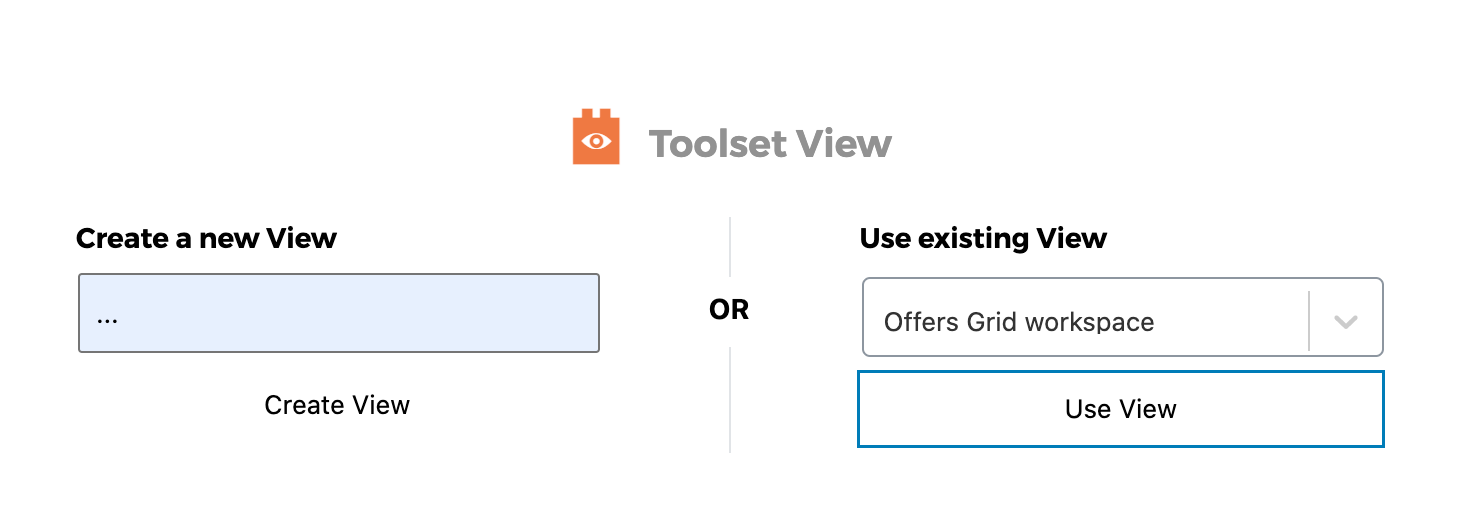
What I did now was to create the first view directly in the first page. then duplicated the page and adopted the query.
That was obviously a bad idea, because now the query in the original page changed as well.
I then found a support ticket https://toolset.com/forums/topic/how-to-duplicate-view-and-template/#:~:text=To%20duplicate%20a%20Views%20Block,edit%20this%20new%20view%20independently. that mentions "Instead of selecting edit as original, you will select edit as copy." So I copy and inserted the view into my page, but could not find anywhere a "edit as copy" button.
Instead, I am now experiencing "There has been a critical error on this website" whenever I try to edit a page :-((
Error Details
=============
An error of type E_ERROR was caused in line 896 of the file /home/abstract/www/strongertogether.ch/wp-content/plugins/toolset-blocks/vendor/toolset/dynamic-sources/server/DynamicSources.php. Error message: Maximum execution time of 30 seconds exceeded
How do I get out of it, and what would be the right way of achieving what I want?
Hello,
When you say variant, i'm assuming that you're referring to creating a copy of the Block view ?
If so then this can be done when you're inserting the already created block view onto another page.
Instead of editing it as the original you will select to edit it as a copy.
Please let me know if this helps.
Thanks,
Shane
Hi Shane
Thank you for your reply.
What I really want to create is something that formerly was a view with a shortcode-based query: A View which I can put on different pages and set the type of data to be displayed through a query in the shortcode.
However I would already be happy now to have my site working again, and to allow me to create a copy of my View which I can adopt.
But right now all pages that include the View I generated in Blocks editor and then duplicated are broken – simply by adding the View a second time, looking for the "edit it as a copy" button.
You too mentioned this "Instead of editing it as the original you will select to edit it as a copy". Unfortunately this doesn't help. As I wrote in my enquiry already, I could not find anywhere a "edit as copy" button. Where is this button everybody's talking about?
(after getting an idea how to make the View work again)
Thanks, Claudius
The pages with the view in question are:
hidden link
hidden link
They both are broken, also in the frontend :-S
Hi Claudius,
What I really want to create is something that formerly was a view with a shortcode-based query: A View which I can put on different pages and set the type of data to be displayed through a query in the shortcode.
The best way to do this is by creating your view with the classic editor as it allows you to create the filters a bit easier. It is possible to do with the Block editor and call the view using its shortcode but I believe it's simpler to use the classic editor for this.
But right now all pages that include the View I generated in Blocks editor and then duplicated are broken – simply by adding the View a second time, looking for the "edit it as a copy" button.
Not sure why you're not seeing this option as it should appear on the view as soon as you click the existing view to add to the page. Can you record the process so that I can see what happens for you.
Thanks,
Shane
Hi Shane,
I have now created the view with the classic editor and inserted it into the different pages – new pages though. So this now seems to work.
The two above-mentioned pages (hidden link, hidden link) on the other hand were still broken – I couldn't even trash them from the admin pages overview (not to mention trying to edit them), always getting a "critical error". This makes me worry…
Hello,
I see where this page below is no longer there.
hidden link
Secondly this page below is currently displaying fine. Can you explain the error in a bit more detail ?
hidden link
Is it that you're not able to delete both pages ?
I see where you had mentioned this error below.
Error Details
=============
An error of type E_ERROR was caused in line 896 of the file /home/abstract/www/strongertogether.ch/wp-content/plugins/toolset-blocks/vendor/toolset/dynamic-sources/server/DynamicSources.php. Error message: Maximum execution time of 30 seconds exceeded
The problem here is that your server is timing out before the page can finish loading. I recommend increasing the maximum execution time of your server. To do this please follow the instructions in the link below.
Method 1: Edit file wp-config.php:
Add the following to wp-config.php:
set_time_limit(300);
Method 2: Edit file .htaccess:
Make sure you back up .htaccess before you edit it.
Add the following to .htaccess:
php_value max_execution_time 300
Method 3: Editing php.ini
Add the following to php.ini:
max_execution_time = 300
Please let me know if this helps.
Thanks,
Shane