how do i style (select smaller size) for a featured image field, in a toolset post archive template?
1- for example: i want to use the full size of the featured image field on a post– but i want to use a smaller size for the same featured image field, when the post is displayed on an archive page– like for categories or tags.
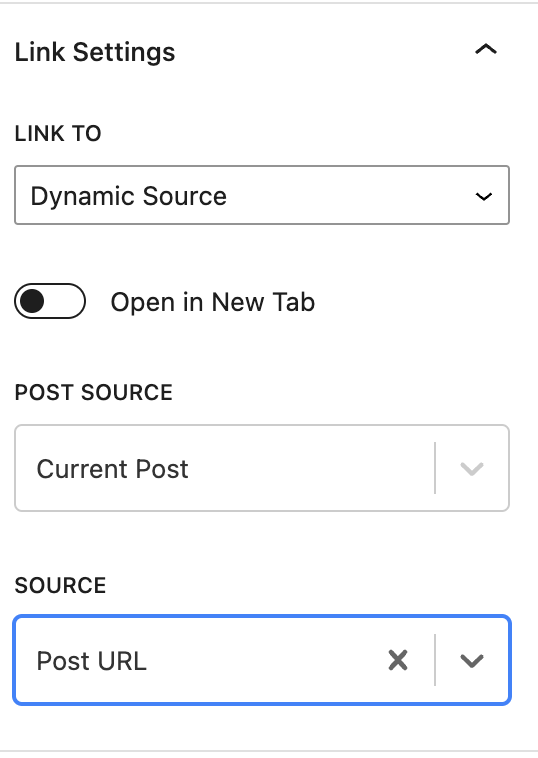
2- i also want to make the image link to the post, in an archive template.
3- of course (if possible) i would like the smaller featured image displayed on a post archive to actually be a smaller version– not just the same full size image, that has been resized with CSS.
any links or assistance that you could provide on this issue would be appreciated!
Hi there,
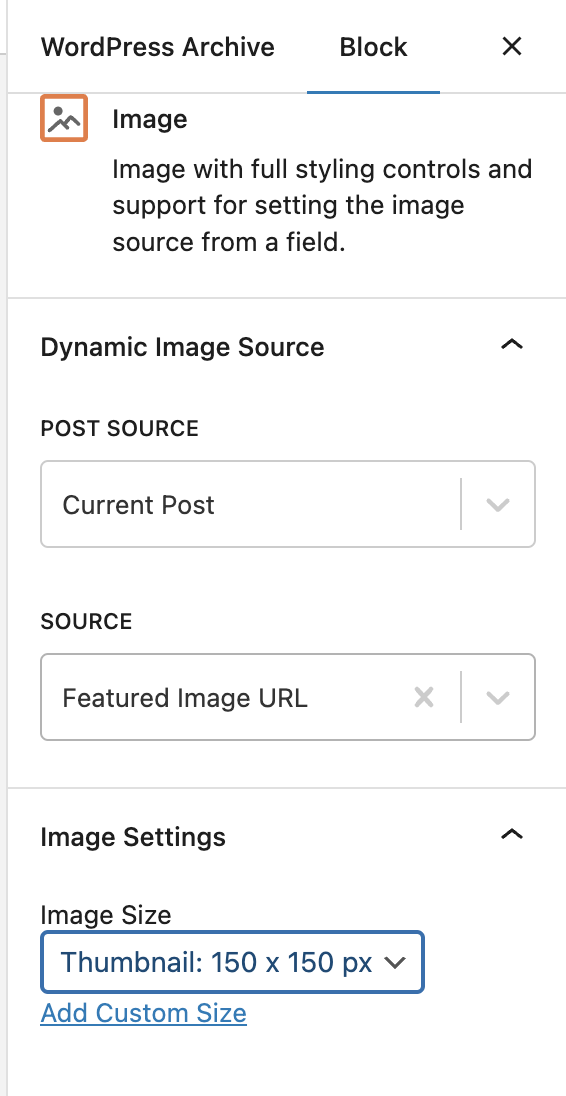
In the WordPress Archive creation page in Toolset, you can use the Toolset Image block to add the Featured image.
Use the settings below:
Post Source: Current Post
Source: Featured Image URL
Image Settings, Image Size:
Thumbnail (Check the screenshot)
For more information:
https://toolset.com/course-lesson/creating-a-custom-archive-page/
You can also create a custom size by clicking the custom size link below the size option.
On the same settings in the sidebar for the Toolset Image block if you scroll down you will see a section called LINK SETTINGS.
Use that option to add a dynamic source to the post URL and it will make the Featured Image link to the single post. (Check the other screenshot)
Do the same for the template you use for the single post and add a larger size using the Toolset Image block. (The one with the Orange Logo)
For more information:
https://toolset.com/course-lesson/creating-templates-to-display-custom-posts/
Thanks.