Tell us what you are trying to do? I'm building a Newsletter post type. I figured out how to create a content template that shows my related posts, but I don't know how to put it into the theme builder template so that I can style it with Divi
Is there any documentation that you are following? hidden link
Is there a similar example that we can see? no
What is the link to your site? hidden link
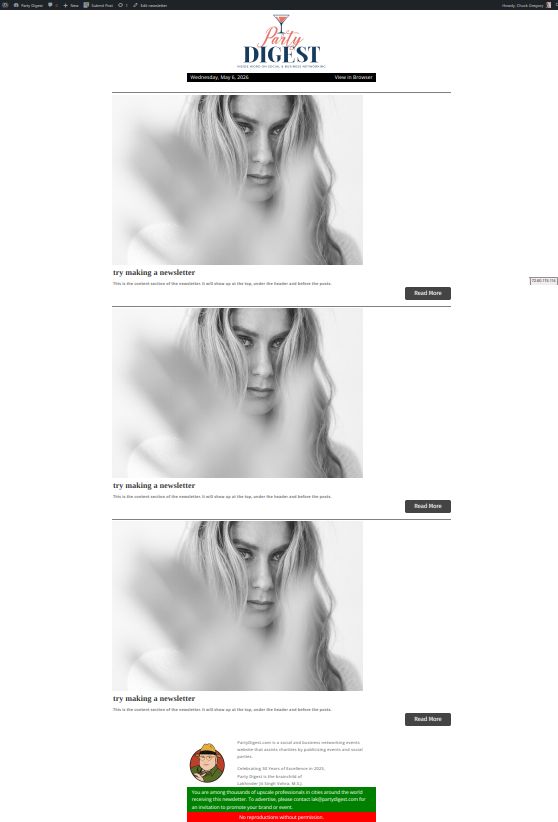
I've tried this with and without a body template in the Divi Theme Builder. Attached are two screenshots showing the results of the two methods.
Using body template: I get three copies of the newsletter body instead of the output from the content template. I could style this using Divi (adjust the max width, for example) but it's the wrong content so I didn't bother.
Without body template: I get something closer to what I want but I can't style it in Divi. The things that are wrong: sidebar area was added, title, meta, and featured image were added, I can't adjust width in Divi.
But the thing is that there is many compatibility issues with the release of Divi 5. I strongly recomond that instead of Divi you should go with the Toolset content template and build it using blocks or classic mode instead.
I realized that I could use the Divi FilterGrid plugin, which was already installed on this site, to implement the display I needed. There's a custom query option that works perfectly.
Here's the code I added (you'll notice a few things commented out that I needed while getting it to work):
/* custom query for filter grid for newsletters */
function dp_dfg_custom_query_function($args, $props) {
// print_r($props);
/* get the current post id */
$nlpostid = $props['the_ID'];
// $nlpostid = '987457465';
//echo 'nlpostid ='.$nlpostid.' ';
/* Now get the newsletter_items */
$nlitems = toolset_get_related_posts(
$nlpostid,
'newsletter-post',
[
'query_by_role' => 'parent',
'orderby' => 'item-order',
'order' => 'ASC'
]
);
// $args['post__in'] = '';
if ( $nlitems ){
$loopindex = 0;
foreach ( $nlitems as $nlitem ){
$args['post__in'][$loopindex++] = $nlitem;
}
}