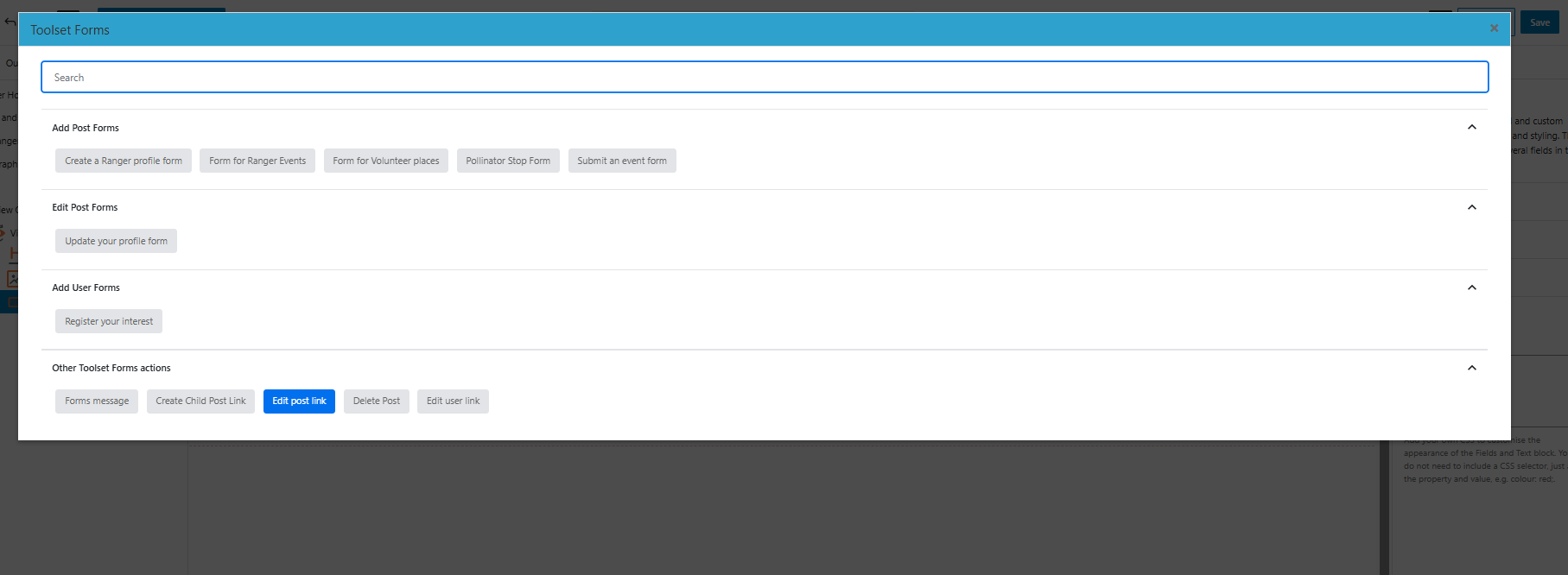
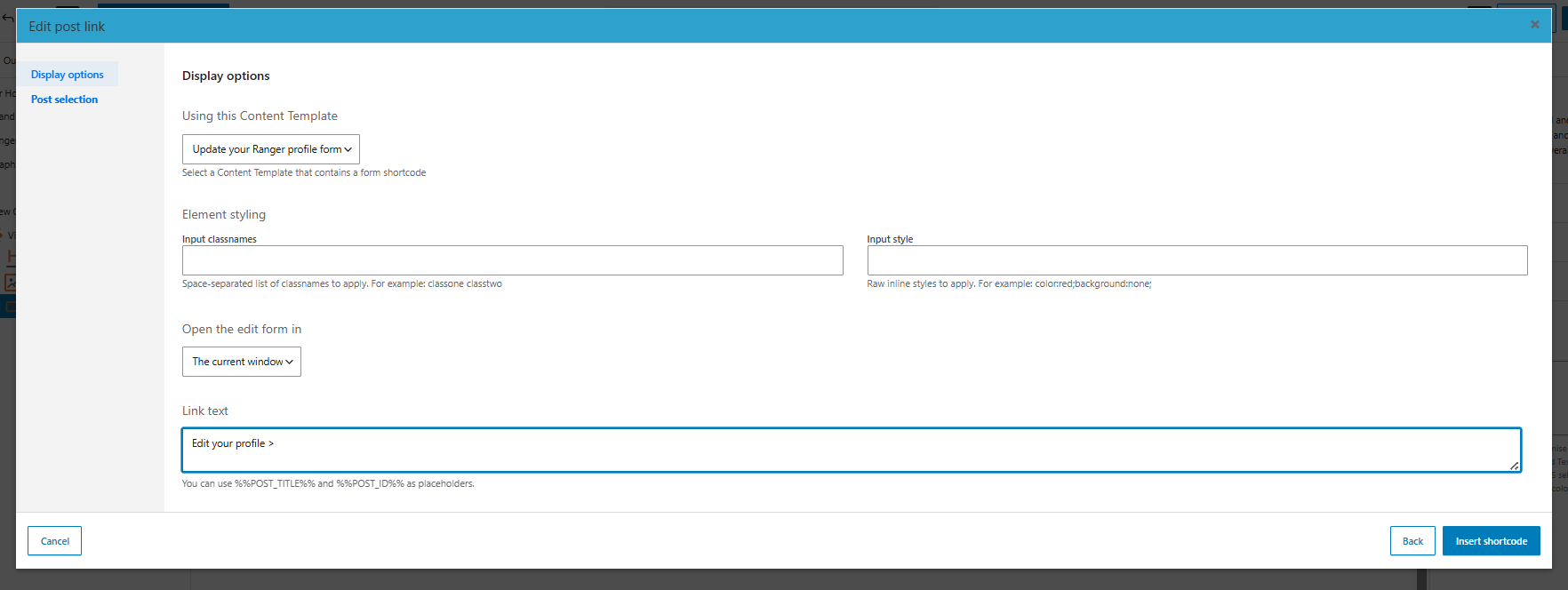
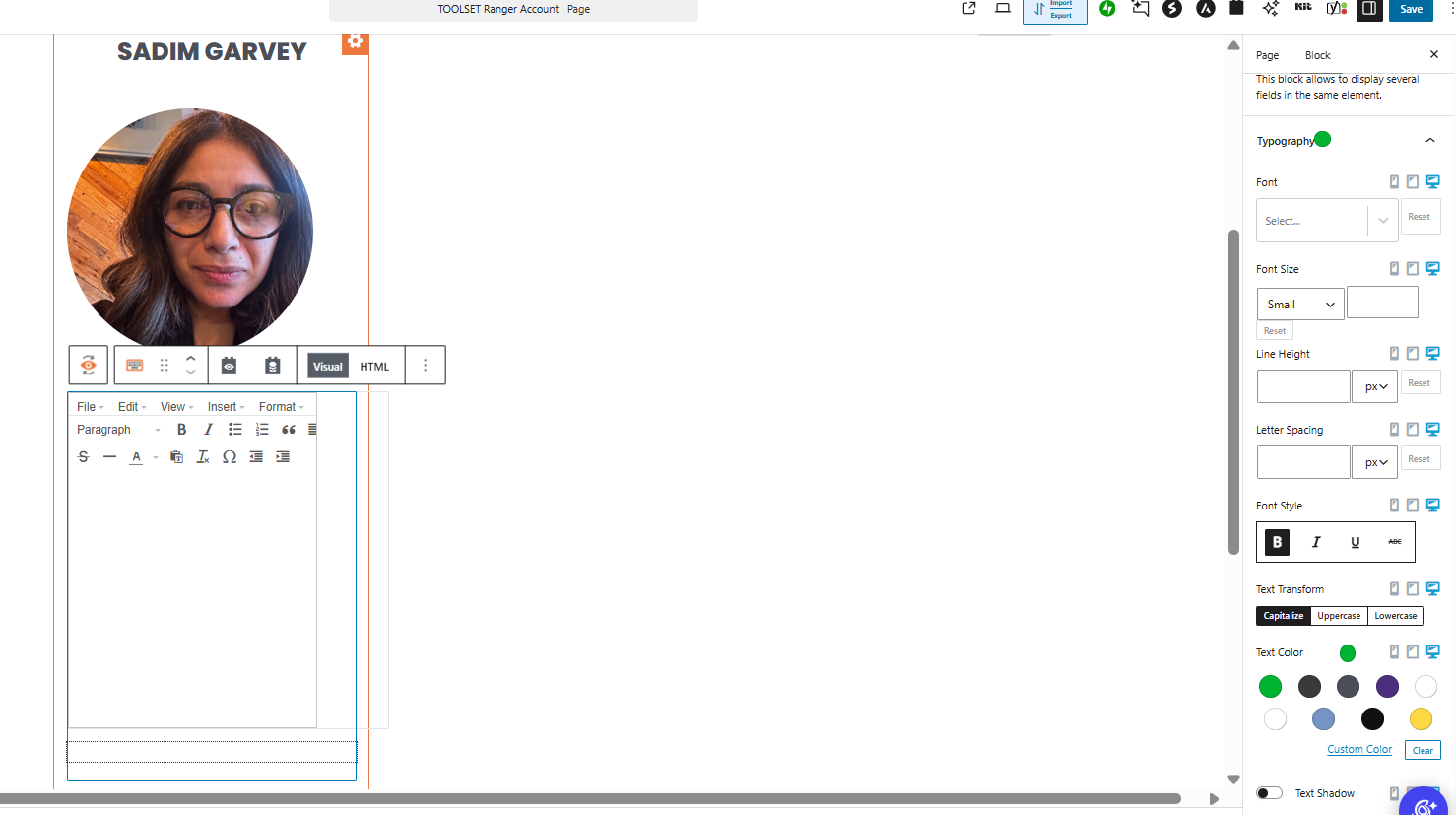
the form link to ' update content is not working, I have followed the instructions in this page and the shortcode will not apply. forms of any nature all seem to be not wotrking for me today. tried to create a new log in page for a new user group, the login form would not attach to the page.
Please can someone look into this for us
Hi,
Welcome to Toolset Support. Could you please make sure that you have the latest versions of the Toolset plugins and test for any JavaScript conflicts?
Steps for updating
- IMPORTANT: Create a backup of your website. An even better approach would be to perform these steps on a copy or staging version of the website to avoid disrupting the live site.
- Go to "WordPress Dashboard > Plugins > Add New > Commercial."
- Click the "Check for Updates" button.
- Update Toolset and its add-ons.
Steps for testing a JavaScript conflict
- IMPORTANT: Create a backup of your website. An even better approach would be to perform this test on a copy or staging version of the website to avoid disrupting the live site.
- Switch to a default theme, such as Twenty Twenty, by going to "WordPress Dashboard > Appearance > Themes."
- Go to "WordPress Dashboard > Plugins" and deactivate all plugins except:
- Toolset Types
- Toolset Blocks/Views
- Toolset Forms
- Check whether you can still reproduce the issue.
- If not, reactivate the plugins one at a time and check for the issue after activating each one to identify the plugin causing the problem.
Hi Chris,
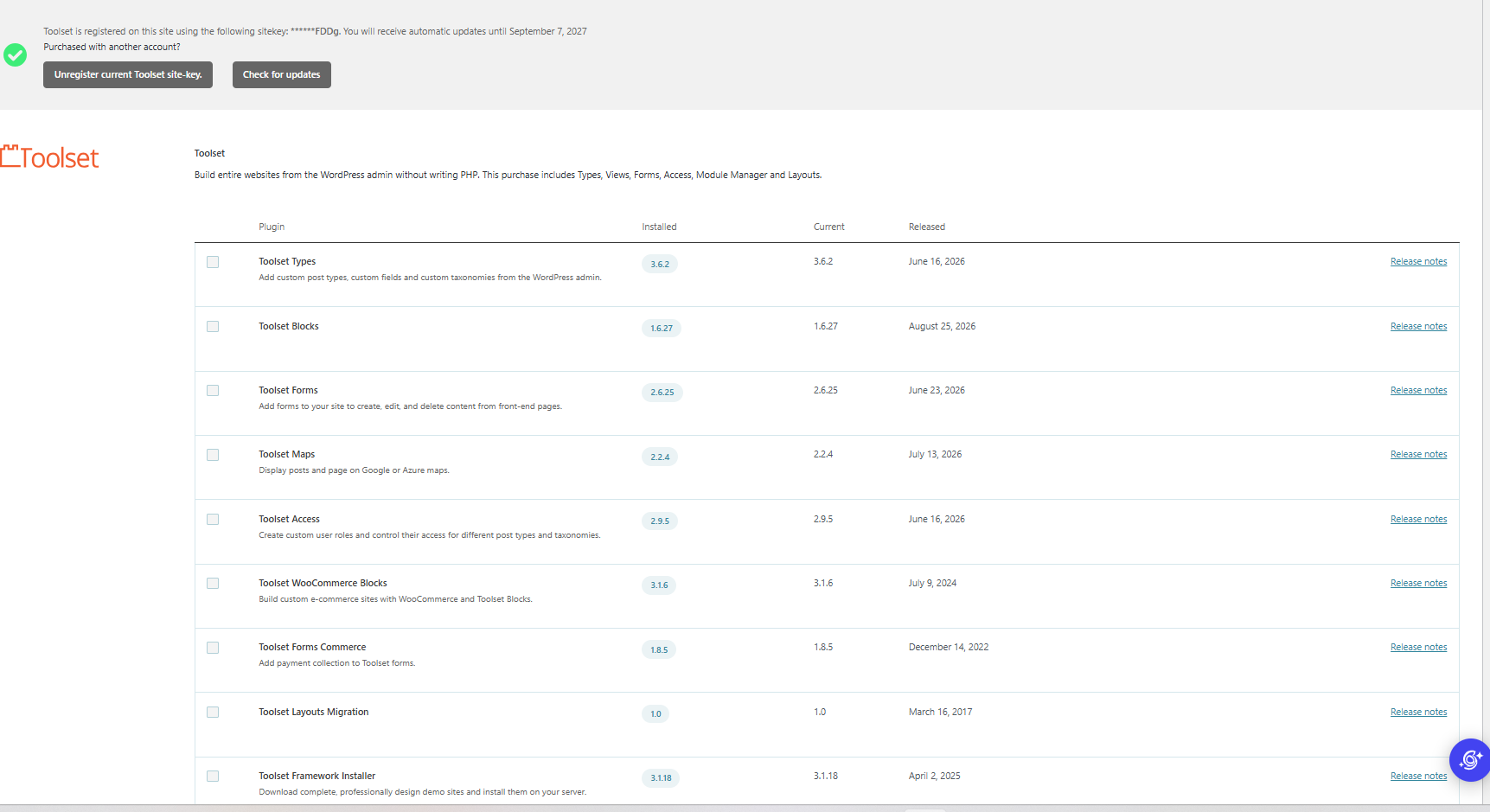
How do i know what needs updating? is it everything that is listed? also, I cant tick the boxes next to each plugin at all.
Hi,
Thank you for the screenshot. You already have the latest version of the website. Please proceed with the JS conflict steps.
Thanks.