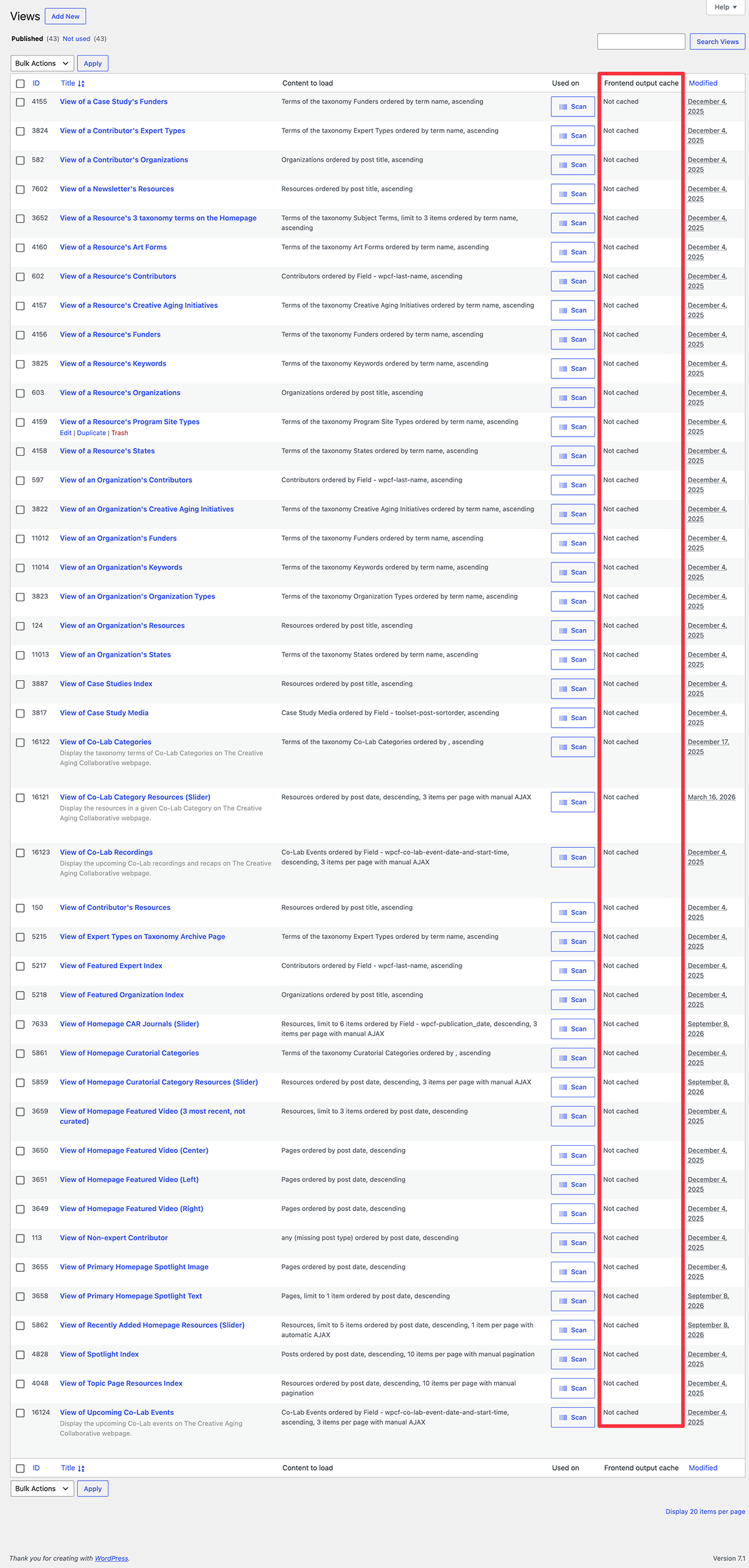
We have an older site using the legacy Toolset Views, Toolset Layouts, and Toolset Types plugins. On the Toolset > Views screen in the dashboard, we noticed that none of our Views are cached. Please refer to the attached screenshot. (We may have disabled this but do not remember.)
Is there a way to enabling caching of Views? We searched the general Toolset settings at Toolset > Settings in the dashboard and the configuration for a couple of our Views but didn't see a way to enable caching.
Thank you for your reply. Instructions for adding the attribute are clear.
One obstacle to adding the attribute is that the content is located in a Layout which references View cells. In other words, there's no accessible shortcode to modify. Please refer to this screencast:
hidden link
Should I attempt to replace these View cells with Visual Editor cells into which I can insert shortcodes with the desired "cache" attribute? In other words, how can I enable the cache for View cells?
Exactly - you can try to do that and try to replace one of the view cell and add shortcode for that view cell using visual editor cell and see if you able to see it working.