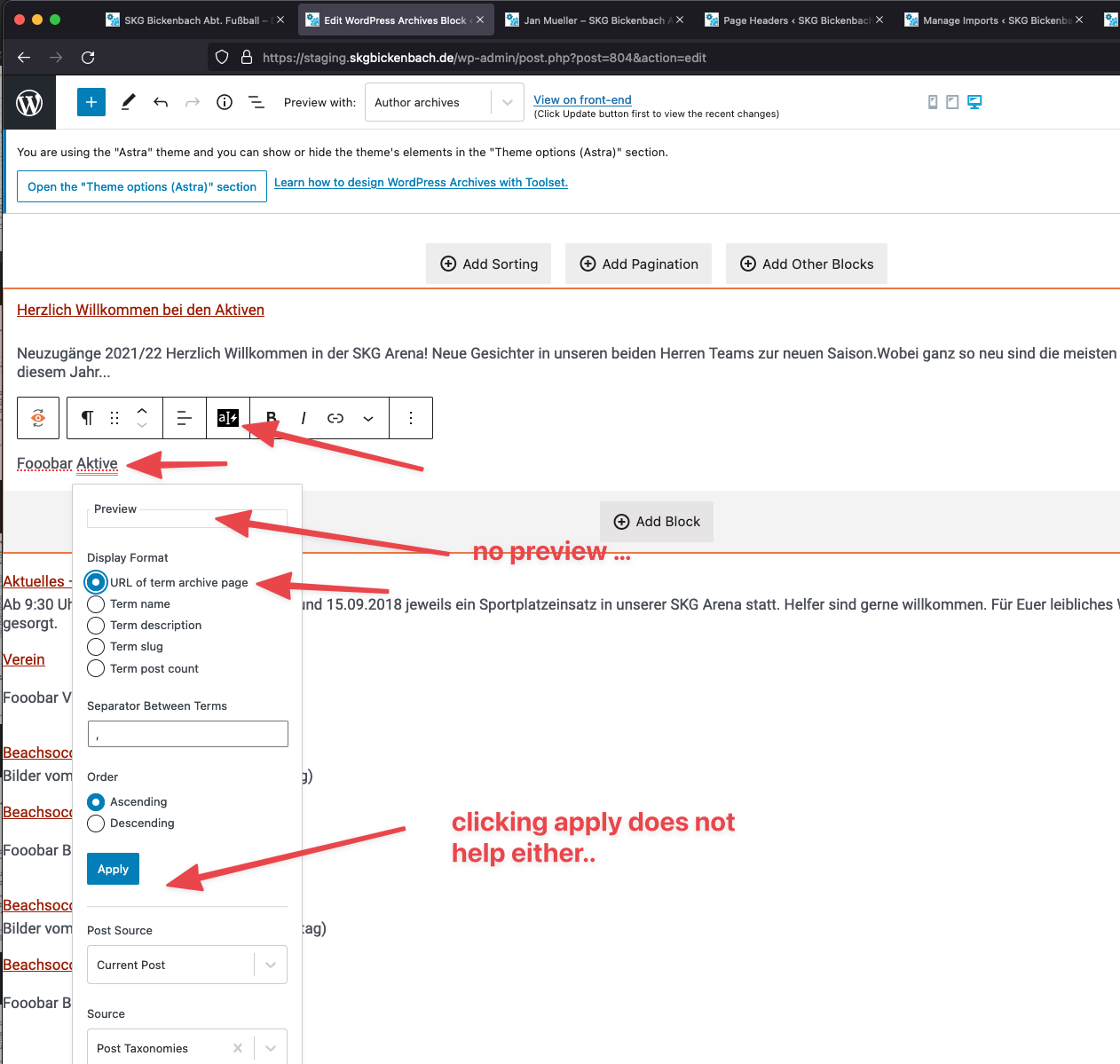
I am trying to: change the display format of an "inline field" inside a view to type "URL for term archive page". I tried with field "Categories" as well as "Tags" from the post taxonomies source of a the current post in the view.
Link to a page where the issue can be seen: -- dev
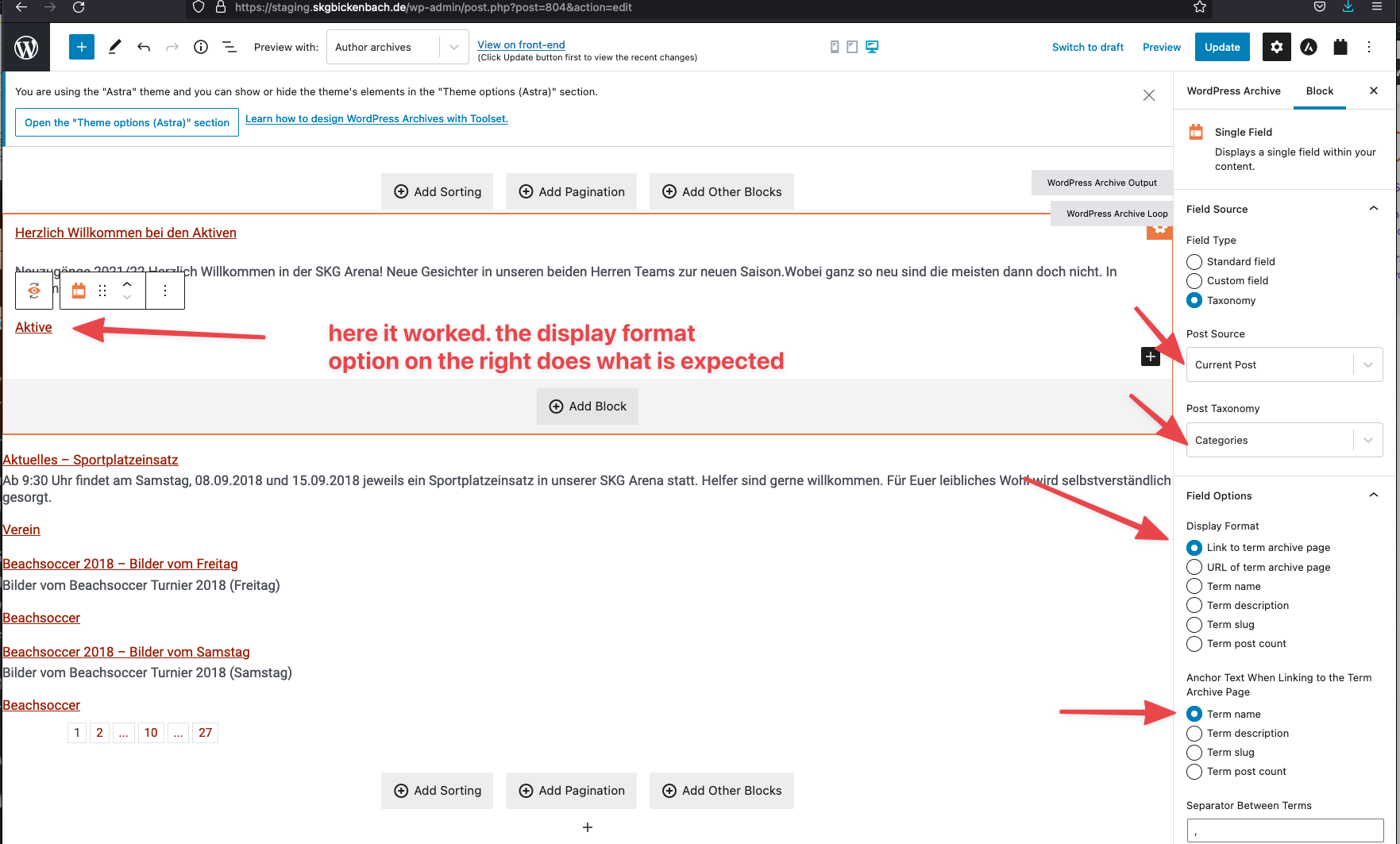
I expected to see: I expect it to work the same way as it works if I do not pick an inline field but instead a field of type "single field". When I pick the display format there it works.
Instead, I got: Instead nothing happens; it ignores that I picked that option or even removes the content from the page for no reason.
Hello,
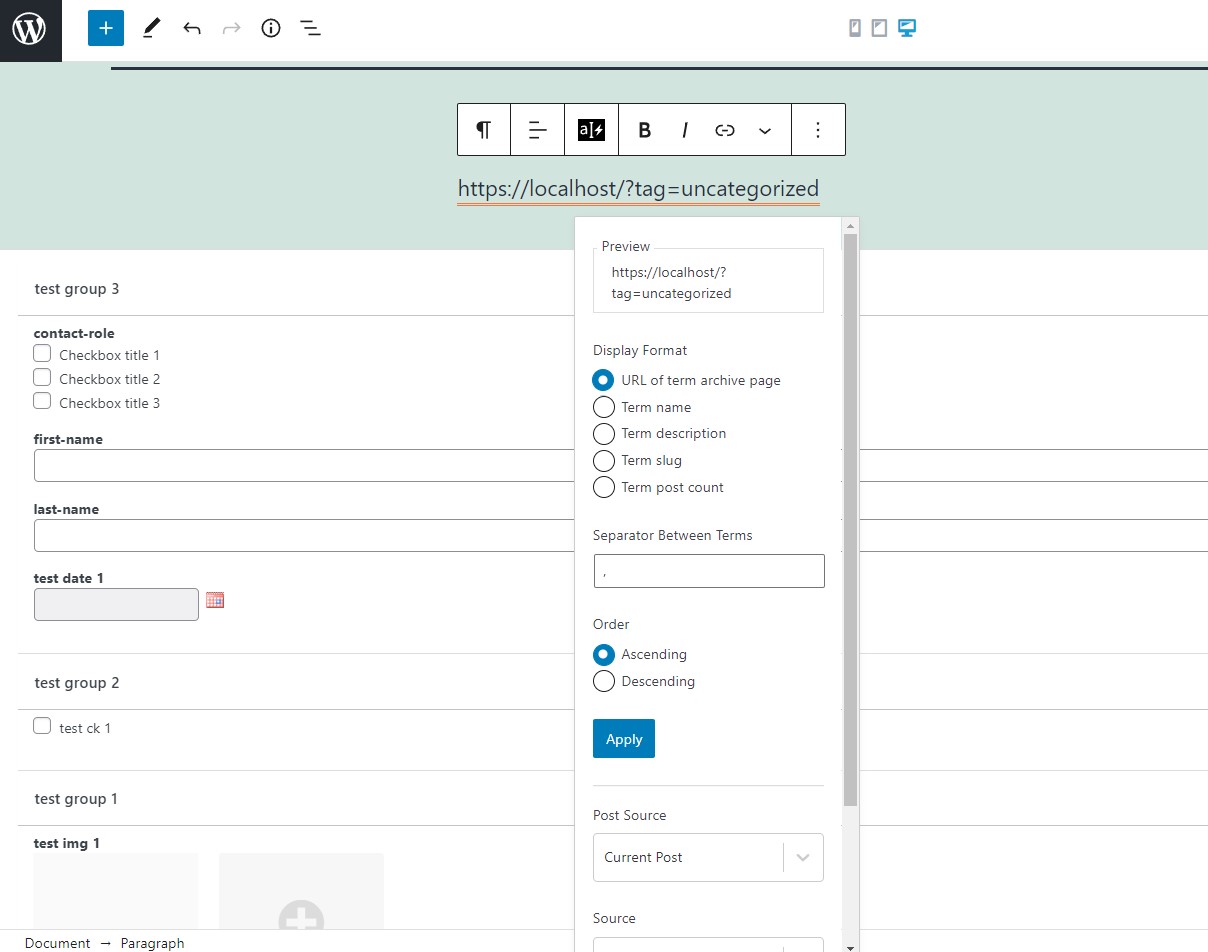
I have tried it in my localhost with a fresh WP installation + the latest version of Toolset plugins, it works fine, see my screenshot display-format.JPG.
So the problem you mentioned above is abnormal, please check these:
1) In case it is a compatibility problem, please deactivate all other plugins, and switch to WordPress default theme 2021, deactivate all custom PHP/JS code snippets, and test again
2) Also check if there is any PHP/JS error in your website:
https://toolset.com/documentation/programmer-reference/debugging-sites-built-with-toolset/
3) If the problem still persists, please provide database dump file(ZIP file) of your website, you can put the package files in your own google drive disk, share the link only, also point out the problem page URL and view URL, I need to test and debug it in my localhost, thanks
https://toolset.com/faq/provide-supporters-copy-site/
And there is a simple workaround, you can use shortcode [wpv-post-taxonomy] to display term's information, for example:
[wpv-post-taxonomy type="category" separator=", " format="url" order="asc"]
More help:
https://toolset.com/documentation/programmer-reference/views/views-shortcodes/#wpv-post-taxonomy