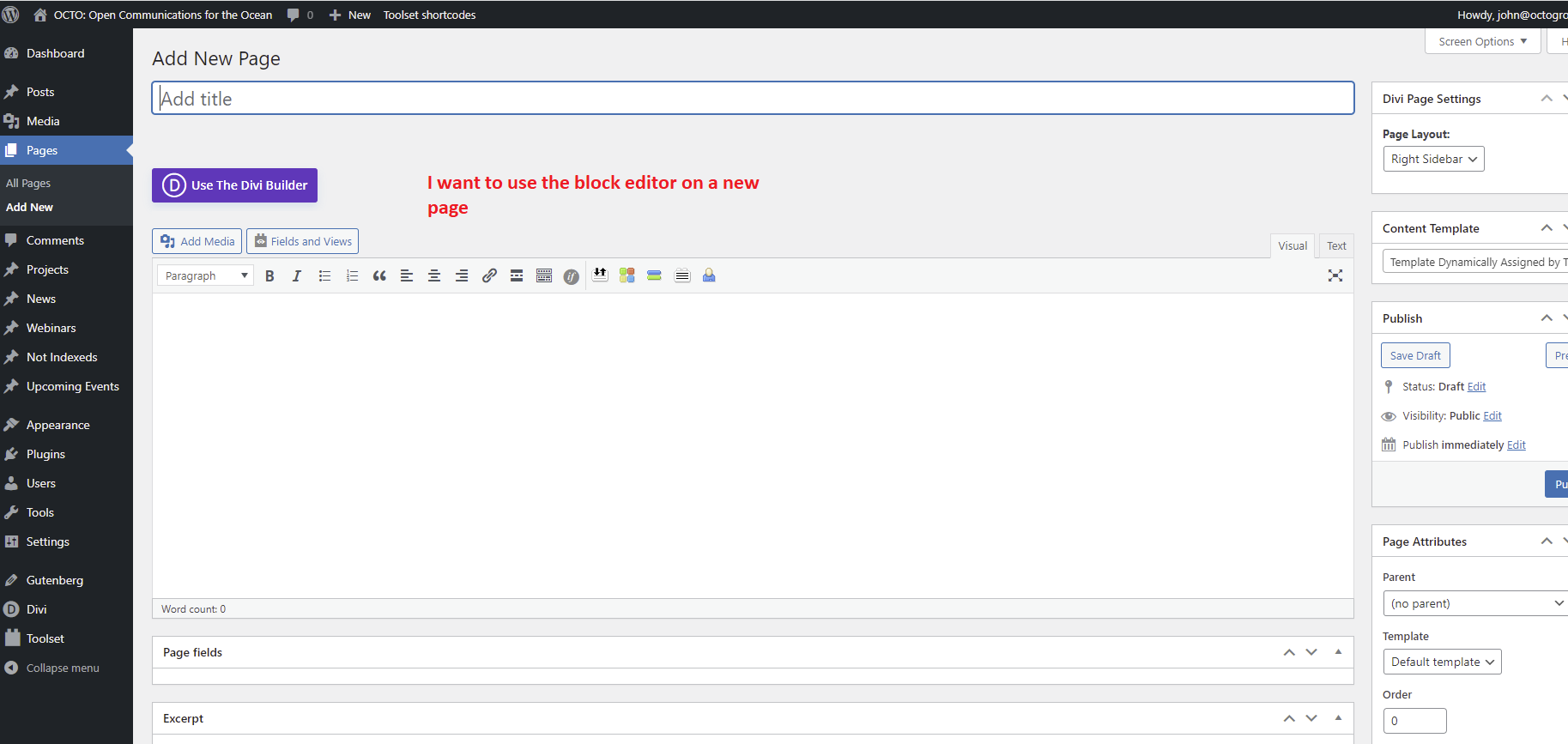
I can't seem to use the block editor when I create a new page. The only way I can use the block editor is if I disable both Toolset plugins. Otherwise it just shows the classic editor or the option to use the Divi page builder. I need to create a page that shows my Post types "News" and create a drop-down that lets me select from 2 different taxonomies: The Skimmer and MPA News. Or it's possible I might want to create a filter and a search bar at the top of the articles.
I've been following the online tutorials and I can't seem to get the block editor to work.
See attachment for a screenshot of what it looks like when I create a new page.
Hello,
You can switch to WordPress blocks editor by these:
1) Dashboard-> Post Types, find and edit post type "News", in section "Editor (required)", enable option " Per post"
2) Edit the "News" post again, for example:
hidden link
You will see a button "Switch to the Block Editor", then follow our document to setup the custom search form:
https://toolset.com/course-lesson/creating-a-custom-search/
And Toolset Blocks plugin is based on WordPress built-in Blocks editor, it is not recommended to design the same page/post with two different page bulders(Blocks editor + Divi page builder), it will conduct unexpected result, see our document:
https://toolset.com/course-lesson/using-toolset-with-divi/#how-to-use-divi-and-toolset-together
Divi provides its own custom editor for building pages. Toolset on the other hand uses WordPress’s built-in Block Editor. In general, you cannot mix elements from these two editors.
And I have removed your website credentials from your post to avoid security issues.