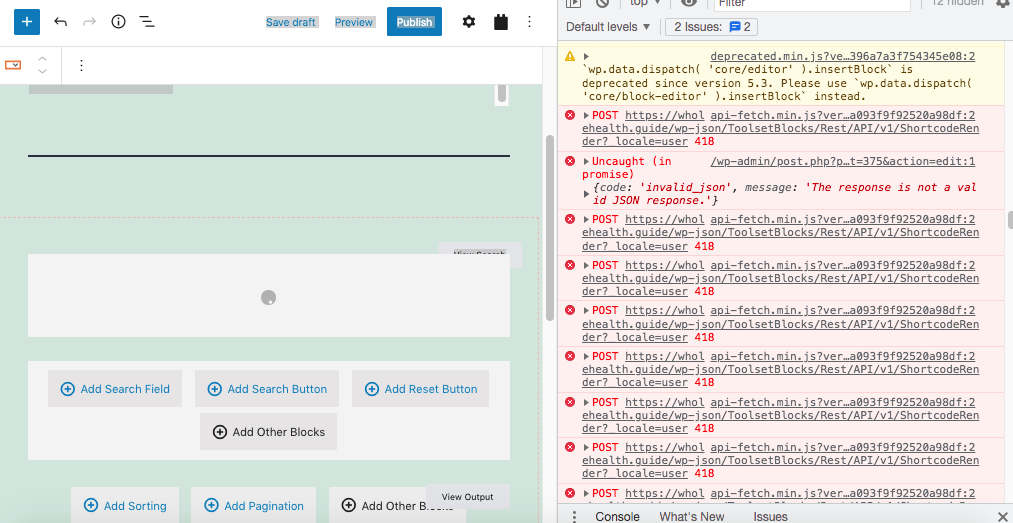
Tell us what you are trying to do?
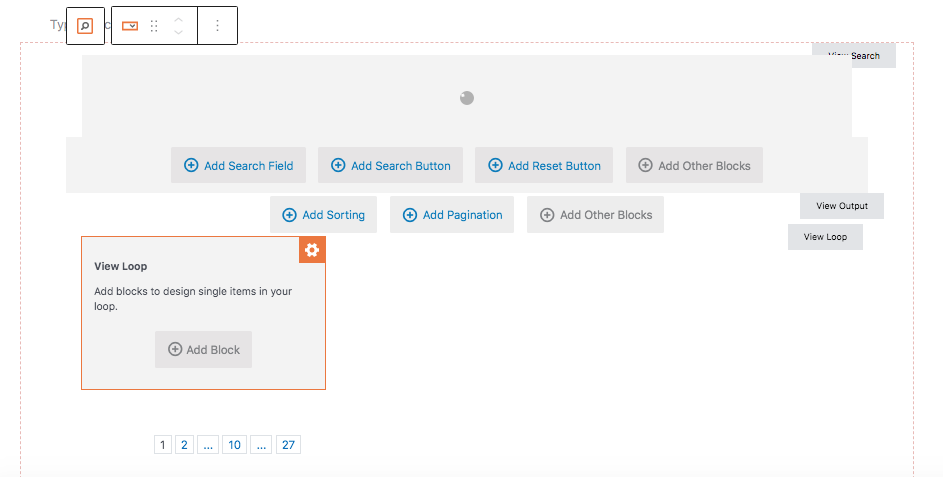
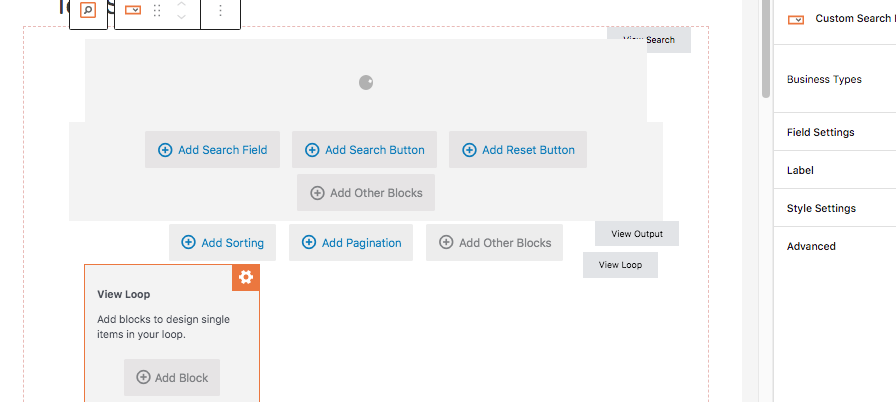
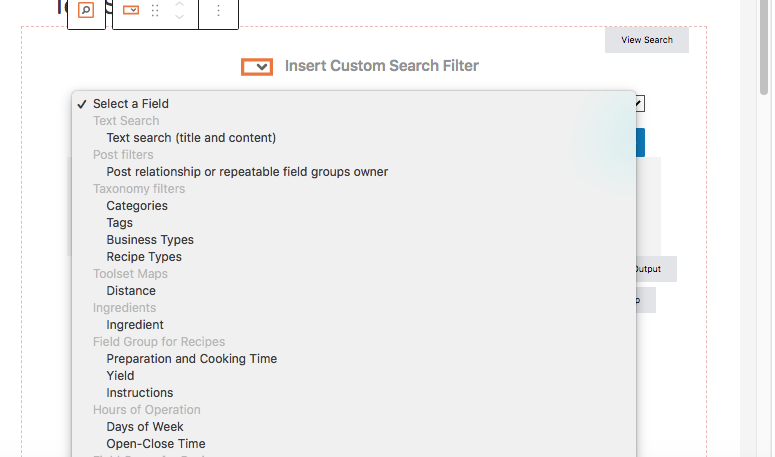
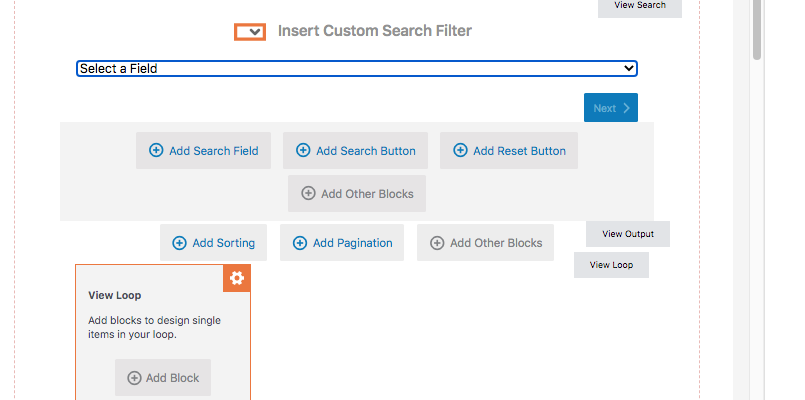
I'm trying to add a search field for a taxonomy that I have called Business Types. When I choose it from the drop down menu I only get a spinning wheel. I'm following the instructions on https://toolset.com/course-lesson/creating-a-custom-search. I've searched in other threads, but haven't found any solutions. I have been stuck on this since yesterday.
Is there any documentation that you are following?
https://toolset.com/course-lesson/creating-a-custom-search
Is there a similar example that we can see?
What is the link to your site?
Hello,
The problem you mentioned above is abnormal, there should be some PHP/JS errors in your website, please try these:
1) Check if there is any PHP/JS error in your website:
https://toolset.com/documentation/programmer-reference/debugging-sites-built-with-toolset/
2) Check if it is a compatibility issue: deactivate all other plugins, and switch to WordPress default theme 2021, and test again
3) If the problem is fixed, activate other plugins/theme one by one, try to locate the problem plugin
Hi Luo, thanks!
Unfortunately a lot of the info from that link went over my head. 🙂 I'm not a programmer, but just trying to easily create a business directory site. I did though see there are a lot of issues from doing the Javascript debugging from Chrome. Attached is what I saw from that. I didn't open the config file because it was taking forever to back up the files via FTP and I decided to just start over fresh, thinking that would be the easiest route.
I deleted the database and website from my dreampress.com account and started with a fresh install. It's still giving me the same results though after now re-entering all my taxonomy info etc. and moving onto the page view/design.
I'm following the steps on https://toolset.com/course-lesson/creating-a-custom-search/ , but I'm still getting the spinning wheel when I choose Add Search Field > then select my taxonomy filter called Business Types. This is exactly what the instructions say related to the gym website example. It seems simple, but it doesn't give me the drop down like it shows in the toolset instructions.
Any thoughts? Thanks in advance!
Aaron
There are lots of JS errors in your screenshot, please provide a test site with the same problem, fill below private message box with login details and FTP access, also point out the problem page URL, I need to test and debug in a live website, might need to deactivate plugins/theme in your website, thanks
I have tried it in your website with my Chrome browser using below steps:
1) Login as user "Toolsethelp"
2) Edit the problem page:
hidden link
find and select the "Custom Search" block, click button "Add Search Field", and choose the taxonomy "Business Types", save the page
It works fine in both admin side and frontend, there isn't any JS errors.
It might be a browser cache problem, please try these:
Clear your browser cache and test again, or try with another browser.
That's super weird. I didn't do anything since sending you the last message, except I started working on a staging site to try using the frameworks plugin to see if I could see what was being done on one of the template sites. I didn't clear the cache, but it's now working! Thanks so much! I'm confused how it's now working after several days of trying over and over, but very grateful. Now I can move on with making the site!
Thanks Luo!
My issue is resolved now. Thank you!