Home › Toolset Professional Support › [Resolved] account page with login form not showing fields ‘user name’ and ‘password’
This is the technical support forum for Toolset - a suite of plugins for developing WordPress sites without writing PHP.
Everyone can read this forum, but only Toolset clients can post in it. Toolset support works 6 days per week, 19 hours per day.
Supporter timezone: Asia/Kolkata (GMT+05:30)
This topic contains 21 replies, has 1 voice.
Last updated by sadimG1199 8 months ago.
Assisted by: Minesh.
Languages: English (English )
Timezone: Asia/Kolkata (GMT+05:30)
ok fine. Here is the full tutorial: - https://toolset.com/course-chapter/creating-the-form-for-member-sign-up/ - https://toolset.com/course-chapter/templates-for-visitors-and-members/
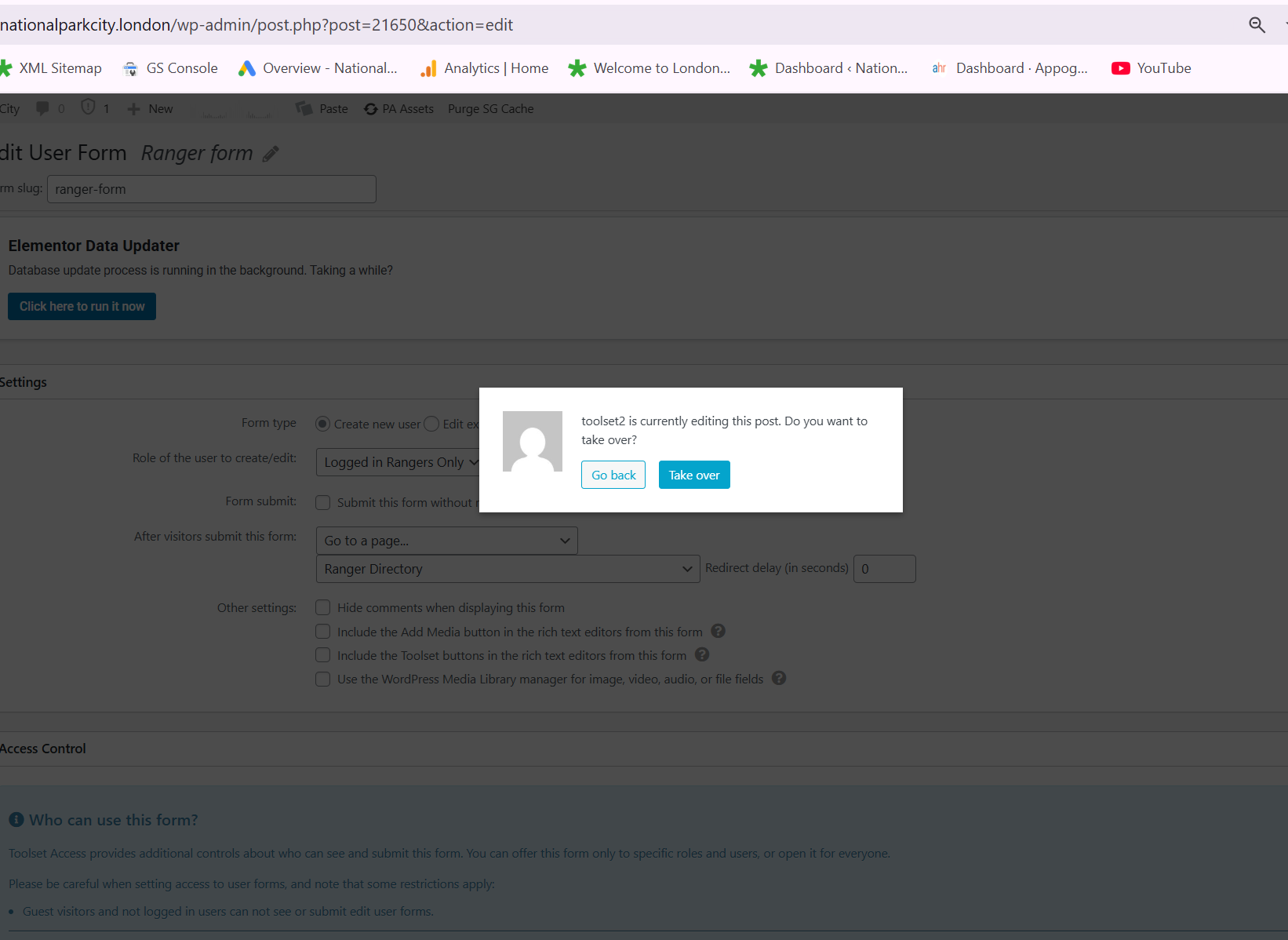
this is the message i get when I try to follow the tutorial you sent me
You can take over now.
Ok so I think I have done it. I have continued to use the user Registered Ranger instead of subscriber. I have check the form in the page hidden link. can you try and register please? then i can grant you access to logged in user from backend.
nothing happens when you click 'submit'!
It seems to be working now. Thank you so much for your help. I will submit a new issue for the fault on the CPT Rangers which is not letting me edit
Great and glad to know that. You're welcome to mark this ticket resolve.
Thank you for all your help with this - really appreciate it.
I will say that following the tutorial on membership and creating an account need to be more detailed. Its really easy to make a mistake.
Known issues and solutions
Frequently asked support questions
Support tickets archive
Get help from experienced contractors
Meet Toolset support team
Toolset Customer Support Policy
Need to tell us something about the quality of support
How to remove personal information from your database for support