Dear Toolset support team
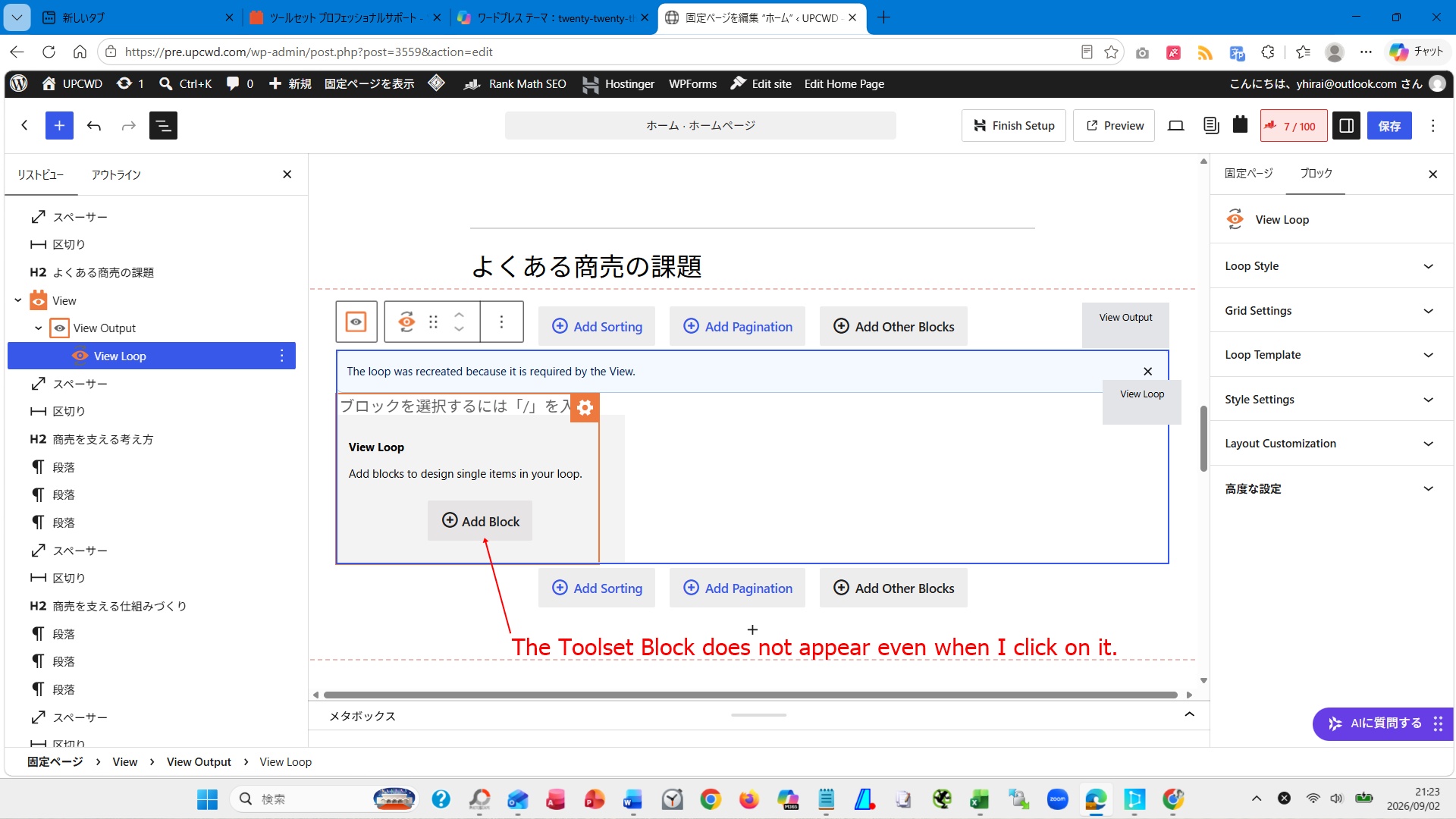
I am unable to add a block when using the sequence: view > view output > view loop > add block.
Environment: WordPress theme (Twenty Twenty-Three)
I am trying to do something very simple: add a Toolset Block container and display the post title (with a link) inside that container using the "single field" option.
I am attaching a screenshot of the editing screen. I apologize for the inconvenience and would appreciate your support.
Regards,
Yoshihiko
Hi,
Welcome to Toolset support. Would you please first follow the steps below?
- IMPORTANT STEP! Create a backup of your website. Or better approach will be to test this on a copy/staging version of the website to avoid any disruption of a live website.
- Go to "WordPress Dashboard > Plugins > Add new > Commercial (tab)".
- Click the "Check for Updates" button.
- Update Toolset and its addons there.
After that, please do this check:
- IMPORTANT STEP! Create a backup of your website. Or better approach will be to test this on a copy/staging version of the website to avoid any disruption of a live website.
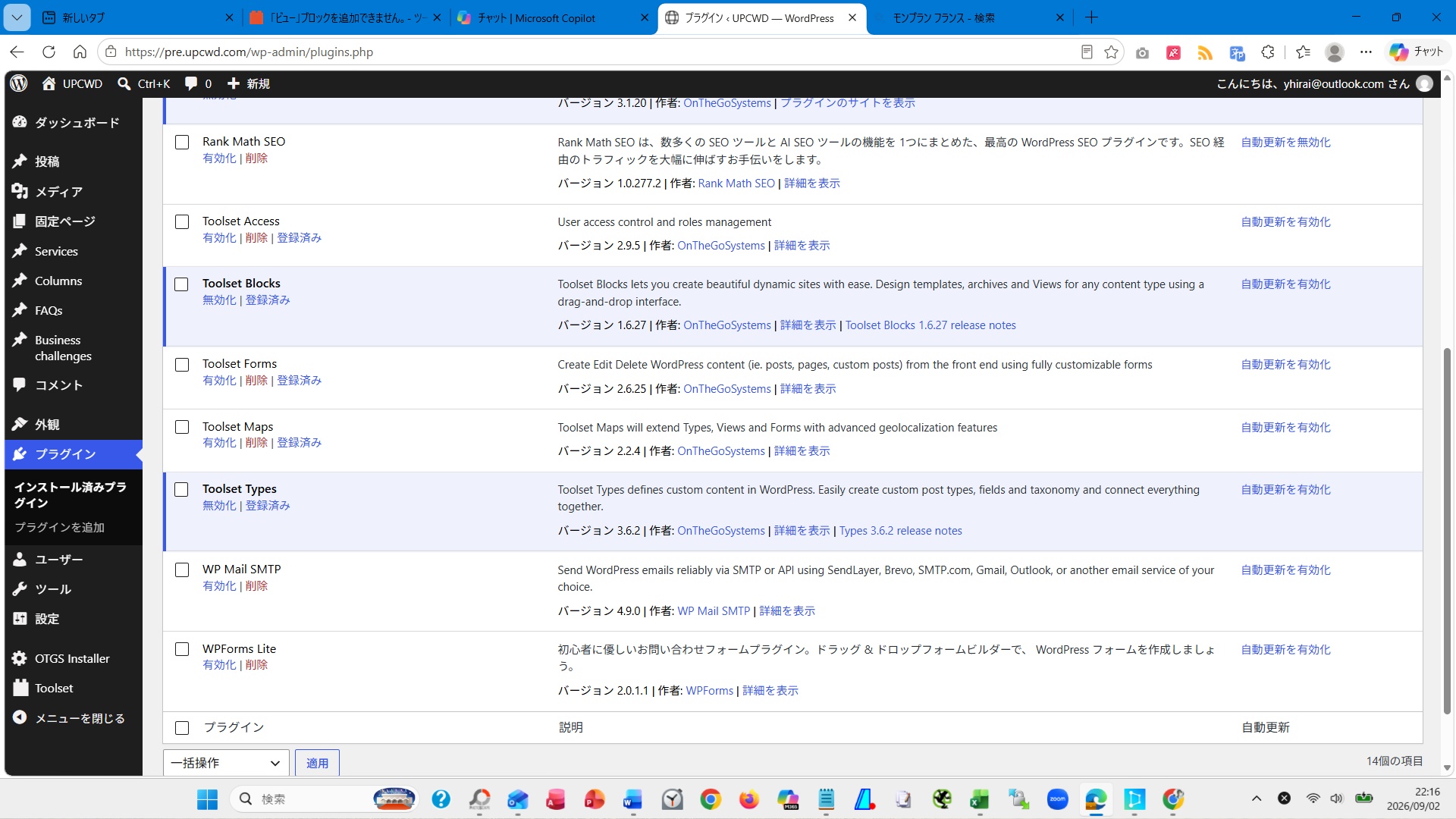
- Go to "WordPress Dashboard > Plugins" and deactivate all plugins except:
. Toolset Types
. Toolset Blocks or Toolset Views depending on which one you use.
- Check if you can still recreate the issue.
- If not, re-activate your plugins one by one and check the issue each time to find out the plugin that causes the problem.
Thanks.
Dear Christopher,
Thank you for your consistently helpful support.
I have carried out all the steps you suggested and tried adding the Toolset Block again, but there was no change. Consequently, I have not yet been able to identify the problematic plugin.
Regards,
Yoshihiko
Hi Yoshihiko,
Thank you. Would you please copy your website to a staging version and get back to us with the login information by setting the next reply as private?
That way, I will be able to check the website without the fear of breaking a live website and can do investigation.
Aso please tell me exactly which page to open to see the problem.
Thanks.
Hi Yoshihiko,
Thank you for the login information. Would you please check the video below?
hidden link
Thanks.
The support tickets have been incredibly helpful.
My thanks to the Toolset development team.