Skip Navigation

[Resolved] When only one result is retrieved from Search, View shows “squeezed”

This is the technical support forum for Toolset - a suite of plugins for developing WordPress sites without writing PHP.

Everyone can read this forum, but only Toolset clients can post in it. Toolset support works 6 days per week, 19 hours per day.

This topic contains 6 replies, has 1 voice.

Last updated by simonM-5 2 weeks, 4 days ago.

Assisted by: Christopher Amirian.

Author
Posts
#2835080
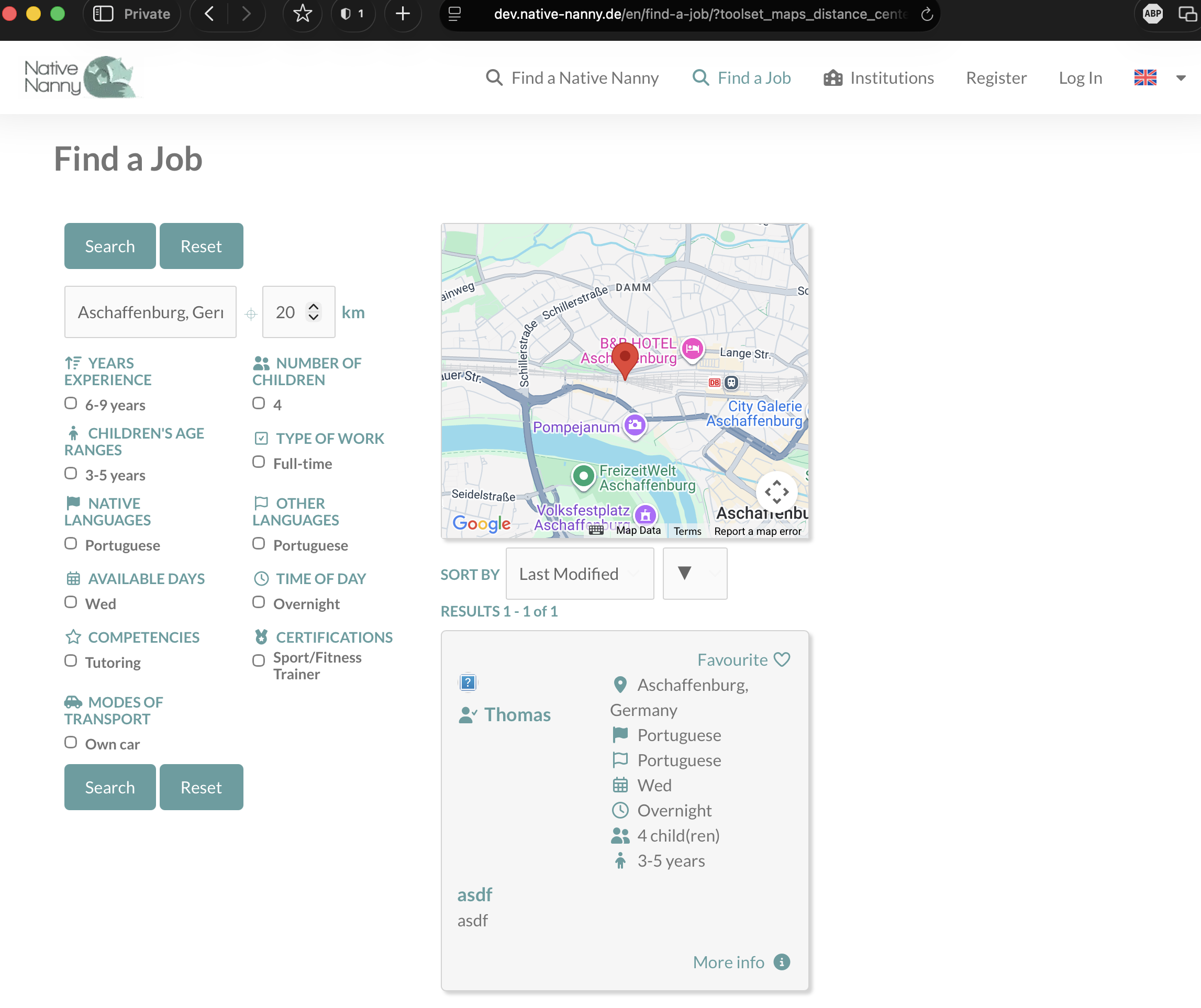
Screenshot 2025-11-14 at 13.04.03.png
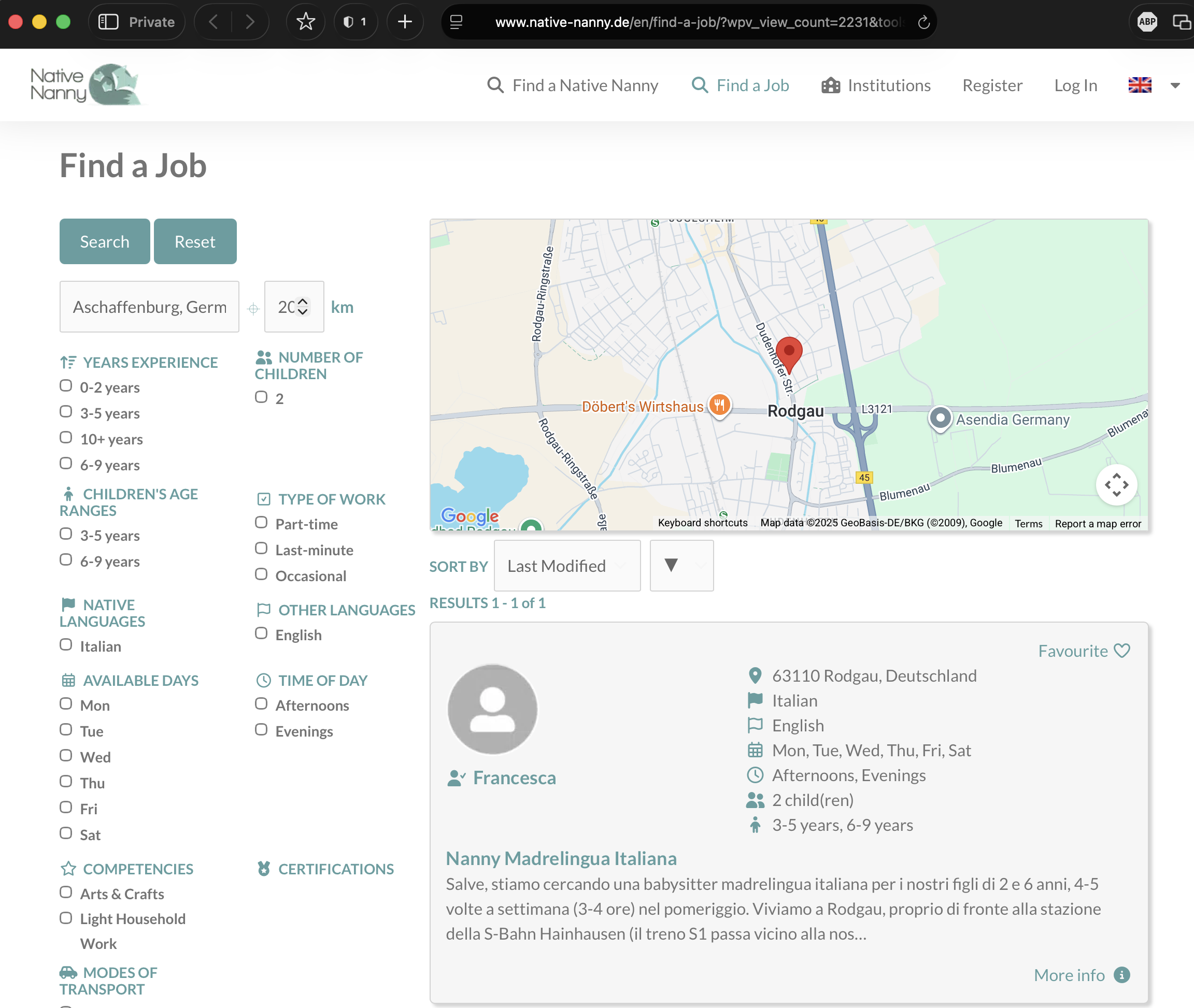
Screenshot 2025-11-14 at 13.01.43.png

Hi Support

We have two Views find-a-native-nanny-search-and-results-view and find-a-job-search-and-results-view.

Lately on our dev site, when only ONE results is retrieved, the results View (which is split apart from the search controls) for Find a Job is getting squeezed. We don't see the same on our production site, and this used to work fine before. I have not made any changes to the view recently, other than a JavaScript addition for AJAX while searching for Location, kindly provided in ticket https://toolset.com/forums/topic/search-by-location-using-toolset-maps-no-longer-working-correctly/?paged=3.

Regarding the "squeezed" results page when only 1 result is being shown, it works correctly on our production site, so it appears that something was changed on the dev site (I'm not aware of any other changes made by me in recent months to that page/view). Normally both sites are configured identically and we have never noticed this problem before in the 5 or 6 years we have the site.

You can search for "Aschaffenburg, Germany" on production (URL below) to see that it CAN work. So we'd just like to understand why it is buggy on the dev site. It's curious, that it only happens with 1 result and not all result sets with 2+ records! - perhaps there's a clue there for the resolution?

PRODUCTION (working fine):
hidden link

Not sure how this can be since they should be identically configured, or if it is relevant, but the production URL has the extra arguments:
&wpv_orderby=modified
&wpv_order=desc

DEV (not working, results page is getting "squeezed" when only 1 result)
hidden link

(please note when the URL from dev is opened at first, it may show correctly. However if you click into the location field and search for "Aschaffenburg" again, the weird behaviour is observed. I cannot reproduce the weird behaviour on production, doing the same)

Location is our most important search criteria for our users, so this has to work correctly every time!

Kind regards
Simon

#2835592

Christopher Amirian
Supporter

Languages: English (English )

Hi,

Welcome to Toolset support. Am I correct to assume that the code suggested in the previous ticket causes the squeeze?

Can you confirm that by removing the code?

Thanks.

#2835945

Hi Christopher

No, I am not suggesting that the added code is causing the squeeze. The code was added successfully to the very similar Find a Native Nanny Search and Results View and we are not seeing the squeeze there. Also the squeeze doesn't happen on either Find a Job or Find a Native Nanny in production. It's just this one view in dev which is somehow corrupted, which we need the solution for.

Kind regards
Simon

#2836093

Christopher Amirian
Supporter

Languages: English (English )

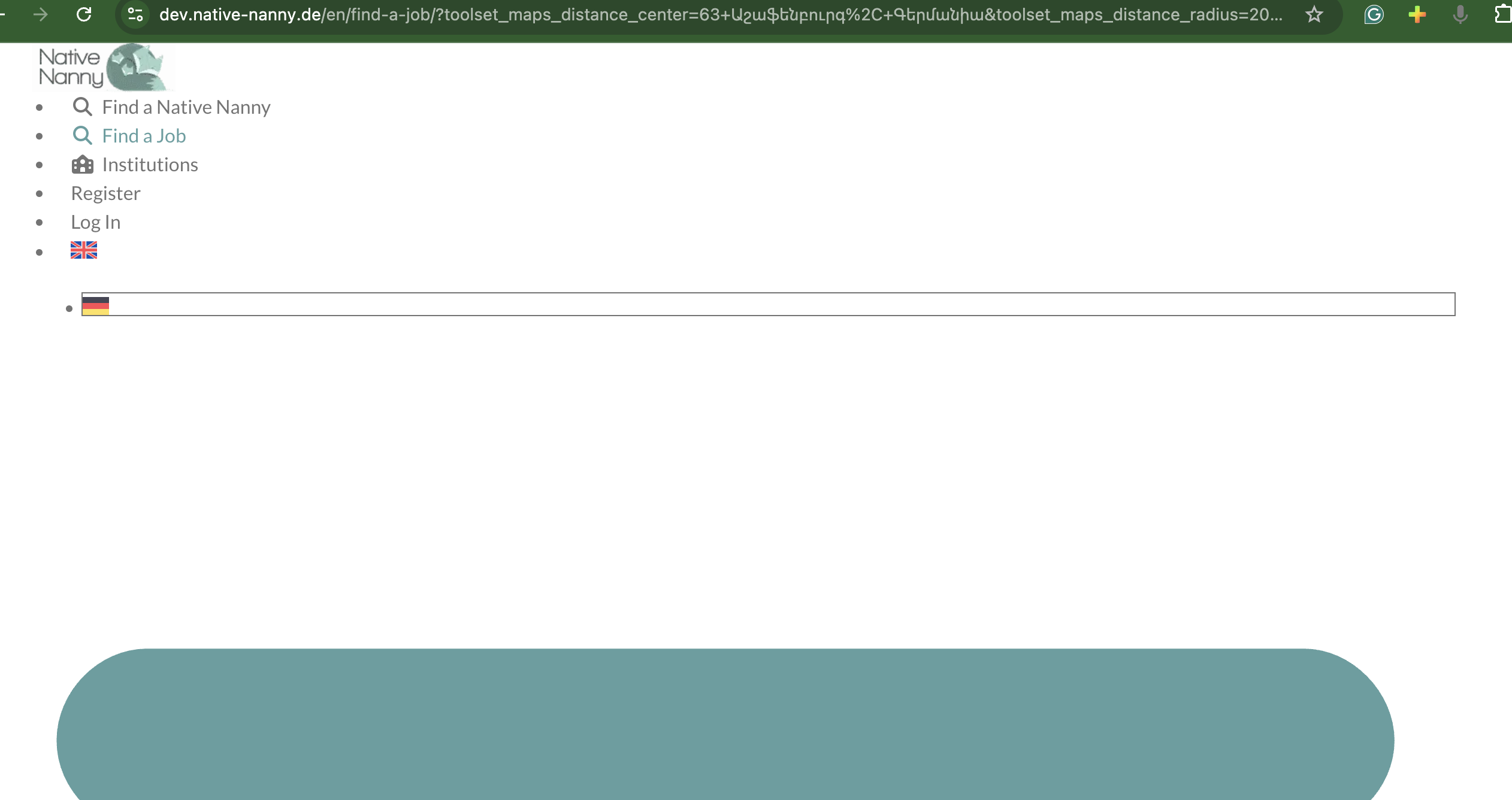
Screenshot 2025-11-20 at 12.02.51 PM.png

Hi,

Thank you. I checked the dev URL and the style of the page is not working at all.

hidden link

Upon checking the browser console there are many CSS files that are not loading which are not related to Toolset:

hidden link

hidden link

hidden link

Please check the screenshot to see what I watch on my browser.

#2836116

Hi Christopher

I saw what you were seeing. Clearing the Redis object cache cured that. You should be able to reproduce the error in the ticket now.

Kind regards
Simon

#2836471

Christopher Amirian
Supporter

Languages: English (English )

Hi Simon,

Thanks now that I check I see a new set of 404 errors that might have something to do with the issue.

Please check these:

hidden link

hidden link

Please try to use non-screenshot names for the images and see if it works.

Also I see a 403 (not permitted) error for:

hidden link

But that last one might not be the problem, I am not sure but I thought I share that as it might give you an idea what might be the issue on the staging version of the website.

Thanks.

#2836601

Hi Christopher

1) I have changed the profile picture of the only author of the Job Ads being displayed under Find a Job to be a "non-screenshot" image. However, I'm curious as to why you say screenshot images wouldn't be permissible, it's just an image file, with a valid filename. Also I've noticed now, that ALL the Results view is now showing permanently squeezed for me. Did you change anything there already?

Regarding the 403s for googleapis.com, I suspect they are coming from the JS code in line 26, but I don't think that is the issue, since the same code works in production and on the very similar Find a Native Nanny View.

Kind regards
Simon

#2836618

It would appear that the shortcode element containing the View results was edited or replaced and the sizing of its container was not set correctly in Elementor. I managed to get this working again myself