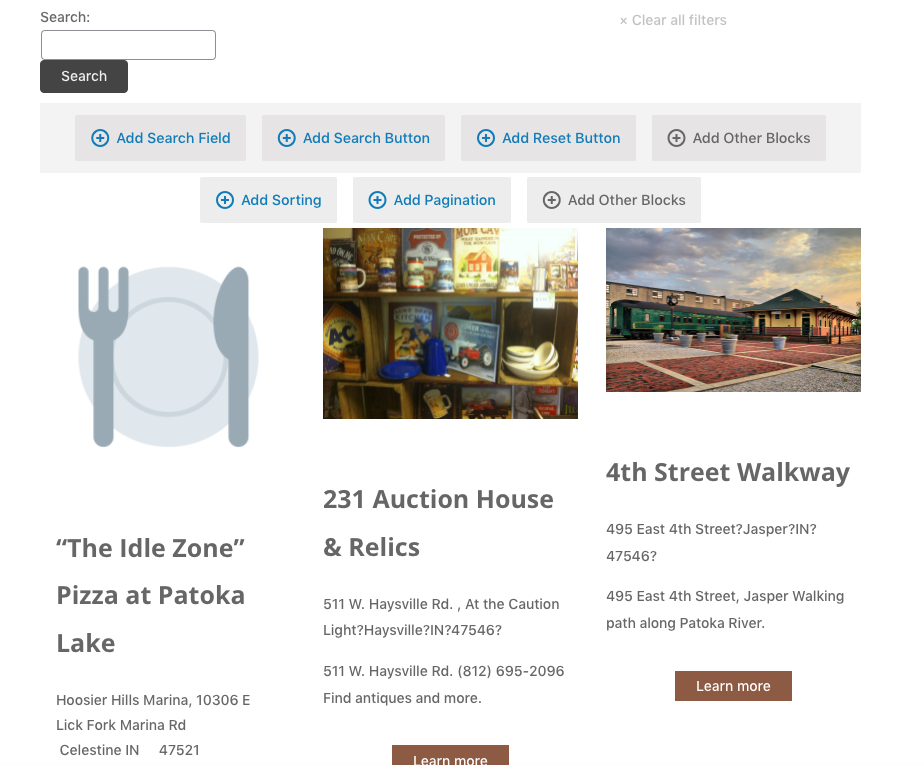
I am trying to display a single View on multiple pages using the Taxonomy Filter. The shortcode is working, but my styles are gone. As you see in the attached screenshot, the View is supposed to be 3 columns. But on the front end, the content is full-width, not 3 columns.
You created this View in the block editor, and so if you want to insert a copy of the View on another page (or in a template) you should also add it using the View block to preserve the styles. It sounds like you are mixing creating the View in the block editor with the legacy system of shortcodes.
Hello Nigel! Thanks for the reply. If this isn't the best way to display custom posts of a specific taxonomy on a page, what is the best way to do this?
Note, I have nearly 50 pages that need post feeds. These are not archive pages, so I cannot create a template and achieve the results I am looking for.
Thank you for contacting us and I'd be happy to assist.
Based on what you've shared, it will be better to create this view using the classic/legacy editor.
Please go to WP Admin > Toolset > Settings > General and select the option "Show both the legacy and Blocks interface and let me choose which to use for each item I build" for the editing experience.
After that, you'll be able to create classic/legacy views by going to WP Admin > Toolset > Views.
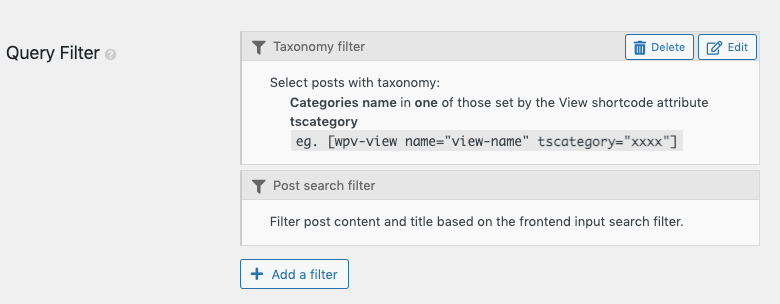
I've followed your instructions and set up a new view in the legacy format. I have a taxonomy filter in place to achieve the results I need, but no matter what category slug/name I put in the shortcode, the same results show up. The taxonomy filter is not working.
During troubleshooting, I noticed that the view "Legacy Feed" was configured correctly. But, since its shortcode was added in the visual tab in the text block, some extra HTML code was included by the editor: