Tell us what you are trying to do?
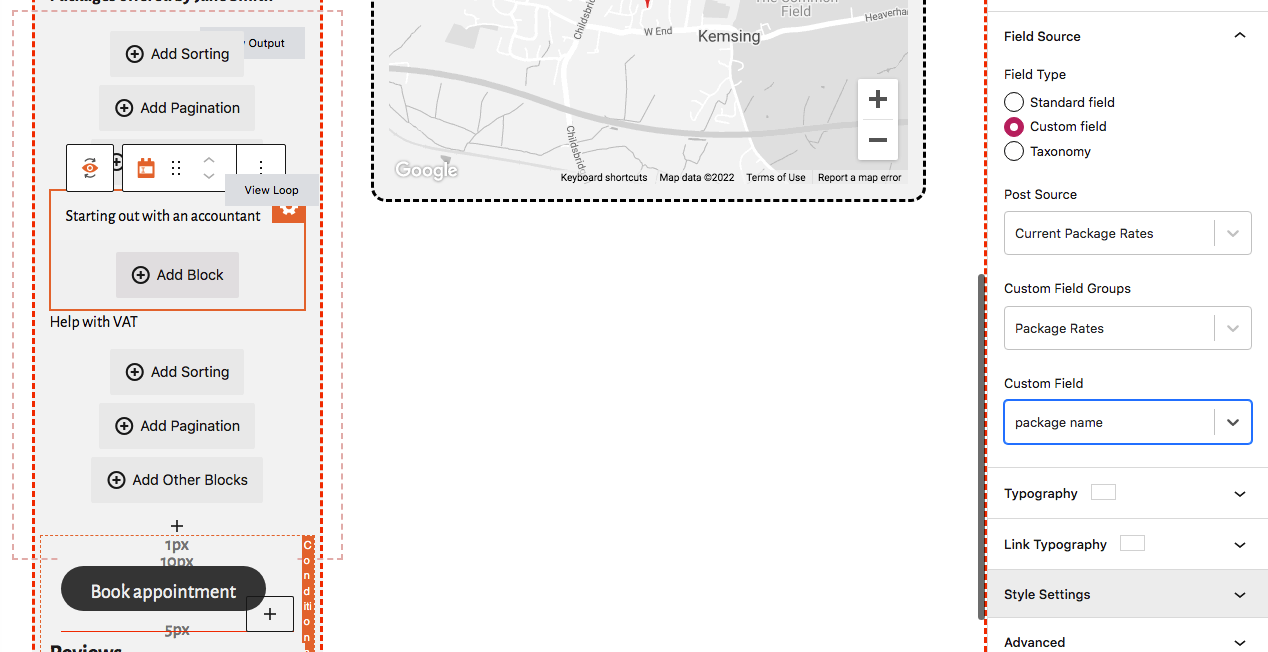
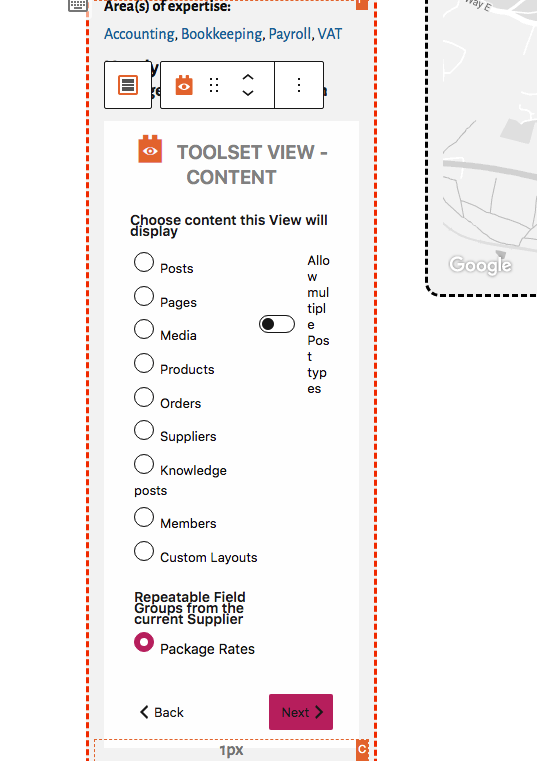
I am creating a view of a repeatable field group
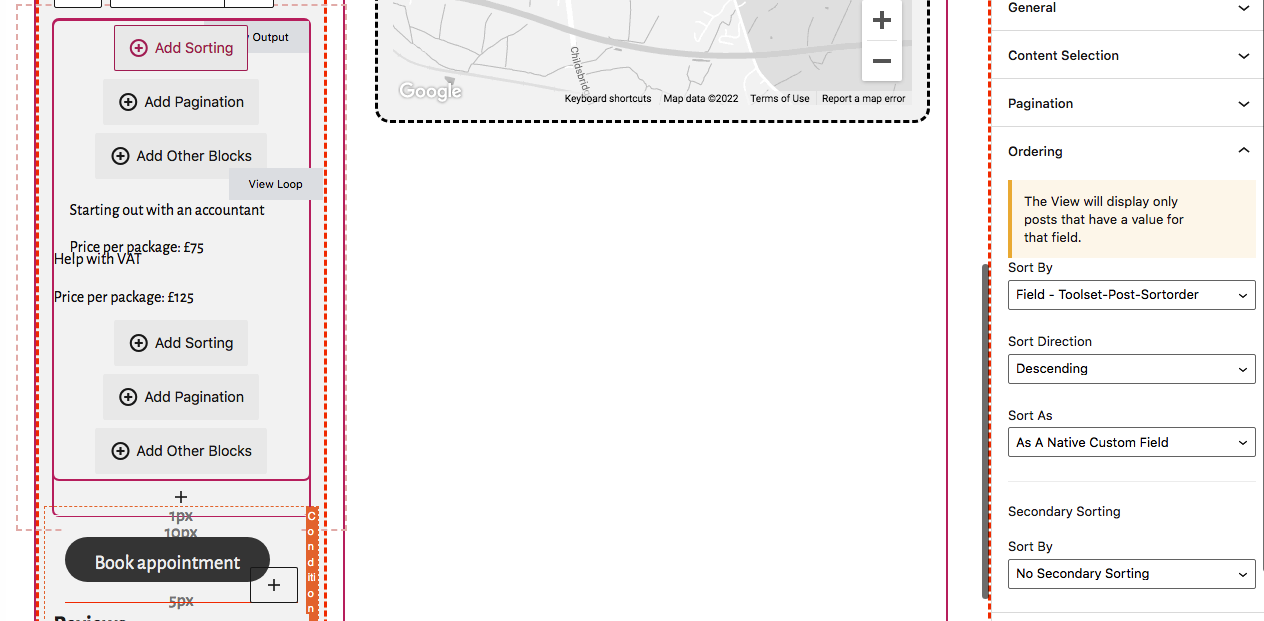
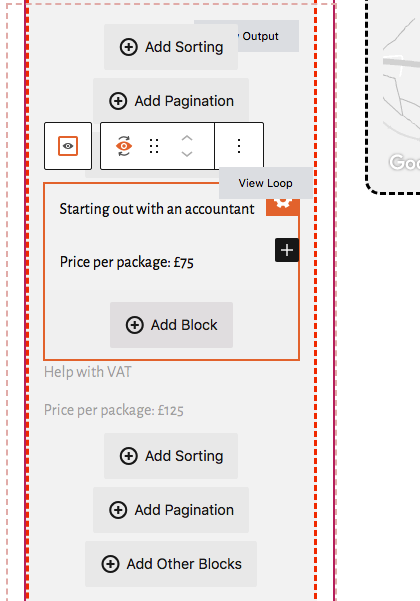
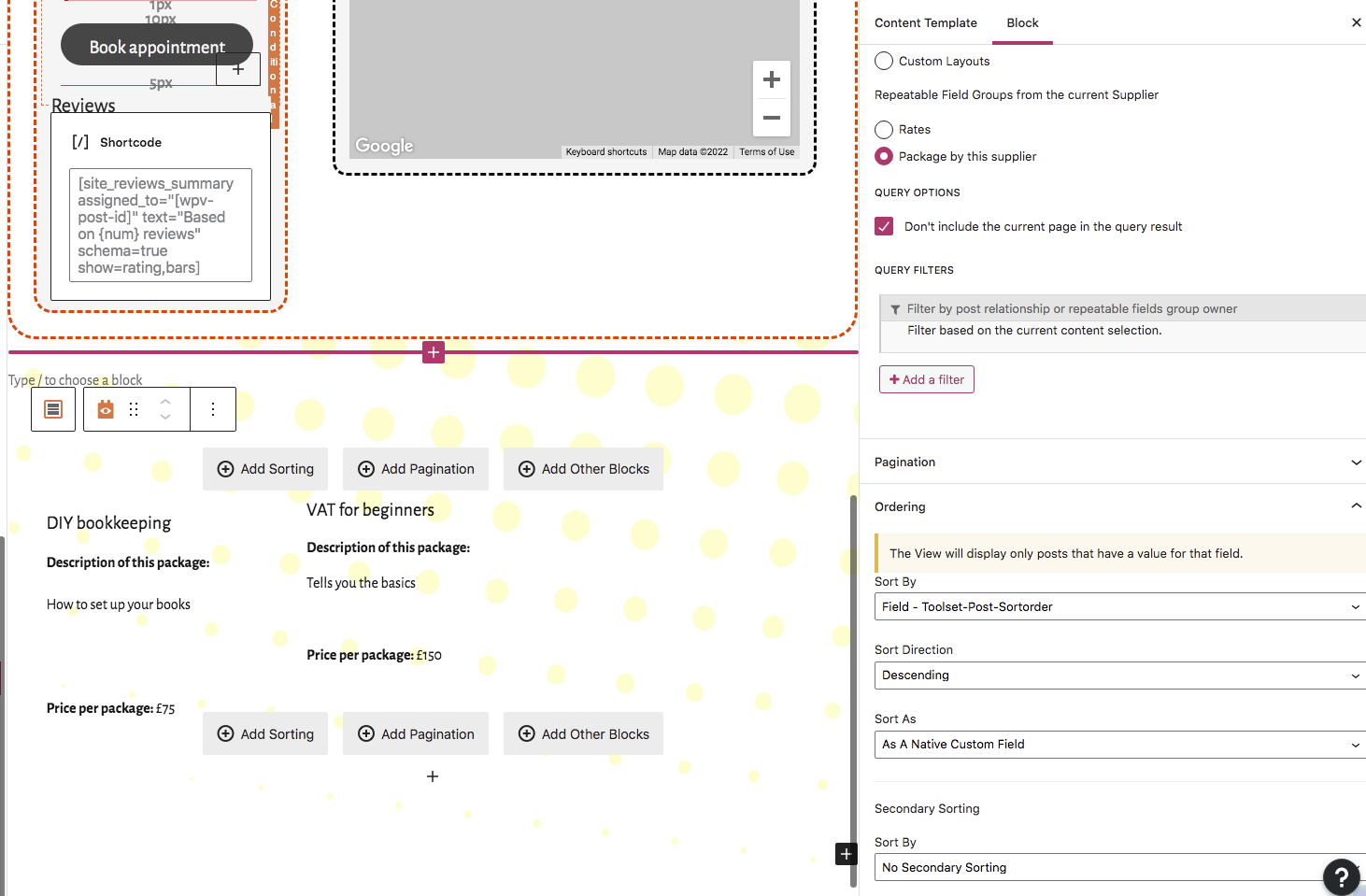
I insert a view, name it and style it. I insert the fields from the repeatable group and all seems well.
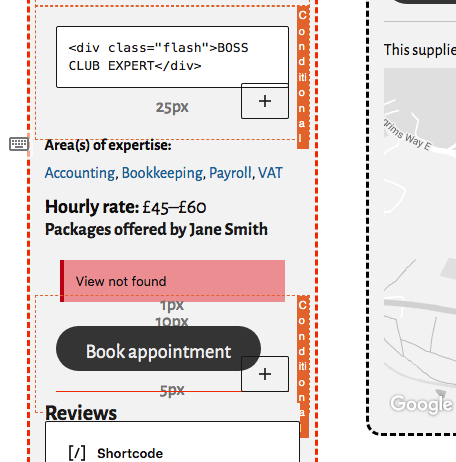
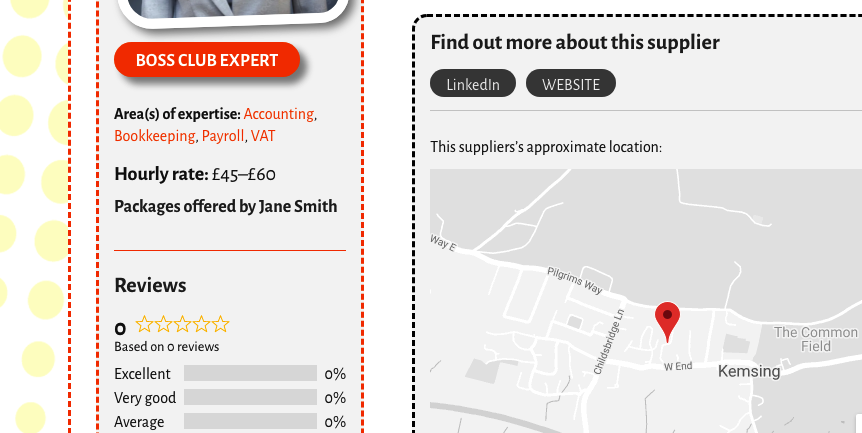
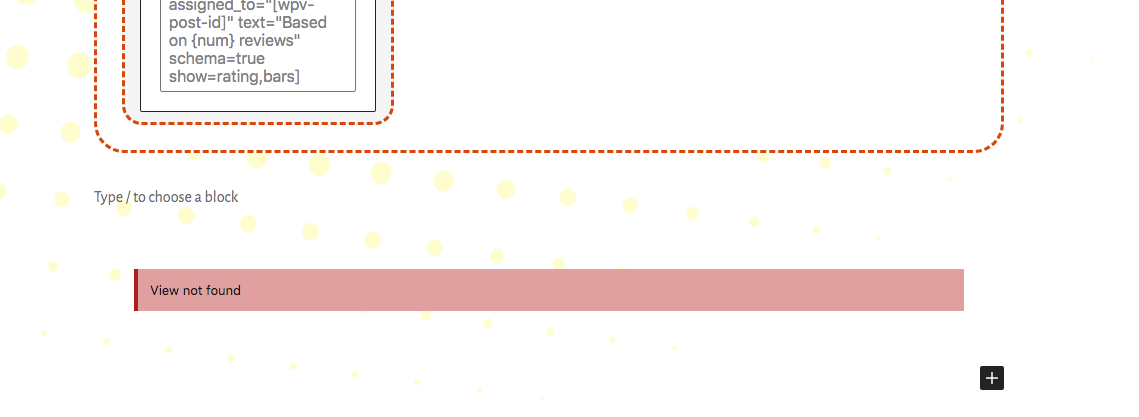
But when I update the page and preview my work, there is no view displayed. When I reload the template in editor mode, I see "view not found" in a red box!
If I repeat the steps to create a view, I see that I cannot use an 'existing view' even though the first view is listed in the content templates.
Is there any documentation that you are following?
https://toolset.com/course-lesson/creating-and-displaying-repeatable-field-groups/
Is there a similar example that we can see?
What is the link to your site? hidden link (under construction)
I hope you can help me work this out!
Thank you.
Here are some screen grabs to illustrate my problem.
Hi Lesley,
Thank you for getting in touch.
Would you mind allowing me to have admin access to the website so that I can have a more detailed look at this for you ?
Please where applicable please provide me with a link to an example page where I can see the issue.
I've enabled the private fields for your next response.
Thanks,
Shane
Hi Lesley,
Thank you for setting up the login information however, i'm not able to get to the default login screen because of the Jetpack plugin forcing the wordpress account login.
Secondly using the noreply@toolset.com email doesn't do anything since i'm not able to receive any emails through that. If you're able to set the password and then send it to me that would be greatly appreciated.
Thanks,
Shane
Hi Lesley,
Can you disable the wordpress.com login on jetpack? If you're not sure how to do this then you can just disable the jetpack plugin so that I can try logging in.
Thanks,
Shane
Hi Shane
I've disabled the wp login... Good luck!
Lesley
Hi Lesley,
Thank you, however now i'm getting an error that the password is incorrect.
Can you double check them on your end. I've enabled the private fields once more.
Thanks,
Shane
Hey Shane, I have a feeling you didn't manage to log in. I can't find a way to create a new user for you without an email address. The only login I have is mine and today I got into a total muddle and had to reset my password.
Hi Lesley,
If there is a new password please share it again in the private field.
Also i see you've re-enabled the jetpack plugin for the wordpress login. Please disable this again for me.
Thanks,
Shane
Hi Shane, I don't seem to have a deactivate button for Jetpack. Last night I turned off the WordPress two-factor authentication which may have resulted in the troubles I've had today. However, I going to try and create the view again – I've scrapped everything I've done to date and am starting afresh.
Oh dear! I thought I'd be able to resolve the problem myself, but I still need help! I feel fairly certain I'm doing most of it right, but once I've set up the view and saved the template the view gets removed.
I would be so grateful if you could help, but I don't know how to give you access to a WordPress.com website without an email address.
Hi Lesley,
Ok try setting up an account for shane.c@onthegosystems.com and we can see if this helps me to log in.
Thanks,
Shane
Thank you Shane. An invitation has been sent!
Hi Lesley,
I'm able to get on now.
I see quite a few errors on the page in the website javascript console. What I recommend here is that you temporarily disable all the non-toolset plugins and try again to see if the issue still remains.
If it does please let me know so that I can continue checking the site.
Thanks,
Shane