Hi!
We've had the `types` plugin installed on our site for a long time, and have not faced any issues. Recently, we moved our site to the WordPress VIP platform, which meant we had to use PHP 8.x. This meant we needed to upgrade the plugin to the latest version to be compatible with PHP 8.x.
Upon upgrade things were mostly smooth, just needed to ensure old plugin files remained around (I think?) but something that has stuck around is an error message saying: "Upgrade command not found. Upgrade command not found. Upgrade command not found." (see Screenshot 2022-11-03 at 5.31.40 pm.png)
Also, separate issue but seen in that same screenshot is an error saying "Remember to register Toolset. Registration gives you automatic updates for stability, performance and security." but when we visit the link, it says "Sorry, you are not allowed to access this page."
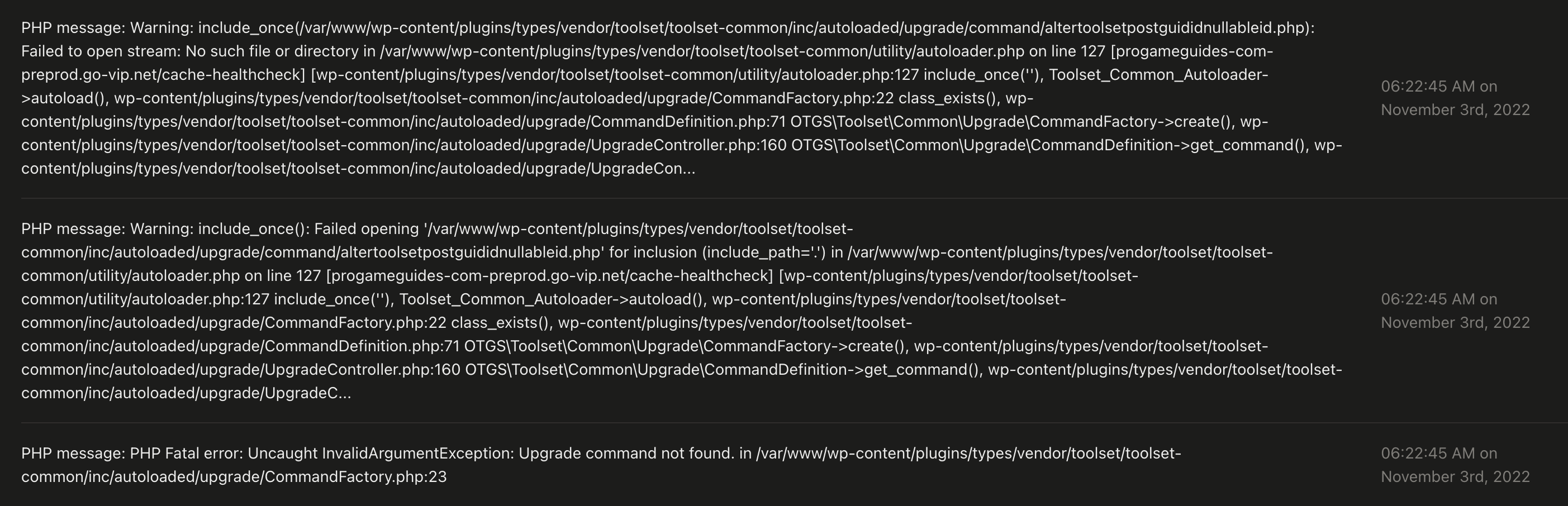
In our preprod and develop environments, the site and admin panel completely refuse to load throwing this stack traces in the logs (see Screenshot 2022-11-03 at 5.32.38 pm.png).
Note: with the Debug info below, the environment is almost exactly same on our preprod and develop environments, however they're running WordPress 6.1 instead of 6.0.3.
Hi,
Thank you for contacting us and I'd be happy to assist.
> Upon upgrade things were mostly smooth, just needed to ensure old plugin files remained around (I think?)
- I couldn't fully understand this comment. Did you mean that after updating the Toolset plugins, you had to apply some old changes to the core plugin files, that you previously had?
It could be that some of the Toolset plugin files have been lost or corrupted during the migration or the update process. To make sure this is not the case, you can re-install the Toolset plugin files, by downloading them from the downloads page.
( ref: https://toolset.com/account/downloads/ )
It would also be a good idea to test this website's clone on a different server, but with the same PHP version. This will help in narrowing down if the issue is related to a specific PHP version or the server environment of the WordPress VIP platform.
I hope this helps and please let me know how it goes.
regards,
Waqar
Hi!
> Upon upgrade things were mostly smooth, just needed to ensure old plugin files remained around (I think?)
> - I couldn't fully understand this comment. Did you mean that after updating the Toolset plugins, you had to apply some old changes to the core plugin files, that you previously had?
So initially, what I did to upgrade the plugin was I just replaced the `types` folder with the latest one downloaded from https://toolset.com/account/downloads/. But then I got those errors saying "Upgrade command not found", and looking into the files I just assumed that it needed the files from that previous version alongside the new files so that's when I restored.
Anyway, I've gone back and done what you said, and just deleted the old types folder, and then copied in the latest version from the website.
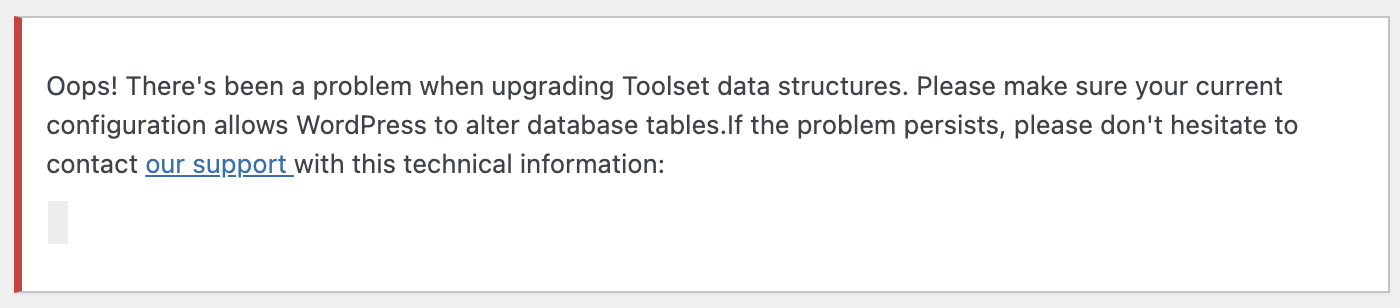
And now the error message looks like the screenshot I attached.
Also I should note that while the WordPress versions are different between production, preprod, and develop environments, all environments are running on PHP8.0.
Thanks
Thank you for sharing this update.
We've seen this error on some specific server environments, which don't allow adding and removing custom database tables.
In this case, you can deploy your website's clone to a different server (even a local host server will do).
At this new location, you can complete the database update process, and once done, you can migrate it back to the actual server.