Tell us what you are trying to do?
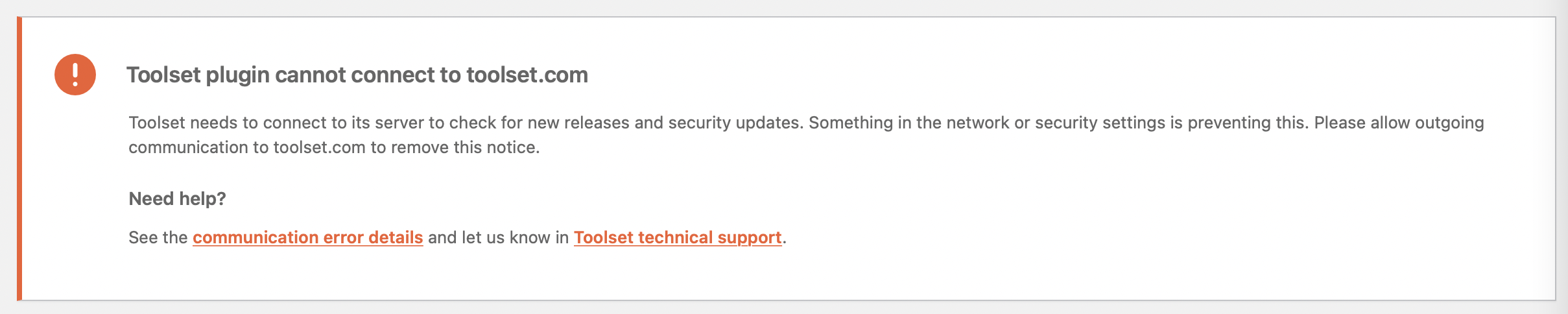
my website has currently redirected to www version of the domain. but it seems that toolset connect with the redirected www version. how can fix this issue?
Is there any documentation that you are following?
Herewith attached
Is there a similar example that we can see?
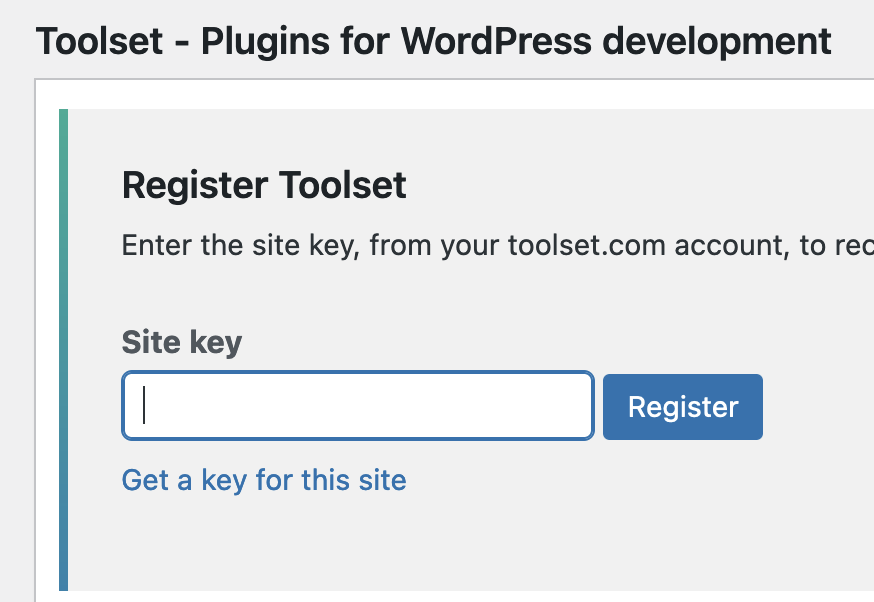
If you have moved the site (to www.) then you would need a new licence key, so I suggest you go to the Commercial tab of the Add New Plugins page (at hidden link).
If it shows Toolset as registered, click the link to unregister Toolset, and then register the site again, being sure to use the "Get a key for this site" link, which will generate a licence key for the correct site URL.
If you still have problems after re-registering the site, let us know.
Did you use the same address that is set in the website's "Site Address" field, for registering the new site key?
( at WP Admin -> Settings -> General )
If the new key still doesn't register successfully, please see if any errors or warnings are logged on the Toolset installer support page at:
{yourwebsite.com}/wp-admin/admin.php?page=otgs-installer-support
You're welcome to share the screenshot of any errors or warnings that you see.