Skip Navigation

[Resolved] Toolset content templates not rendering correctly

This support ticket is created 3 years, 11 months ago. There's a good chance that you are reading advice that it now obsolete.

This is the technical support forum for Toolset - a suite of plugins for developing WordPress sites without writing PHP.

Everyone can read this forum, but only Toolset clients can post in it. Toolset support works 6 days per week, 19 hours per day.

Sun Mon Tue Wed Thu Fri Sat
- 9:00 – 13:00 9:00 – 13:00 9:00 – 13:00 9:00 – 13:00 9:00 – 13:00 -
- 14:00 – 18:00 14:00 – 18:00 14:00 – 18:00 14:00 – 18:00 14:00 – 18:00 -

Supporter timezone: Asia/Karachi (GMT+05:00)

This topic contains 1 reply, has 2 voices.

Last updated by Waqar 3 years, 11 months ago.

Assisted by: Waqar.

Author
Posts
#2293475
Screen Shot 2022-02-15 at 4.17.18 PM.png
Screen Shot 2022-02-15 at 4.17.11 PM.png
Screen Shot 2022-02-15 at 4.17.02 PM.png
Screen Shot 2022-02-15 at 4.16.48 PM.png
Screen Shot 2022-02-15 at 4.17.18 PM.png
Screen Shot 2022-02-15 at 4.17.11 PM.png
Screen Shot 2022-02-15 at 4.17.02 PM.png
Screen Shot 2022-02-15 at 4.16.48 PM.png

Hi.

We recently migrated license keys (following Toolset's instructions) due to account management changes.

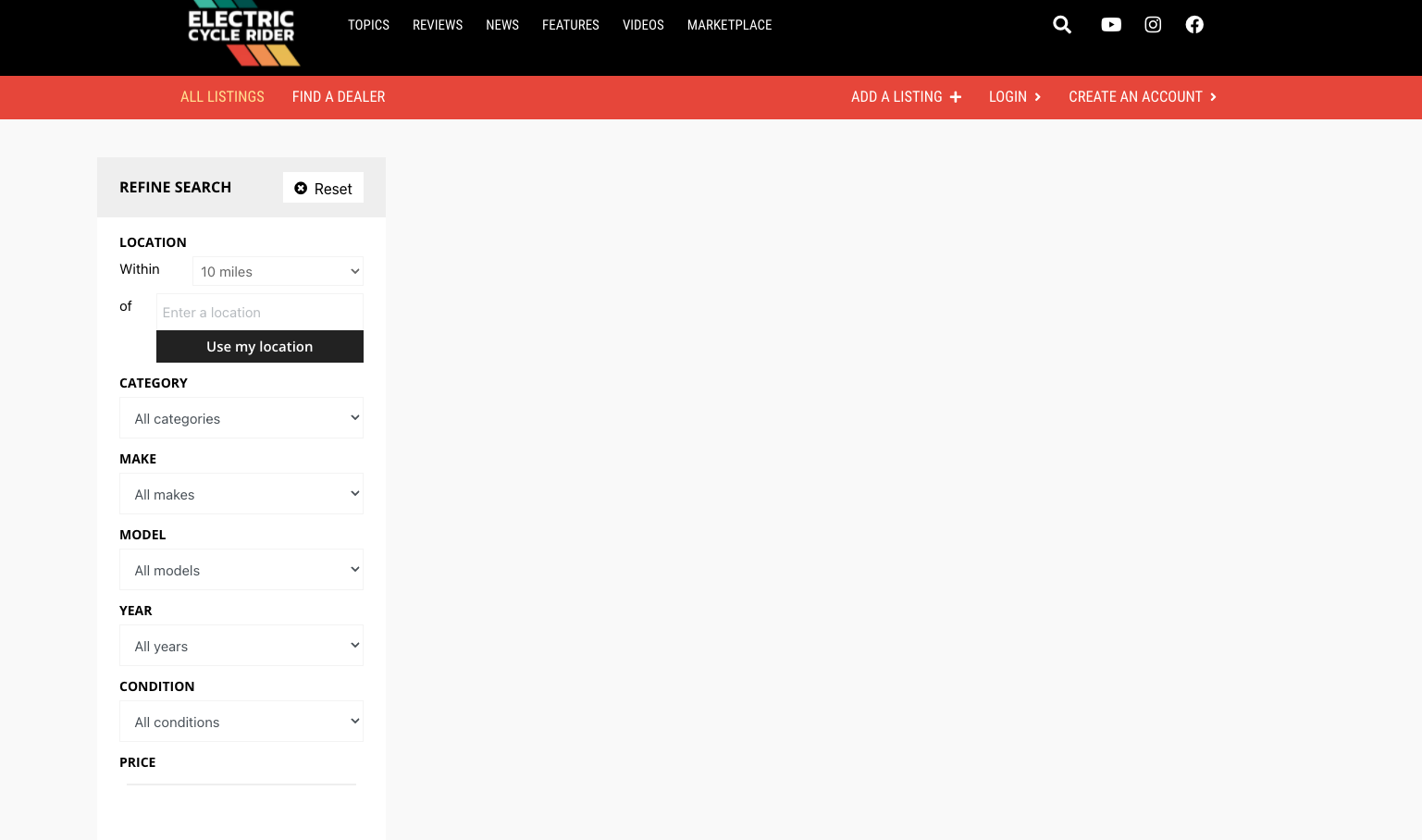
Otherwise, we have not made any changes to our site aside from keeping plugins up to date. The marketplace page where Toolset is used (hidden link) does not show the listings to logged out users; however, logged in it shows just fine.

I have checked Access Control in case something was accidentally selected, but Listings can be "read" by guests. Directly accessing a Listing URL seems to work. But only logged in users can view repeatable data.

It seems like there is a bug with the content templates we've set-up, as multiple different uses of it throughout the site no longer display.

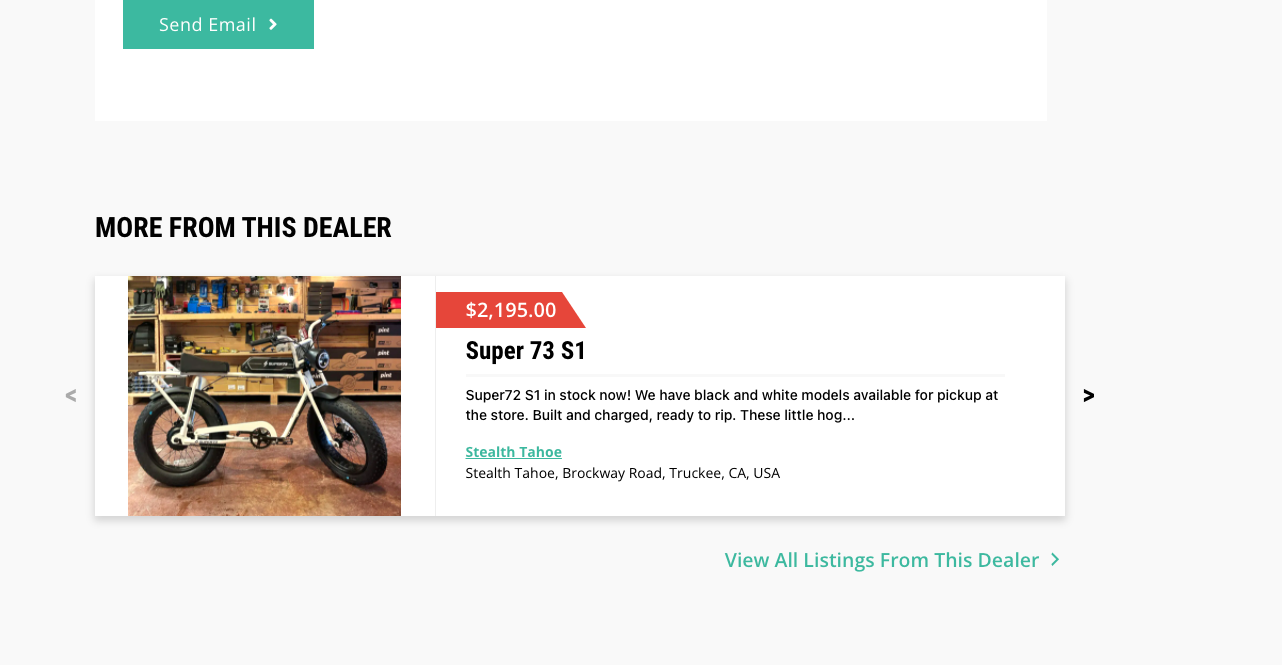
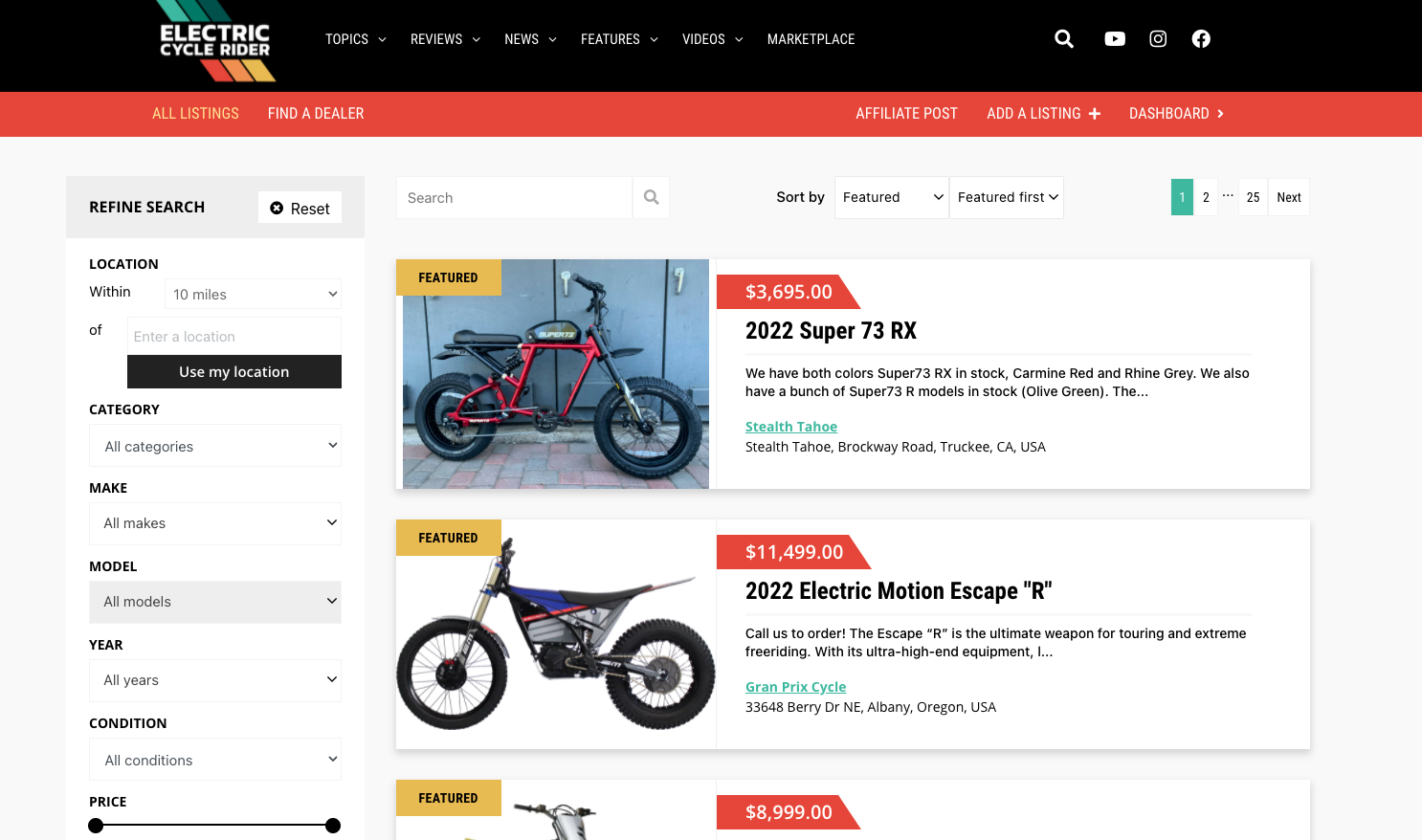
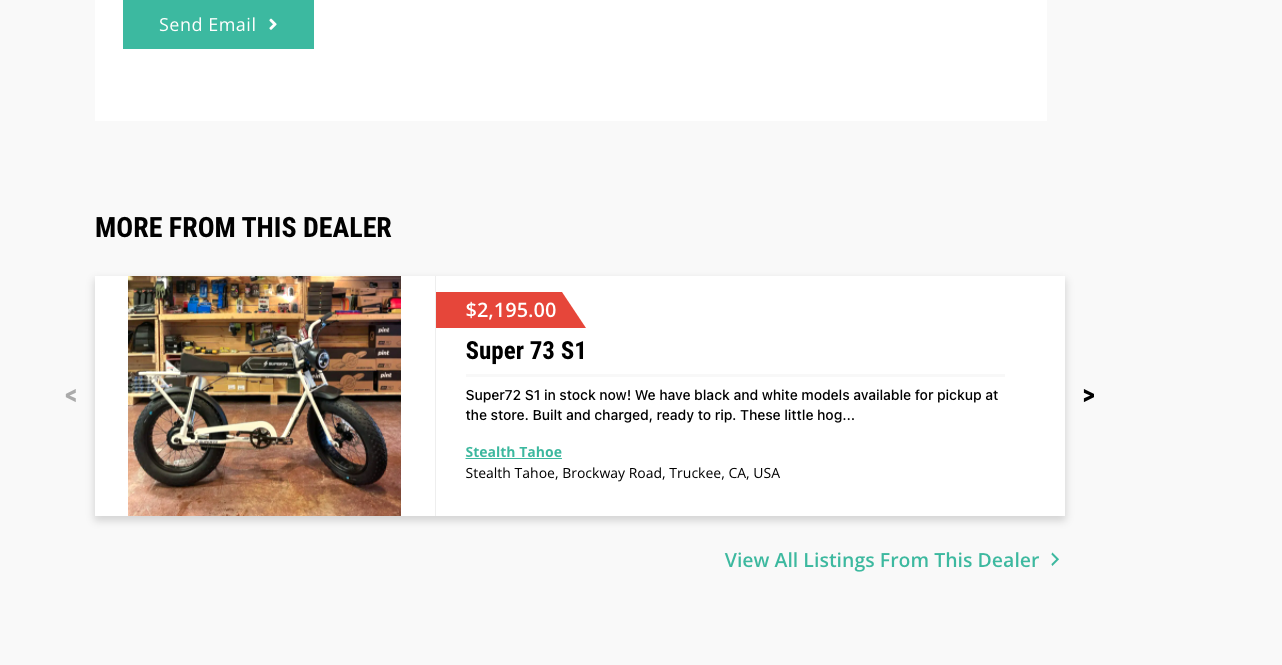
I've included a couple screenshots.

Please help ASAP!

#2293787

Hi,

Thank you for contacting us and I'd be happy to assist.

This seems to be the cache issue and the non-logged-in guest visitors are seeing the older cached version of the page.

Without logging in, I see the missing content issue if I visit the page. However, if I append some URL parameter '?no-cache=true' to force a non-cached version, it shows the page correctly:
{yourwebsite.com}/marketplace/?no-cache=true

I'll recommend clearing all involved caches at plugins, server, and CDN level and then checking the page again, as a guest.

regards,
Waqar