I am trying to: Use Oxygen Builder's menu element with Toolset Access activated
Link to a page where the issue can be seen: hidden link
This website is based on your Dog Walker website template but using Oxygen Builder to replace your supplied theme.
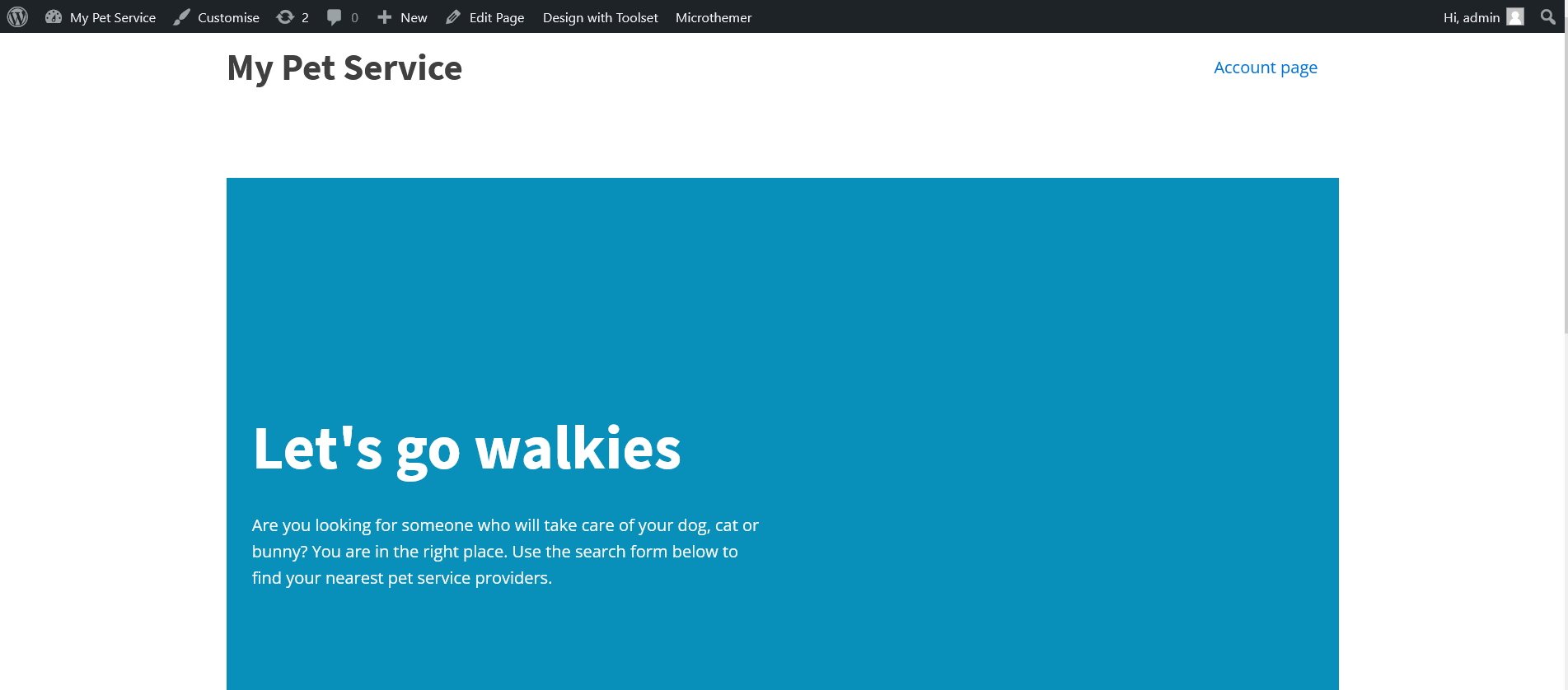
I expected to see: The WordPress menu set up in WordPress Appearance > menus
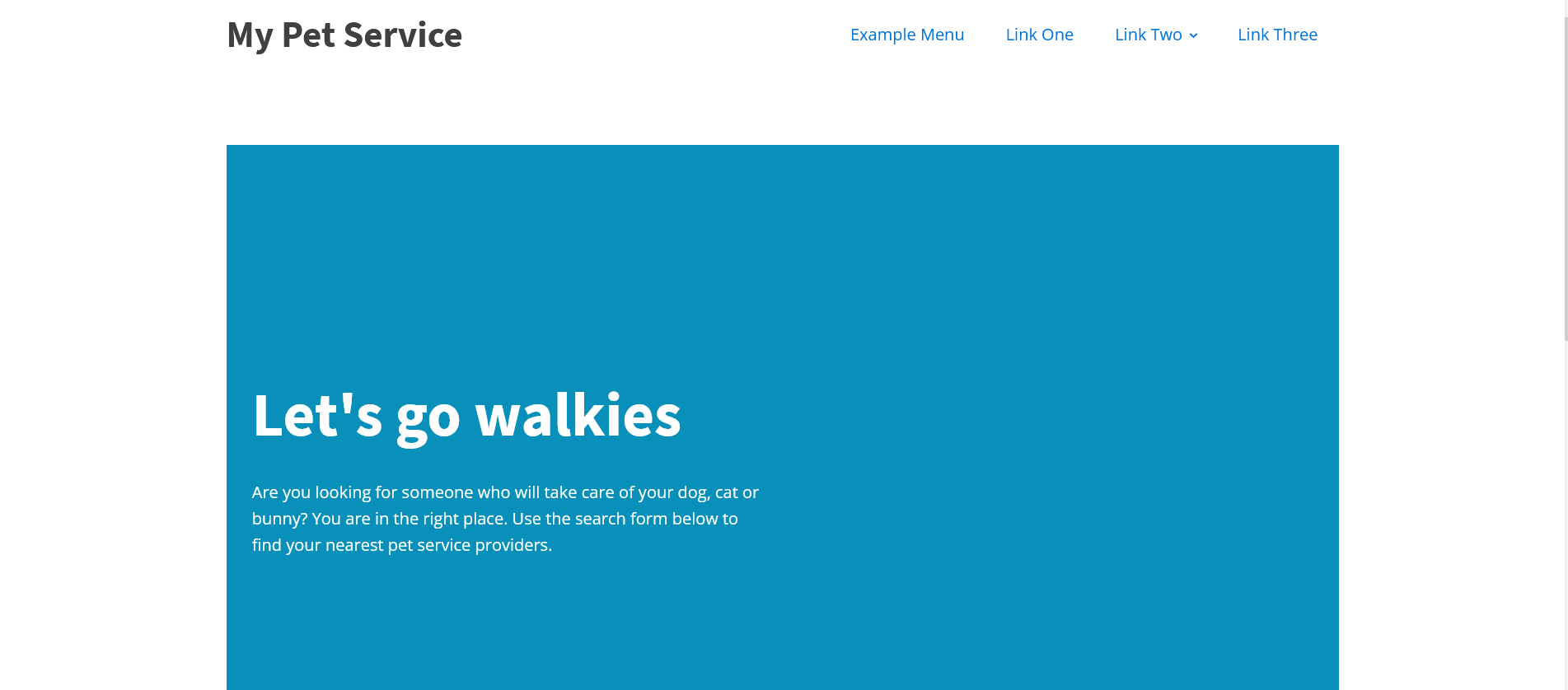
Instead, I got: Oxygen Builder's placeholder menu when no WordPress menu exists.
When I am logged, in my WordPress menu displays correctly when viewing the frontend.
When I disable Toolset Access, my menu also displays correctly when no user is logged in.
Hi Charlie,
Thank you for getting in touch.
Would you mind allowing me to have admin access to the site so that I can have a more detailed look at this one for you ?
I've enabled the private fields for your next response.
Thanks,
Shane
Hi Shane
i have added administrator for you:
Hi Shane
Access details supplied as requested
Access credentials sent to you.
Hi Charlie,
From what I see this isn't a conflict with our Toolset Access plugin.
Your Menu only has Account Page assigned to it, however the Account page is only accessible to users who are logged in. This is why you're seeing the default theme menu.
However if you noticed, i've added the Create Account link to the URL and it shows up for logged out users.
Please note that your access permissions for the pages is what is causing this and not a conflict.
Thanks,
Shane
My issue is resolved now.
The restrict page access to logged-in users is a feature of Toolset Access that I was not aware of.
Thanks for pointing me in the right direction, Shane.