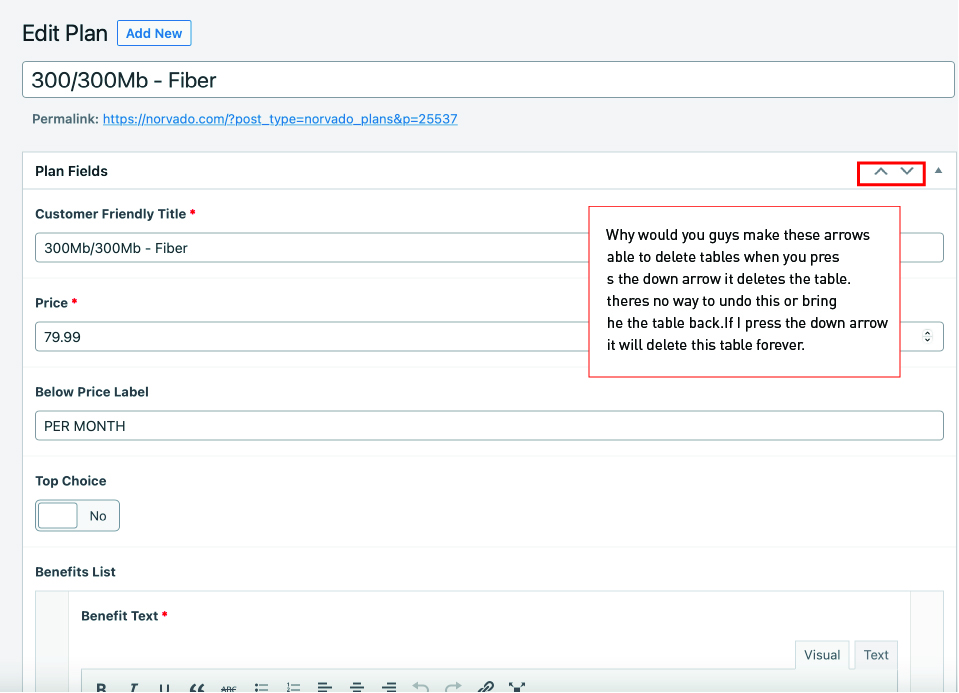
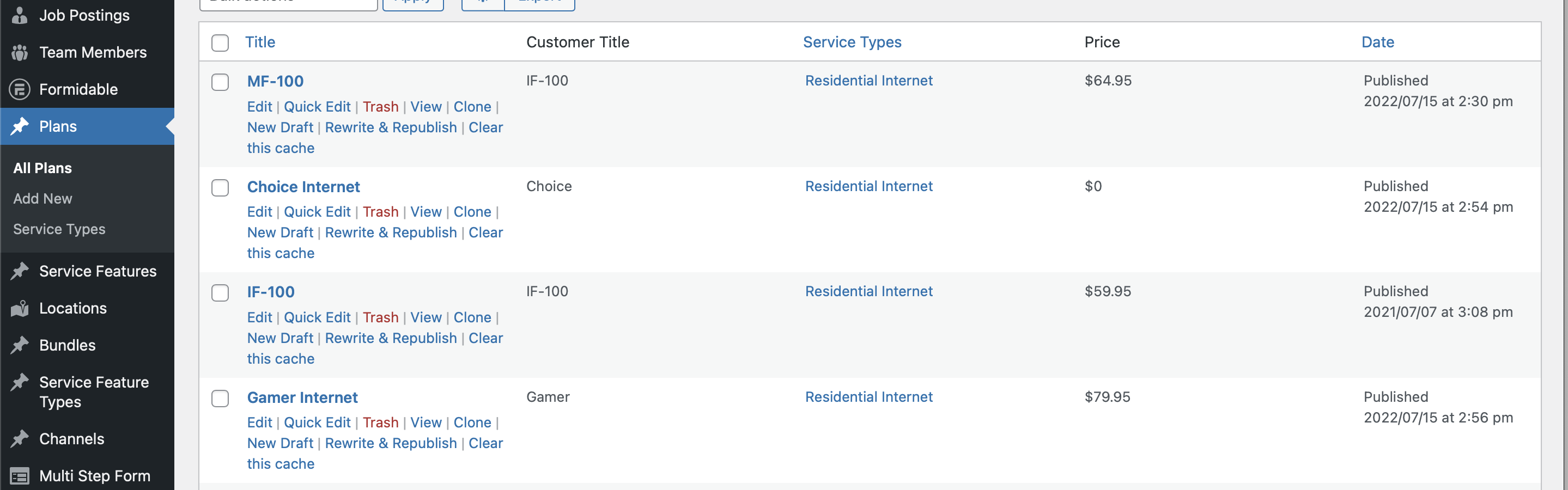
I am trying to: So I think this is a bug when you press the smaller up arrow and down arrow it deletes the tables and there is no way to get them back our site has custom fields that these fields on the backend control and change pricing or ect on the frontend.
Link to a page where the issue can be seen: its all backend issue
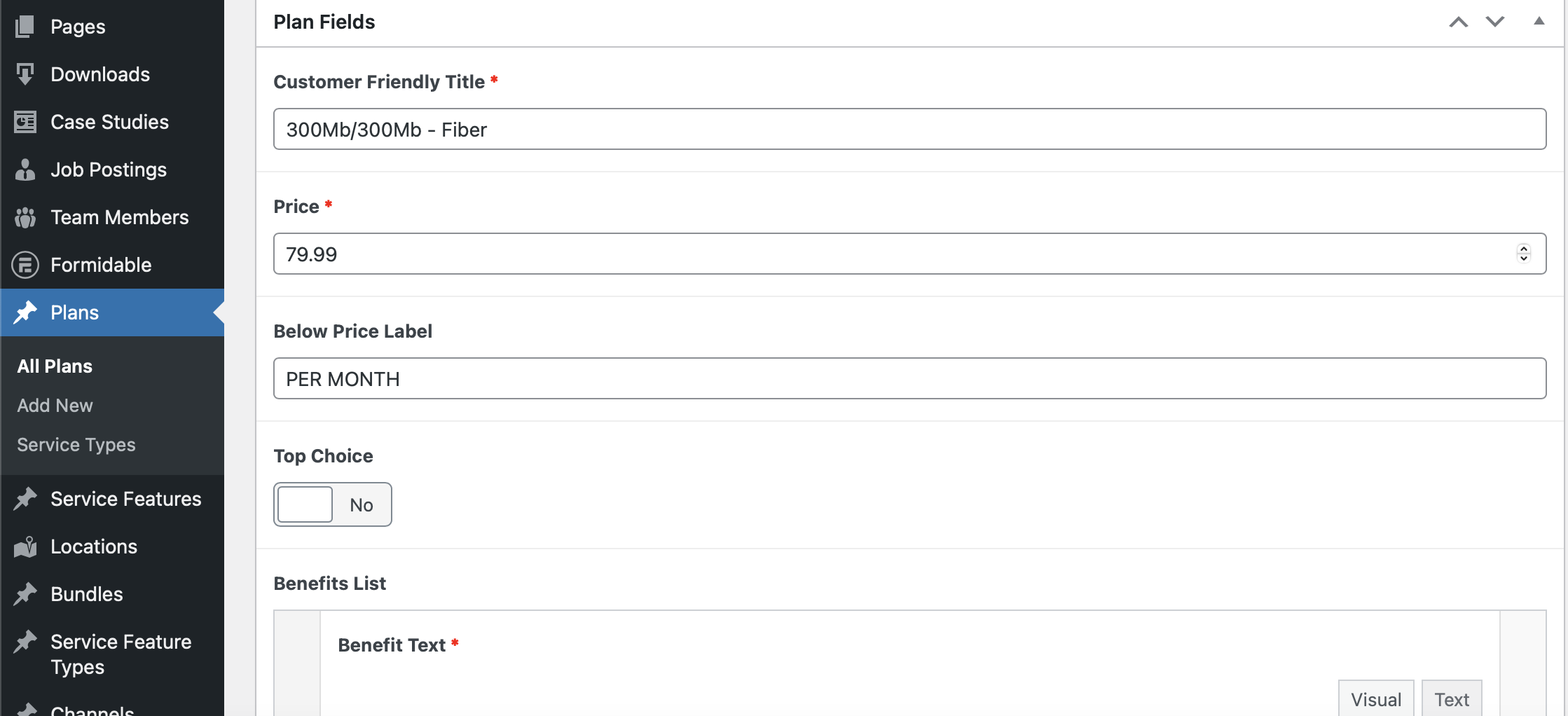
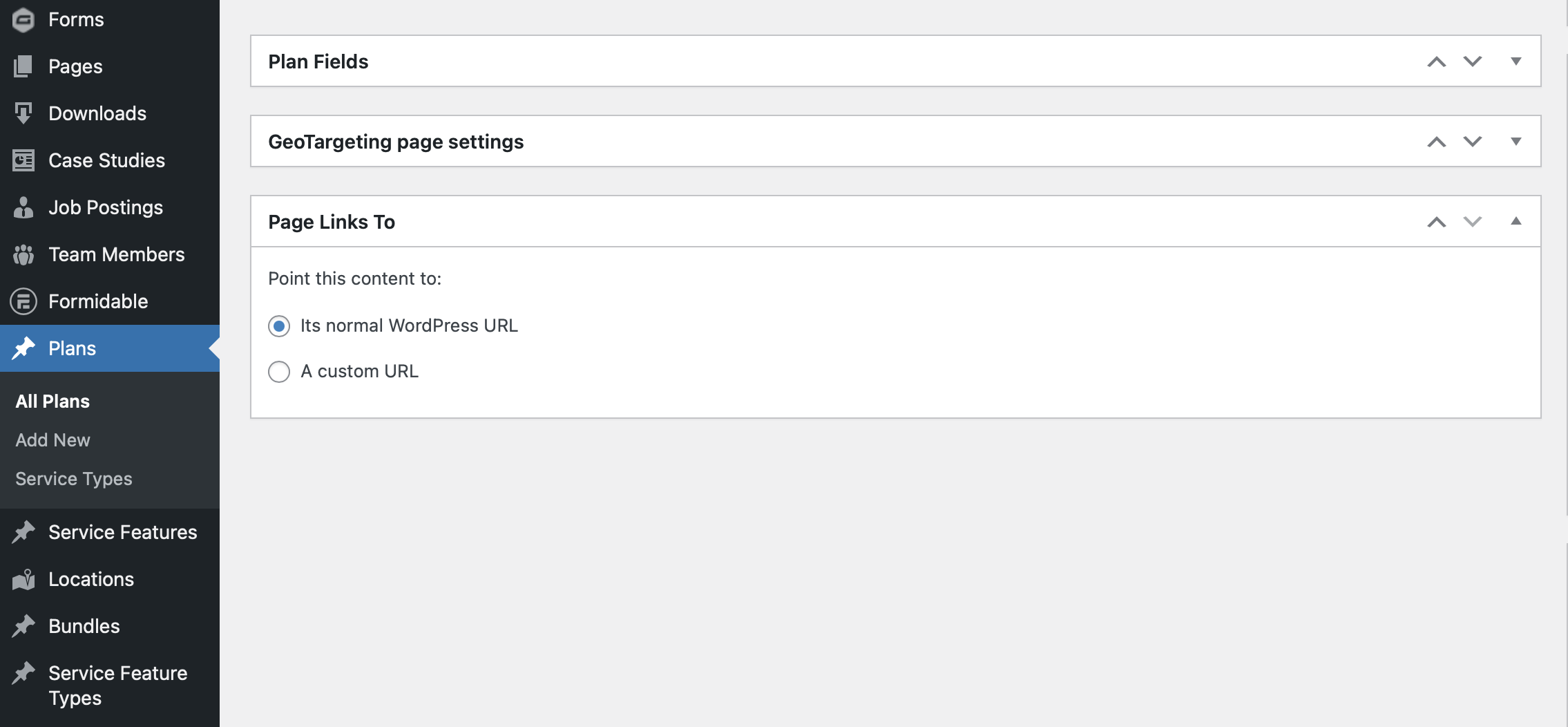
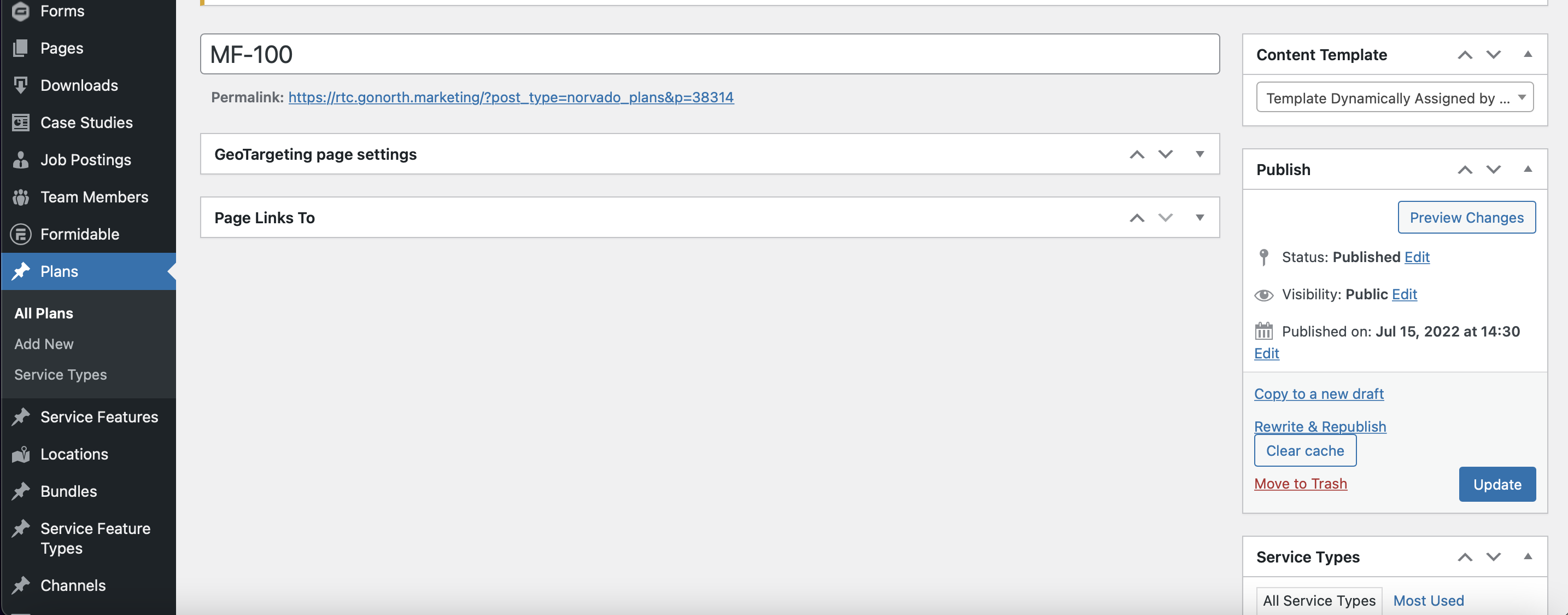
I expected to see: This picture is the way it used to be with our "Plan Fields and GeoTargeting page settings" Now its just 'GeoTargeting page settings and we cant get the plan fields table to show again. I pressed the smaller up and down arrows and it remove more tables. It appears to be where these tables are drag and drop but how do we get the other tables back. The only option is to add more plans and thats now what we want. These tables with custom fields in them used to hold changeable data used on the front end of the site.
Also I already checked the screen options thats not the issue. I can't give access to the backend of the site being I am just the designer and the owner doesn't allow us to give out passwords.
I'm not sure what tables you are referring to—I don't see any in your screenshot.
But those small up/down arrows are just a normal part of the WordPress UI to change the order of the metaboxes that appear at the bottom of the post edit screen.
It's a WordPress feature rather than a Toolset feature (although Toolet uses them), and it's not obvious how Toolset could be deleting content from other metaboxes.
If you disable that field group so that it no longer shows when editing a Plan post, does the same problem happen if you use the same buttons on other metaboxes (like those for post author or slug, which you can expose via the Screen Options tab). Or you could edit the "Sections to display when editing" settings for the post type to show Custom Fields and try moving the resulting metabox up and down using the same buttons.
So example I have a plan called " MF-100" so before I edit you can clearly see it says price $64.95 I used to have a table that I could update this information now its missing. How do I get this back? So I can edit this? I also uploaded images that have the table thats missing the table thats missing is called " Plan Fields" Then when you click to edit this your can see in the image where you can edit the price in "300/300Mb - Fiber" example. Also I am not sure how to show this again or bring this back. Or how to turn this back on if its not showing.