hi: The issue where YouTube videos weren't displaying on the front end has been resolved with the latest update. I spent a lot of time trying to fix it, only to discover it was a Toolset bug that had already been identified; this suggests a lack of communication between Toolset support and the development team... 🙁
... On another note, there is another bug involving Toolset button icons. The icons haven't worked since the previous update, and in this latest version, button icons fail to display even when selecting different sources like Dashicons or FontAwesome. The Toolset system generates the icons with incorrect codes, preventing them from appearing on the button...
.tb-button[data-toolset-blocks-button="3ddc10c30e39bca33b1a511f1e3490b1"] .tb-button__icon::before {
content: '05cf000';
}
The content value is incorrect; it should be:
'f000'
Hi,
Thank you for the report.
Would you please test the issue by removing the existing button and adding a new one while using the latest version of the Toolset Blocks plugin?
The reason is that an older version of the button icon had an issue, but this has been fixed in newer versions.
If the issue persists, I'd appreciate it if you could add a test button to the installation below:
hidden link
This is a clean WordPress installation running the latest version of Toolset, so it will be a suitable environment for reproducing and reporting the issue.
I also created a test page, and the icon appears correctly there:
hidden link
However, there may be a specific scenario that causes the issue. If you can reproduce it on the sandbox website, I will be able to report it.
Thanks.
Hi Christopher,
I found a reproducible scenario.
The issue is not related to old Views or old Button blocks.
I tested with Toolset Blocks 1.6.26.
Results:
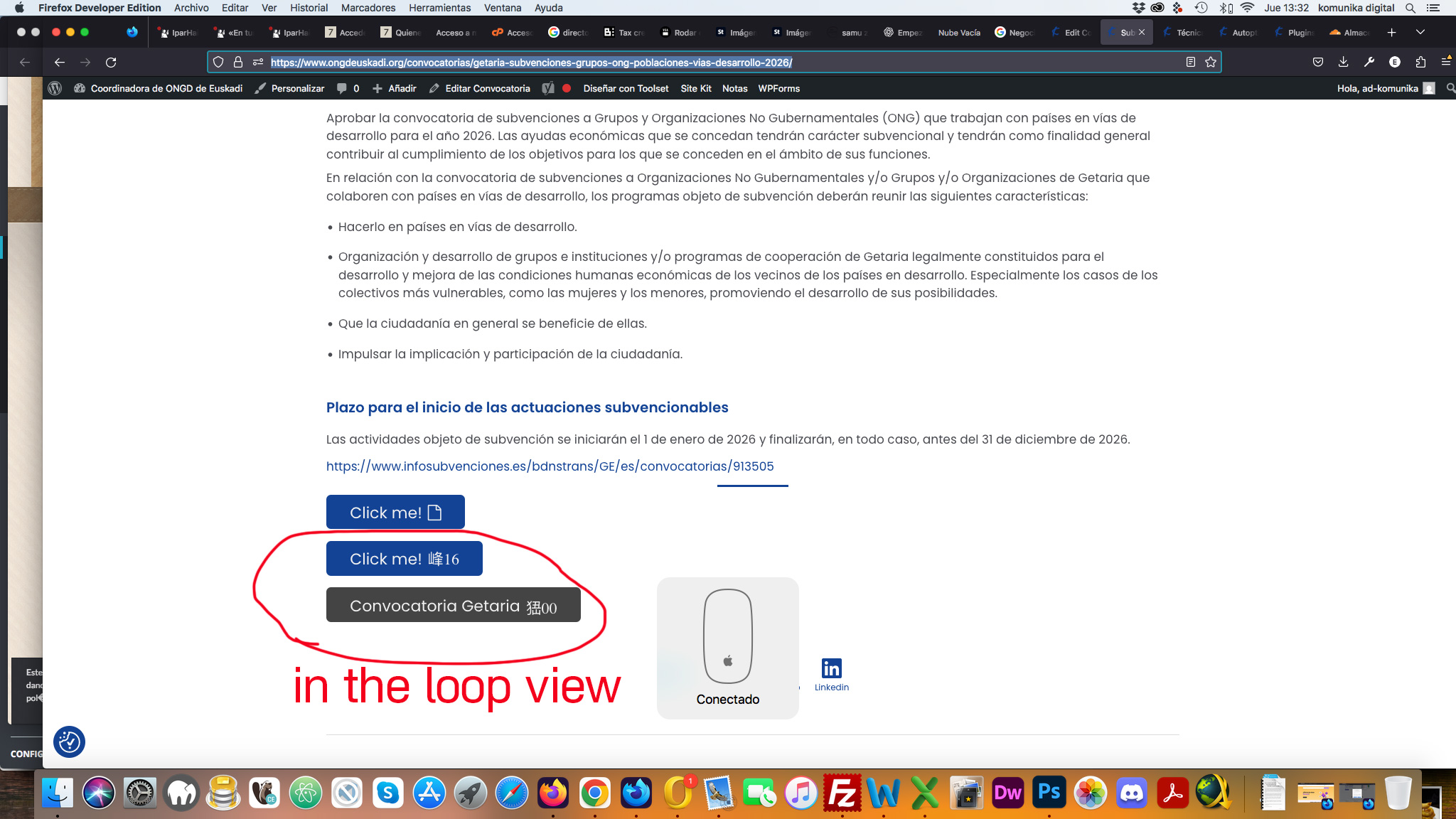
Toolset Button outside a View → ✅ icon displays correctly.
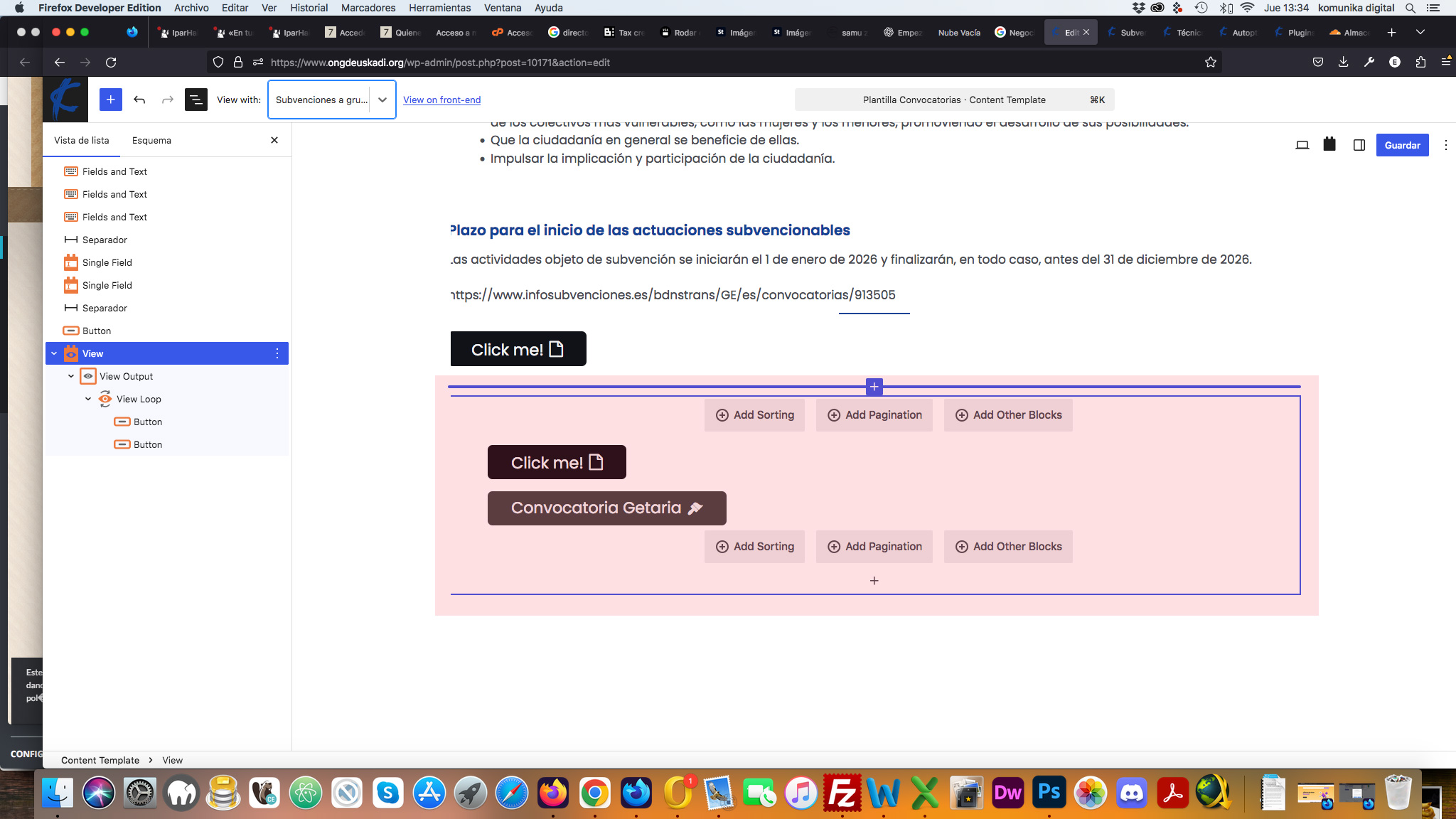
Toolset Button inside a View Loop → ❌ icon is rendered incorrectly.
This happens even with a completely new View and a completely new Button block.
The generated CSS inside the View contains:
content: '\005cf000';
instead of
content: '\f000';
So the problem appears only when the Button block is rendered inside a View Loop.
out of the view
.tb-button[data-toolset-blocks-button="c882873bc58cf6b0d88d88cfa5886c34"] .tb-button__icon::before {
content: '\f016';
}
in the loop view
.tb-button[data-toolset-blocks-button="3c347b6c84bebde2b926f6c73efa8888"] .tb-button__icon::before {
content: '\005cf016';
}
Hi Christopher,
I was able to reproduce the issue on your clean sandbox installation.
Test page:
hidden link
Results:
A Toolset Button outside the View Loop displays the icon correctly.
The same Toolset Button inside the View Loop renders the icon incorrectly.
Thank you. I reported this.
We will get back to you as soon as we have news.
For the time being, we do not have any ETAs, but I can give you a CSS code if needed for your scenario.
If youc an create a button outside and one inside the view loop on your website and get back to me with the URL I will give you proper CSS code to force the icon to show.
Thanks.