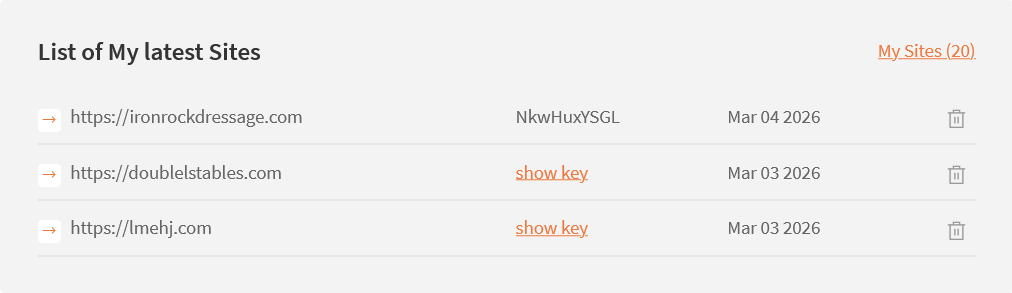
I am trying to fix what is being called a communication error, but the site key is not registering on the site. I tried deleting the old one and generating a new one, but it still isn't being accepted.
Thank you.
Hello,
Welcome to Toolset support. Would you please do as follows?
- Make sure that you are logged in toolset.com.
- Go to https://toolset.com/account/sites and delete the row containing the Key from the table by clicking the trash icon.
- Go to "WordPress Dashboard > Plugins > Add New > Commercial (Tab)".
- Click the "Unregister Toolset" link. (If it shows as registered, if not ignore this step)
- Click the "Register Toolset" at the right section of the screen.
- Click the "Get a key for this site" link annotated in the screenshot below.
- A new page will open up and the auto-generated key will show in pop-up.
- Copy the key and paste it into the "Site Key" input box annotated in the screenshot below.
- Click the "OK" button.
If the issue persists, it might be the fact that your website has a firewall that blocks connections to the Toolset API website.
Please contact your hosting service provider and ask them to whitelist the domains below:
api.toolset.com
cloudfront.net
Thanks.