I’m hoping to understand better how notification of updates to Toolset plugins works.
I prefer to disable automatic version updating on sites that I’m frequently at work on, and I rely on notification of update availability in the WordPress admin plugins interface to download and activate new versions in timely fashion. A couple of months ago, I realized that notification of update availability for Toolset plugins in the WordPress admin interface can sometime lag behind their actual availability. Only by going to the Commercial tab in the WordPress admin plugins interface and clicking Toolset’s “Check for updates” button, in such cases, do I get notification of current status of installed Toolset plugins.
Since then, I have begun to monitor changelogs closely, here on the Toolset site, for the various plugins I use.
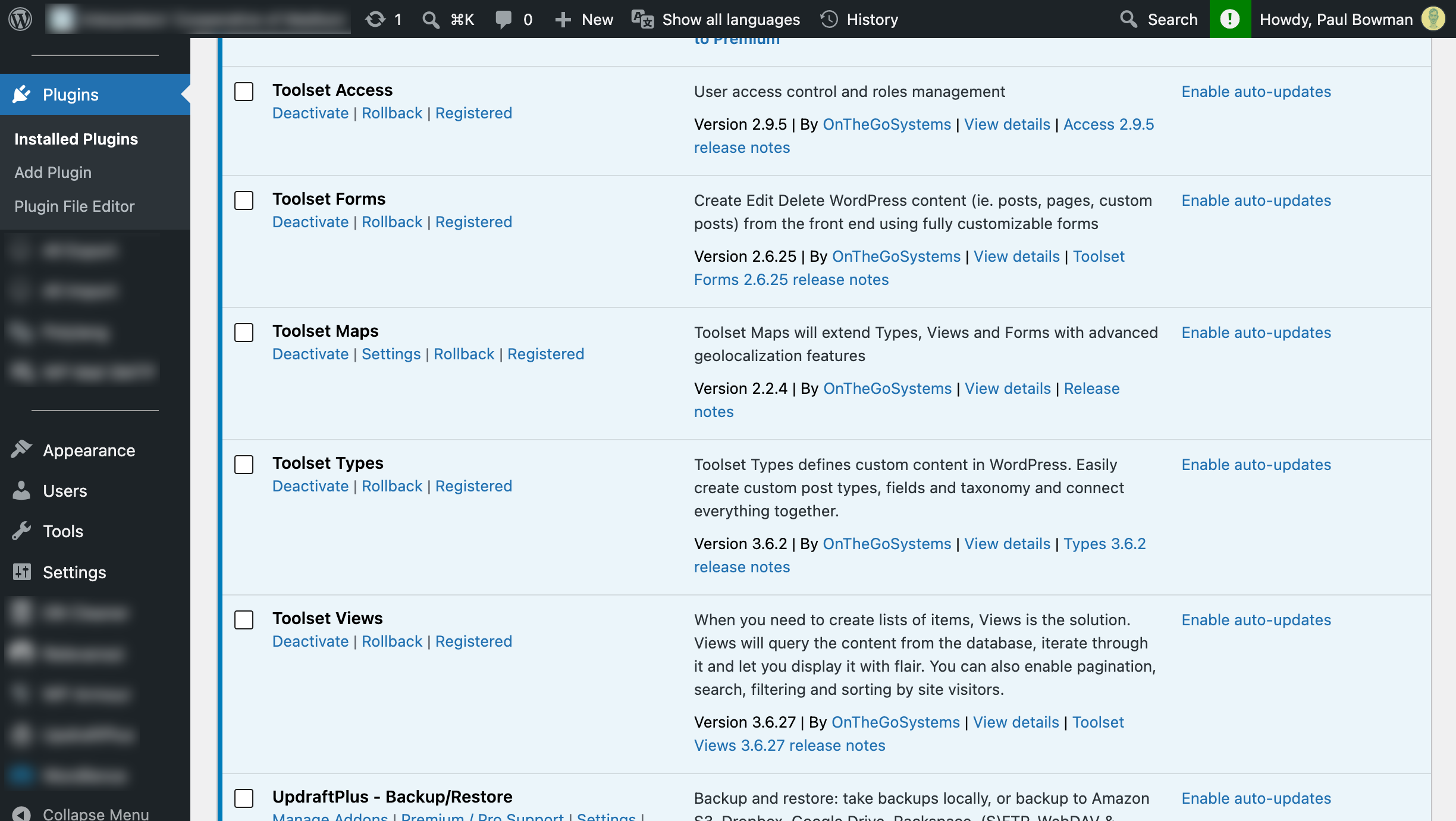
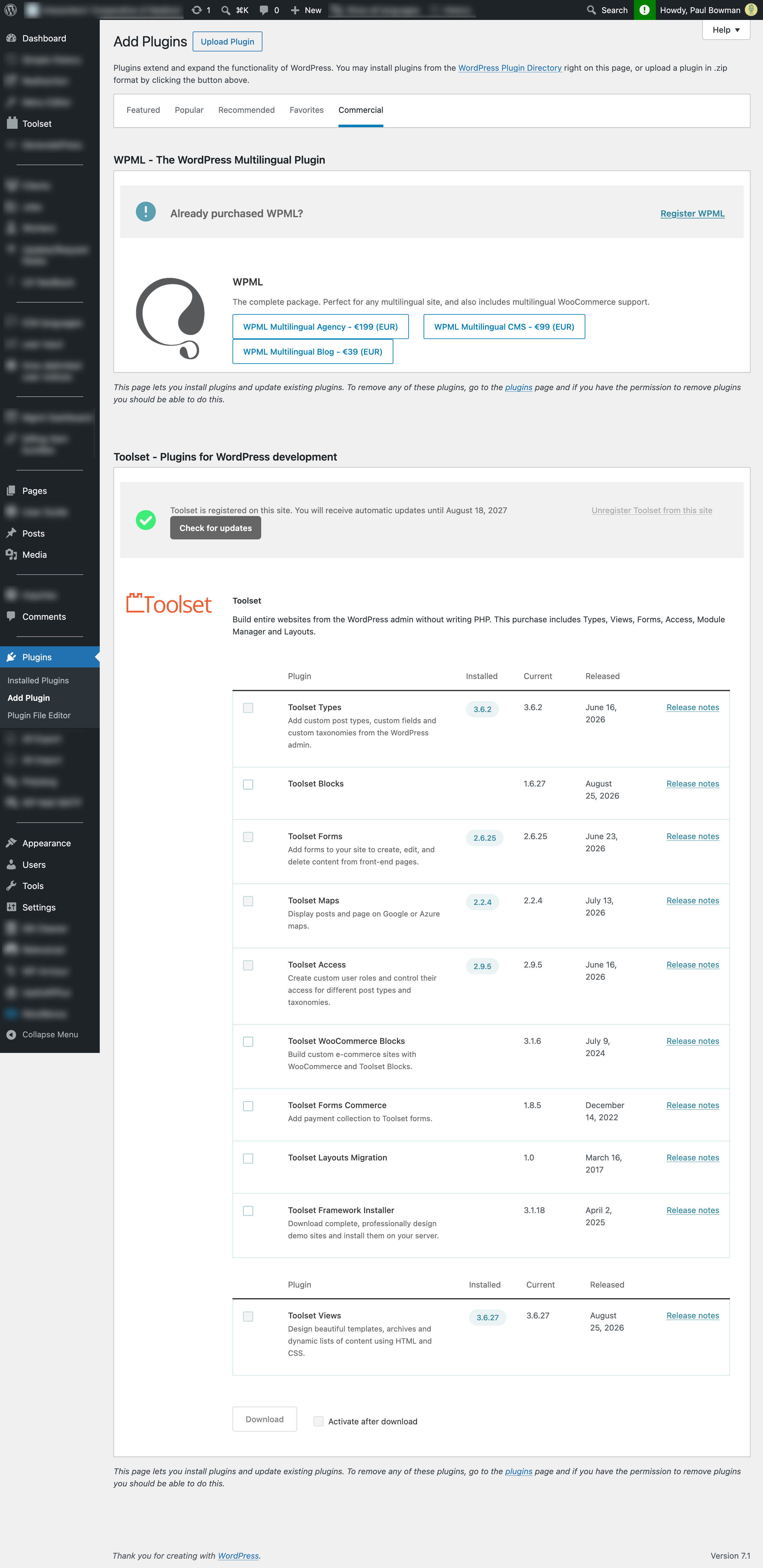
In the case of the Aug. 25 Toolset Views update, version 3.6.27, new-version availability was indicated in my WordPress admin plugins listing on the same day, as I would expect it to be.
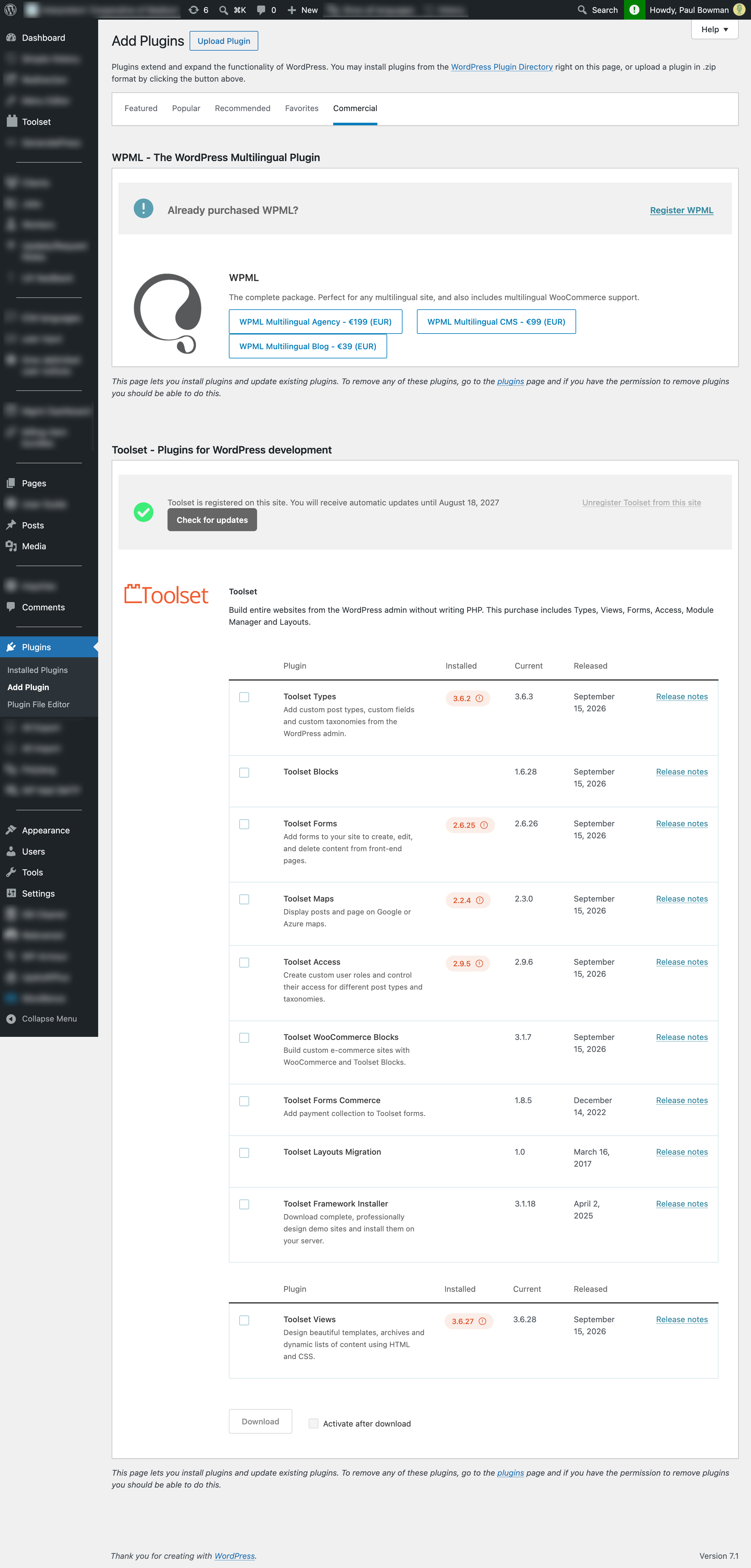
In the case of a more recent multi-plugin update on Sep. 15, however, no notification of update availability appeared in the WordPress admin listing before I intervened manually (in the instance shown, two days later on Sep. 17).
I would be grateful for any explanatory information you can provide about the WordPress plugins updating notification system and Toolset’s standard practices for interacting with it. Thank you.
Hi,
This is expected behaviour, not a fault on your site.
Toolset releases updates in stages rather than to all sites at once. A release goes out to a limited percentage of clients first, so that if a problem emerges we can hold the rollout before everyone is affected. Your site simply had not been included in the batch yet, which is why nothing appeared in the WordPress plugins listing.
This explains the difference you observed: with Views 3.6.27 on 25 August your site was in the early batch, and with the 15 September release it was not.
The "Check for Updates" button in "Plugins → Add New → Commercial" bypasses the staged rollout and pings our server directly, which is why it always shows the current versions. That is the correct method to use when you want updates immediately after a changelog entry appears.
Two other ways to confirm the latest versions:
Your account downloads page: https://toolset.com/account/downloads/
The changelog page of each plugin, which you are already monitoring.
Thanks.
This is helpful, thank you.