Hi,
We're using Toolset on a site for one of our clients (art gallery).
Apparently, Toolset doesn't really want to play nice with Elementor, so I'm having the following issue:
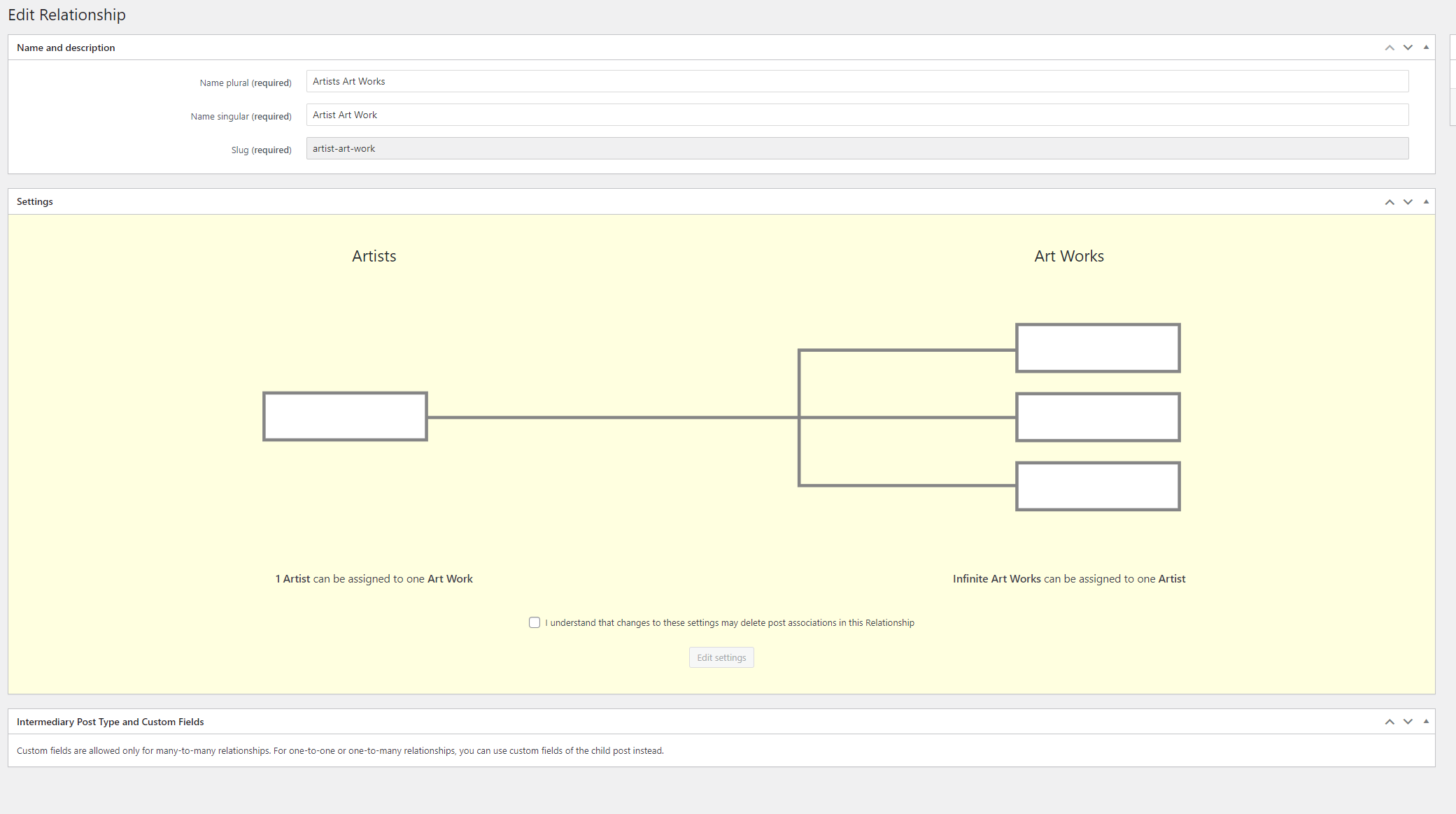
The 2 following custom post types are linked with a one-too-many relationship: Artists & Art Works (see screenshot)
On a single Artist page, at the bottom, there are artworks visible of the artist, which are clickable, and brings up the single artwork template. For example: hidden link
So far so good, but there also Previous / Next buttons on the single Artwork template, which are NOT linked to the artist itself, meaning that there are artworks of other Artists as well. Which we obviously want to avoid.
Example: hidden link (next button links to artwork of another artist)
On the detail page of an artwork, I've managed to create a link (Back to overview) to link to the actual Artist, but wasn't straightforward by any means. Eventually I've managed to do this with some view I've created, where I could copy a shortcode, which I could use in Elementor. Just to illustrate that Elementor support is quite poor.
So, my question: what's the best method to create Previous / Next buttons on the detail page of an artwork (elementor template) that links only to the related artist ?
Thanks,
best regards,
Jurgen
Hello Jurgen,
Thanks for contacting us.
Before your ticket is assigned to one of my colleagues, please allow me to walk you through some initial debugging steps. This will help speed up the support process.
Based on your reply, where you've been able to set up a custom shortcode to create a link, you could do something similar for the Previous / Next buttons using the WordPress function get_adjacent_post() > https://developer.wordpress.org/reference/functions/get_adjacent_post/.
Can you please check this example to see if it helps you achieve what you're expecting?
https://toolset.com/forums/topic/previous-and-next-buttons-to-the-bottom-of-the-content-template/#post-455239
Thank you, please let us know if it helps.