Skip Navigation

[Resolved] Post images are showing as HTML code instead of image

This support ticket is created 3 years, 1 month ago. There's a good chance that you are reading advice that it now obsolete.

This is the technical support forum for Toolset - a suite of plugins for developing WordPress sites without writing PHP.

Everyone can read this forum, but only Toolset clients can post in it. Toolset support works 6 days per week, 19 hours per day.

Sun Mon Tue Wed Thu Fri Sat
- 10:00 – 13:00 10:00 – 13:00 10:00 – 13:00 10:00 – 13:00 10:00 – 13:00 -
- 14:00 – 18:00 14:00 – 18:00 14:00 – 18:00 14:00 – 18:00 14:00 – 18:00 -

Supporter timezone: Asia/Kolkata (GMT+05:30)

This topic contains 1 reply, has 2 voices.

Last updated by Minesh 3 years, 1 month ago.

Assisted by: Minesh.

Author
Posts
#2535467
image.png

Earlier I was using version 2.3.5 of the toolset type and today I purchased a license and now the version is the latest.

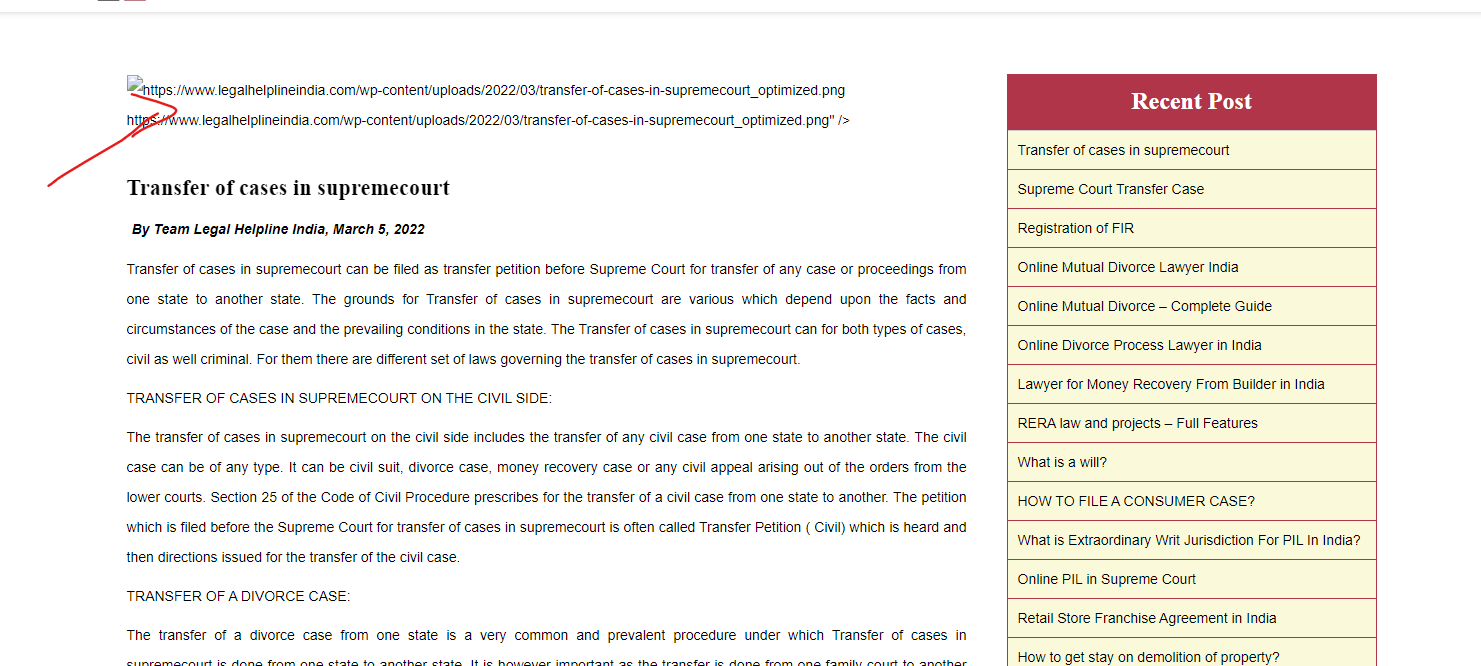
But My post images are not showing after the upgrade.

Just I can see some HTML code.

#2535747

Minesh
Supporter

Languages: English (English )

Timezone: Asia/Kolkata (GMT+05:30)

Hello. Thank you for contacting the Toolset support.

With your theme's single.php file - I see there is a shortcode added as given under:

<div class="blog-image"><img src="<?php echo do_shortcode('[types field="header-image"][/types]');?>" /></div>

I've added the output="raw" attribute to the types shortcode that displays the image:

<div class="blog-image"><img src="<?php echo do_shortcode('[types field="header-image" output="raw"][/types]');?>" /></div>

Can you please confirm it works as expected.

More info:
- https://toolset.com/documentation/customizing-sites-using-php/functions/#image