Skip Navigation

[Resolved] Picture at gallery does not update

This thread is resolved. Here is a description of the problem and solution.

Problem:
The user was changing the featured image of a product, but it was not updated on the products archive.

Solution:
The user is using an Image custom field in the archive template, instead of the featured image. The custom field's image was not updated.

This support ticket is created 4 years, 2 months ago. There's a good chance that you are reading advice that it now obsolete.

This is the technical support forum for Toolset - a suite of plugins for developing WordPress sites without writing PHP.

Everyone can read this forum, but only Toolset clients can post in it. Toolset support works 6 days per week, 19 hours per day.

Sun Mon Tue Wed Thu Fri Sat
9:00 – 13:00 9:00 – 13:00 9:00 – 13:00 9:00 – 13:00 - - 9:00 – 13:00
14:00 – 18:00 14:00 – 18:00 14:00 – 18:00 14:00 – 18:00 - - 14:00 – 18:00

Supporter timezone: Africa/Casablanca (GMT+01:00)

This topic contains 15 replies, has 3 voices.

Last updated by Jamal 4 years, 2 months ago.

Assisted by: Jamal.

Author
Posts
#2207789
Screen Shot 2021-10-28 at 13.01.41.png
Screen Shot 2021-10-28 at 13.01.19.png

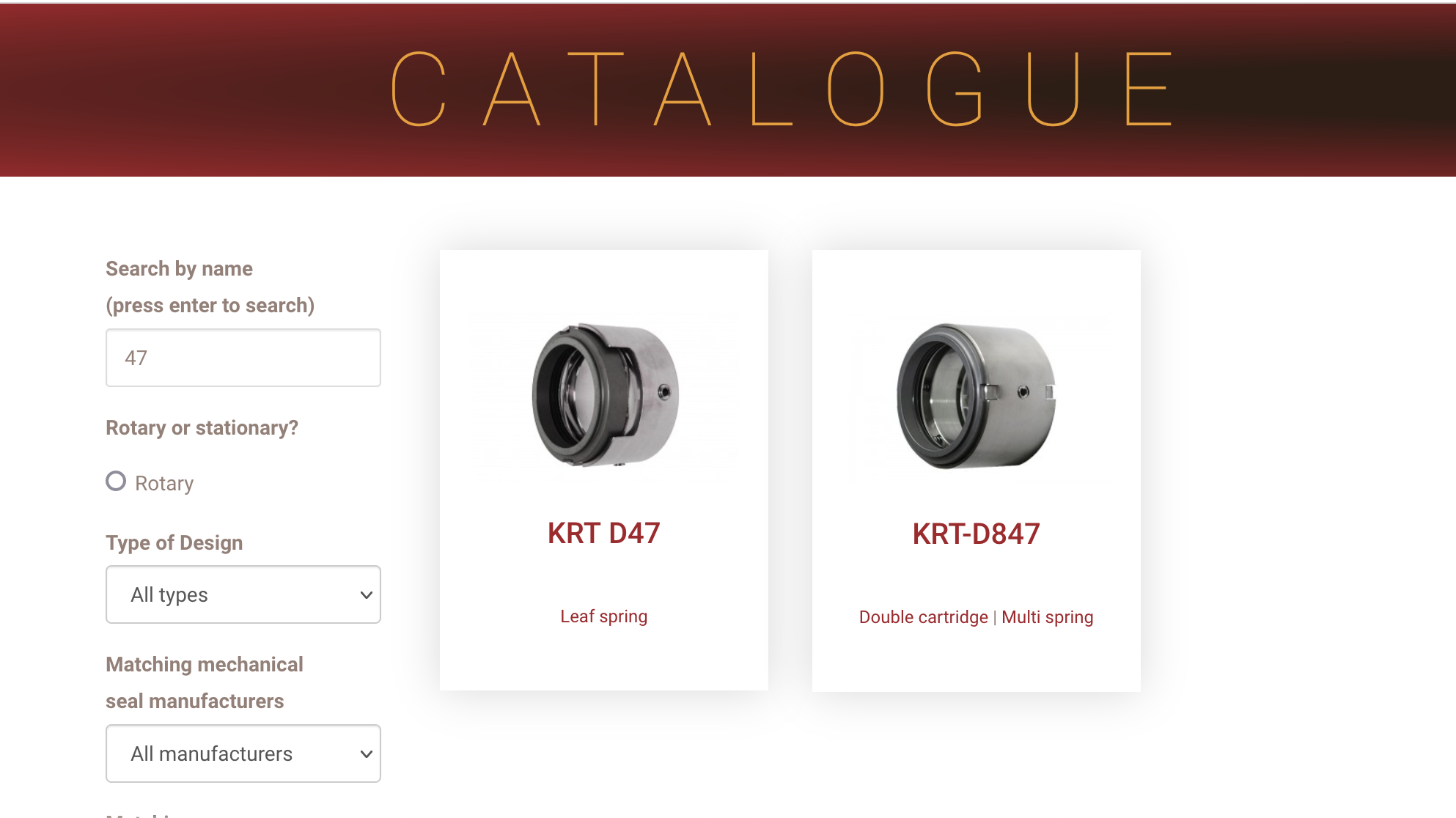
We are updating our product images. they change on the product page but not on the catalog page.

Is there any documentation that you are following?
no

Is there a similar example that we can see?
Please see attached files.
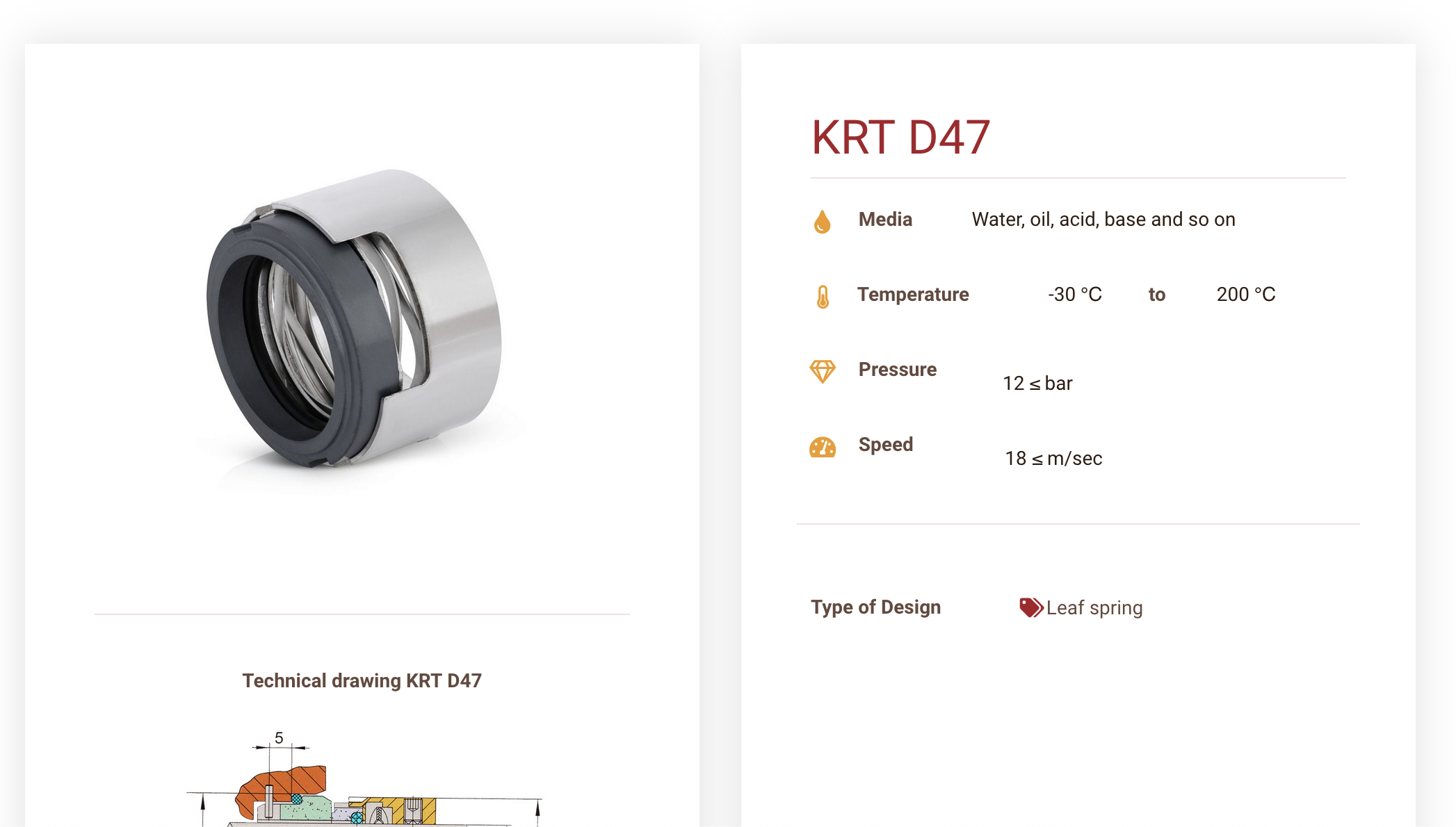
For example, product krt D47 with new picture in it's own page and old picture that does not update in the catalogue page.

What is the link to your site?
klingeram.com

Thank you 🙂
Daniel

#2207895

Minesh
Supporter

Languages: English (English )

Timezone: Asia/Kolkata (GMT+05:30)

Hello. Thank you for contacting the Toolset support.

That is strange. That must the the caching issue.

*** Please make a FULL BACKUP of your database and website.***
I would also eventually need to request temporary access (WP-Admin and FTP) to your site. Preferably to a test site where the problem has been replicated if possible in order to be of better help and check if some configurations might need to be changed.

I have set the next reply to private which means only you and I have access to it.

#2209473
Screen Shot 2021-10-31 at 13.46.02.png

In addition,

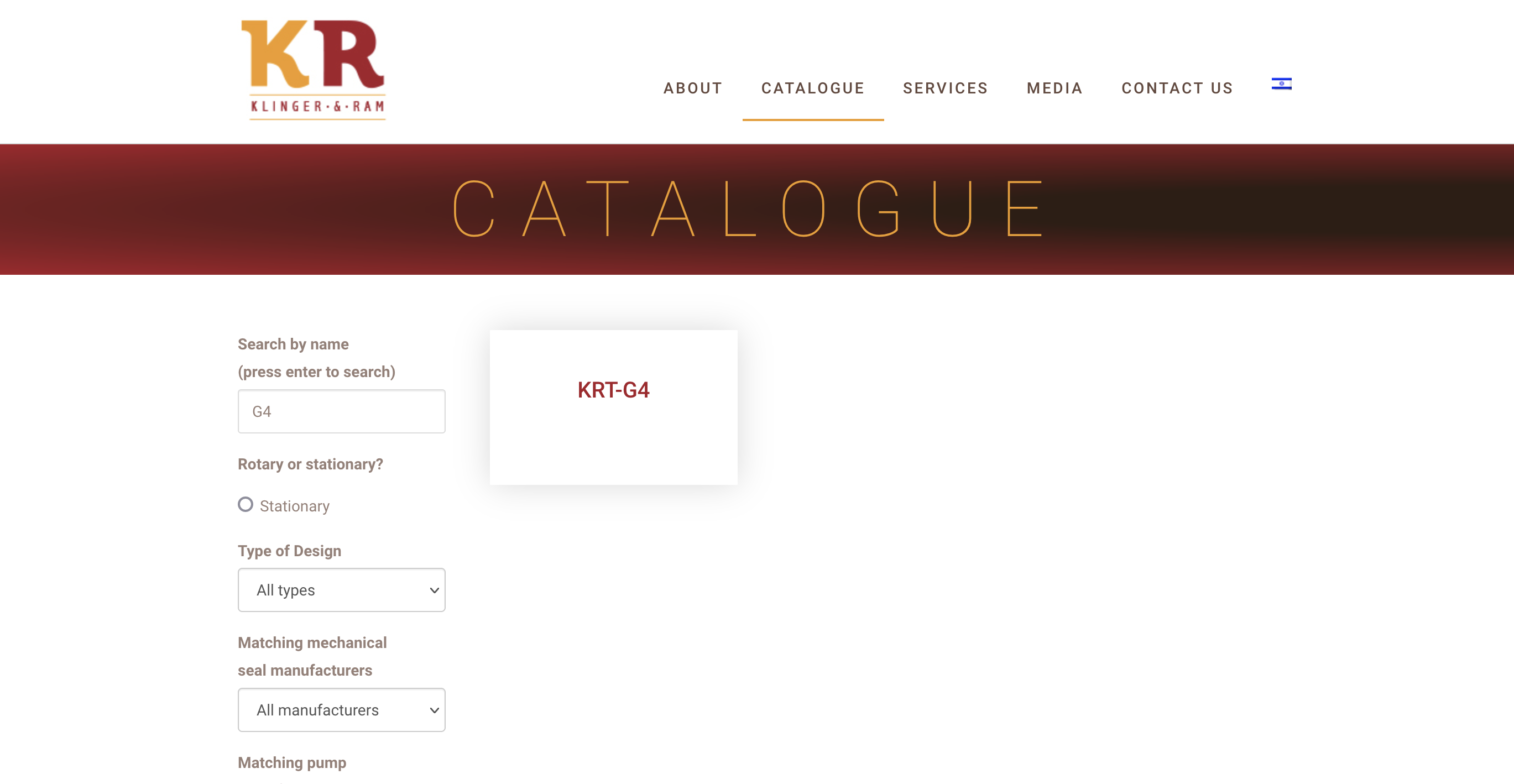
New items picture is no presented in the catalogue at all.

Thank you,
Daniel

#2210745

Minesh
Supporter

Languages: English (English )

Timezone: Asia/Kolkata (GMT+05:30)

Unfortunately - I could not able to login to wp-admin using the shared admin access details.

Can you please send me working admin access details.

I have set the next reply to private which means only you and I have access to it.

#2211777

Minesh
Supporter

Languages: English (English )

Timezone: Asia/Kolkata (GMT+05:30)

I just checked again and try to login using the shared wp-admin access detail but still its not working at this end.

I also checked with one of my colleague and for him as well the shared admin access details is not working.

Can you please share working wp-admin access details.

*** Please make a FULL BACKUP of your database and website.***
I would also eventually need to request temporary access (WP-Admin and FTP) to your site. Preferably to a test site where the problem has been replicated if possible in order to be of better help and check if some configurations might need to be changed.

I have set the next reply to private which means only you and I have access to it.

#2214997

Hello Daniel. Minesh won't be available for a couple of days. If you don't mind, I'll continue with you on this ticket.

Unfortunately, none of the provided credentials has worked for me. Please double check from your side and share a working password on your next reply.

#2215083

Unfortunately, this one too, does not work with either of the provided users.

Please double-check from your side by tring to logging in using a private window.

#2215549

Unfortunately, this does not work for me too. Please try to test the login before sharing it. Do the following:
- Reset the user password from WordPress.
- Open a private browser window hidden link
- Test the username/password to make sure they work.
Then share the working credentials with us.

#2215851

I am sorry Daniel, but I still can't access the website. Here a screenshot with the latest credentials hidden link

Always trying with this URL hidden link

Would you allow me FTP access and let me do some tests? Your next reply will be private to let you share credentials safely.

#2216065
Screen Shot 2021-11-08 at 18.57.03.png
Screen Shot 2021-11-08 at 18.56.41.png

hidden link

Very strange indeed.

Please check the pictures and if the details are enough.

Thank you

#2216489

Indeed that's very strange. I thought that my user maybe be locked by a plugin, but you are able to log in using it.

I can suspect some geolocation services that blocks my country(Morocco). Usually, it could be done using a plugin. So, I wanted FTP access to disable all plugins and check again. But, the FTP password is not provided.

Instead of turning around this authentication issue, I suggest to take a copy of your website and work on it, or migrate your website into our online platform and we can work on it there. Please follow the instructions n my private message(November 9, 2021 at 9:01 am) to migrate your website to our platform and let me take it from there.

#2216557
Screen Shot 2021-11-09 at 11.42.10.png

Hello Jamal,

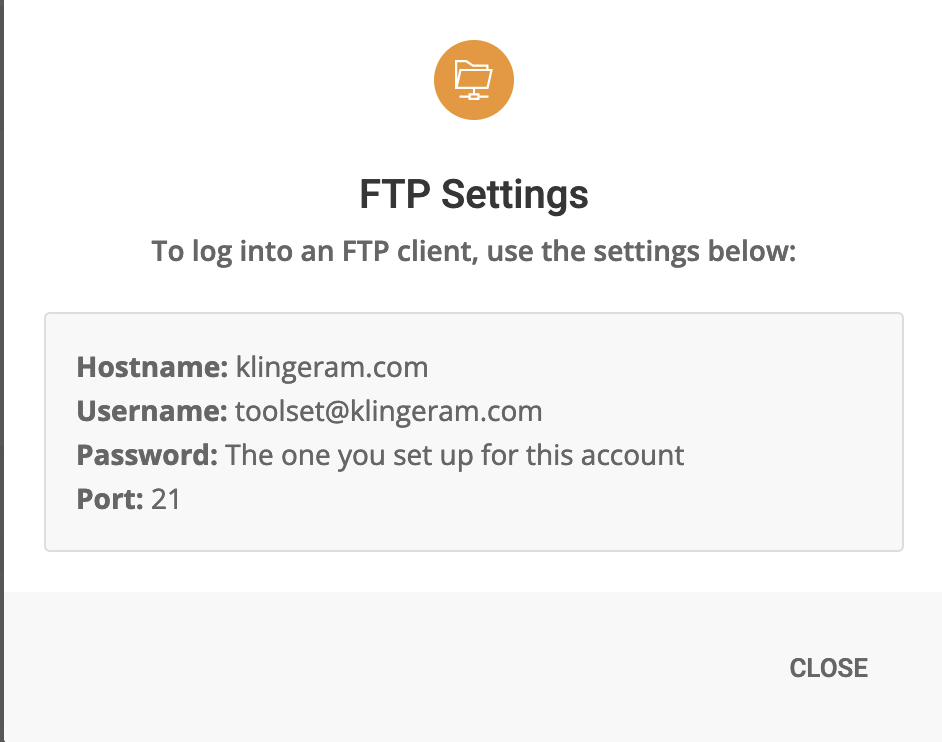
I spoke with our great hosting (Siteground) support and they offered access as you ask via there system.

Please send me the following details.

Thank you,
Daniel

#2216567
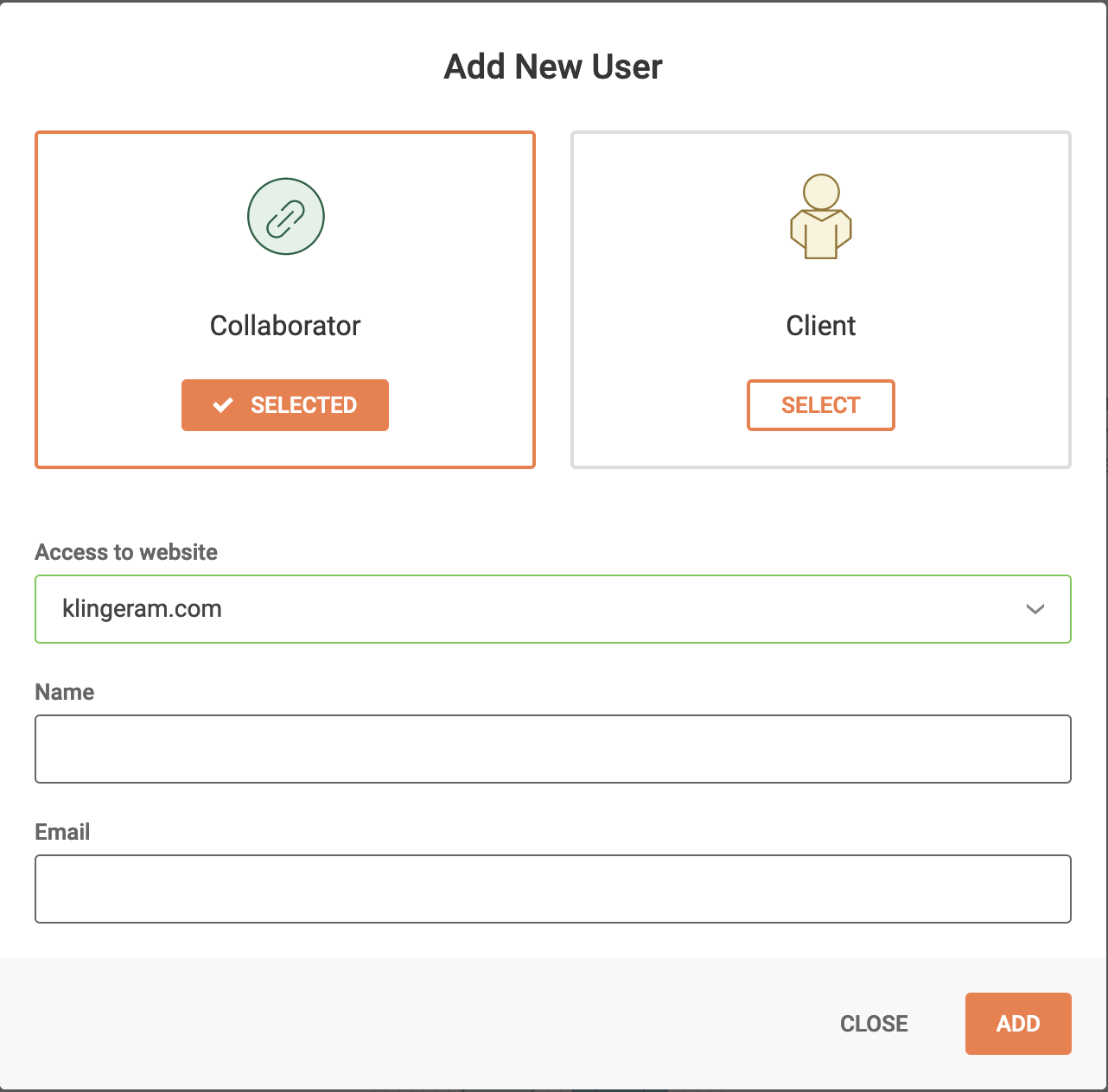
Screen Shot 2021-11-09 at 11.56.53.png

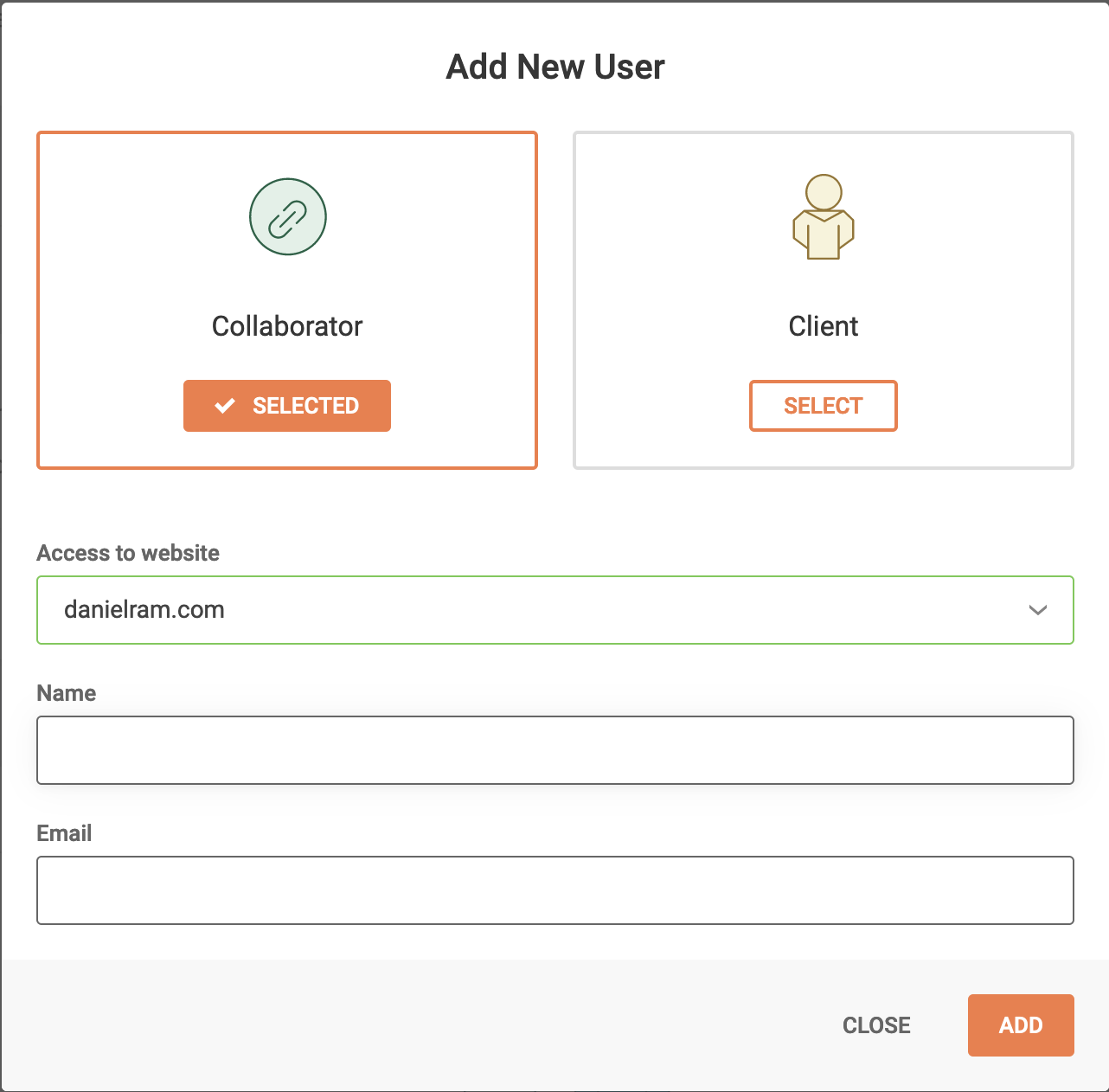
This website obviously

#2216629

Sure, your next reply will be private. If you need an email address, please use jamal.b+2207789@onthegosystems.com

#2216685
Screen Shot 2021-11-09 at 14.37.20.png

A message has been sent to this mail.

Please update me. Thank you.