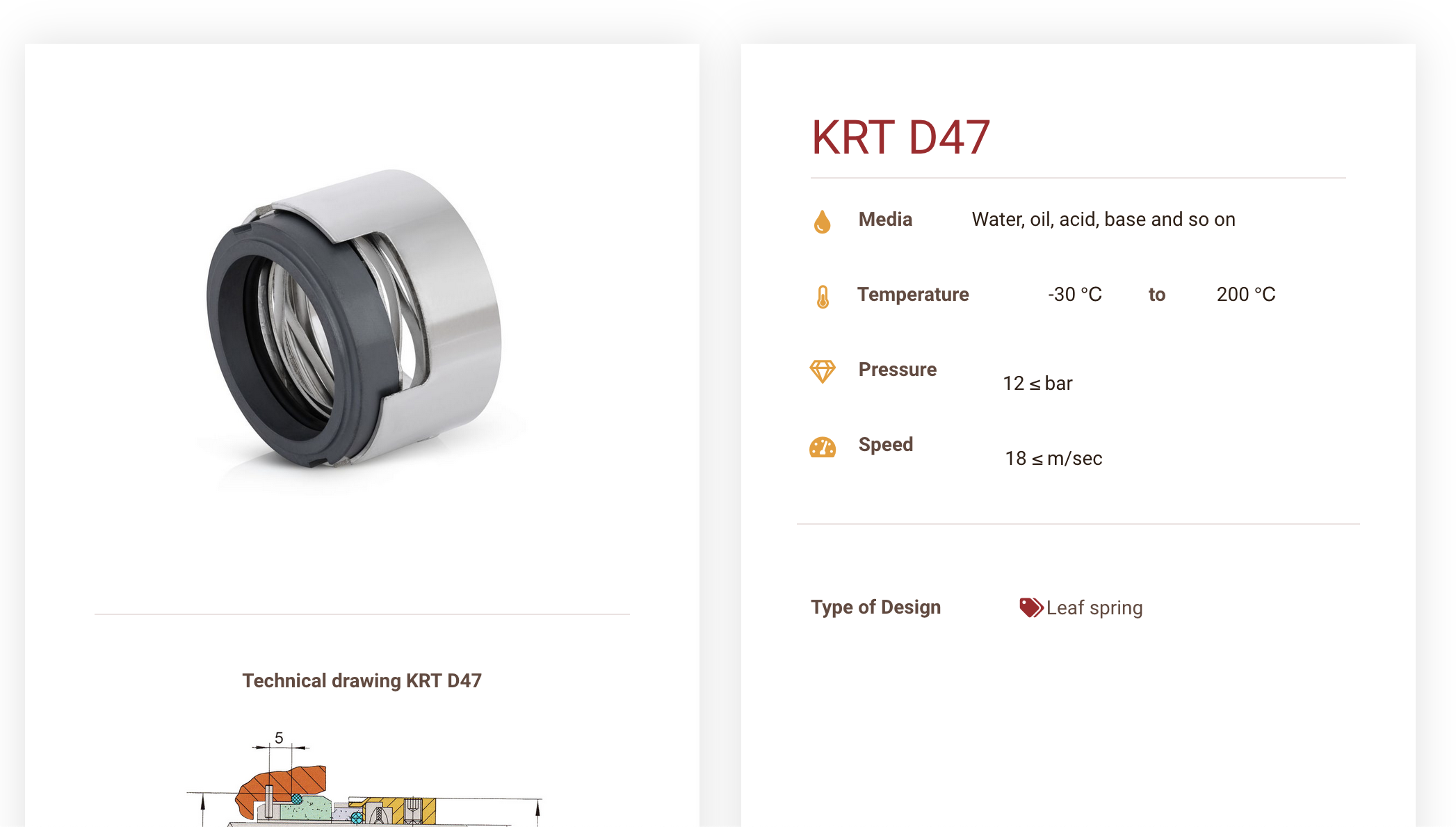
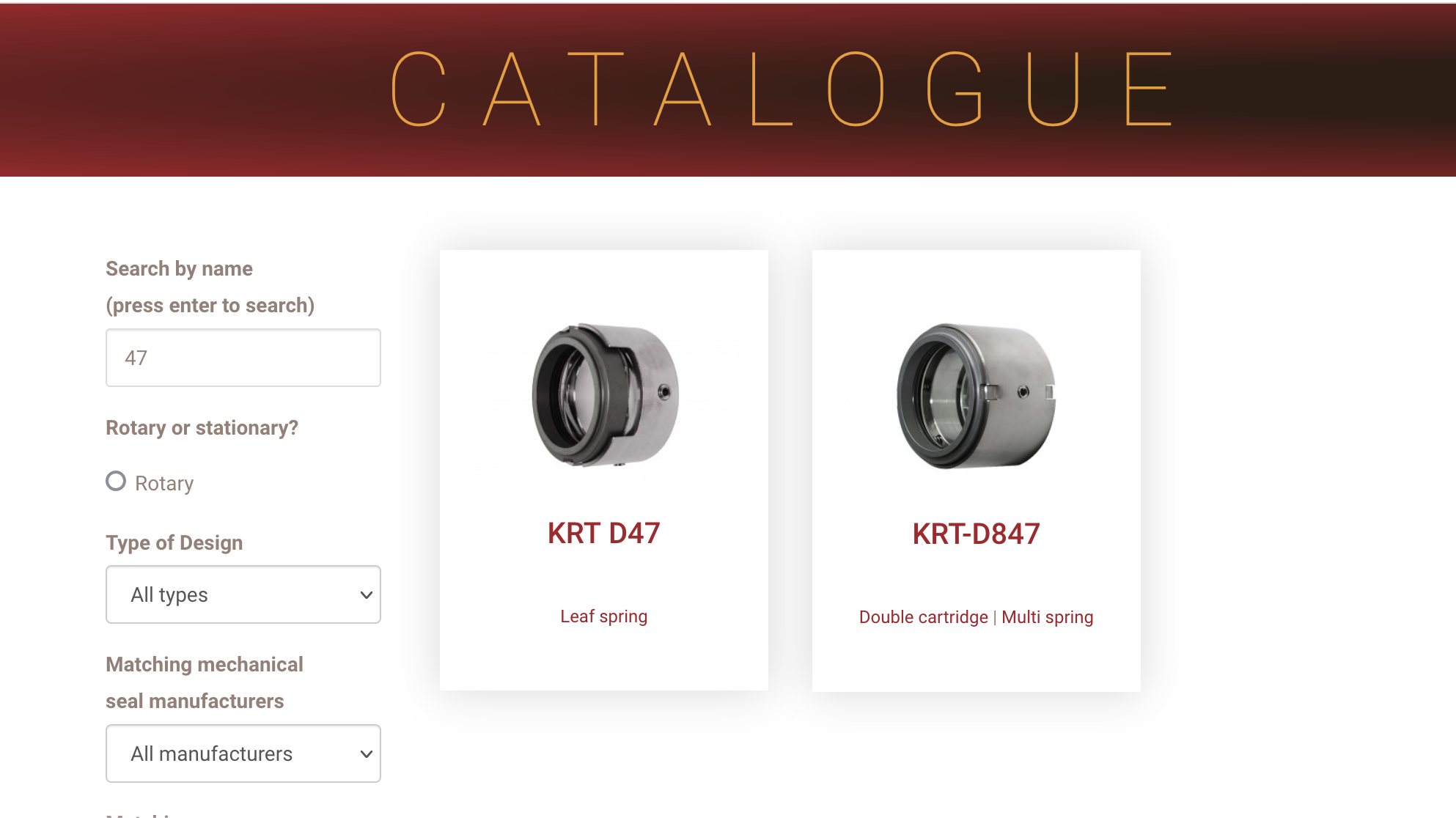
We are updating our product images. they change on the product page but not on the catalog page.
Is there any documentation that you are following?
no
Is there a similar example that we can see?
Please see attached files.
For example, product krt D47 with new picture in it's own page and old picture that does not update in the catalogue page.
Hello. Thank you for contacting the Toolset support.
That is strange. That must the the caching issue.
*** Please make a FULL BACKUP of your database and website.***
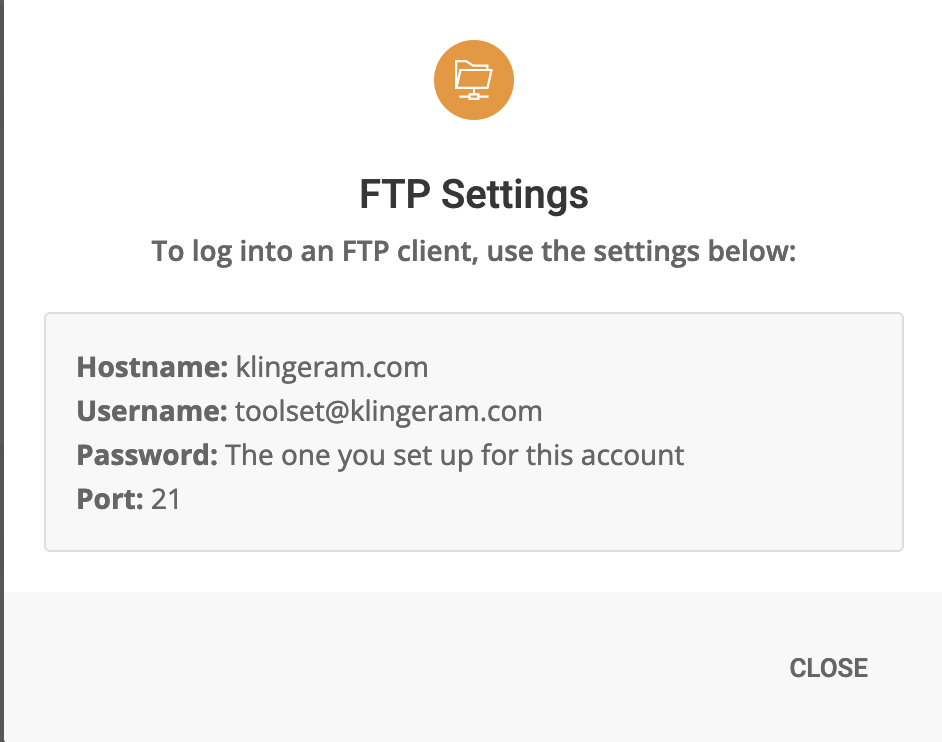
I would also eventually need to request temporary access (WP-Admin and FTP) to your site. Preferably to a test site where the problem has been replicated if possible in order to be of better help and check if some configurations might need to be changed.
I have set the next reply to private which means only you and I have access to it.
I just checked again and try to login using the shared wp-admin access detail but still its not working at this end.
I also checked with one of my colleague and for him as well the shared admin access details is not working.
Can you please share working wp-admin access details.
*** Please make a FULL BACKUP of your database and website.***
I would also eventually need to request temporary access (WP-Admin and FTP) to your site. Preferably to a test site where the problem has been replicated if possible in order to be of better help and check if some configurations might need to be changed.
I have set the next reply to private which means only you and I have access to it.
Unfortunately, this does not work for me too. Please try to test the login before sharing it. Do the following:
- Reset the user password from WordPress.
- Open a private browser window hidden link
- Test the username/password to make sure they work.
Then share the working credentials with us.
Indeed that's very strange. I thought that my user maybe be locked by a plugin, but you are able to log in using it.
I can suspect some geolocation services that blocks my country(Morocco). Usually, it could be done using a plugin. So, I wanted FTP access to disable all plugins and check again. But, the FTP password is not provided.
Instead of turning around this authentication issue, I suggest to take a copy of your website and work on it, or migrate your website into our online platform and we can work on it there. Please follow the instructions n my private message(November 9, 2021 at 9:01 am) to migrate your website to our platform and let me take it from there.