Minesh Supporter
Languages:
English (English )
Timezone:
Asia/Kolkata (GMT+05:30)
With your live site go on the following page:hidden link
Then add a shortcode block and to the shortcode block add the following code and save the archive:
[wpv-conditional if="( '[wpv-taxonomy-archive info='slug']' eq 'opening-results' )"]

 <div style="display: block; background: #f5f5f5; padding: 5px 10px;">
                <div style="display: inline-block; width: 80%;"><em><u>hidden link</u></em></div>
                <div style="display: inline-block;"><em><u>hidden link</u></em></div>
              </div>

[/wpv-conditional]
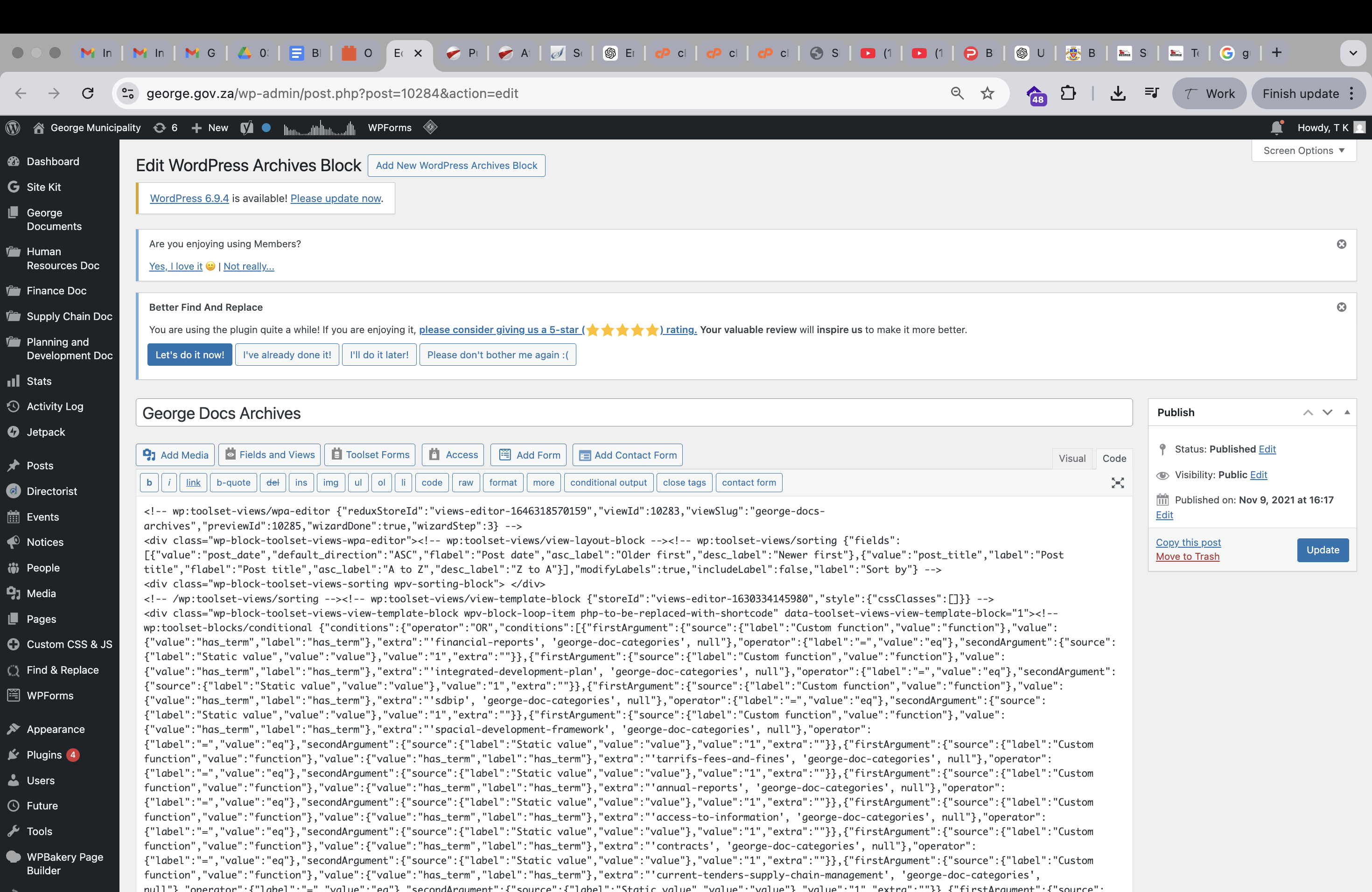
Ok, will I need to disable Gutenberg? Cause this is what we see.
Yes - you need to disable that plugin.
Hi Minesh, may we please provide you with access to the live site and you add the code?
Ok But please take full backup of your production site so if in any case something goes wrong - you will have backup to restore it.
I have set the next reply to private which means only you and I have access to it.
- I've disabled the plugin "Disable Gutenberg" for a moment.hidden link
Can you please check now: hidden link
I hope this fixed the issue.
Thank you so much Minesh! Yes, the issue has been fixed. Thats all
Thank you for all your help. Great support