Tell us what you are trying to do?
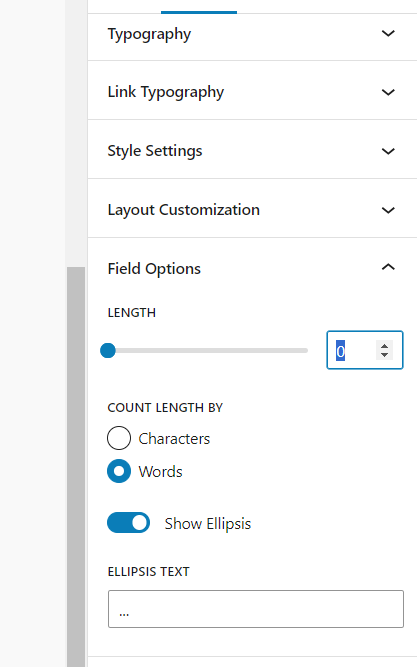
I am attempting to work on the front end of my website. I can not get the post excerpt . Per the video, i should be able to set the length to 30, but in my case it is showing "0". When I manually place 3o in the input area it disappears.
I so want to put star rating on the site. I do not see how to create.
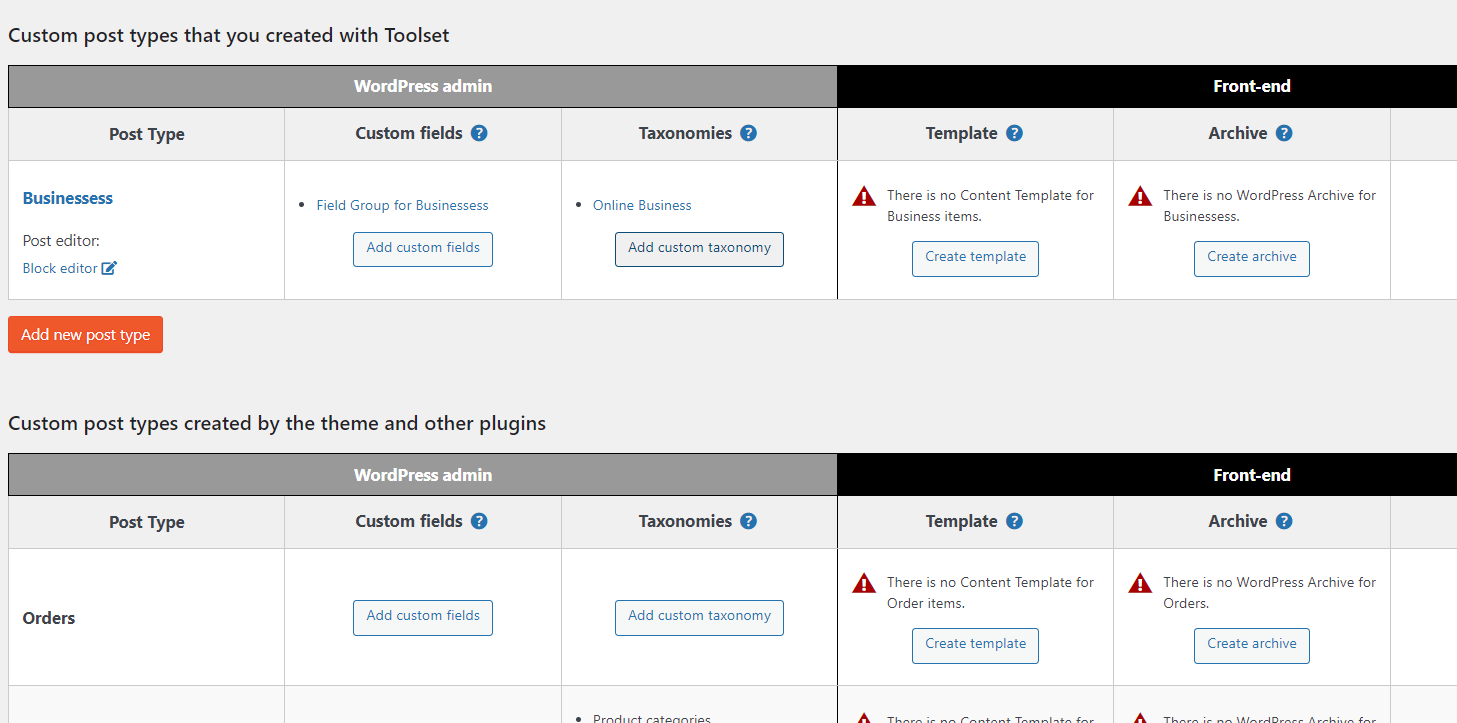
I have redflags in the back end of my site.
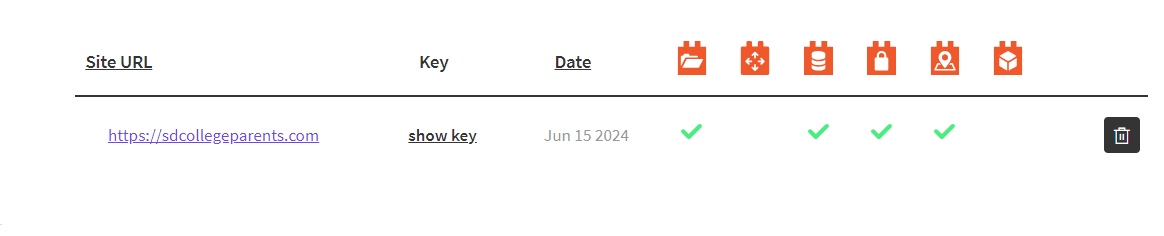
I did notice on my account i am missing some install. I used your auto installer. I have attached images. displayed
Is there any documentation that you are following? I have been looking through your videos. Do not know where the documentation is located.
Is there a similar example that we can see?
What is the link to your site? sdcollegeparents.com
Hi there,
The red alerts are just a message to show that you do not have a content template or archive for the custom post types of your website.
That is ok, if you do not have those, WordPress will use your theme to show those single post type items and archives.
You can follow our documentation here if needed:
https://toolset.com/course-lesson/
I am not sure about the screenshot you shared for the expert length as I am not sure which block you used and where you added those.
If you want to create an archive, I suggest that you follow the steps below:
https://toolset.com/course-lesson/creating-a-custom-archive-page/
I also created a clean installation of WordPress and Toolset. If it is ok with you, would you please add the excerpt thing you mentioned there so I can see in the installation what happens? (share the link please)
hidden link
Thanks.