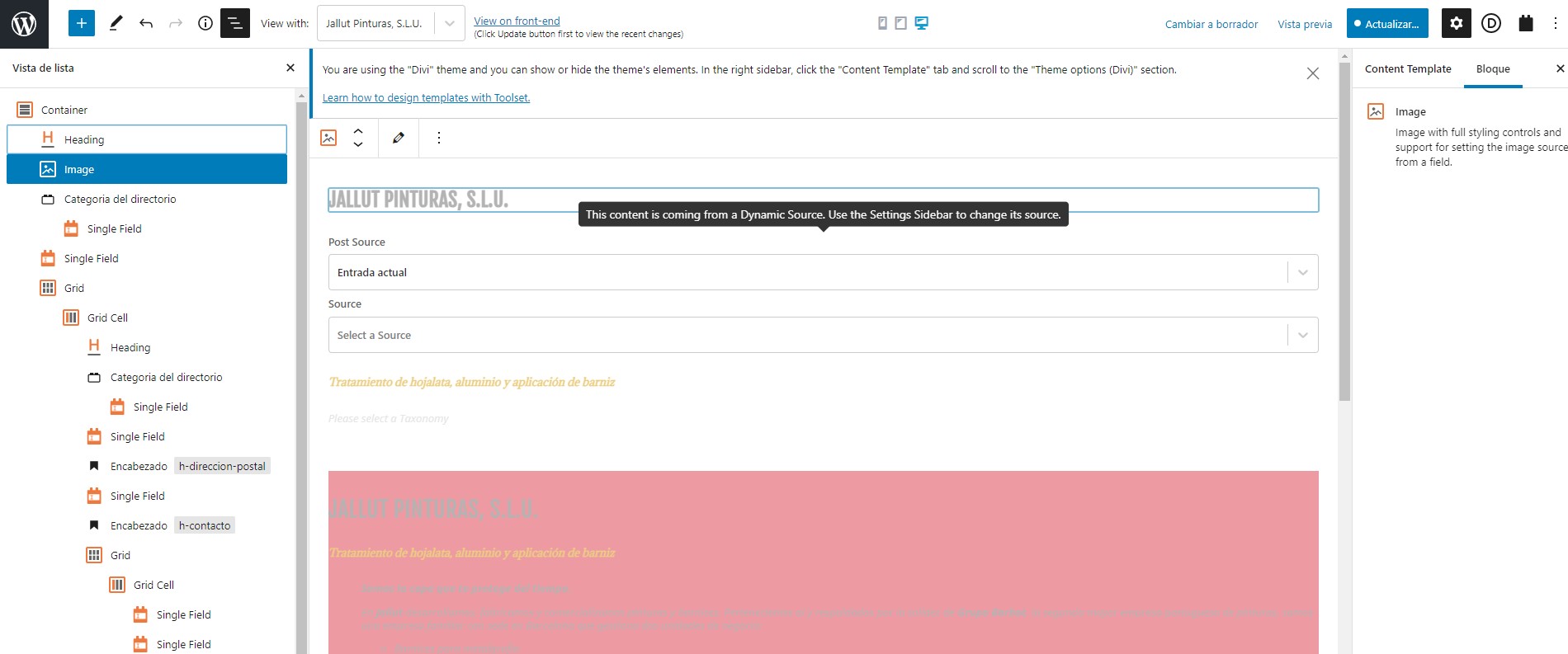
Tell us what you are trying to do? I'm editing the view of my custom content. Trying to show an image for the current entry (logo of the company in a business directory)
Is there any documentation that you are following?
support video in documentation
Is there a similar example that we can see?
What is the link to your site?
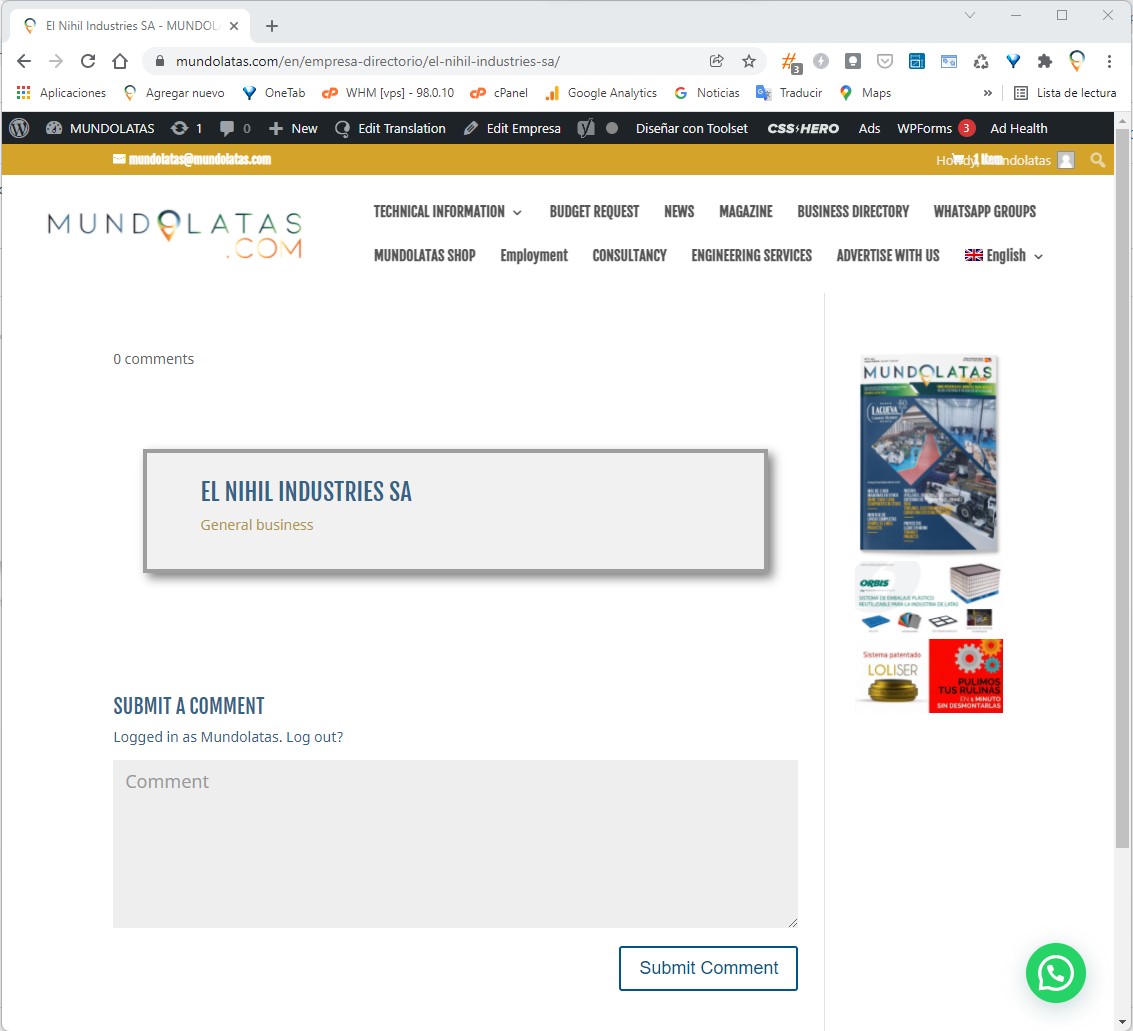
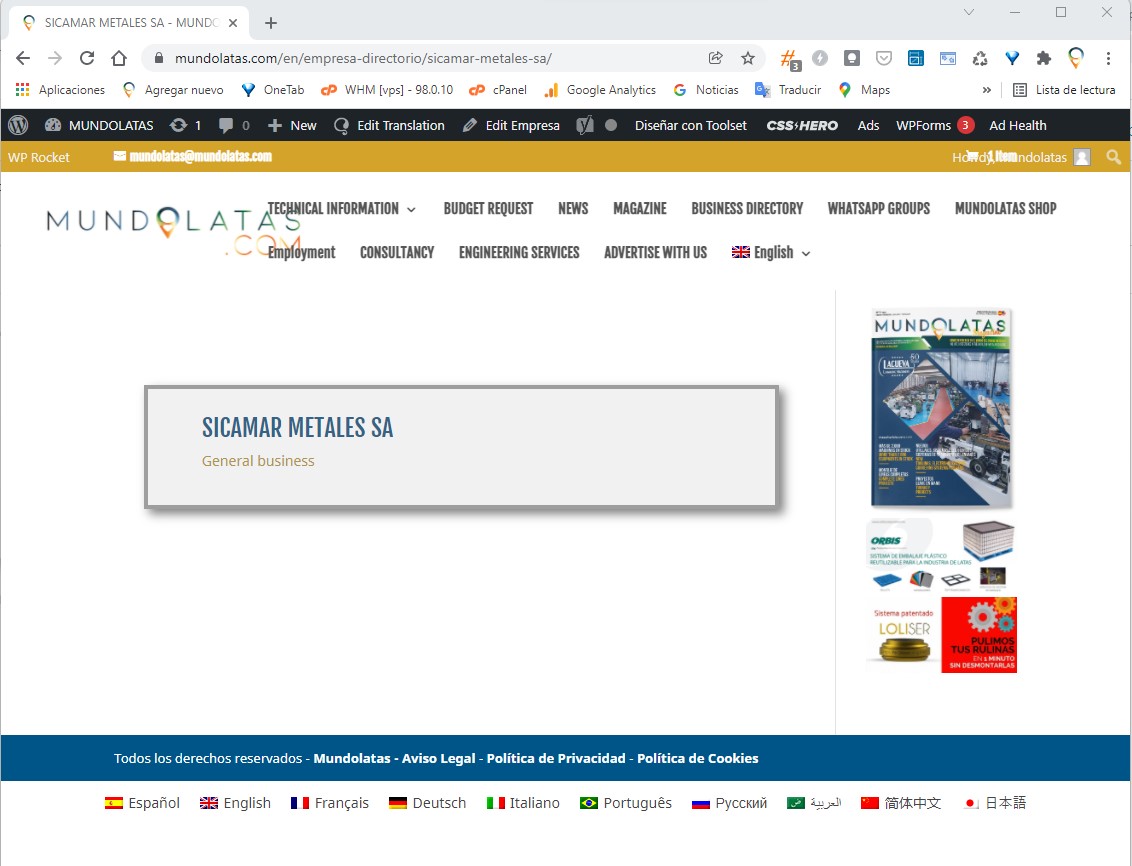
Besides, the content template we use to display a custom content (business directory) in some cases displays everything ok, but in some others don't ... as shown on the picture i send you. The correct one is named "Captura de pantalla 2022-01-12 121300.jpg"
Hi,
Thank you for contacting us and I'd be happy to assist.
The intermittent issues are mostly related to cached content being shown at the plugins, server, or CDN level.
I'll recommend checking the business directory pages again, after clearing all involved caches. In case the issue still persists, you're welcome to share temporary admin login details, along with an example page where the issue can be seen.
Note: Your next reply will be private and it is recommended to make a complete backup copy, before sharing the access details.
regards,
Waqar
I'd like to point out that neither can select a dynamic taxonomy of my custom content within a single field. It shows no taxonomy, although I have two taxonomies created.
Thank you for sharing these details.
During testing on my website with a similar setup, I couldn't reproduce this issue, which suggests that something specific to your website or server is involved.
Do I have your permission to download a clone/snapshot of the website, to investigate this on a different server?
YES, you have permission to clon the site.
Thank you for the permission and I've downloaded the website's clone.
I'll be performing some tests on this clone and will share the findings, as soon as this testing completes.
Thank you for your patience.
Just wanted to let you know that I'm still working on this.
As the website's database is huge, this troubleshooting is proving to be very challenging. But, I'll keep you updated on the progress.
Thank you for waiting, as this troubleshooting took longer than initially expected.
During testing on a couple of different servers, I noticed that the issue with the missing dynamic source options are fixed, as soon as I disabled the "WP Rocket" and "Redis Object Cache" plugins. This suggests that these intermittent issues are related to how data is being cached on your website.
For example, if you'll edit the content template "Plantilla para Empresas 2" on your website, you'll see that the dynamic source options like the taxonomies are showing correctly.
( screenshot: hidden link )
In case you experience something like this again, I'll recommend clearing all involved caches and then checking the dynamic sources again.