[Resolved] Map block fails to render. Cannot configure.
This thread is resolved. Here is a description of the problem and solution.
Problem:
The issue here is that the user's map block is not rendering.
Solution:
In this user's case the problem was that Divi was enqueuing its own Google maps scripts which was causing a conflict with the Toolset Maps import of the same scripts.
Disabling Google maps on divi resolved the Issue. This was done by going to the Divi theme options and locating the Google maps enable/disable toggle.
This support ticket is created 4 years, 3 months ago. There's a good chance that you are reading advice that it now obsolete.
This is the technical support forum for Toolset - a suite of plugins for developing WordPress sites without writing PHP.
Everyone can read this forum, but only Toolset clients can post in it. Toolset support works 6 days per week, 19 hours per day.
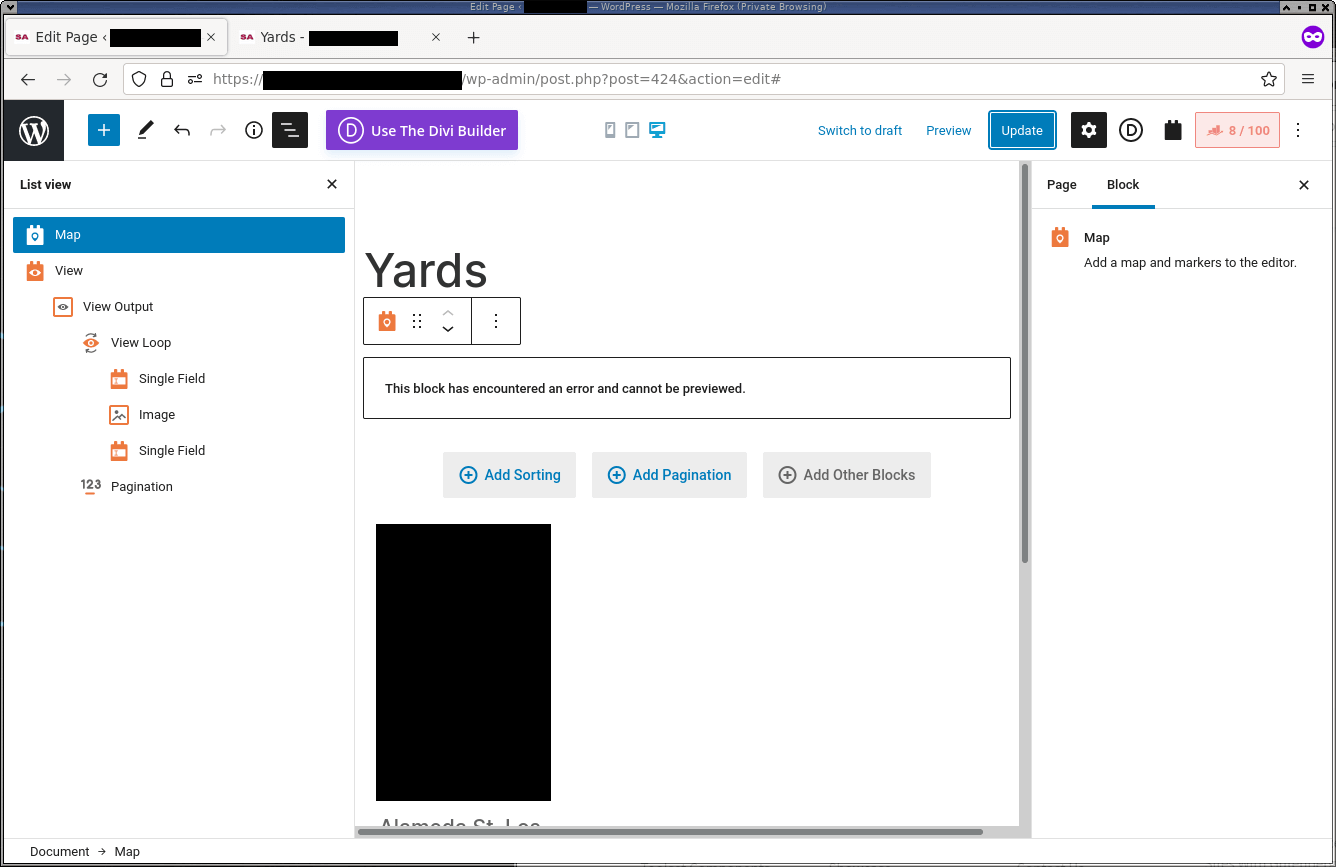
We are attempting to use the Maps component. We haven't managed to get it to work on this site for any use-case so far, both using a View as the data source and not. The screenshots I've attached are attempting to use a View as the data source (in the block editor).
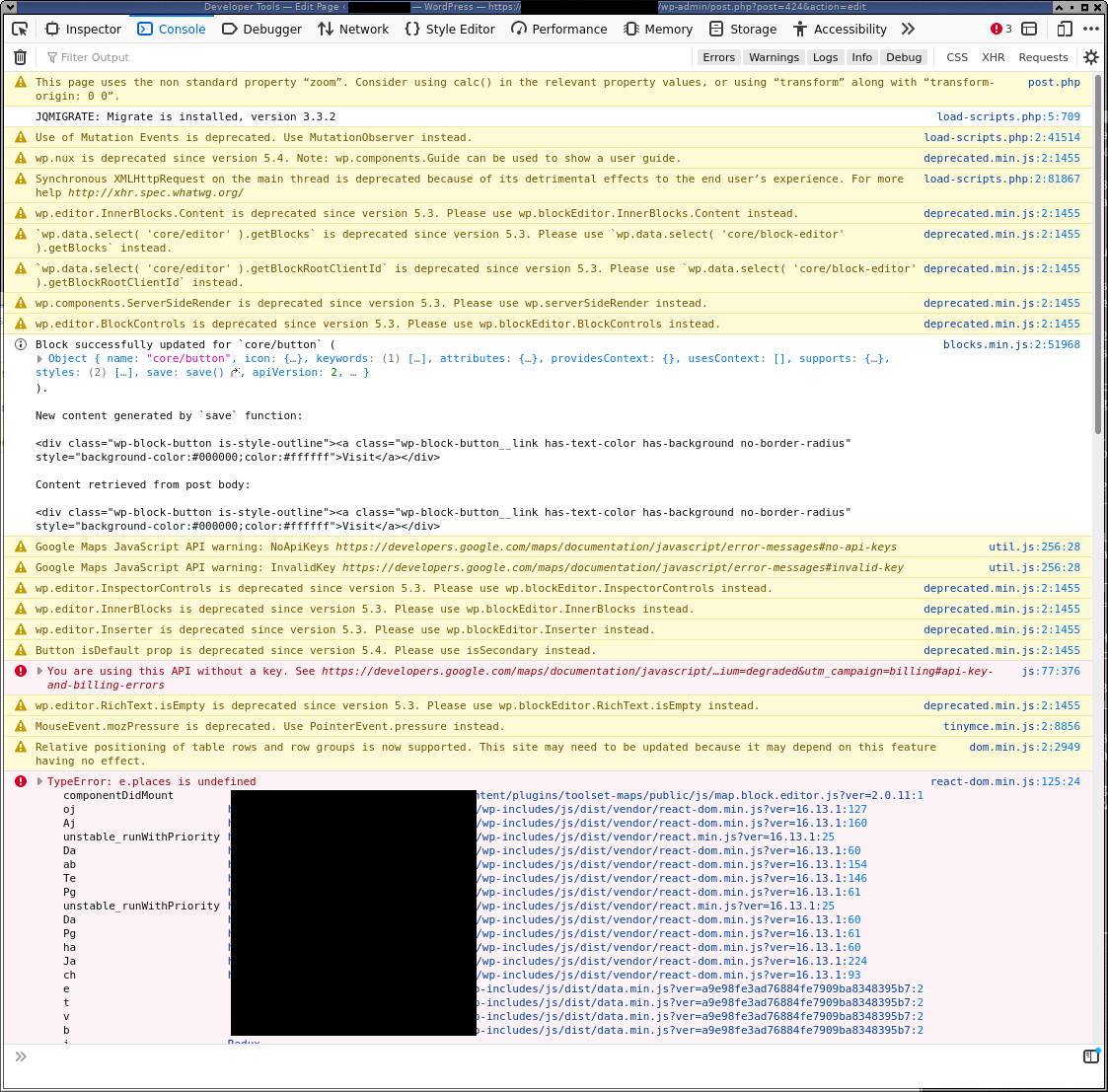
Based on the information in your screenshot I can see that there are some javascript errors being thrown.
In a case like this when the plugins are not functioning as intended we recommended that you disable the non-toolset plugins.
What this means is that you will need to go through your list of plugins and disable each of your plugins one at a time while checking to see if the issue still remains.
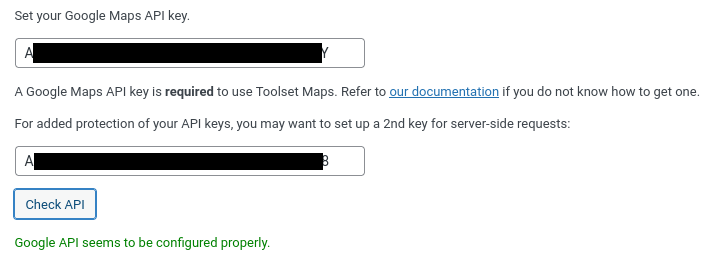
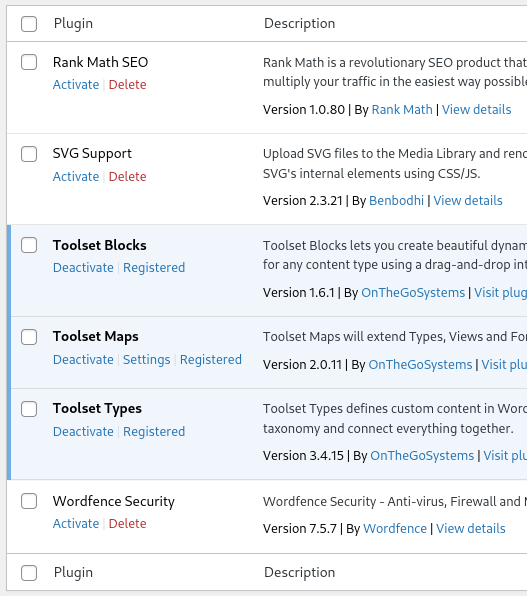
As you can see in the screenshot I've attached, there are no active plugins other than the Toolset ones. The primary error appears to be related to the Maps API (it's claiming it's being used without an API key). The final JS error (the `e.places is undefined` error) only appears once the sidebar is opened, or the widget is selected.
Interestingly, when editing an entry of the appropriate custom type ("Yard"), the custom address field that we've defined properly shows a map and allows us to look up addresses. That does indicate that the API key is getting used properly in _some_ situations.
What other information would be useful to you? We're running the latest version of WP (5.8.3), all of the individual plugins appear to be fully updated, MariaDB 10.1, and PHP 7.4 (since the listed server requirements still says to avoid 8.0).
We'd also appreciate if you could flag this "ticket" as private. I don't understand why dealing with this in the public view is the only option we appear to have. Despite what the [Support Policy](https://toolset.com/toolset-support-policy/) says ("In addition, you can make private posting in the forum, which only you and Toolset support can see."), I saw no option to restrict the scope of this post.