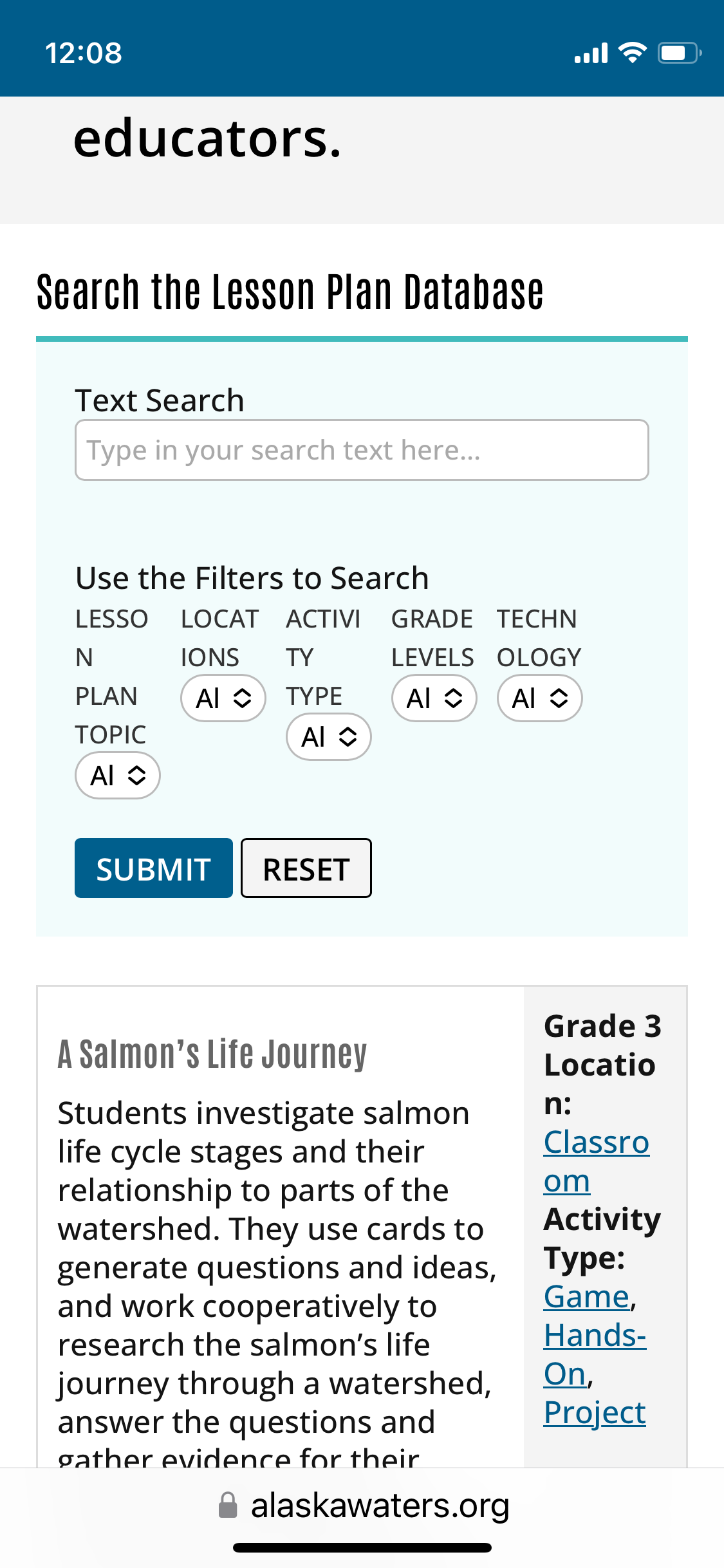
Tell us what you are trying to do?
I am trying to make the mobile search option display differently so it is easy to read and use. I think having the search parameters displayed in rows instead of columns will fix the issue. I would also like the display results to be listed in rows so that the right hand column isn't squished and that images are preserved. I am using Divi Builder
Is there any documentation that you are following?
I used this documentation https://toolset.com/forums/topic/can-i-make-a-mobile-version-on-toolset/ to create container blocks in a draft home page. I set one container to visible on mobile display and one container to visible on tablet/desktop display. When I shrink the screen window to imitate mobile view, no search function or results display. The same happens when I drag the screen beyond a certain size.
Is there a similar example that we can see? hidden link
This is the draft homepage I created. Right now, it has two containers as mentioned above. However, images never display on the page now, and when the window is too large or too small, no search bar or results appear at all.
What is the link to your site? This is the current main page that I am trying to update hidden link