Salve,
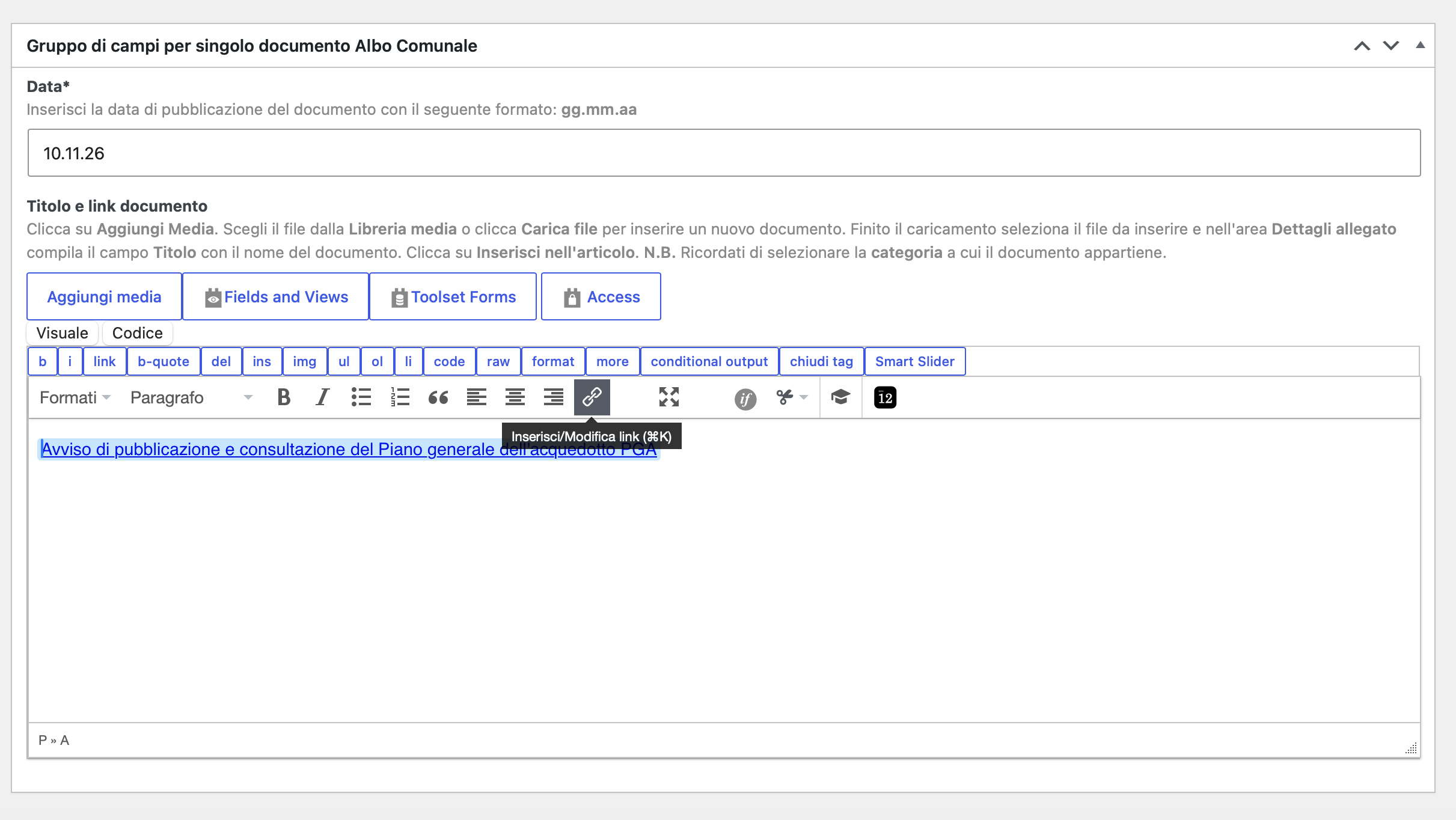
ho notato che l'editor non funziona in maniera corretta. In particolare, come da allegato, se clicco sul pulsante "Add/Modifie" link non funziona e spesso fa scrollare la pagina tutta in basso.
Tutti i plugin e wordpress sono aggiornati ma il problema persite.
Potete indicarmi una soluzione grazie.
Anna
Hello,
Welcome to Toolset Support.
I tested the "Insert/edit link" button on a Types WYSIWYG field with the latest Toolset versions, in both the block editor and the classic editor. The link box opens normally and the page does not scroll, so the problem is probably caused by a conflict with another plugin or the theme on your site.
Please check this on a staging copy of the site if possible:
1. Switch to a default theme such as Twenty Twenty.
2. Deactivate all plugins except Toolset Types, Toolset Blocks, Toolset Forms and Toolset Access.
3. Edit a post of this type, select some text in the WYSIWYG field and click the link button.
If the link button works, reactivate the theme and the plugins one by one and test again after each one, until the problem comes back. That tells us which one causes it.
Also, please make sure you use the latest versions of Toolset plugins:
https://toolset.com/account/downloads/
Thanks.