Skip Navigation

[Waiting for user confirmation] Layout problems

This is the technical support forum for Toolset - a suite of plugins for developing WordPress sites without writing PHP.

Everyone can read this forum, but only Toolset clients can post in it. Toolset support works 6 days per week, 19 hours per day.

Sun Mon Tue Wed Thu Fri Sat
- 10:00 – 13:00 10:00 – 13:00 10:00 – 13:00 10:00 – 13:00 10:00 – 13:00 -
- 14:00 – 18:00 14:00 – 18:00 14:00 – 18:00 14:00 – 18:00 14:00 – 18:00 -

Supporter timezone: Asia/Kolkata (GMT+05:30)

This topic contains 1 reply, has 1 voice.

Last updated by Minesh 20 hours, 29 minutes ago.

Assisted by: Minesh.

Author
Posts
#2866406
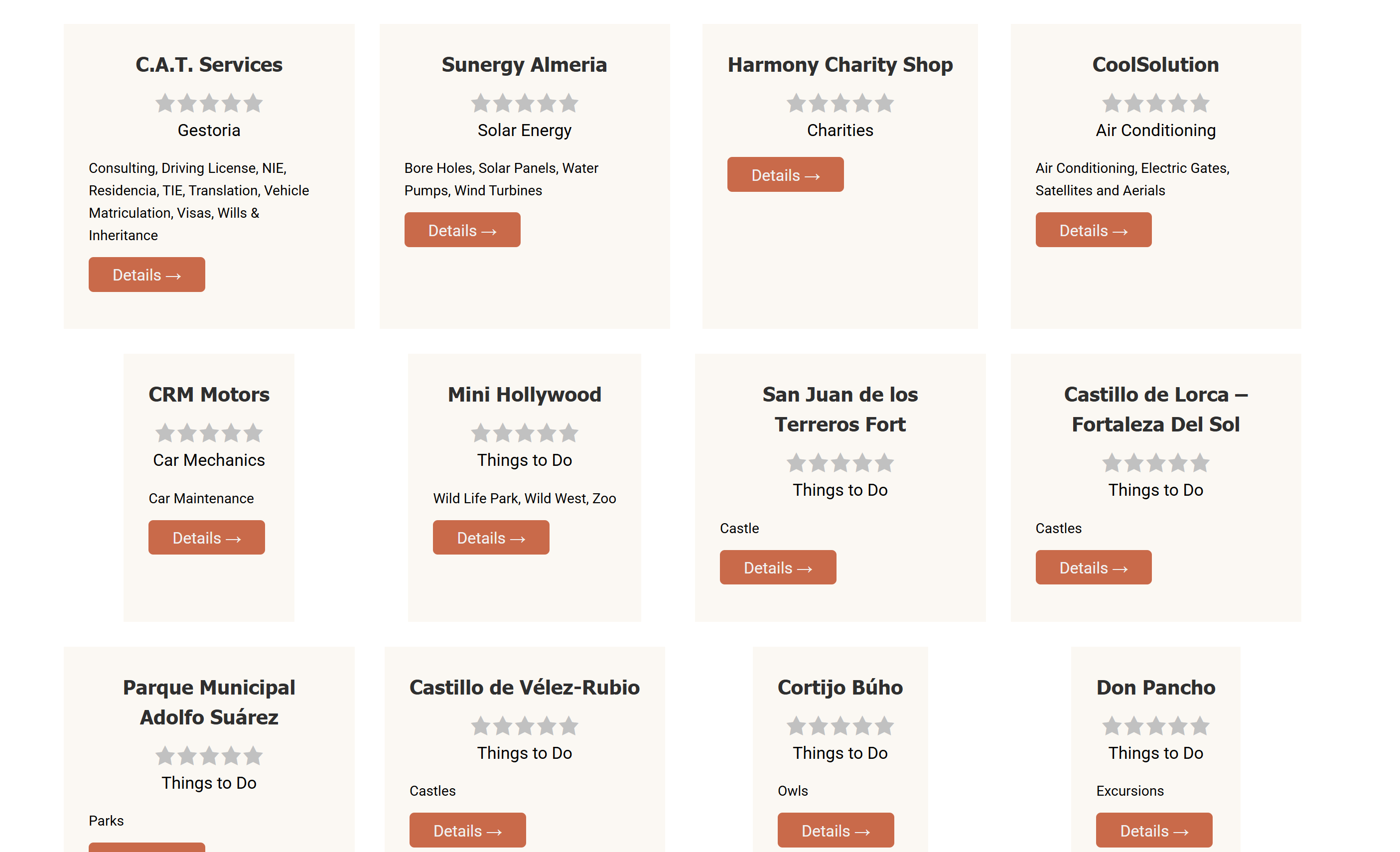
Screenshot 2026-06-24 193530.png
Screenshot 2026-06-24 192818.png

1) I am trying to get all the inner content to align left, nothing works, only parts of it aligns correctly.

2) Trying to get each element same width as well as height.

3) Trying to have the button vertical align at bottom.

So far, nothing I have tried can get the above. Also, sometimes when I check the front end it has removed a lot of the styling I have done, including the alignment that is working and button colours, even though edit page shows correctly. I have to go back to edit and save again, but sometimes that still doesn't reinstate styles.

#2866615

Minesh
Supporter

Languages: English (English )

Timezone: Asia/Kolkata (GMT+05:30)

Hello. Thank you for contacting the Toolset support.

I've added the following custom CSS code to your view Block's custom CSS section:
=> https://toolset.com/course-lesson/adding-custom-css-to-templates-archives-and-views/#steps-for-adding-css-to-a-view

.tb-grid .tb-grid-column,
.tb-grid .tb-grid-column .wpv-block-loop-item,
.wp-block-toolset-blocks-grid{
    height: 100%;
    background-color:rgba( 251, 248, 243, 1 );
}
 
.wpv-block-loop-item {
text-align: center;
justify-items: center !important;
display:grid;
}
}

Then I've also removed the background color you set for the container block and its added to above CSS:

background-color:rgba( 251, 248, 243, 1 );

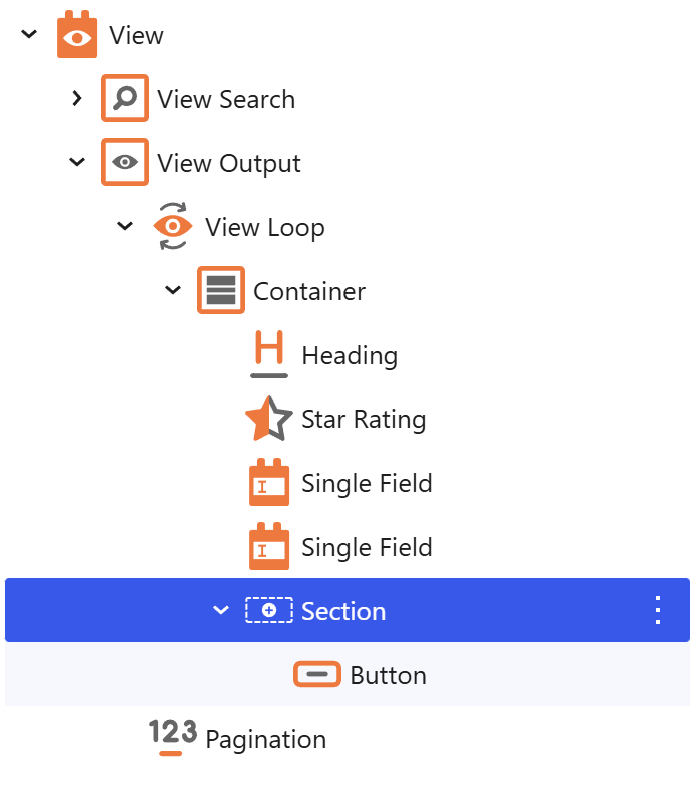
I've moved the button you added outside the containder as you can see with the view's loop output section:
- hidden link

I hope this will help you the show all boxes in same height and width as well as the button should display in center. Please check now:
- hidden link