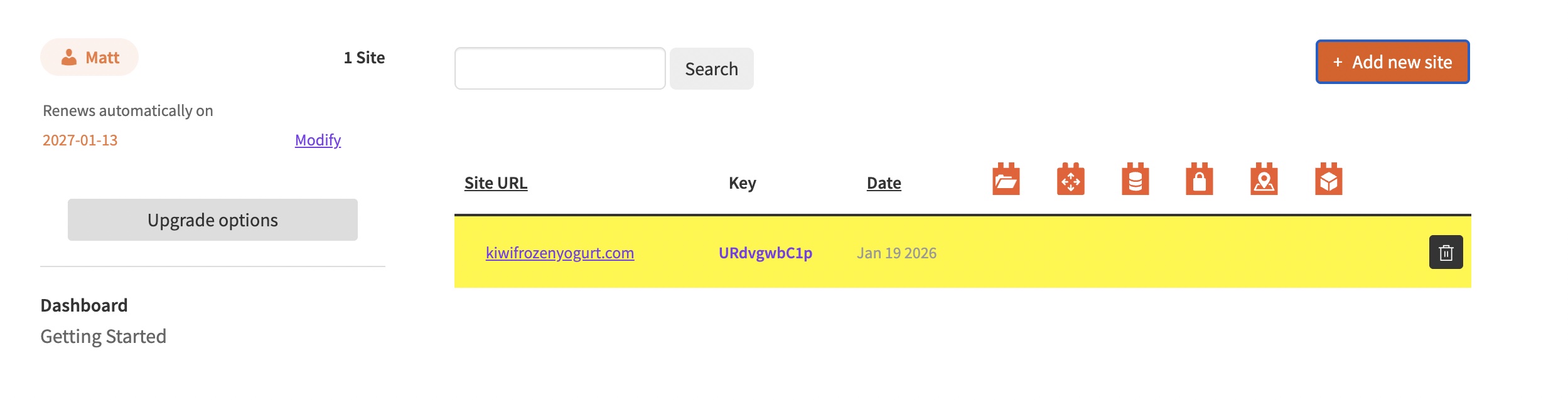
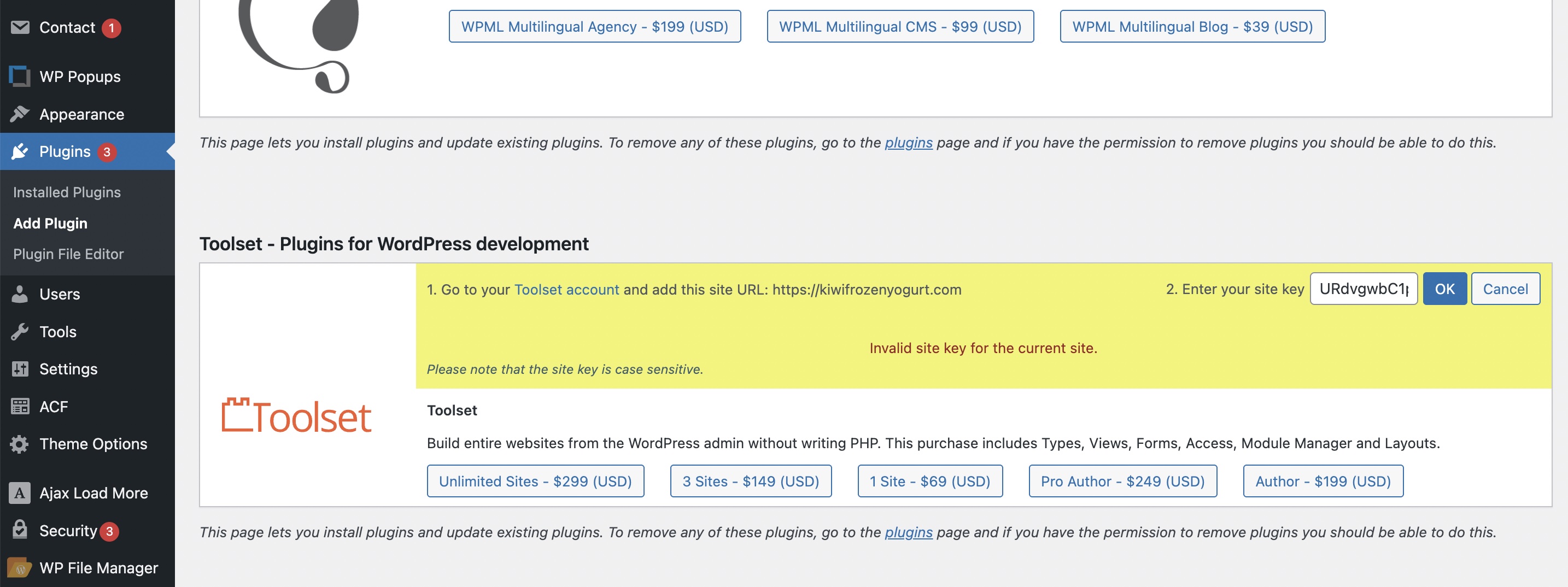
I am trying to: Add the site key to my wordpress site so that I can update the plug in.
Link to a page where the issue can be seen: hidden link
I expected to see: That the site key was accepted
Instead, I got: "invalid site key."
Minesh Supporter
Languages:
English (English )
Timezone:
Asia/Kolkata (GMT+05:30)
Hello. Thank you for contacting the Toolset support.
Can you please navigate to your account and sites and delete the existing site key.
Then try to follow the steps given with the following link:https://toolset.com/faq/how-to-install-and-register-toolset/#automatic-installation-once-you-have-otgs-installer-plugin-installed
Does that works?
Unfortunately not. I am still receiving the "invalid site key for the current website" error message. I've triple checked that the site key pasted in matches the site key associated with the site on the Toolset dashboard.
Minesh Supporter
Languages:
English (English )
Timezone:
Asia/Kolkata (GMT+05:30)
That is really strange.
Can you please send me admin access details and let me check whats going wrong with your setup.
I have set the next reply to private which means only you and I have access to it.
Minesh Supporter
Languages:
English (English )
Timezone:
Asia/Kolkata (GMT+05:30)
I checked and I found that you are using really outdated version of Toolset Types plugin.
We publish the Types 3.x with the new many to many relationships and we have added the number of new features to this major release and that is before almost eight-nine years a go.
Please check the following blog:https://toolset.com/2018/05/toolset-post-relationships-release/ https://toolset.com/2018/05/when-if-to-migrate-relationships-in-old-toolset-sites/
Before you update the Toolset plugins to latest official release version:
For now, please try to update the Toolset Types plugin manually and try to follow the following step:https://toolset.com/account/downloads/ https://toolset.com/faq/how-to-install-and-register-toolset/#installing-the-toolset-types-plugin
- Upload and activate first Types plugin and then you are free to install and activate all addon Toolset plugins using the installer:https://toolset.com/faq/how-to-install-and-register-toolset/#automatic-installation-once-you-have-types-plugin-installed