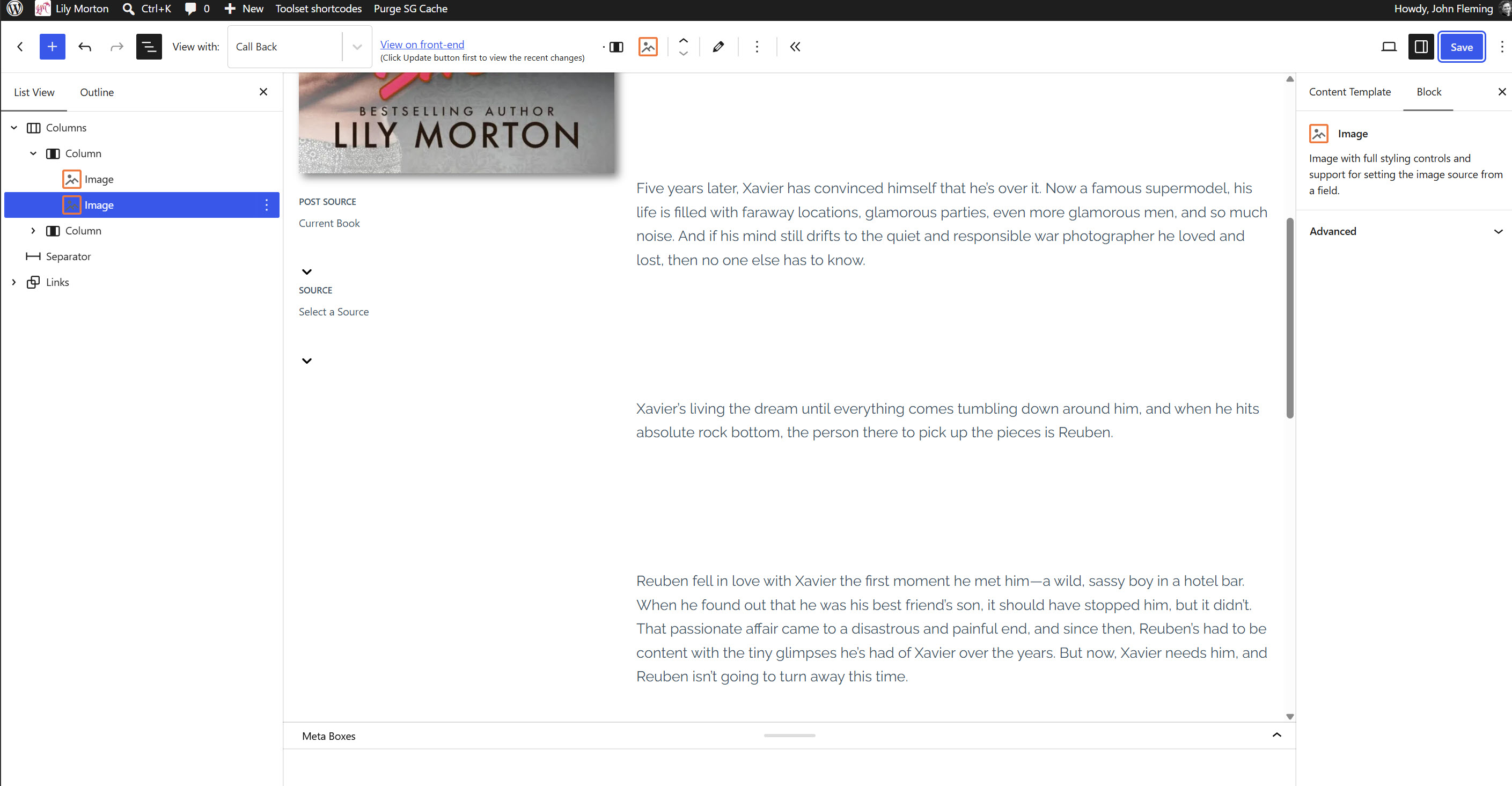
I am trying to: Using Toolset Image block on template for Books custom post type. Dynamic source is an image field with book cover. Have set to display full. Showing ok in back end, but image is being streyched on front end
Link to a page where the issue can be seen:
hidden link
I expected to see:
Thsi si happening on serveral sites using same setup
Hello. Thank you for contacting the Toolset support.
Can you please share admin access details and let me check whats going wrong with your setup.
*** Please make a FULL BACKUP of your database and website.***
I would also eventually need to request temporary access (WP-Admin and FTP) to your site. Preferably to a test site where the problem has been replicated if possible in order to be of better help and check if some configurations might need to be changed.
I have set the next reply to private which means only you and I have access to it.
Thanks Minesh. It's strange because this has been in use and it is ok on other sites with the same layout. I turned off all the optimizations in the SG plugin and turned them back on and it seems to have resolved it. I did notice that when I try to add a Toolset Image block to the template, it is not displaying the Toolset settings in the sidebar. It is displaying them inline in the editor. Are you guys aware of that issue? That's not happening with the core image block. See Book template where I tried to add both.
I played with it a bit more. It's hard, but you can set the dynamic source inline and then the sidebar shows the controls. I did notice I picked the Featured Image first (inline) and then switched to the full-size book cover in the sidebar settings. It didn't reset the image settings in the sidebar to reflect the different size of the full cover. It kept the featured image size property. I tried in a regular post and it is easer inline than when you are editing a template.