Hello,
We are experiencing an issue with Toolset that has caused a Critical Error on our site and we can no longer edit our pages.
We recently switched the WordPress Theme and now we're seeing this error message:
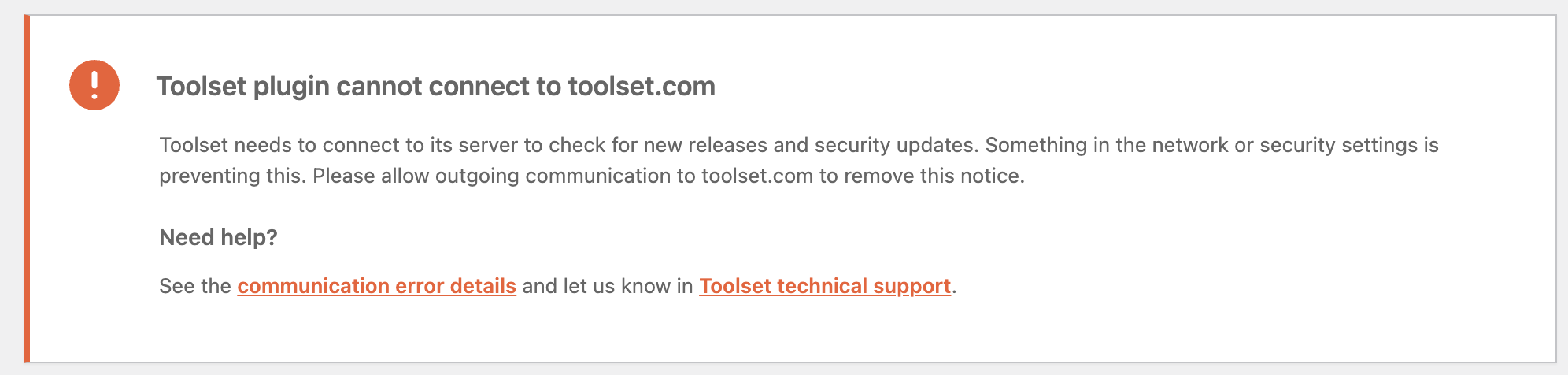
"Toolset plugin cannot connect to toolset.com
Toolset needs to connect to its server to check for new releases and security updates. Something in the network or security settings is preventing this. Please allow outgoing communication to toolset.com to remove this notice.
Need help?
See the communication error details and let us know in Toolset technical support."
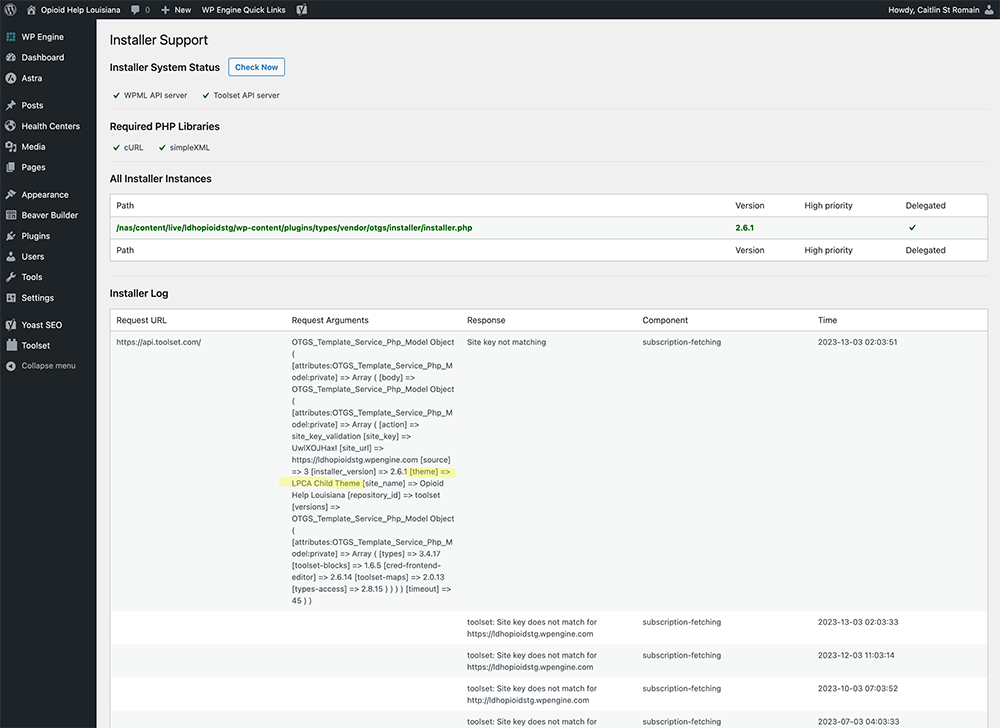
When we click the link in the errors message to see "Communication error details" we're taken to a page of information. In this information log I noticed that one of the logs is showing the old WordPress Theme Name. I've highlighted this in the attached screenshot.
This is what leads me to think that switching the theme has caused the critical error with Toolset. And I did confirm that Toolset was causing the critical error, because when I deactivate the plugins we are able to edit our website again.
Can you advise on how to correct this issue so that we can get Toolset working again and be able to edit our site? Thank you.
Hello,
I'm not sure I understand what's happening. We are still experiencing this issue, but it's only with the Toolset Map plugin.
When we deactivate the Toolset Map we're able to edit our site pages, if enabled it we see a critical error when trying to edit pages.
I've never had this issue before. But we confirmed that our Toolset Site Key and Google Maps API key are both correct and valid.
Can we provide you with admin access to our website to try and resolve the issue?
My apologies, I should have specified that we cannot edit our pages with Beaver Builder specifically. Something seems to be hung up somewhere but we're unable to determine where and what.
Under the Toolset settings we have "Beaver Builder" checked for Content Templates. But when we go to create a content template it loads the Block Editor NOT Beaver Builder.
In addition, to the issue noted above about not being able to edit existing pages created with Beaver Builder. Again though it's only when the Toolset Maps plugin is activated. The other Toolset plugins don't cause an issue.
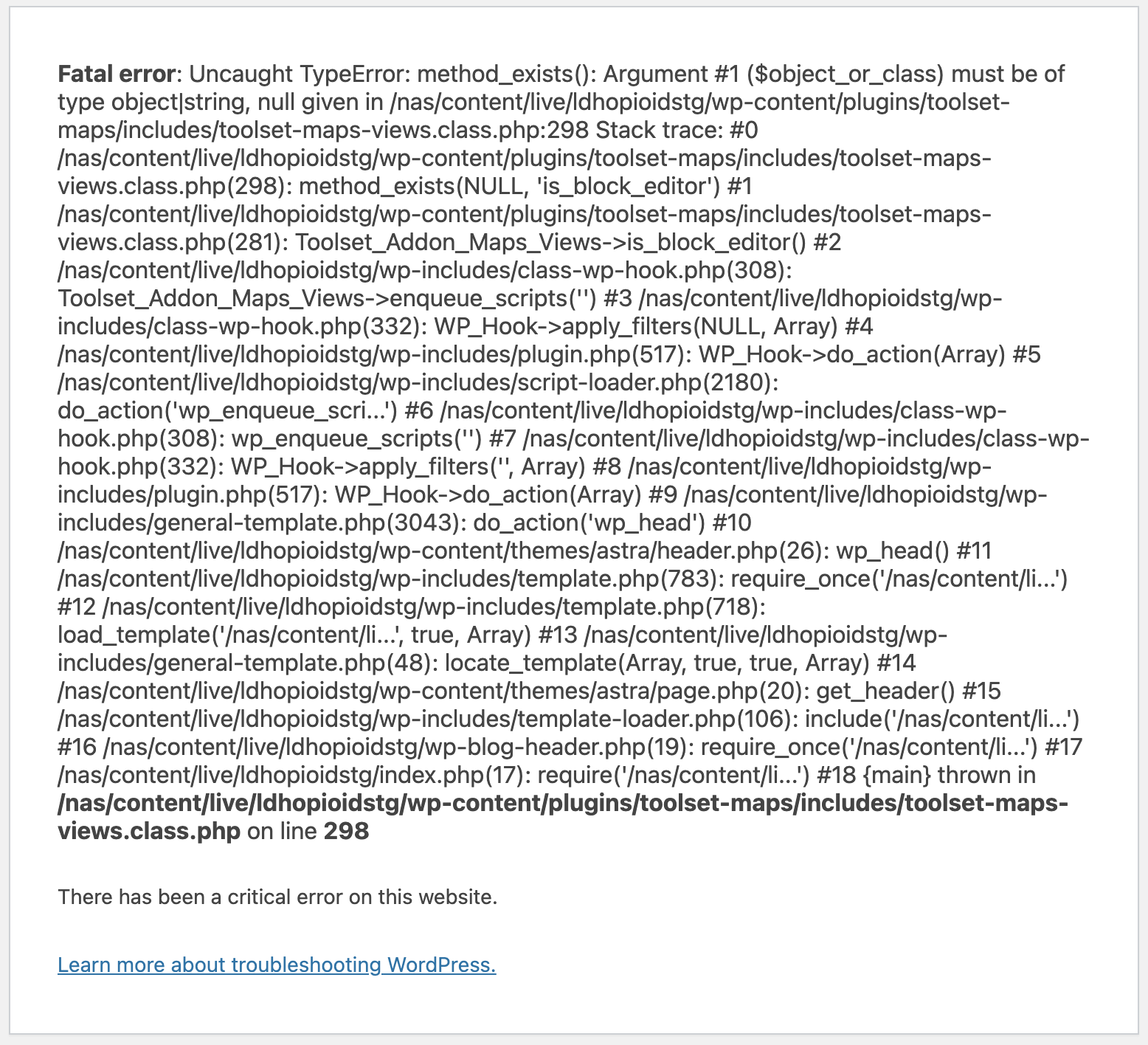
Attached is a screenshot of the Critical Error message we receive when trying to use Beaver Builder editor.
Thank you.
According to our support policy, we prefer one ticket one question, can you confirm the original issue of this ticket is resolved?
https://toolset.com/forums/topic/issue-with-toolset-connection/#post-2572921
For the new issue about pages with Beaver Builder, please check the new thread here:
https://toolset.com/forums/topic/pages-with-beaver-builder/