Skip Navigation

[Resolved] image field shows only the path of the image, not the image itself

This is the technical support forum for Toolset - a suite of plugins for developing WordPress sites without writing PHP.

Everyone can read this forum, but only Toolset clients can post in it. Toolset support works 6 days per week, 19 hours per day.

Sun Mon Tue Wed Thu Fri Sat
- 10:00 – 13:00 10:00 – 13:00 10:00 – 13:00 10:00 – 13:00 10:00 – 13:00 -
- 14:00 – 18:00 14:00 – 18:00 14:00 – 18:00 14:00 – 18:00 14:00 – 18:00 -

Supporter timezone: Asia/Kolkata (GMT+05:30)

This topic contains 7 replies, has 1 voice.

Last updated by Minesh 1 week, 2 days ago.

Assisted by: Minesh.

Author
Posts
#2870073

In a CMS that has been working well for years, the image field is now displaying only as a file path.

New content is added every few months; the only changes in the interim were updates to the WordPress and PHP versions.

I am now encountering some issues when adding new data.

The image fields are suddenly displaying only as paths, and the images aren't showing up; previously, I could click on the image and swap it out via the media library.

Additionally, the fields for the product type should be created automatically when a new page is set up.

I would be happy to provide you with access to the website.

#2870084

I saw this in my account:

Thank you for buying Toolset. To complete the installation in hidden link, please enter the following site key:
lp8XHaxSvY
Note: Your Toolset account allows you to install Toolset on all your sites

#2870085
types-konfiguration.jpg
types.jpg
edit-mode.jpg

A quick addition: the frontend is not implemented in WordPress.

and a few screenshots from the backend.

#2870099

Minesh
Supporter

Languages: English (English )

Timezone: Asia/Kolkata (GMT+05:30)

Hello. Thank you for contacting the Toolset support.

Can you please share first debug information:

Could you please send me debug information that will help us to investigate your issue.
=> https://toolset.com/faq/provide-debug-information-faster-support/

#2870105

Minesh
Supporter

Languages: English (English )

Timezone: Asia/Kolkata (GMT+05:30)

It seems you are using latest Toolset plugin.

Are you using only Toolset Types plugin?

Also, the admin access details you shared is not working at this end. Can you please send me working admin access details and also share problem URL where I can see the issue or steps that I should follow that should help me to see the issue.

#2870109

sorry, the issue is not fixed,

I clicked "I am satisfied with the support" which I was up to that point — and then it was marked as resolved. Of course, I still need support.

go to page > open one of the pages > image field didn't show image, only the path is shown.

#2870111

Minesh
Supporter

Languages: English (English )

Timezone: Asia/Kolkata (GMT+05:30)

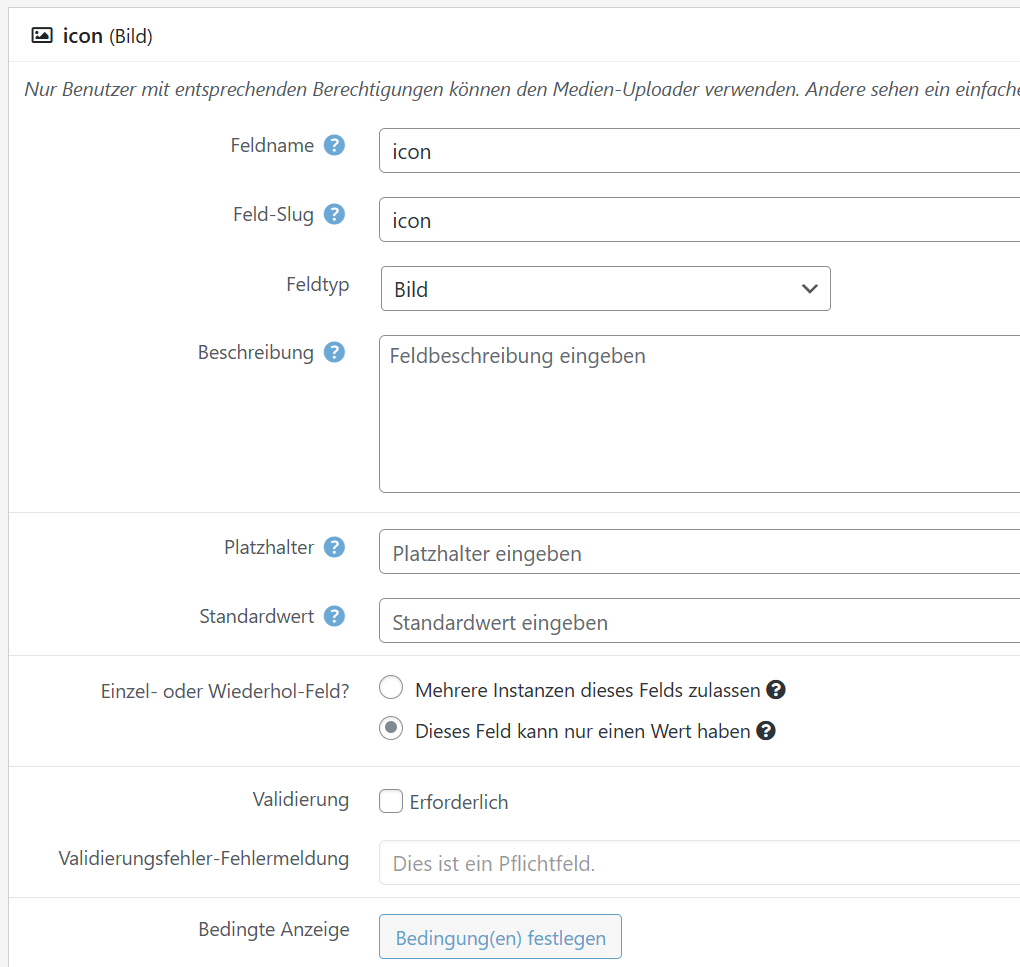
I see the custom field group you created:
=> hidden link

Is set to assign to display with "Page" post type and category equal to "Product".

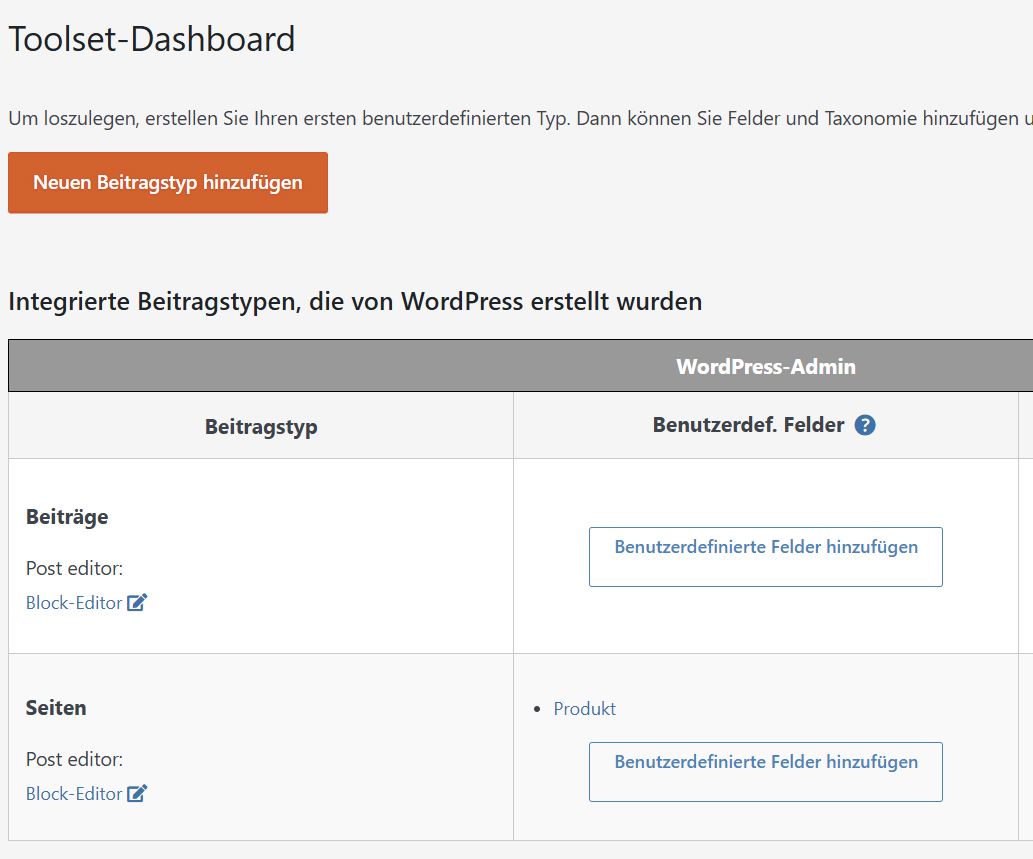
But when I checked further you did not assign the default taxonomy "Category" to "Page" so I've edit the "page" post type from Toolset => Post Types:
=> hidden link

And from the section "Taxonomien zur Verwendung mit " I've assigned the taxonomy "Category" to it and save the settings and then I can see the custom field group is dispalyed on your page:
- hidden link

#2870120

Hmm, no one has admin rights to change this. I have no idea where this setting was changed.

But thanks, it works.

#2870121

Minesh
Supporter

Languages: English (English )

Timezone: Asia/Kolkata (GMT+05:30)

Glad to know that solution I shared help you to resolve your issue.

You're welcome to mark resolve this ticket with some different message like "This issue is solved."