I like to create CRM with a toolset is possible.
but I need also to display in back end results from customers can do that with Tooset
i like to make something like project manager
Hey there,
Thanks for your contact and welcome to our support forum!
Unfortunately, there is no native feature in Toolset to integrate our plugins with a CRM system. The whole scope might need custom programming at many points which you will require to handle. You need to identity first and analyse the scope first by checking what things you can do with Toolset and what will require custom programming or you might need to use different plugin.
But as a suggestion, one possibility you have is to use the wpfusion service: hidden link
They have several integrations with CRM systems: hidden link, and it even has an integration with Toolset, for example: hidden link
I hope that the information above helps you to build the project. Please let us know if you still have doubts about the subject.
Regards,
Mateus.
No I don't want to connect with any crm platform I like to make with toolsets and display at backend with wordpress like table I like to make my self system user for service product
Hello there,
Thank you for the clarifications.
In this case, it depends. Could you please give me more information about the project that you want to build? Then I'll be able to know better if Toolset can help you achieving this, or if a custom work is necessary.
Please keep us posted. Thanks!
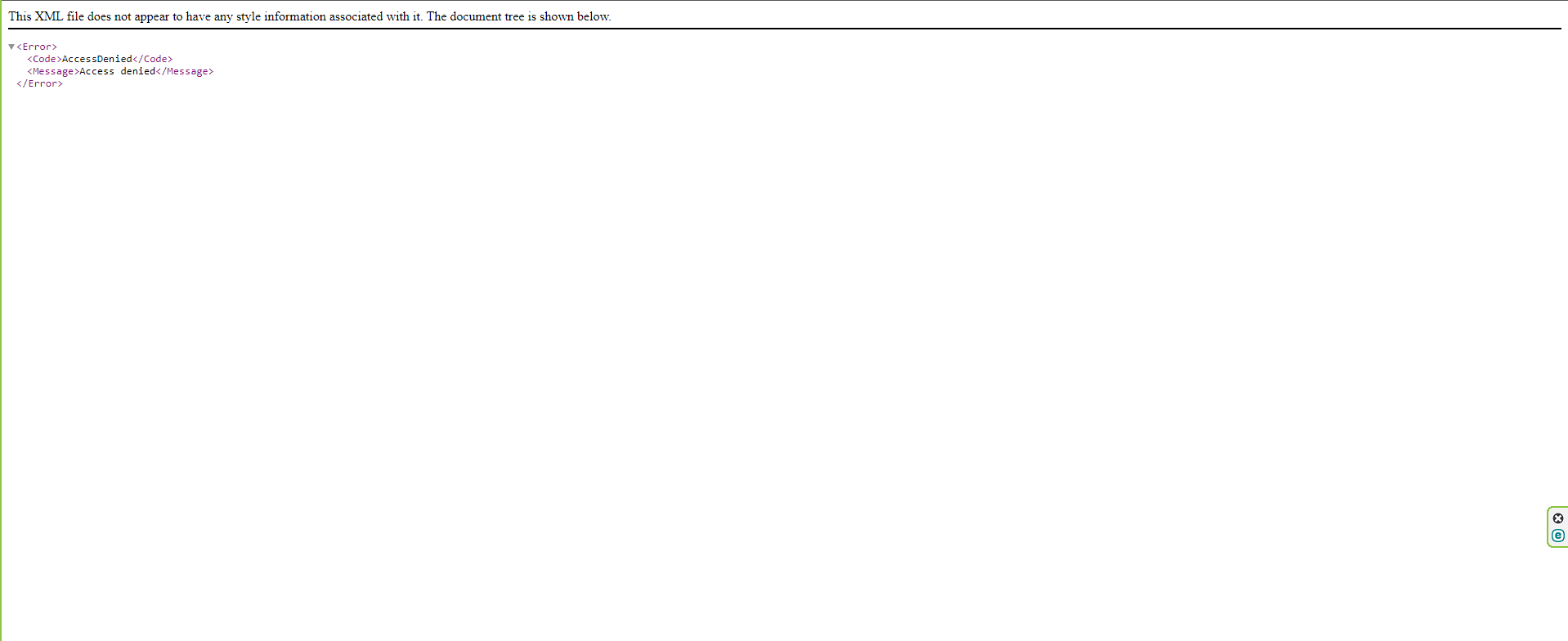
whe try to donload manual the files i have this error pls fix it cant download the products
This XML file does not appear to have any style information associated with it. The document tree is shown below.
<Error>
<Code>AccessDenied</Code>
<Message>Access denied</Message>
</Error>
i make 1 video for bugs to see what happen now url download working
hidden link
look pls 1 more video to see 1 more bug
hidden link
Hello there,
Thanks for your reply.
I watched the videos but I'm still a bit confused with what's the exact issue here. May I kindly ask you to point us to the exact step-by-step in order to replicate the bug/problem you're facing?
Also, I would like to request temporary access (wp-admin and FTP) to your site to take better look at the issue. You will find the needed fields for this below the comment area when you log in to leave your next reply. The information you will enter is private which means only you and I can see and have access to it.
Our Debugging Procedures
I will be checking various settings in the backend to see if the issue can be resolved. Although I won't be making changes that affect the live site, it is still good practice to backup the site before providing us access. In the event that we do need to debug the site further, I will duplicate the site and work in a separate, local development environment to avoid affecting the live site.
Privacy and Security Policy
We have strict policies regarding privacy and access to your information. Please see:
https://toolset.com/privacy-policy-and-gdpr-compliance/#data-shared-with-our-support
**IMPORTANT**
- Please make a backup of site files and database before providing us access.
- If you do not see the wp-admin/FTP fields this means your post & website login details will be made PUBLIC. DO NOT post your website details unless you see the required wp-admin/FTP fields. If you do not, please ask me to enable the private box. The private box looks like this: hidden link
Please, let me know if you need any additional details. Have a nice day.
Hello there,
Thank you for providing the credentials.
We have double-checked the videos and most of the behaviors you showed there are expected, actually. When connecting a post type with another one, you only have the possibility to search for the title of the post type, and not its custom fields.
The only issue that it really seems a bug is the one with the button block: "This block has encountered an error and cannot be previewed."
I have already reported this to our second tier team and we're checking internally if we have another reports of this issue, I'll let you know as soon as possible.
Furthermore, please let's focus in one issue per ticket. You have brought so many questions, issues and 'bugs', but I'm not sure what exactly to look into. I kindly ask you to keep only one question/issue in this ticket, and if you need help to a different issue, please open another ticket.
Thanks for your understanding.
Hello there,
Thanks for your patience.
Please check the errata page for the button block bug: https://toolset.com/errata/broken-block-when-expanding-style-settings-panel/
As soon as possible, we'll publish the version that corrects it. In the meantime, I'll set our ticket here 'fixed in next release'.
Thanks for your understanding!
Hello again
I wanted to let you know that we published plugin updates today that include a fix for this issue (specifically Blocks 1.6.7).
If the updates do not show up on your plugin installer page (Plugins -> Add New -> Commercial tab), please click the the Check for Updates button to update the list.
Or you can download the latest versions from your accounts page: https://toolset.com/account/downloads
Please keep us posted. Thank you.