I am trying to:
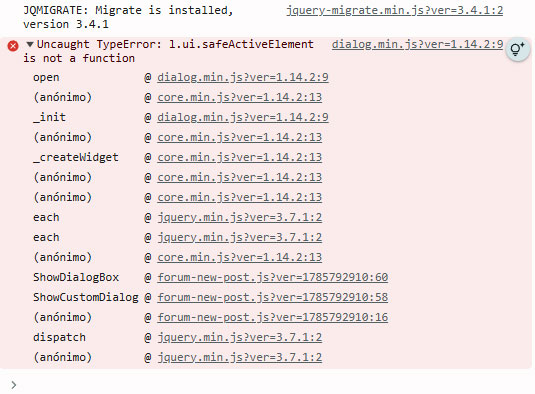
Add a new site in my sites page, but the "+Add new site" button doesn't work. There is a javascript error. When I clic on button, in console appears an error (screenshot)
Hi,
Thank you. Would you please check if the steps below will work for you?
- Go to "WordPress Dashboard > Plugins > Add New > Commercial (Tab)".
- Click the "Register Toolset" at the right section of the screen.
- Click the "Get a key for this site" link annotated in the screenshot below.
- A new page will open up and the auto-generated key will show in pop-up.
- Copy the key and paste it into the "Site Key" input box annotated in the screenshot below.
- Click the "OK" button.
Thanks.
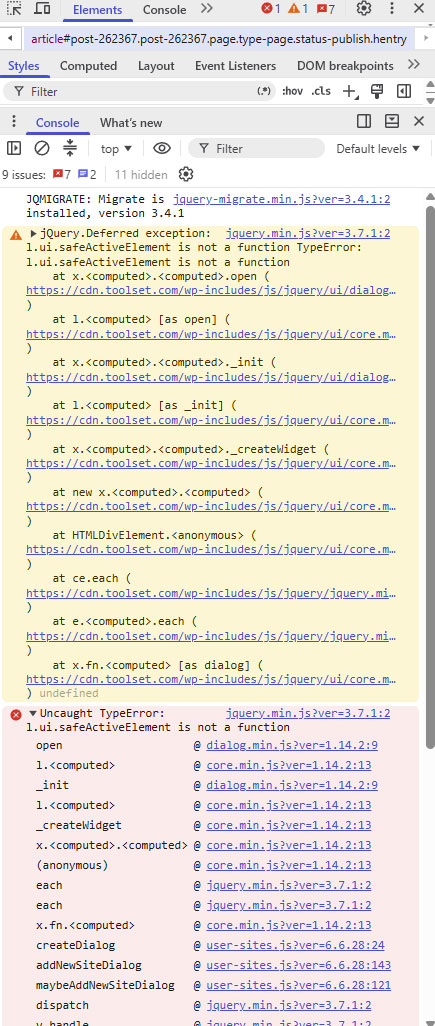
No, If I do this, when i clic "Get a key for this site", the url oppened is https://toolset.com/account/sites/?add=https%3A%2F%2Fwww.embocadero.com and it doesn't show any popup. A jquery error still appears (screenshot)
Hi,
Thanks. Please clear your browser cache. I experienced the same issue, but it worked correctly as soon as I cleared the cache.
Alternatively, open the page in a browser that you have not used to visit it before.
That should resolve the issue.
Thanks.
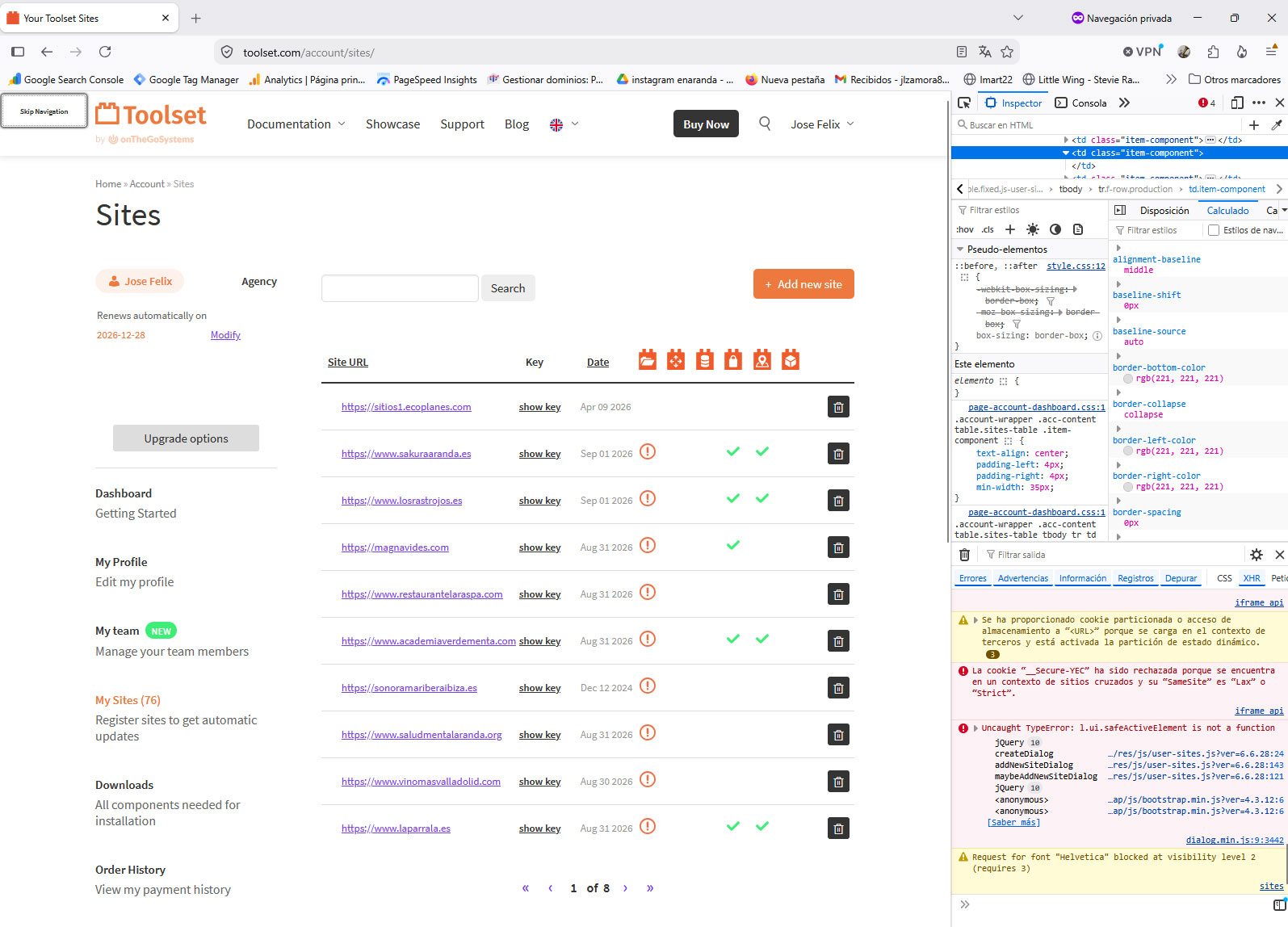
No, I try with Private Browsing in Firefox, and Incognito mode in chrome and in brave, and the error persists "Uncaught TypeError: l.ui-safeActiveElement is not a function..."
Hi,
Thank you. Would you please do as follows?
hidden link
See if it works for you?
Hello,
It doesn't work.
Look this: hidden link
Thank you. I reported this to the system team. I will get back to you as soon as I have an answer.
Hi,
Would you please clear your browser cache and check again? It should work now. Please get back to us with the result.
Thanks.
It works fine now, thank you!