Skip Navigation

[Resolved] I am unable to update the plugin after purchase

This support ticket is created 3 years, 11 months ago. There's a good chance that you are reading advice that it now obsolete.

This is the technical support forum for Toolset - a suite of plugins for developing WordPress sites without writing PHP.

Everyone can read this forum, but only Toolset clients can post in it. Toolset support works 6 days per week, 19 hours per day.

Sun Mon Tue Wed Thu Fri Sat
- 10:00 – 13:00 10:00 – 13:00 10:00 – 13:00 10:00 – 13:00 10:00 – 13:00 -
- 14:00 – 18:00 14:00 – 18:00 14:00 – 18:00 14:00 – 18:00 14:00 – 18:00 -

Supporter timezone: Asia/Kolkata (GMT+05:30)

This topic contains 12 replies, has 2 voices.

Last updated by sapirS 3 years, 11 months ago.

Assisted by: Minesh.

Author
Posts
#2310083
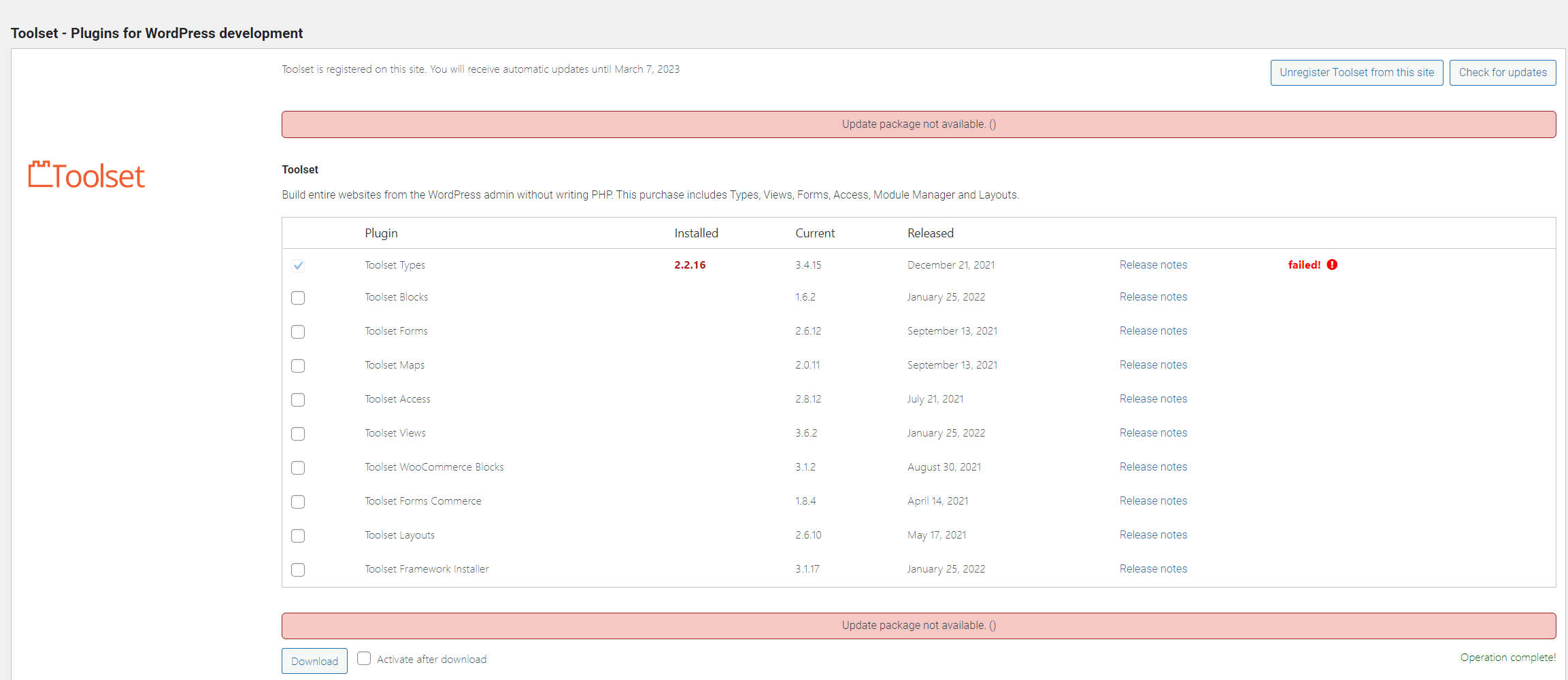
noupdate.PNG

Tell us what you are trying to do?
Trying to update the plugin after purchase

Is there any documentation that you are following?
No. I just want to update the package.

Is there a similar example that we can see?

What is the link to your site?
hidden link

#2310107

Minesh
Supporter

Languages: English (English )

Timezone: Asia/Kolkata (GMT+05:30)

Hello. Thank you for contacting the Toolset support.

I see that you are using really outdated Toolset Types plugin version.

We publish the Types 3.0 with the new many to many relationships and we have added the number of new features to this major release and that is before almost four years a go.

Please check the following blog:
=> https://toolset.com/2018/05/toolset-post-relationships-release/
=> https://toolset.com/2018/05/when-if-to-migrate-relationships-in-old-toolset-sites/

Before you update the Toolset plugins to latest official release version:
*** Please make a FULL BACKUP of your database and website.***

For now, please try to update the Toolset Types plugin manually from plugins page and then you can add/update addon Toolset plugins:
- Deactivate and Delete all Toolset plugins from plugins page
- Download Toolset Types plugin from your accounts page: https://toolset.com/account/downloads/
=> https://toolset.com/faq/how-to-install-and-register-toolset/#installing-the-toolset-types-plugin
- Upload and activate first Types plugin and then you are free to install and activate all other Toolset plugins using the installer:
- https://toolset.com/faq/how-to-install-and-register-toolset/#automatic-installation-once-you-have-types-plugin-installed

#2310201

Hi Minesh,

I have managed to add the package manually with the zip file.

I am having many issues though.
I upgraded because recently I was unable to pick images for image fields in custom post typs.

I was using the Advanced Custom Fields plugin for the image picker, does this mean that I need to migrate my settings there to use your plugin? Or does your plugin still work with ACF as it had in the past.

Best,
Eran Bodokh

#2310203

Minesh
Supporter

Languages: English (English )

Timezone: Asia/Kolkata (GMT+05:30)

I do not see any report about users saying the image custom field that belongs to ACF is not working.

Even I do not know yet how you setup the custom image field or whats casing the issue.
- Do you see your image custom field works as expected when you disable non-Toolset plugins?
- Do you see any javascript error on your browser's console?
- When you say not working, what exactly is not working can you share bit more details?

#2310205
noimage.PNG

When I try to pick an image in the acf image field, this is what I see. This does not happen when I go to the media page for example, and the images are displayed correctly in the website currently. I just can't change or add new images.

Only way for me to overcome this is manually add the image url to the database

#2310215

Minesh
Supporter

Languages: English (English )

Timezone: Asia/Kolkata (GMT+05:30)

From where you are trying to update the image? From backend? If yes:
- Can you please share problem URL and with what field you are trying to change the image?

*** Please make a FULL BACKUP of your database and website.***
I would also eventually need to request temporary access (WP-Admin) to your site. Preferably to a test site where the problem has been replicated if possible in order to be of better help and check if some configurations might need to be changed.

I have set the next reply to private which means only you and I have access to it.

#2310421
step2a.PNG
step1a.PNG
step1.PNG
setp2.PNG

Hi Minesh,

I would prefer to solve it without sending ftp details, but if we won't be able to work it out I will grant access.
I've attached some images.
I tried adding images in 2 ways:
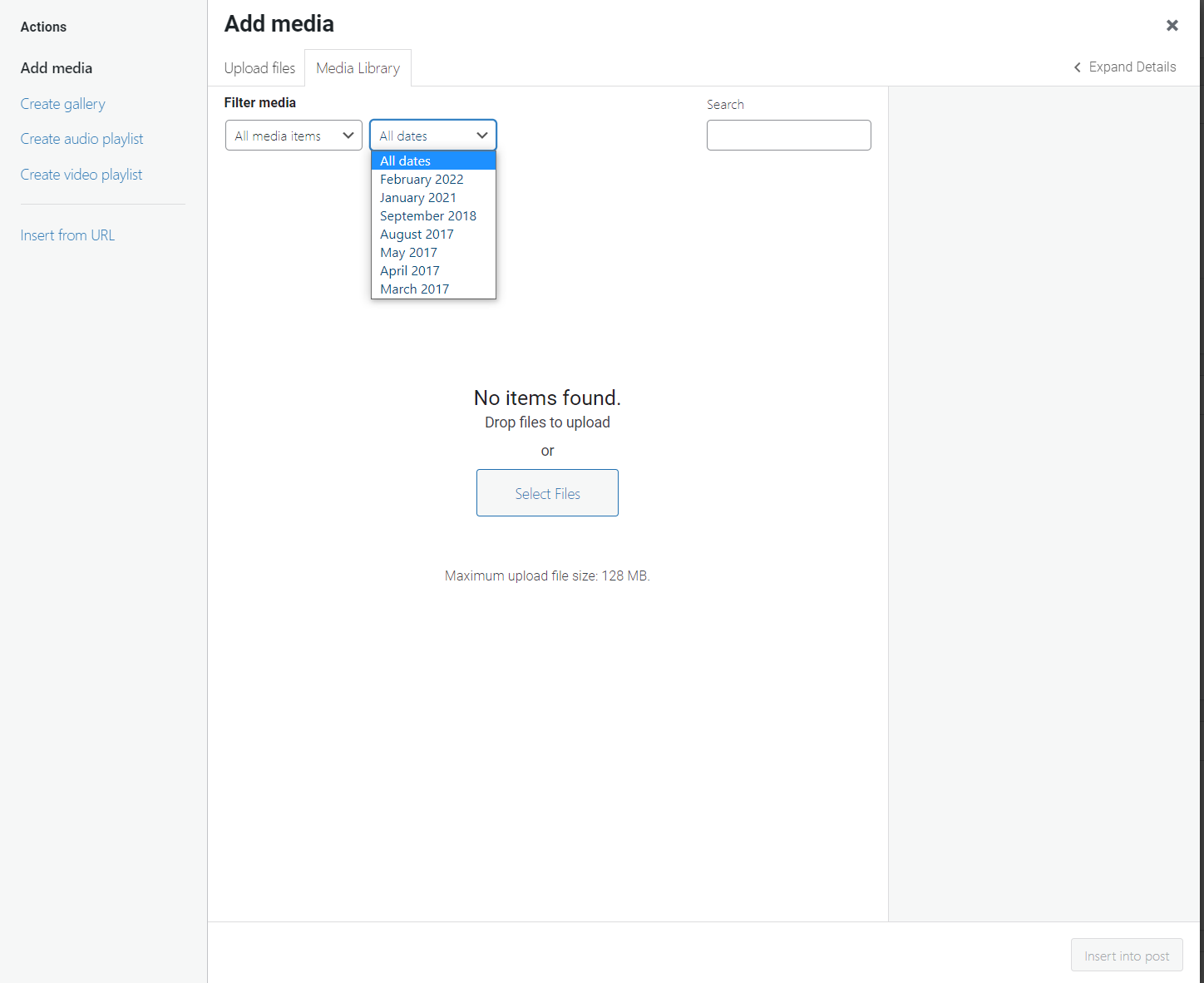
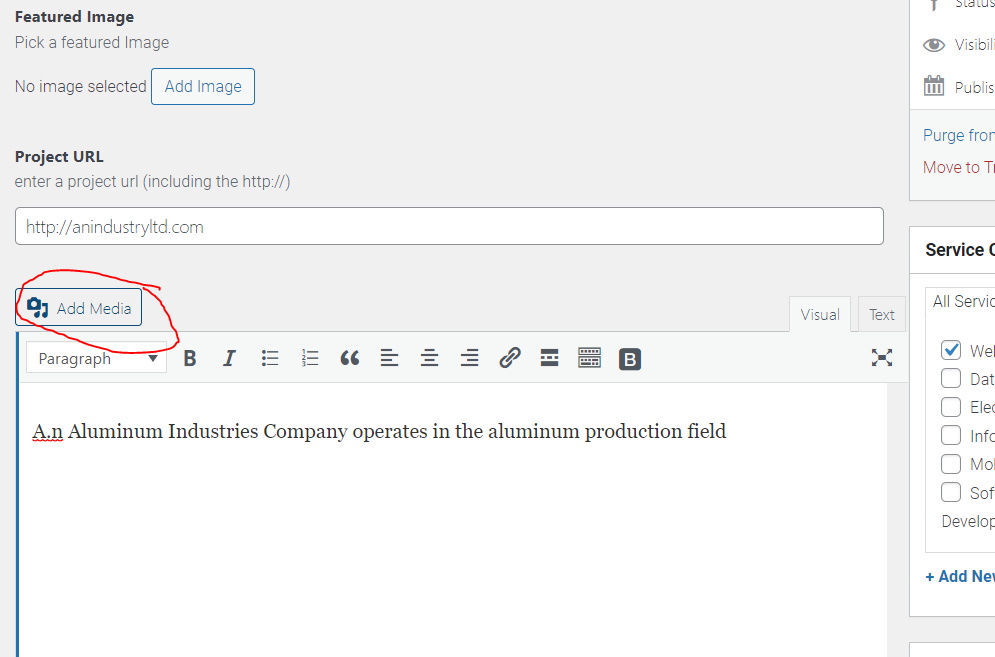
1. Add media button which results in "No items found", despite there being images in the media page and also you can see the dates dropdown is showing accurate information about the media dates.
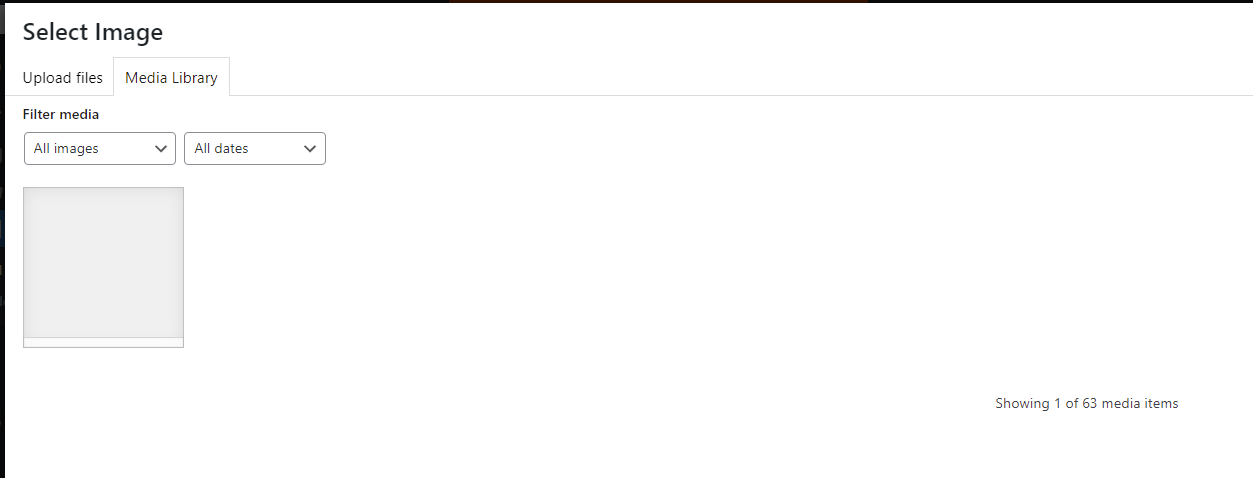
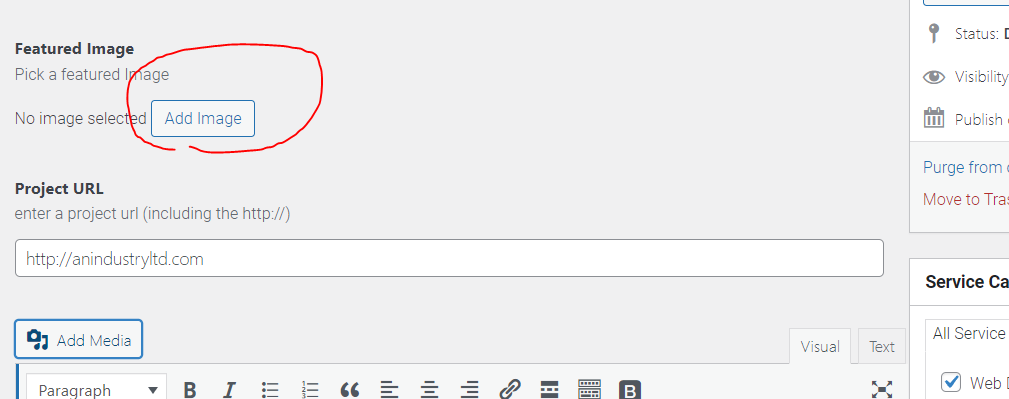
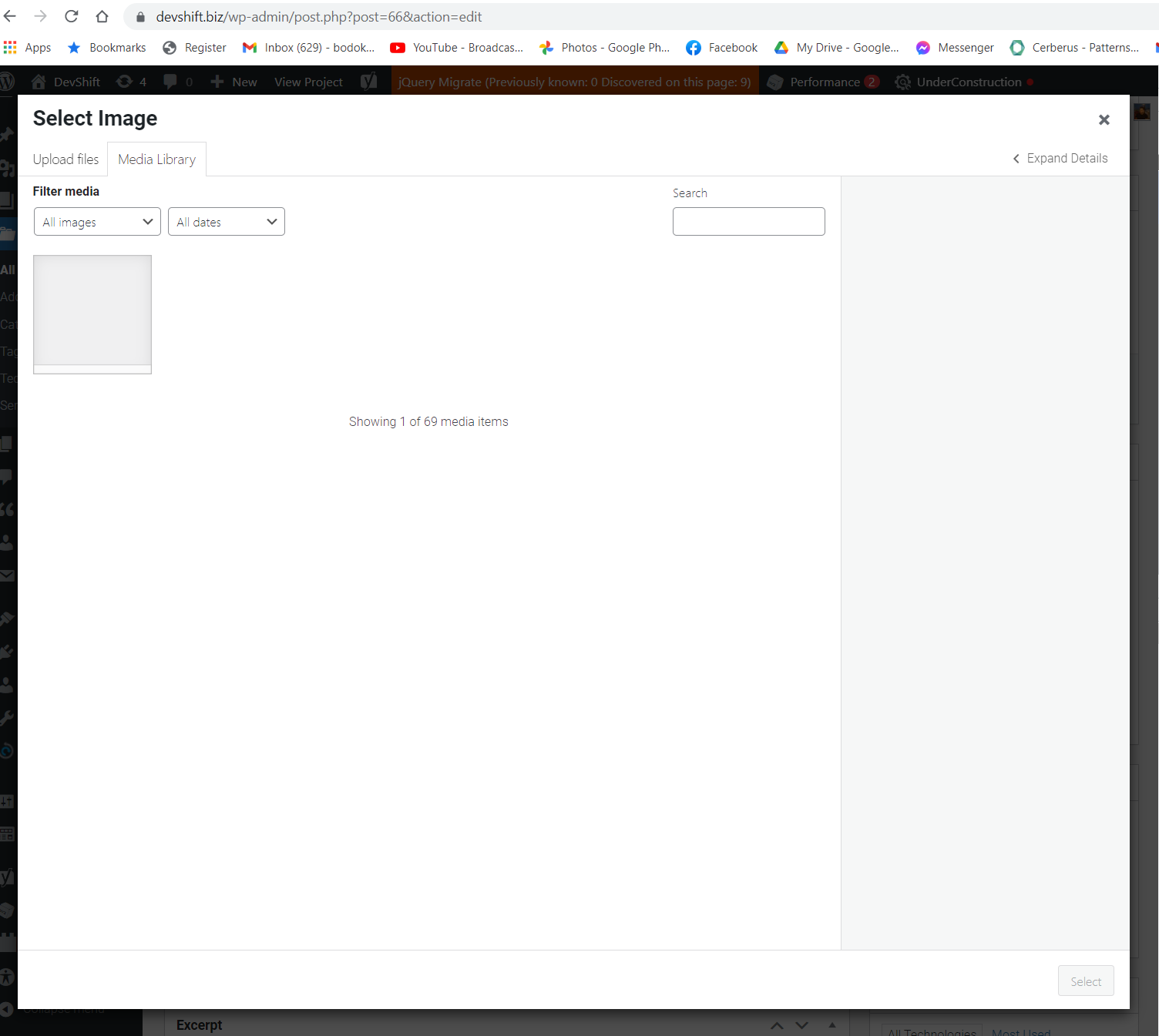
2. Add image button (ACF) which results in the "Showing 1 of 69 media items" but only shows 1 empty image.

The ajax request being made to fetch the images:

When clicking on "Add media" (Option #1):

POST hidden link
Body:
action: query-attachments
post_id: 66
query[orderby]: date
query[order]: DESC
query[posts_per_page]: 80
query[paged]: 1

Response:
{
"success": true,
"data": []
}

When clicking on "Add Image" (Option #2):

POST hidden link
Body:
action: query-attachments
post_id: 66
query[post_mime_type]: image
query[orderby]: date
query[order]: DESC
query[posts_per_page]: 80
query[_acfuploader]: field_58d1776df7cbf
query[paged]: 1

Response:
{
"success":true,
"data":[{"acf_errors":false},{"acf_errors":false},{"acf_errors":false},{"acf_errors":false},{"acf_errors":false},{"acf_errors":false},{"acf_errors":false},{"acf_errors":false},{"acf_errors":false},{"acf_errors":false},{"acf_errors":false},{"acf_errors":false},{"acf_errors":false},{"acf_errors":false},{"acf_errors":false},{"acf_errors":false},{"acf_errors":false},{"acf_errors":false},{"acf_errors":false},{"acf_errors":false},{"acf_errors":false},{"acf_errors":false},{"acf_errors":false},{"acf_errors":false},{"acf_errors":false},{"acf_errors":false},{"acf_errors":false},{"acf_errors":false},{"acf_errors":false},{"acf_errors":false},{"acf_errors":false},{"acf_errors":false},{"acf_errors":false},{"acf_errors":false},{"acf_errors":false},{"acf_errors":false},{"acf_errors":false},{"acf_errors":false},{"acf_errors":false},{"acf_errors":false},{"acf_errors":false},{"acf_errors":false},{"acf_errors":false},{"acf_errors":false},{"acf_errors":false},{"acf_errors":false},{"acf_errors":false},{"acf_errors":false},{"acf_errors":false},{"acf_errors":false},{"acf_errors":false},{"acf_errors":false},{"acf_errors":false},{"acf_errors":false},{"acf_errors":false},{"acf_errors":false},{"acf_errors":false},{"acf_errors":false},{"acf_errors":false},{"acf_errors":false},{"acf_errors":false},{"acf_errors":false},{"acf_errors":false},{"acf_errors":false},{"acf_errors":false},{"acf_errors":false},{"acf_errors":false},{"acf_errors":false},{"acf_errors":false}]}

#2310521

OK I am sorry to have wasted your time I have found the culprit for the issues.
It was caused by qtranslate plugin...

That means that upgrading the toolset didn't really help me, I would like a refund please for the purchase as i will not be needing the plugin in the end...

#2310523

You know nevermind I will try to test the plugin for a few days before I decide If i want to remove it.

#2311095

Minesh
Supporter

Languages: English (English )

Timezone: Asia/Kolkata (GMT+05:30)

Ok great, you are welcome to mark resolve this ticket 🙂

#2311143

OK I have resolved the issue and toolset wasn't even the problem so I do not need the plugin anymore... I will be happy to receive a refund and cancel my membership.

Many many thanks for your assistance it was much appreciated, I will consider purchasing the extension again when the need arises to redevelop the website!

#2311149

Minesh
Supporter

Languages: English (English )

Timezone: Asia/Kolkata (GMT+05:30)

You can request a refund using the following form and our concern person will get in touch with you.
- https://toolset.com/home/contact-us/account-and-finance-contact-form/

You are welcome to resolve/close this ticket.

#2311179

My issue is resolved now. Thank you!