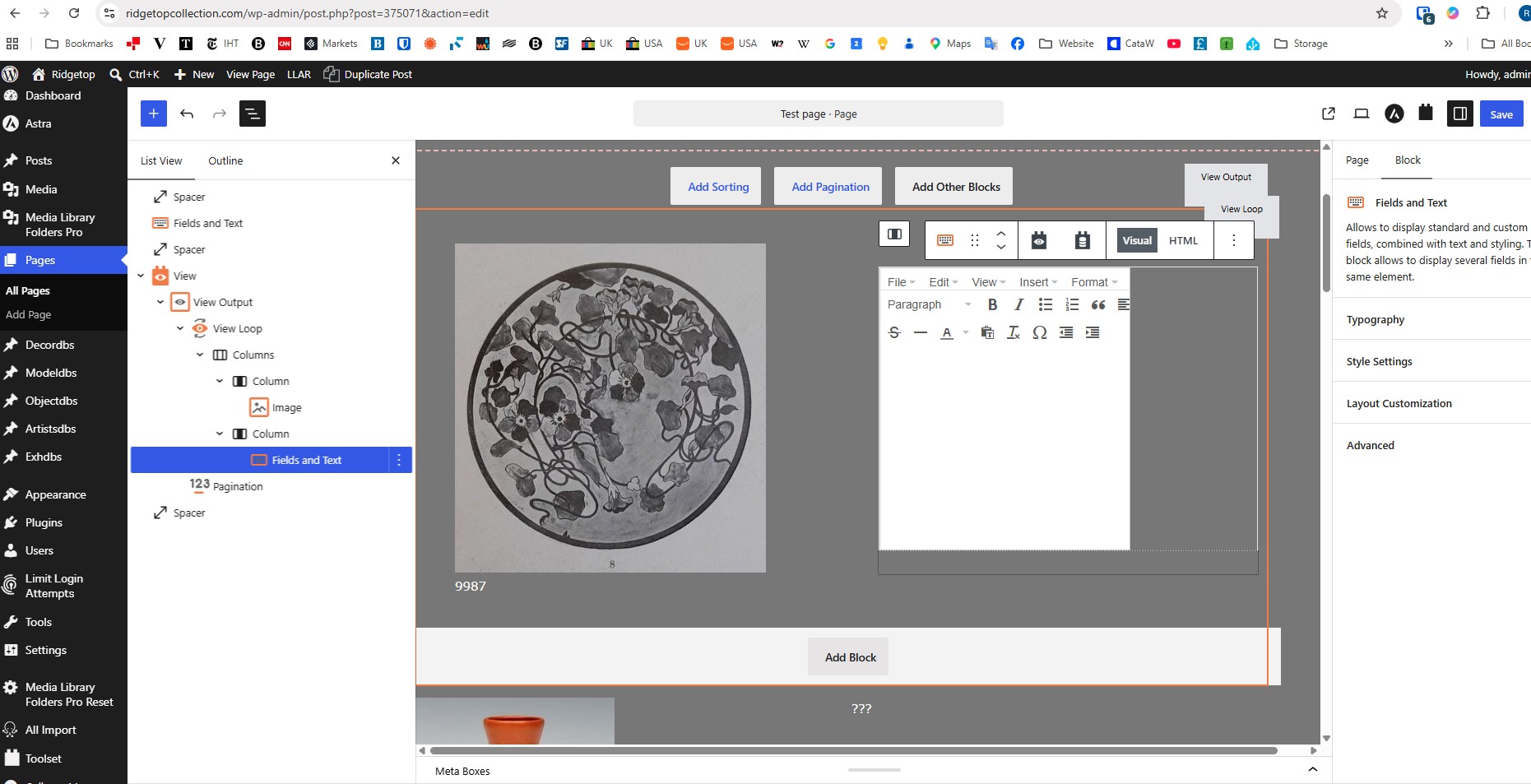
Tell us what you are trying to do? Add a Field short code to a Field and Text block
Is there any documentation that you are following? The way I always did it
Is there a similar example that we can see? I enclose screen shots
What is the link to your site? hidden link but problem is only visible in edit mode so you will have to log in as Editor. I was trying to experiment in a test view on page hidden link
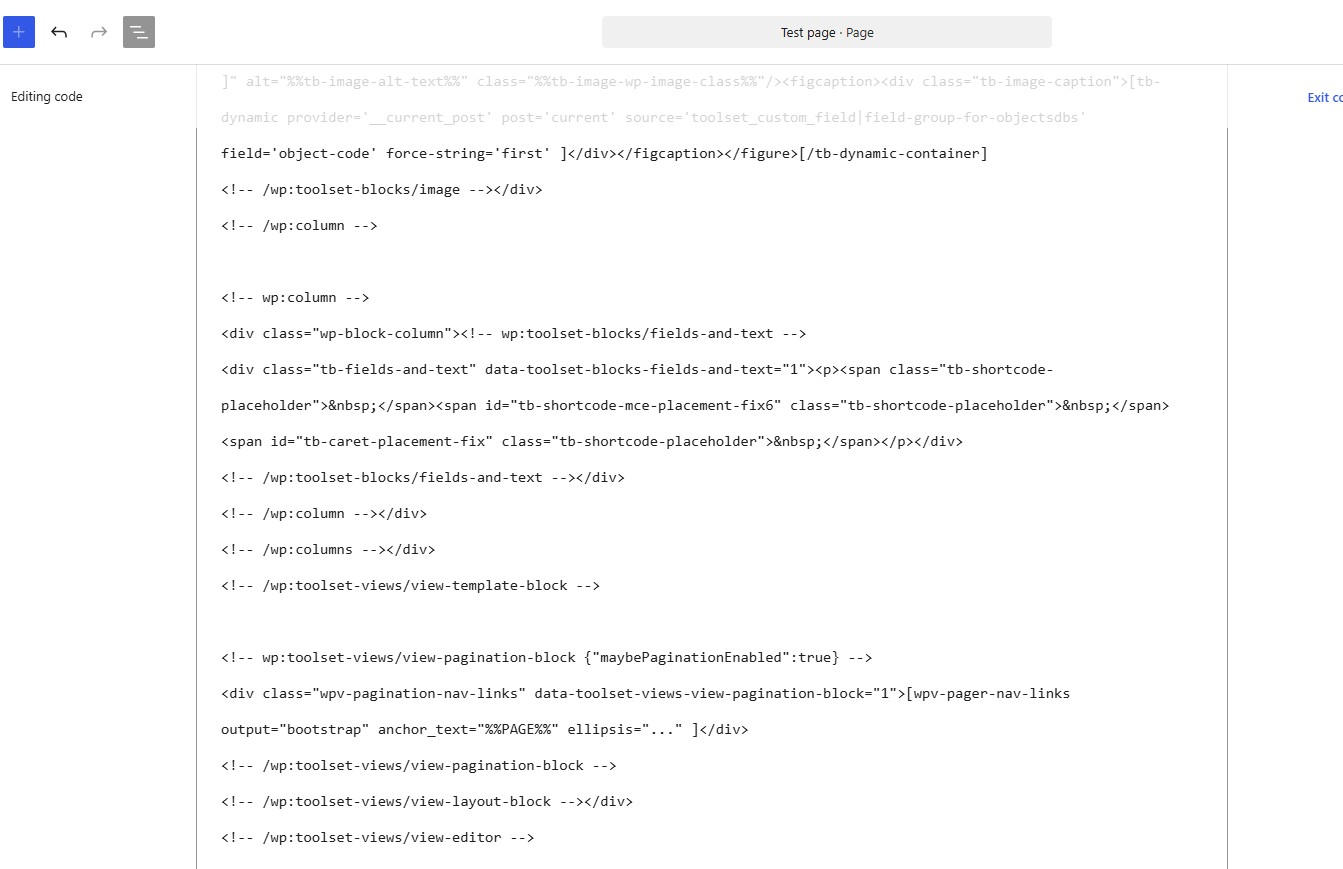
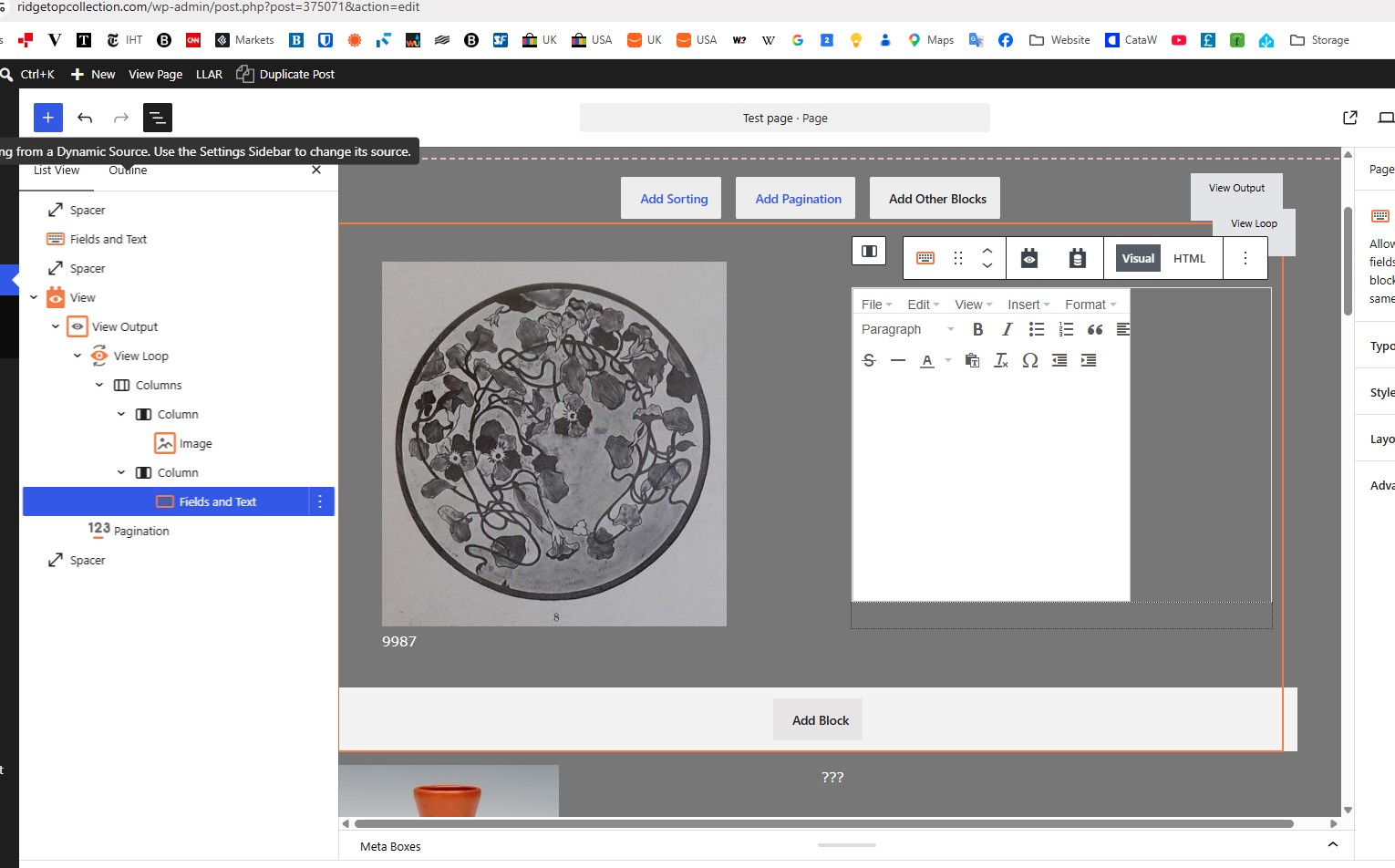
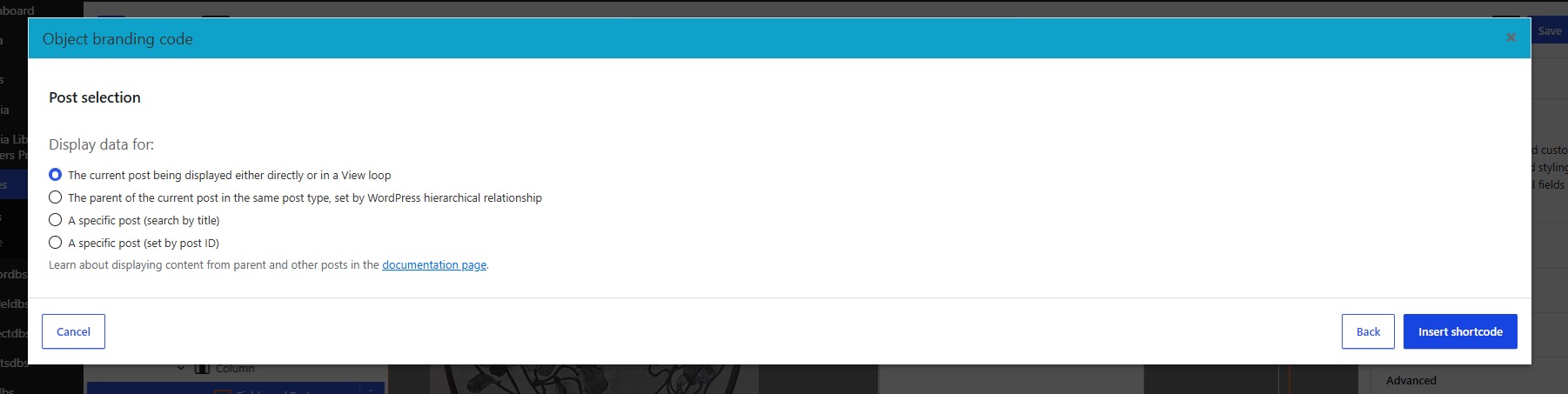
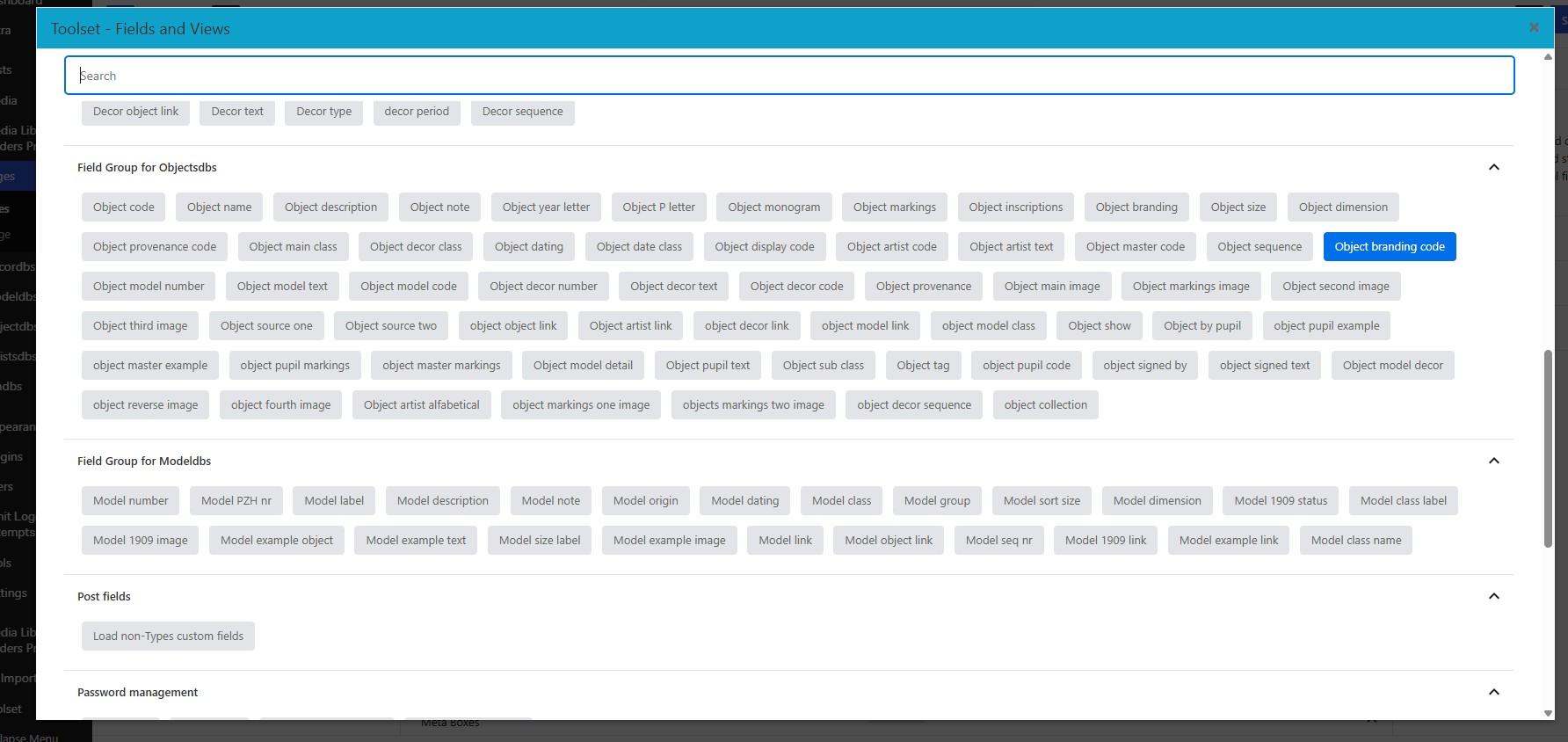
Not sure what is going on but I ran into another problem: I do not seem to be able to add a Field or View in a Field and Text block. See screenshots: When on this test page w test view (TS 1) I try to add a Field Object branding code (TS 2) (which does contain text in the Objects database) and confirm my choice (TS 3) nothing appears in the Field and Text block (TS 4) and the code does not seem to link to the Object branding code field (TS 5).
Have I completely lost it (possible..) or is it not working/not working as I seem to remember????
Hope you can help,
Rudolph
Hi,
This needs to be investigated. I checked and we do not have a report like that, so it might be related to your website only.
To make things easier, please use the manual shortcode for now so you can continue your work: [types field='object-branding-code'][/types]
But for the issue please do the tests below:
1. Make sure you have updated version of Toolset plugins
- IMPORTANT STEP! Create a backup of your website. Or better approach will be to test this on a copy/staging version of the website to avoid any disruption of a live website.
- Go to "WordPress Dashboard > Plugins > Add new > Commercial (tab)".
- Click the "Check for Updates" button.
- Update Toolset and its addons there.
For more information:
https://wpml.org/faq/install-wpml/#automated-updates
2. Check if there is a conflict that causes the issue.
- IMPORTANT STEP! Create a backup of your website. Or better approach will be to test this on a copy/staging version of the website to avoid any disruption of a live website.
- Switch to the default theme such as "TwentyTwenty" by going to "WordPress Dashboard > Appearance > themes".
- Go to "WordPress Dashboard > Plugins" and deactivate all plugins except:
. Toolset Types
. Toolset Blocks/biews
- Check if you can still recreate the issue.
- If not, re-activate your plugins one by one and check the issue each time to find out the plugin that causes the problem.
If the issue persists, please create a copy of the website so we can investigate without the fear of breaking a live website and provide the login information by setting the next reply as private.
Thanks.
Hi,
Thank you very much for this. Would you please do the following:
- IMPORTANT STEP! Create a backup of your website.
- Install the Core Rollback plugin and activate it:
https://wordpress.org/plugins/core-rollback/
- Go to WP Dashboard > Tools > Core Rollback
- Select version 7.0.4 and click the Rollback button.
- On the new page, click Re-Install 7.0.4 and wait for the process to finish.
- That should fix the issue. I reported this to our development team to work for a fix on WP version 7.1
Thanks.
Hi Christopher, that is great news, it means I am not totally senile yet 😉 . In the mean time I followed your advice and solved the issue by leaving Visual editing and going the tinkering with the code route. I cannot program but by combining and editing bits of code from other pages I was able to achieve what I wanted to do. There is some more cleaning up to do on other pages but I had already decided to try to do that in Code as well, I find the Visual edit at times tedious and fickly.
I will close the Issue and keep my eye open for a new Toolset version coming our way. For now I continue in 7.1 but at least with the info you provided I can roll back when and if needed. BIG thanks, Ruud