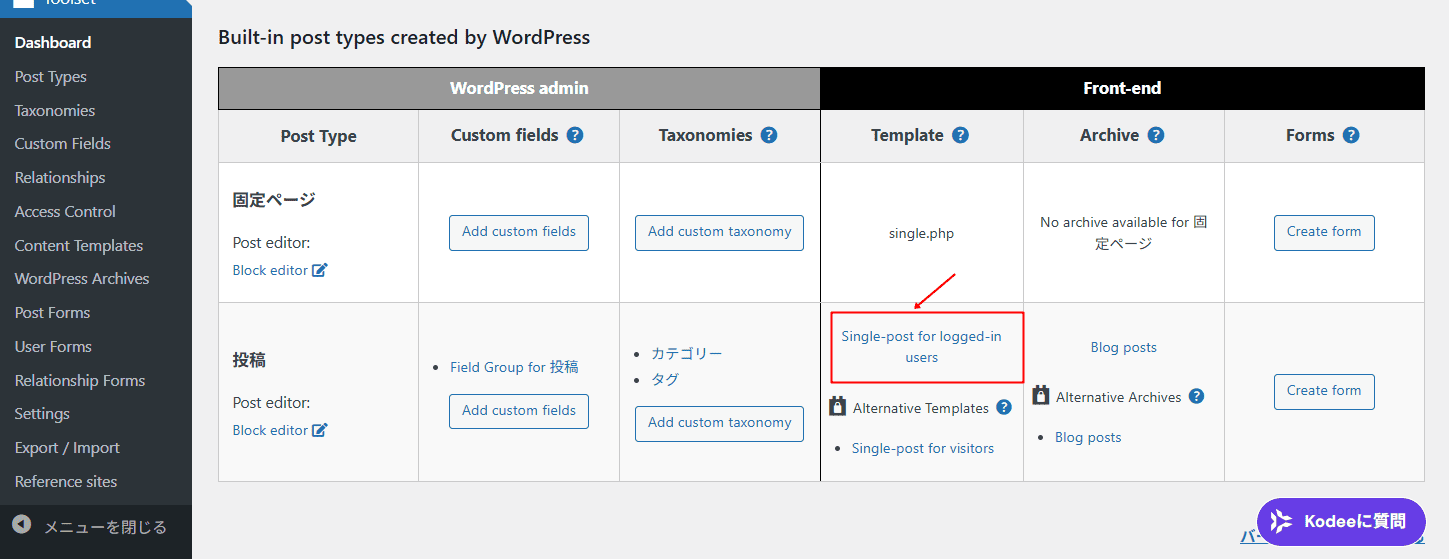
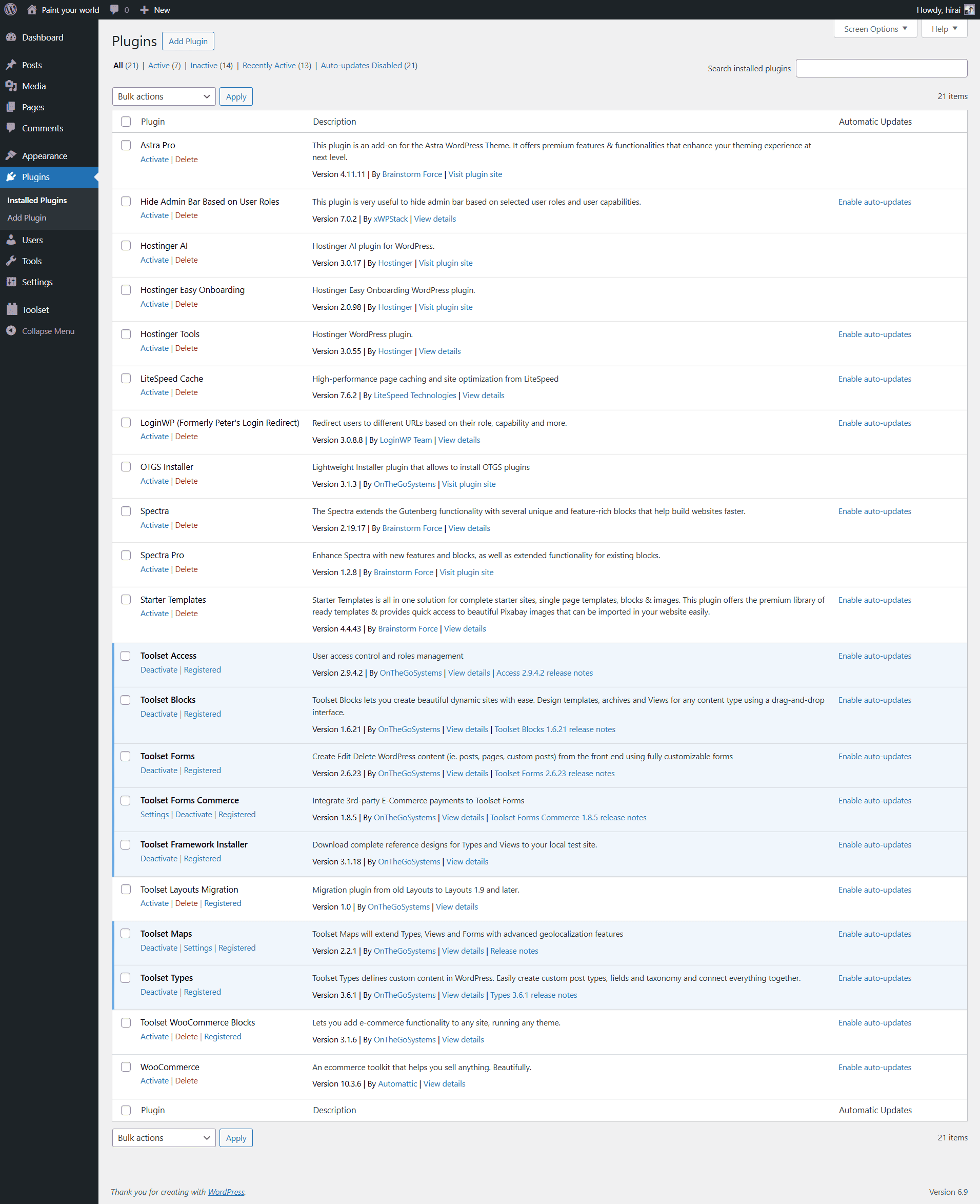
This thread is resolved. Here is a description of the problem and solution.
Problem:
A YouTube video added via Toolset was visible while editing, but it did not display on the published (frontend) page. The user had already tested with LiteSpeed Cache disabled, switched to a default theme, and kept only Toolset plugins active, but the issue remained.
Solution:
The issue was traced to the Toolset Field Group settings: the field group name used Japanese characters, which caused the View/dynamic field detection to fail on the frontend. Renaming the field group to an English (Latin) name (e.g., “post”) and saving fixed the problem, after which the YouTube video displayed correctly on single posts.
Hello.
I will always be grateful for your support.
Now, I'm sorry for the basic question, but I can't see yutube, so please help me.
I'll give you five images of the situation.
1st point: Setting it in toolset/dashboard
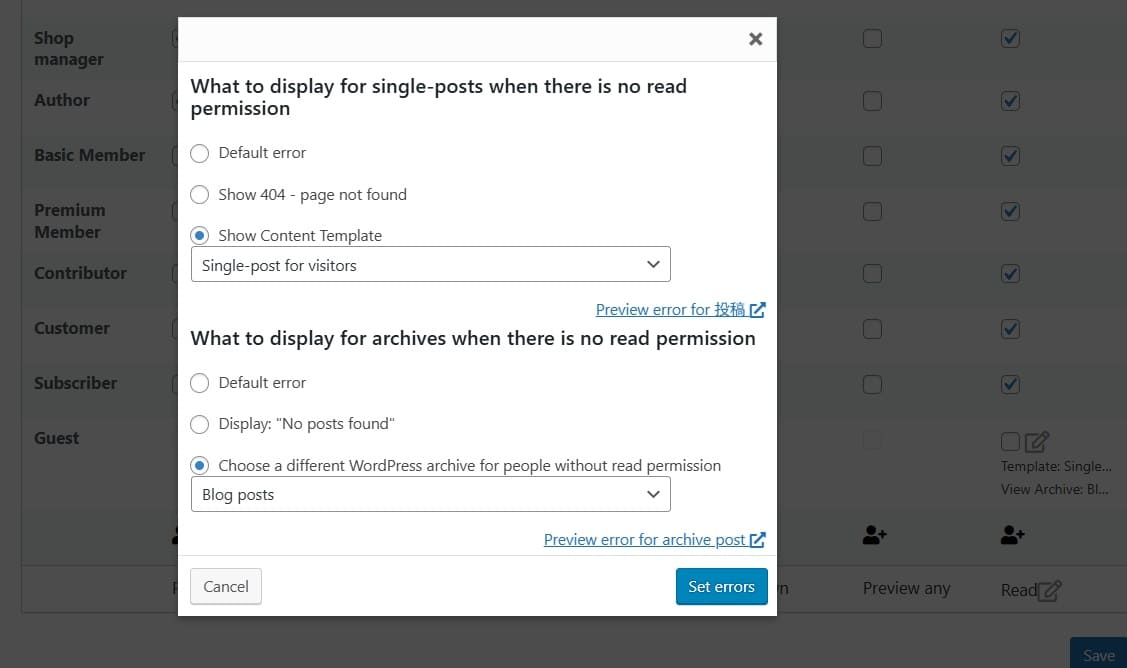
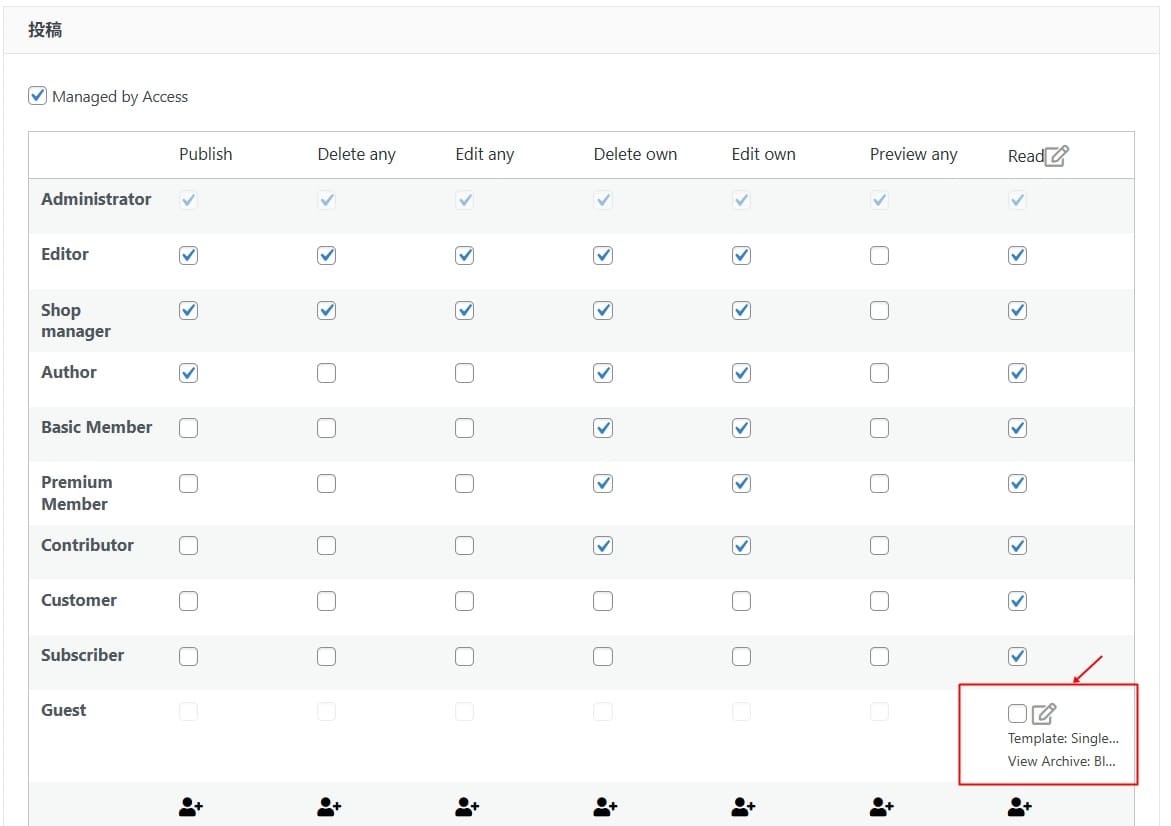
2nd point: Setting it with toolset/access contour
3rd point: Also details about toolset/access contour
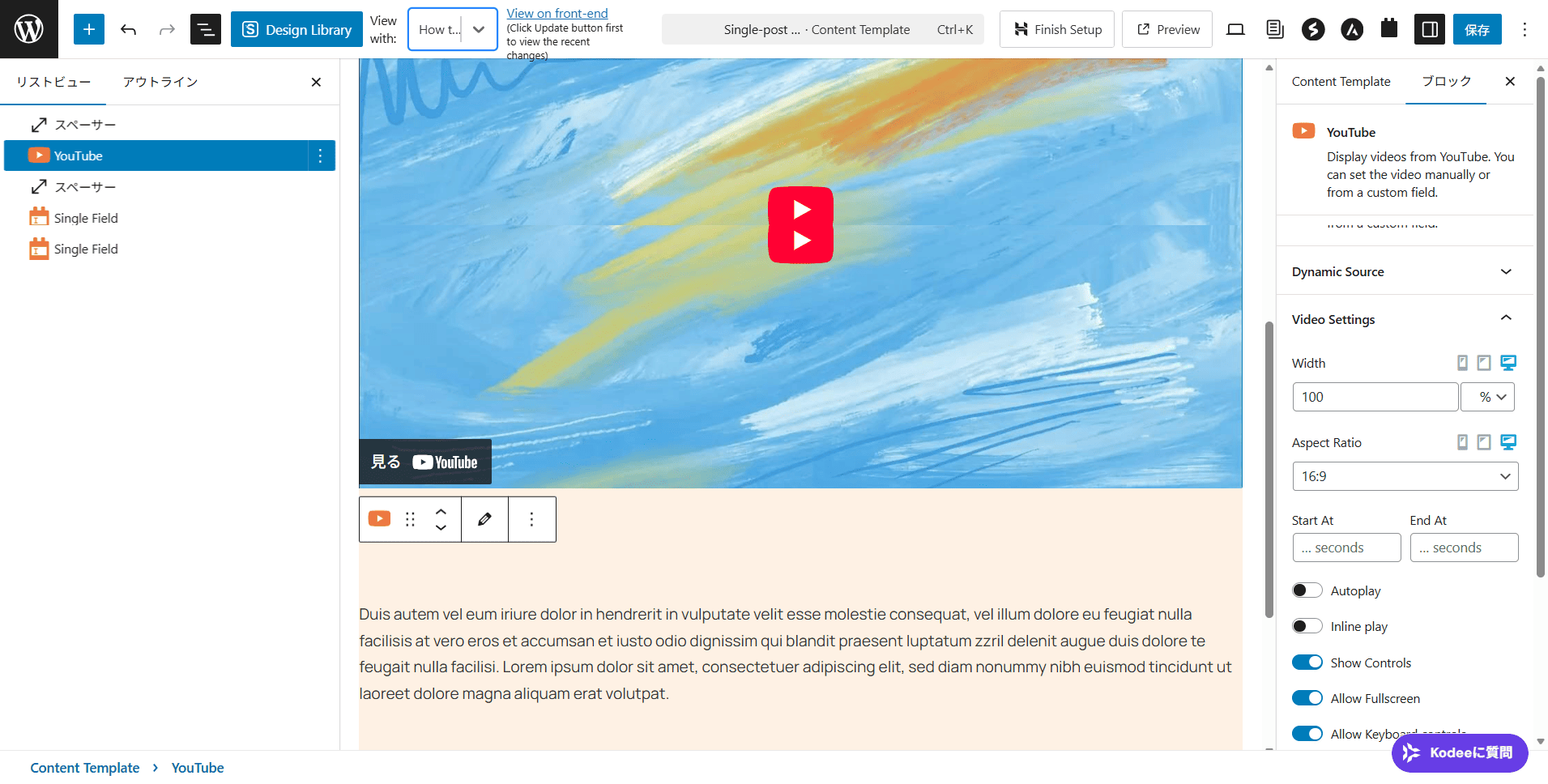
4th point: Setting it in toolset/template
5th point: Publishing toolset/template
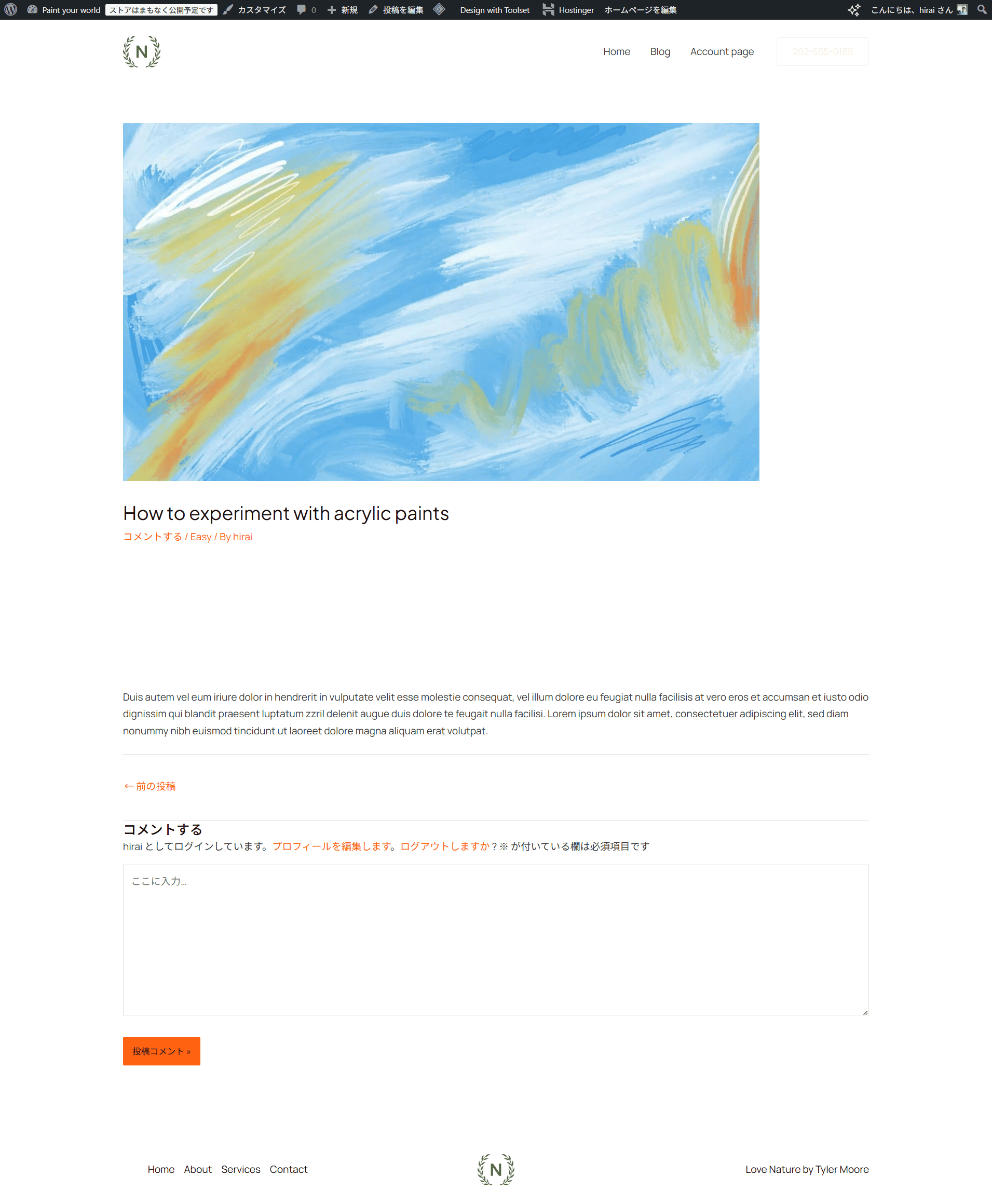
The YouTube video is not displayed on the public page in point 5. Excuse me, but I would like your support.
I see you are using "LiteSpeed Cache" plugin. What if you try to disable that plugin and check if you see youtube video working as expected? if no:
Could you please try to resolve your issue by deactivating all third-party plugins as well as the default theme to check for any possible conflicts with any of the plugins or themes?
- Do you see any difference when you check with only Toolset pluigns active and default theme?
I did the following:
1. Disabled the plugin.
2. Changed the theme.
Only 3.toolset was kept enabled.
I tried doing the above but youtube didn't work. It works during the editing stage, but when I published it, the video was not displayed.
For reference, I have attached the toolsetdebug in the above 1-3 state.
I will also send you a screenshot of the plugin state, so please refer to it.
Well - I need problem URL and admin access details.
*** Please make a FULL BACKUP of your database and website.***
I would also eventually need to request temporary access (WP-Admin and FTP) to your site. Preferably to a test site where the problem has been replicated if possible in order to be of better help and check if some configurations might need to be changed.
I have set the next reply to private which means only you and I have access to it.
This is Christopher taking over the ticket from Minesh. Minesh is on vacation.
Would you please watch this video for the details?
hidden link
Video Summary:
- I investigated the issue by creating a separate View and found the cause in the Toolset Field Group settings.
- The field group name previously used Japanese characters, which caused the View to fail.
- I renamed the field group to “post” using English characters and saved it.
- After this change, the View correctly detected the dynamic field and the YouTube video displayed properly on single posts.
- Everything now loads as expected on the frontend.
- For future stability, please use English (Latin) characters for Toolset field group names, post type names, and taxonomies inside the WordPress dashboard.
- You may continue using Japanese characters freely on the frontend.