Skip Navigation

[Resolved] How to connect toolset post forms with woocommerce

This thread is resolved. Here is a description of the problem and solution.

Problem:

User created a classifieds site and wants to charge users for posting an “ad” (1 month / 6 months / 12 months) using Toolset Post Forms + Toolset Forms Commerce + WooCommerce.
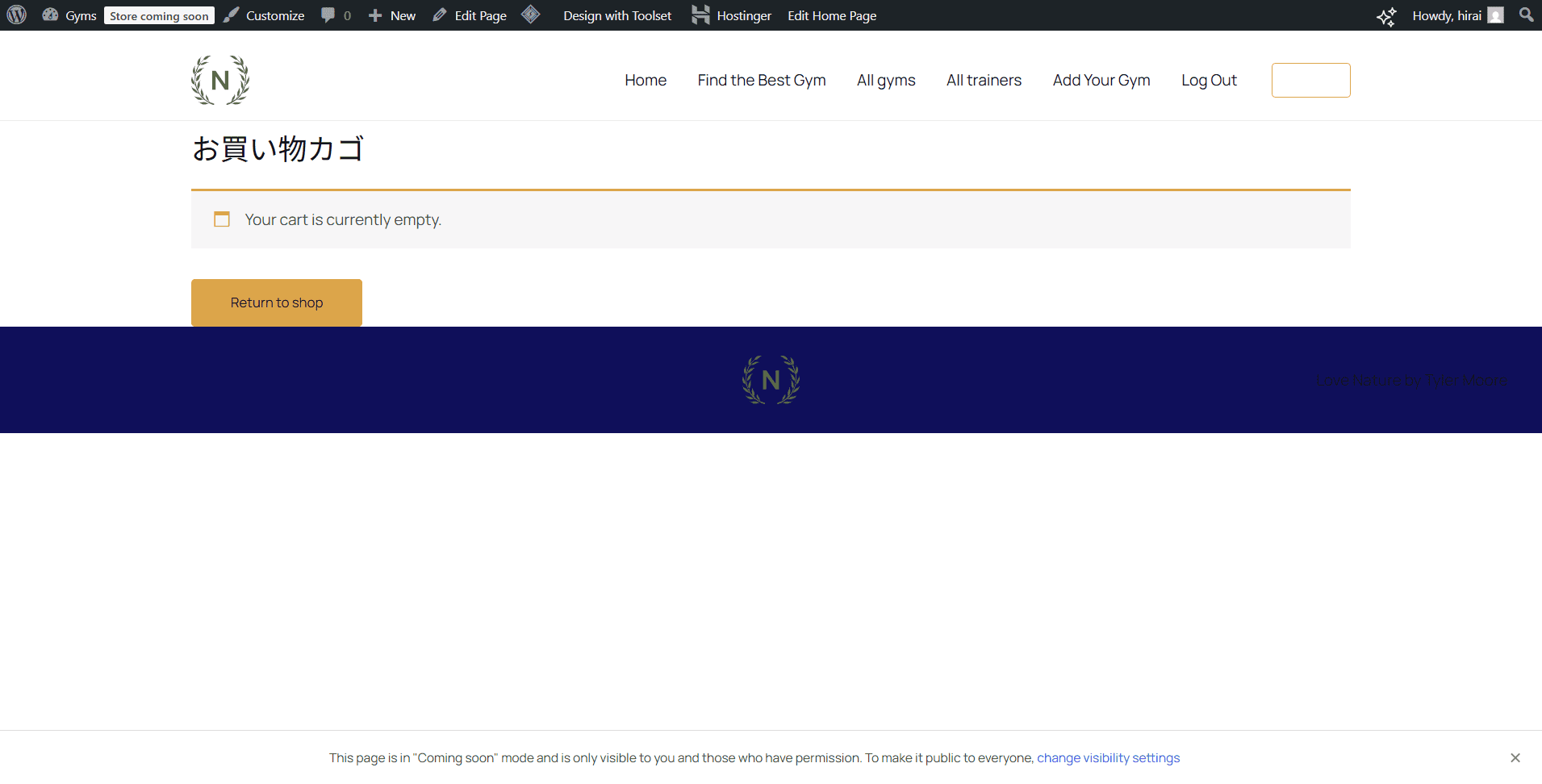
The form redirects to the WooCommerce cart after submission, but the cart is empty (no product/billing info shows). The setup used “product based on custom field”, however no custom field was selected/mapped, so Toolset had no product to add to the cart.

Solution:

Connect the Toolset form submission to a WooCommerce product by mapping a Toolset custom field to WooCommerce Product IDs:

Create/confirm the 3 WooCommerce products (1 / 6 / 12 months).

Create a Toolset Select/Radio custom field on the “Gyms” CPT (e.g. ad_product).

Set each option’s stored value to the corresponding WooCommerce Product ID.

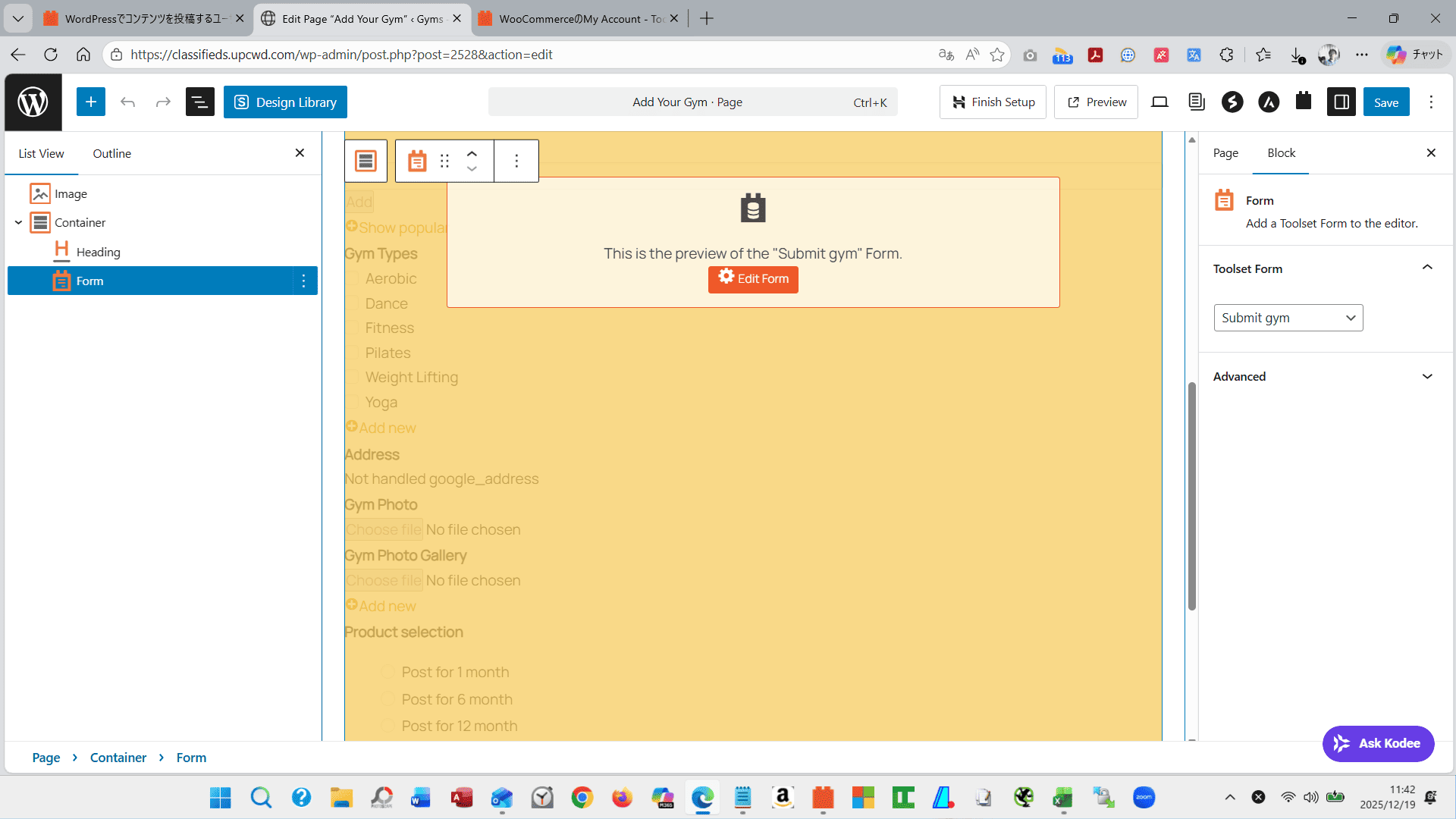
Add this field to the Post Form so the selected Product ID is saved on submission.

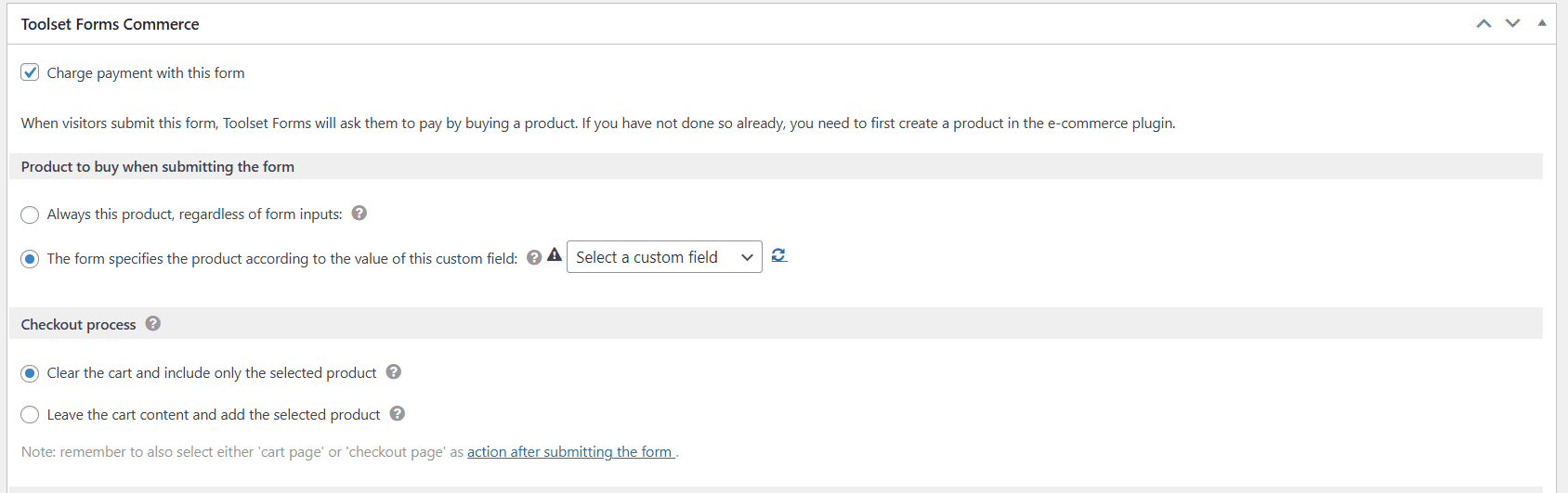
In Toolset Forms Commerce settings inside that form:

Enable Charge payment with this form

Choose “The form specifies the product according to the value of this custom field”

Select the ad_product field in the dropdown (this was missing, causing the empty cart)

Once the field → product mapping is set, Toolset can correctly add the selected WooCommerce product to the cart after publishing the post.

Relevant Documentation:

https://toolset.com/course-lesson/charge-users-for-submitting-content/

This is the technical support forum for Toolset - a suite of plugins for developing WordPress sites without writing PHP.

Everyone can read this forum, but only Toolset clients can post in it. Toolset support works 6 days per week, 19 hours per day.

This topic contains 1 reply, has 1 voice.

Last updated by Christopher Amirian 3 weeks ago.

Assisted by: Christopher Amirian.

Author
Posts
#2840526
b-1.png
b.png
a-3.png
a-2.png
a-1.png

Dear support team,

I am creating a site that will run paid ads on classifiedw sites.
I am creating three advertised products on the classifieds site as follows:
-----------------
Posted (advertising) for 1 month Product: 10,000 yen
Posted for 6 months (advertising) Product: 60,000 yen
Posted for 12 months (advertisement) Product: 120,000 yen
-----------------
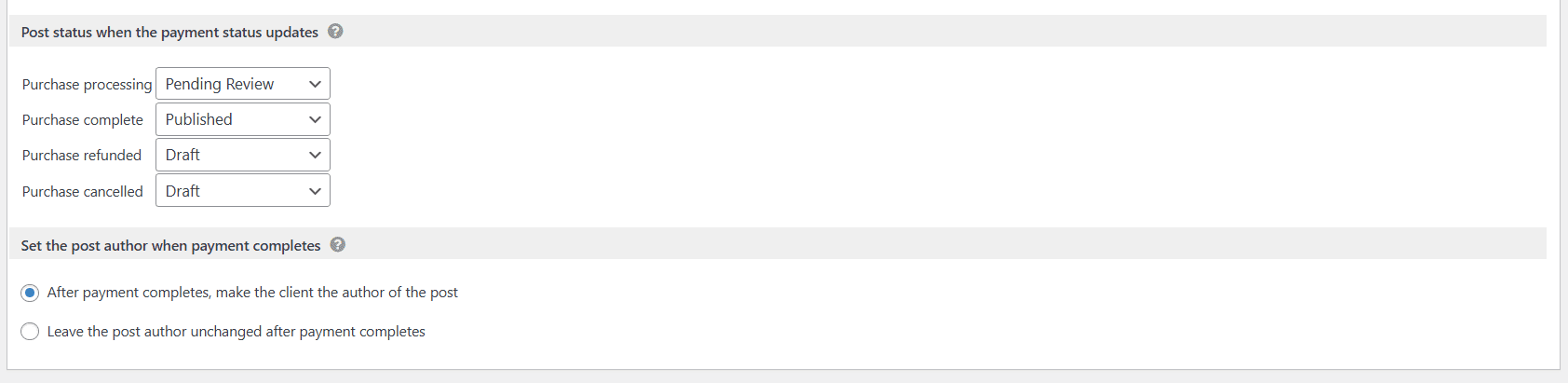
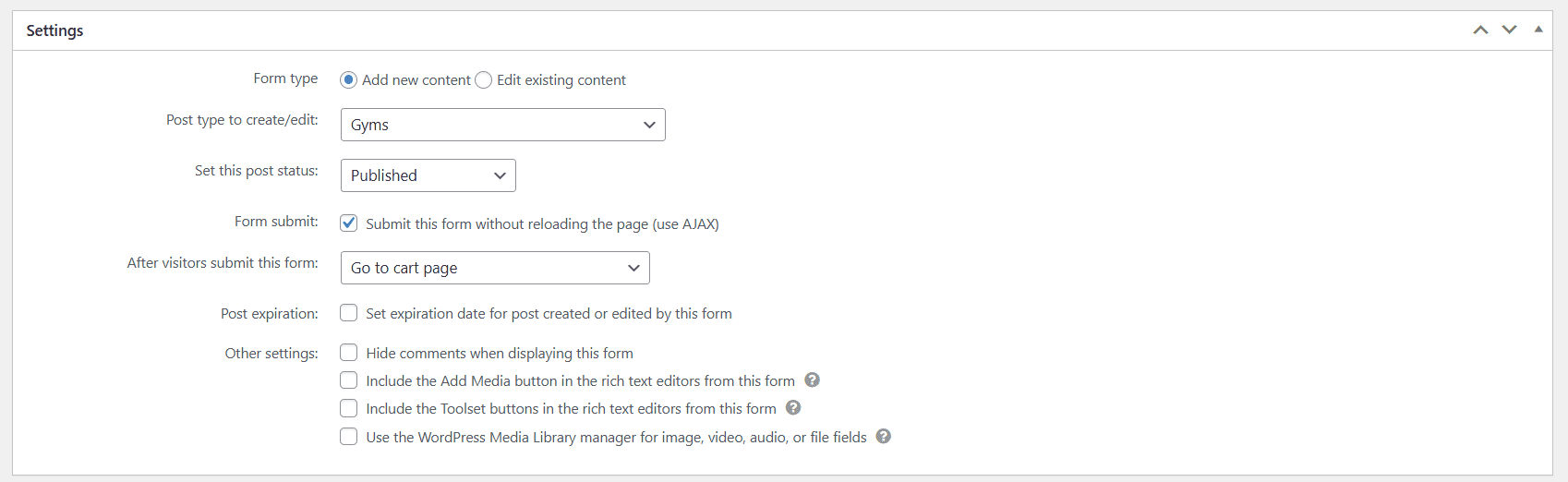
The settings in the Toolset Post Form are set to transition to the woocommerce cart page after publishing the post. Please refer to attachment (a).

In the Toolset Forms Coomerce settings within the Toolset Post Form, check Charge payment with this form to charge when you post. Please refer to attachment (b).

When I actually enter the information from the Add your Gyms page and click the submit button, the product and billing information does not appear on the woocommerce cart page.

Somewhere along the line I'm wondering if it's because my ad post and woocommerce aren't connected.

Excuse me, but could I ask for your support in resolving this issue.
Thank you in advance.

Yoshihiko

#2840808

Christopher Amirian
Supporter

Languages: English (English )

Hi Yoshihiko,

Welcome to Toolset support. I will try to help to the best of my knowledge and understanding of the issue.

From your screenshot, Toolset Forms Commerce is set to “product based on custom field”, but no custom field is selected, so nothing gets added to the cart.

I recommend this:

- Create / confirm your 3 WooCommerce products (1 month / 6 months / 12 months).
- Create a Toolset Select/Radio custom field for your “Gyms” post type (example ad_product).
- Set each option value to the matching WooCommerce Product ID (the field values must match product IDs)
- Edit the Toolset Post Form and add that custom field input to the form (so the selected Product ID is saved).
- In Toolset Forms Commerce (bottom of the form):
- Enable Charge payment with this form
- Choose “The form specifies the product according to the value of this custom field”
- Select your new custom field in the dropdown (this is currently missing in your setup)

I suggest that you follow the steps mentioned in the documentation below:

https://toolset.com/course-lesson/charge-users-for-submitting-content/

Thanks.